Join my community / free newsletter — sign up here
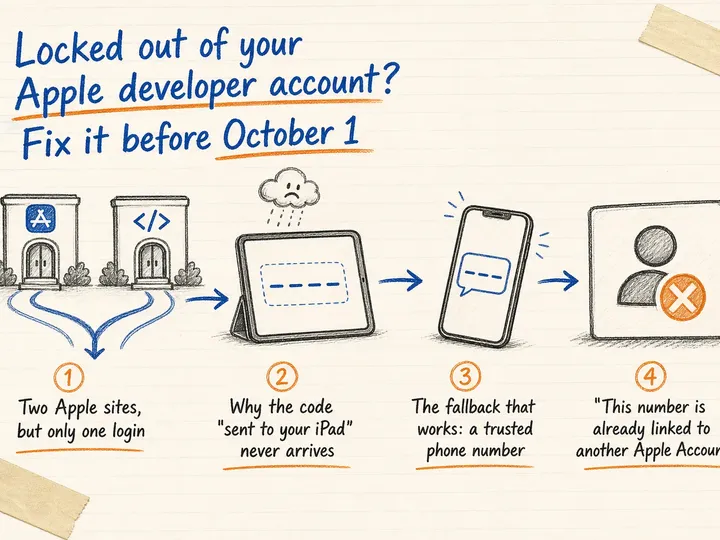
Apple’s new developer terms take effect October 1, 2026. Use this practical checklist to restore Account Holder access before recovery delays cause trouble.
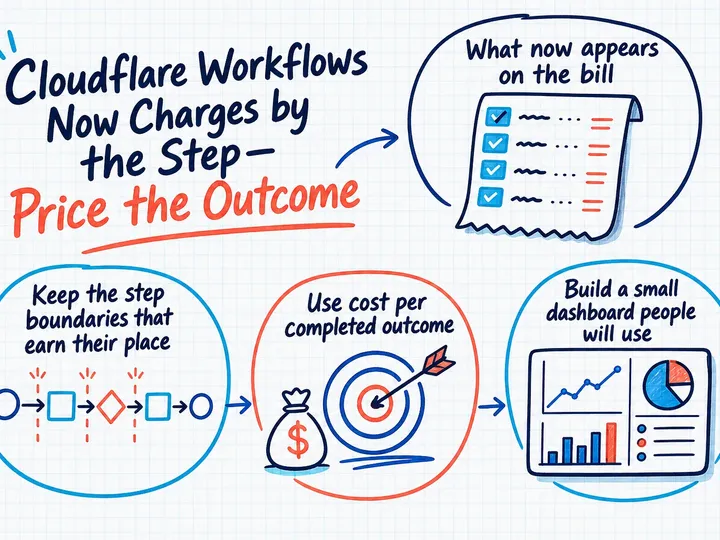
Cloudflare Workflows now bills paid plans for steps and stored state. Learn how to control cost per outcome without weakening reliable recovery.
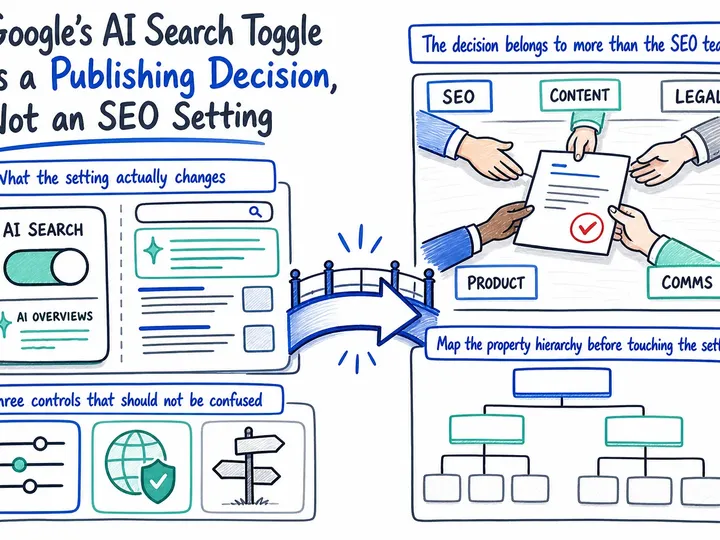
Google’s AI Search toggle forces a commercial choice about visibility, attribution and content use. Here’s how to make that choice responsibly.
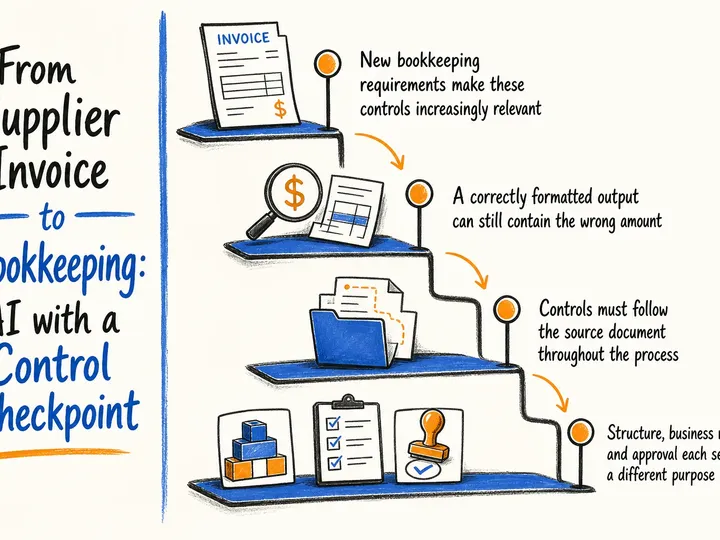
AI can reduce the work involved in processing supplier invoices, but reliable bookkeeping requires validation, duplicate checks, approval and a clear audit trail.
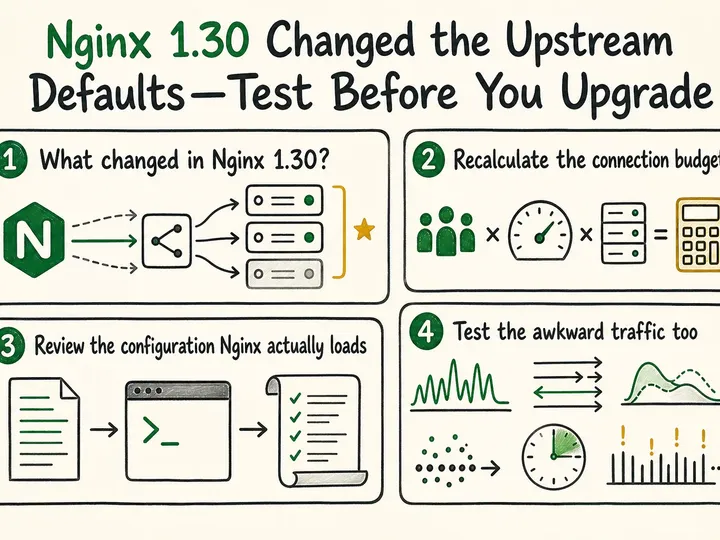
Nginx 1.30 uses HTTP/1.1 and keepalive for upstream traffic by default. Audit connection capacity and test real workloads before upgrading.
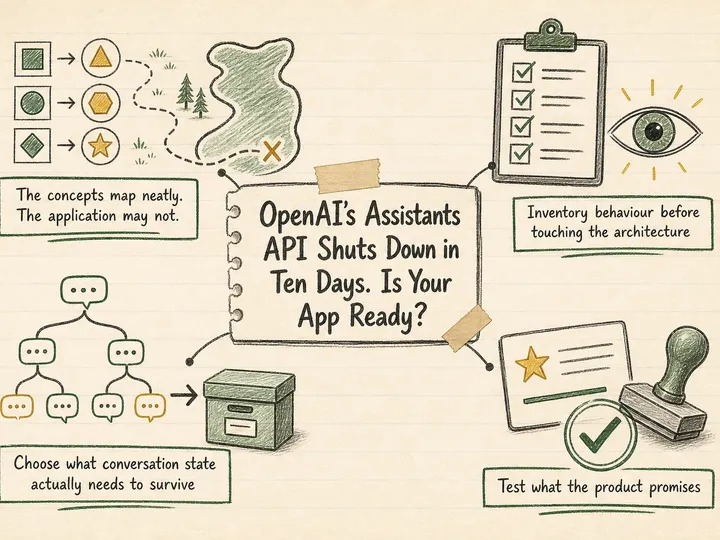
OpenAI’s Assistants API has shut down. Prioritise service recovery, recover useful conversation history, and migrate tools and streaming to the Responses API.
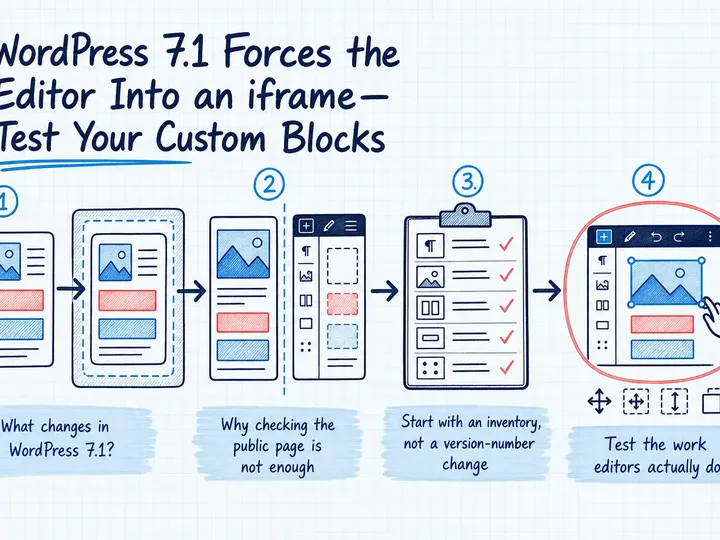
WordPress 7.1 now uses an iframe for the post editor. Learn which custom blocks to check, how to test publishing workflows, and what developers may need to fix.
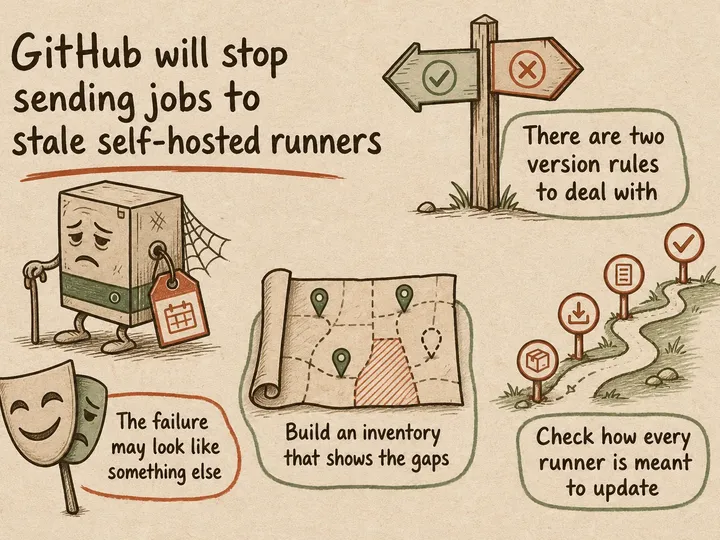
GitHub starts enforcing runner versions on August 24, 2026. Audit and upgrade self-hosted runners before builds and deployments start stalling.
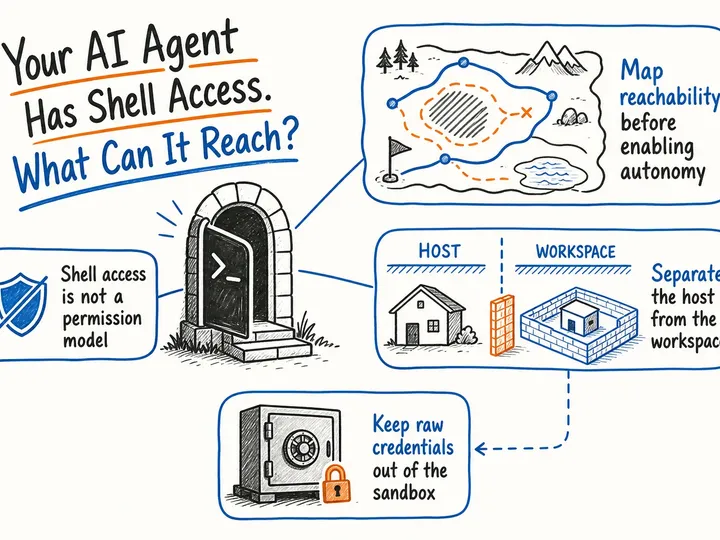
Map what your AI agent can read, change, and contact. A practical guide to sandboxing, credentials, network access, and approvals before unattended work.
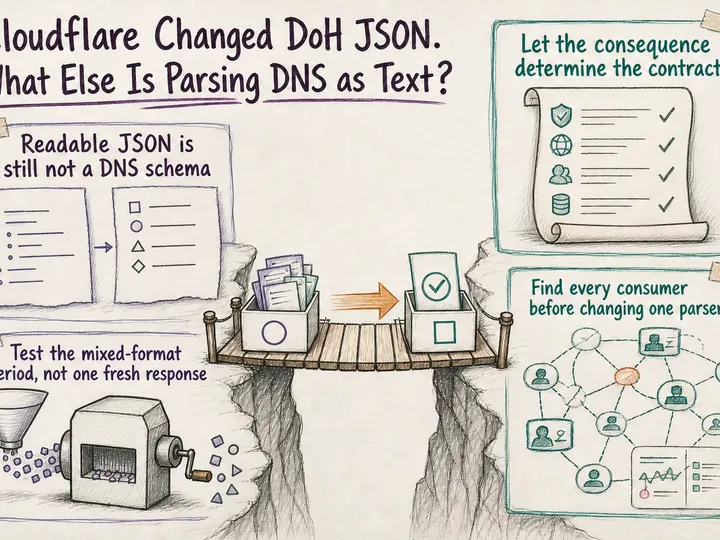
Cloudflare’s DoH JSON changes can break DNS scripts without breaking HTTP requests. Learn what changed, where to look, and how to prioritise a reliable repair.
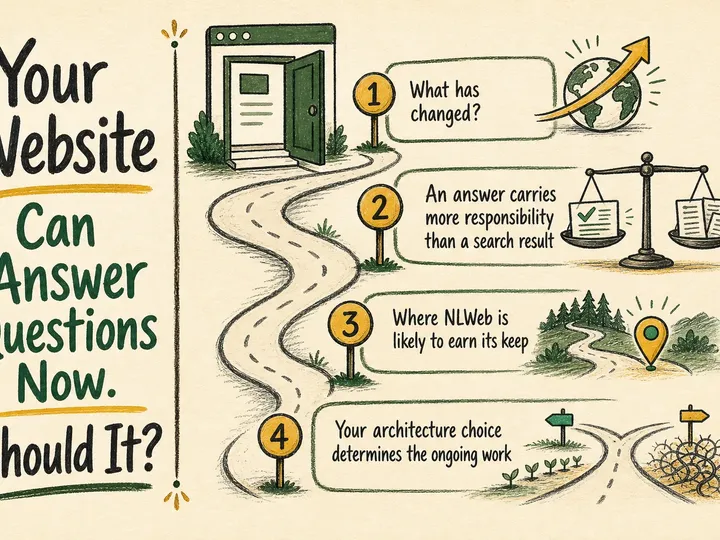
NLWeb makes conversational website search practical to deploy. The real question is whether your content, users and team are ready to support it.
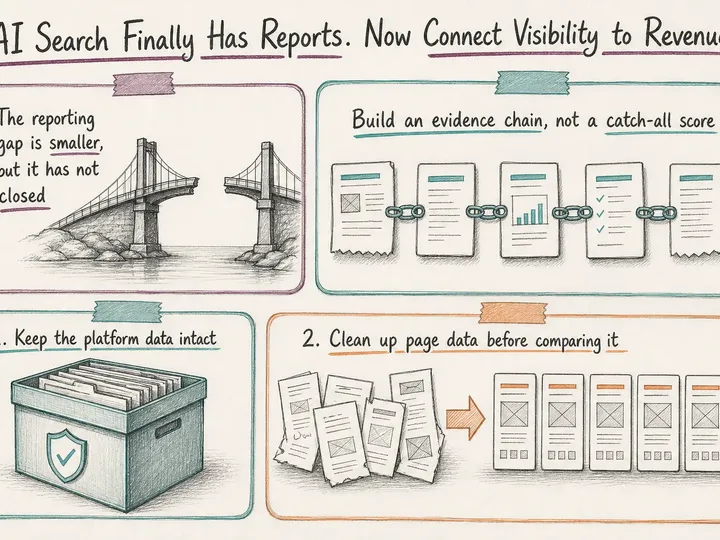
Google and Bing now report AI search visibility. Learn how to connect impressions and citations with analytics, qualified leads, and revenue responsibly.
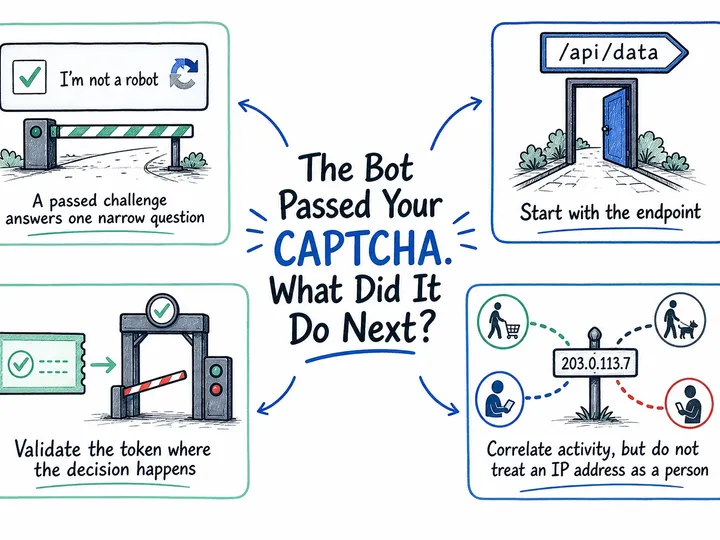
Passing a challenge is only one signal. Session analysis, server-side validation and endpoint-specific controls help reduce bot abuse without blocking customers.
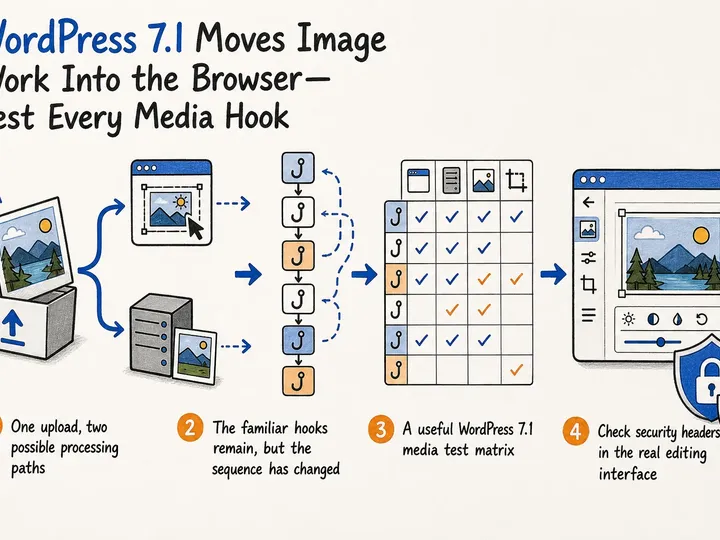
WordPress 7.1 shifts image processing into supported browsers. Here is what to test across hooks, CDNs, formats, security headers, and fallbacks.
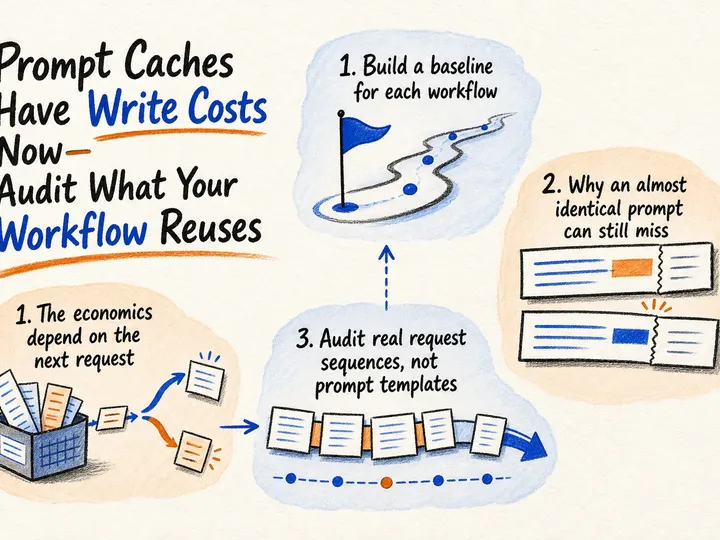
Prompt caching can save money or add wasted writes. Learn how to audit reuse, choose cache boundaries and measure the real cost of a completed AI workflow.
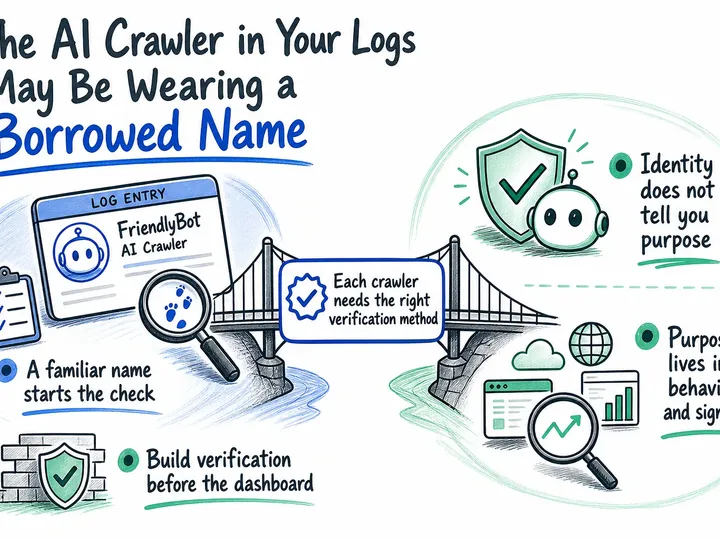
A User-Agent is a claim, not proof. See how to verify AI crawler traffic before it shapes reporting, robots.txt decisions, or WAF exceptions.
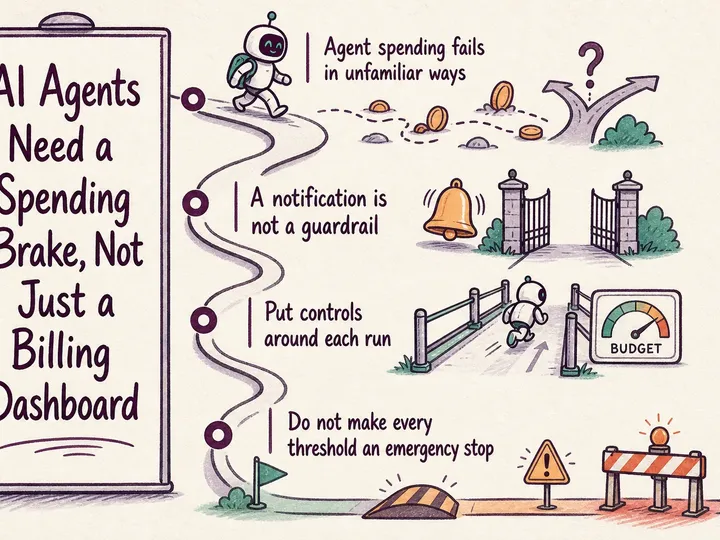
Keep AI agent costs under control with enforced task budgets, retry limits and safe handoffs. A practical guide for business owners, operations leads and agencies.
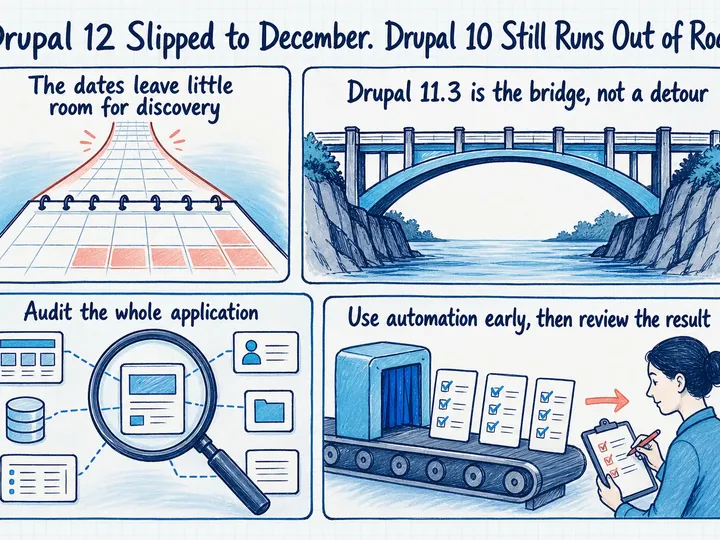
Drupal 10 support ends on December 9, 2026. Get onto a supported Drupal 11 release first, then schedule Drupal 12 around your site's readiness.
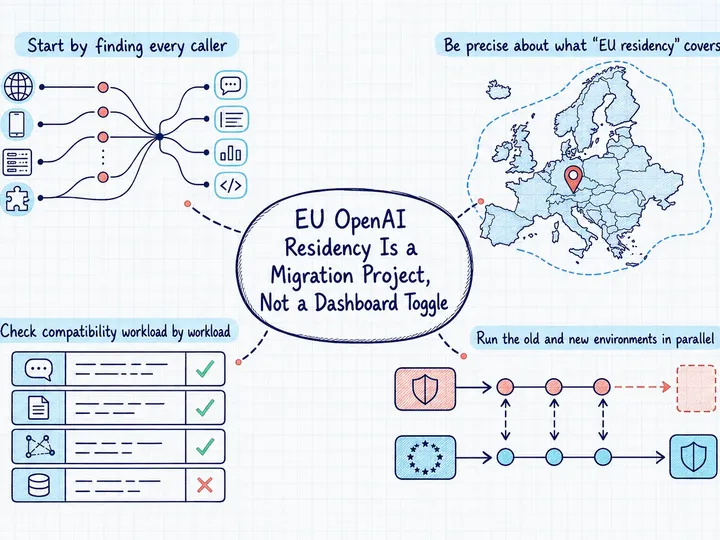
An EU-resident OpenAI API setup needs a new project, regional routing, dependency and state migration, compatibility testing, and clear governance evidence.
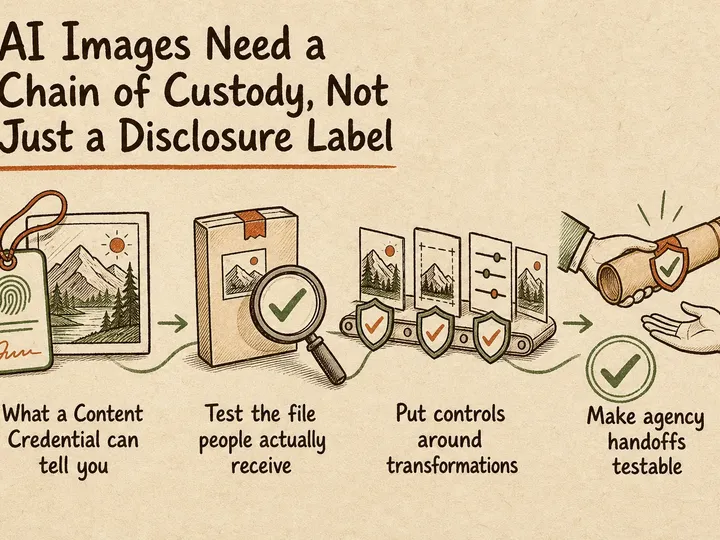
A practical guide to testing C2PA Content Credentials across editing, agency handoffs, CMS processing and CDN delivery without overstating the evidence.
Review Greg on Google
5.0 ★★★★★ 10 Google reviews
Written recommendations from Trafik og Veje, Aarhus Municipality (2011) and AgroTech (2010).