By Greg Nowak. Last updated 2026-08-09.
Access logs can look reassuringly precise. A request arrives labelled OAI-SearchBot, Claude-SearchBot, Googlebot, or another familiar agent, and the reporting layer assigns that traffic to the named vendor.
The problem is that the requester supplies its own User-Agent. As Cloudflare points out, any client can send any User-Agent string. The label in your log is a claim about identity. It is not proof.
That matters once crawler data starts influencing decisions about AI-search visibility, infrastructure capacity, robots.txt policies, or Web Application Firewall exceptions. A chart showing rapid crawler growth may include unrelated automation. More seriously, a security exception intended for a trusted crawler may also admit traffic that has simply copied its name.
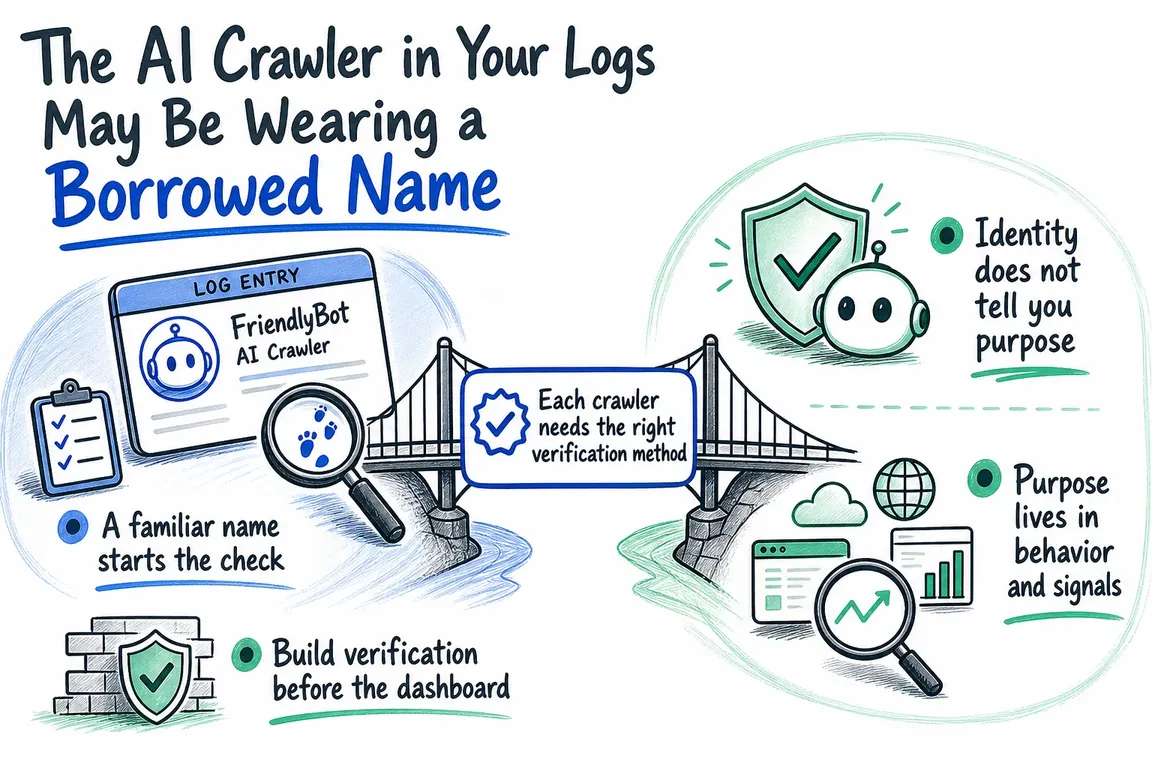
A familiar name starts the check
User-Agents still have a job. They tell you how a requester wants to be treated, help compliant crawlers locate the relevant robots.txt directives, and give your classification system somewhere to begin. They should start verification, not settle it.
Cloudflare's fake-bot guidance shows how this works in practice. Its managed rules compare User-Agent patterns associated with recognised bots against stronger evidence, including reverse DNS and source-IP validation. If the name matches but the source does not check out, the request can be flagged as a fake bot.
That result needs careful handling. Legitimate services and monitoring tools sometimes use bot-like or vendor-related User-Agents while operating outside the expected crawler ranges. A failed check does not prove malicious intent. It means the claimed identity remains unproven.
| Status | What you know | How to report it | How to treat it |
|---|---|---|---|
| Claimed | The User-Agent matches a recognised crawler, but no verification has run | Keep it out of verified crawler totals | Do not grant trust based on the name |
| Verified | The source passes the operator's supported IP, DNS, or cryptographic check | Attribute it to the verified crawler and documented purpose | Use narrowly scoped rules appropriate to that crawler |
| Unresolved | Evidence is missing, stale, unavailable, or does not confirm the claim | Report it separately and retain the reason | Apply normal controls unless another trusted signal is available |
Each crawler needs the right verification method
There is no universal bot check. The implementation has to follow the evidence published by each operator.
OpenAI publishes a machine-readable JSON document for OAI-SearchBot. It includes a creation time and a set of CIDR network prefixes, so requests can be checked automatically against the published ranges. A practical implementation retrieves the document regularly, validates it, retains the last known good version, and tests each source address against the current data.
Copying one range into an application or WAF rule is easier, but it leaves the system dependent on a snapshot that may become outdated.
Google documents two approaches. For automated checks at scale, request addresses can be matched against Google's published crawler and fetcher ranges. For an individual request, Google describes forward-confirmed reverse DNS: reverse-resolve the source IP, confirm that the hostname belongs to an expected Google domain, then resolve that hostname forward and check that it returns the original IP. Stopping after the first lookup leaves the check incomplete.
Cloudflare's Browser Run guidance introduces a different kind of evidence. For Browser Run requests, it points to cryptographic Web Bot Auth signatures, non-configurable request headers, and bot detection IDs. Those signals are service-specific and substantially harder to imitate than an editable User-Agent.
In practice, this calls for a separate verifier for each vendor or crawler family. The result should record the method used, the version of the evidence consulted, the time of the check, and the reason for the classification. When someone challenges a number in the dashboard, "verified" should come with an explanation.
Identity does not tell you purpose
A genuine vendor request may still be doing something different from what your report assumes. Anthropic distinguishes between three robots. ClaudeBot collects public web content that could contribute to model development. Claude-User retrieves content in response to user activity. Claude-SearchBot navigates the web to improve the relevance and accuracy of search results.
Rolling all three into a single "Claude traffic" figure hides information that matters to the business. Training-related collection, user-directed retrieval, and search indexing are separate activities. Disabling them can also have different effects: Anthropic warns that blocking Claude-User may reduce visibility in user-directed web search, while blocking Claude-SearchBot may reduce visibility and accuracy in search results.
There is a related distinction between crawler preference and access control. Anthropic says its bots honour robots.txt and tells site owners to use that file when opting out. Cloudflare describes robots.txt as a voluntary protocol followed by compliant bots, not an enforceable security boundary. One expresses how you want a crawler to behave. The other determines what a requester can actually reach.
Build verification before the dashboard
A crawler pipeline for Apache, NGINX, LiteSpeed, or Cloudflare logs does not need to be elaborate, but the order matters:
- Keep the request timestamp, source address, User-Agent, host, path, response status, and enough infrastructure context to identify the connecting client correctly.
- Map recognised User-Agent claims to the appropriate vendor verifier, without treating the match itself as proof.
- Refresh machine-readable range data on a schedule. Use forward-confirmed reverse DNS or cryptographic checks where the operator supports them.
- Store the result as claimed, verified, or unresolved, along with the verification method and reason.
- Only then aggregate requests by vendor, crawler identity, purpose, path, status, and time period.
This sequence stops the presentation layer from silently converting claims into facts. It also makes historical reporting easier to defend. If vendor evidence changes later, you can see which version supported an earlier classification instead of trying to reconstruct it from today's configuration.
Keep WAF exceptions narrow
The verification layer should serve security policy as well as reporting. Cloudflare recommends handling legitimate false positives with exceptions based on properties that identify the affected traffic precisely, such as a known source range, a limited URI path, or an ASN. It also warns against broadly disabling the relevant rule.
A verified identity can therefore be one condition in a tightly defined exception. A User-Agent by itself should not be enough. Requests that remain unresolved can continue through the normal WAF, rate-limiting, and application controls without being automatically labelled malicious.
The result is more than a cleaner crawler chart. It creates an auditable link between raw requests, vendor evidence, reporting categories, robots.txt preferences, and enforcement rules. Marketing gets a more credible view of AI-search activity, while infrastructure teams retain control over which traffic receives trusted treatment.
If your current dashboard begins and ends with User-Agent matching, reviewing the logs and verification rules together is a useful next project. Greg can help turn that review into a maintainable verification layer, with vendor evidence refreshed properly and the results carried through to reporting and narrowly scoped WAF policy.
Related on GrN.dk
- Your AI Visibility Dashboard Needs a Methodology, Not More Charts
- AI agents need a browser policy before they start clicking around
- Google’s AI Search toggle needs a test plan, not a gut decision
Need help with this kind of work?
Plan a crawler-verification layer Get in touch with Greg.










