By Greg Nowak. Last updated 2026-10-02.
A new employee starts on Monday. The contract is signed, but a computer still needs to be ordered, an account created, and someone needs to decide which systems the employee can access. When arrangements are scattered across emails, it is hard to see who is doing what—or whether anything is still missing on Friday afternoon.
Could your business use this? nowa.dk sets up AI automation for Danish companies.
A shared workflow can bring the tasks together. AI can draft the first list from an approved hiring notice: IT creates the account, administration orders equipment, and the manager plans the introduction. That saves manual entry, but access still requires a decision from the manager who knows the employee’s role.
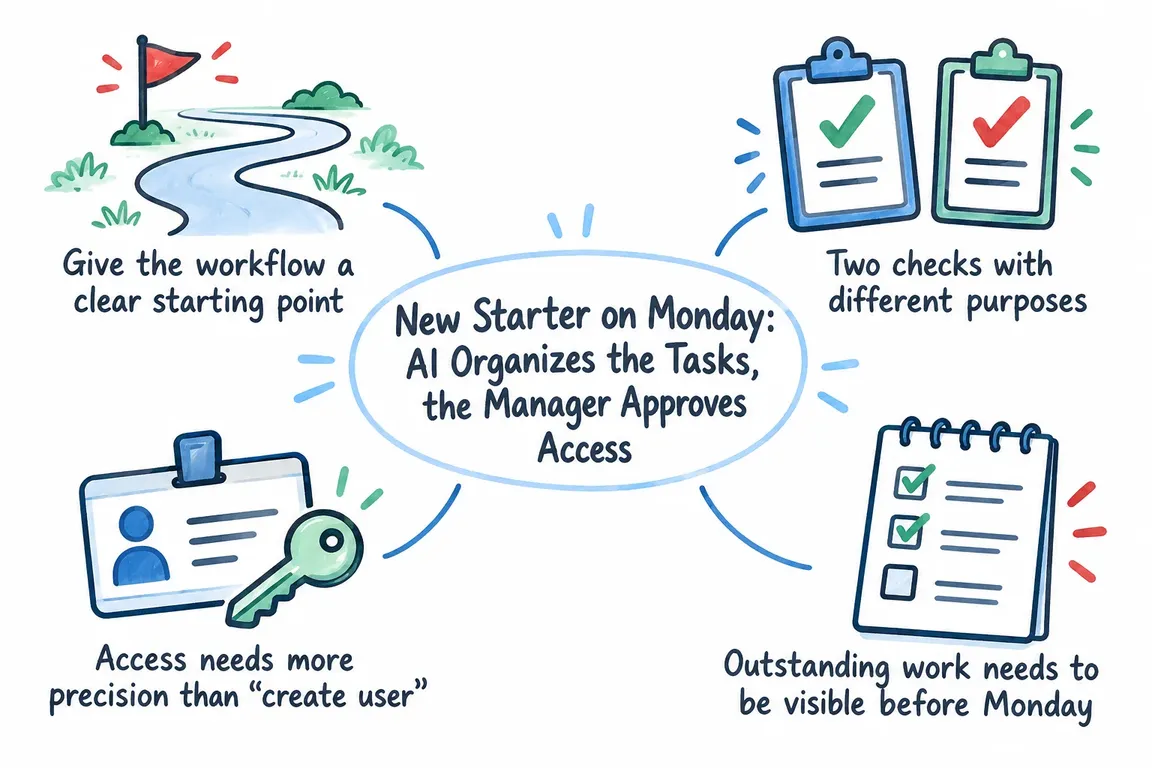
Give the workflow a clear starting point
Start only once the hire has been approved. A short form with the employee’s name, start date, department, immediate manager, and role provides enough information to suggest most practical tasks. Salary details and contract documents do not belong on IT’s task list. The less information passed around, the easier the list is to check.
A selected role is more useful than a loose description in a free-text field. If the company has a checklist for that role, AI can use it to suggest tasks and flag gaps. If the start date or manager is missing, the workflow should request that information before passing tasks along. Phrases such as “should be able to see everything” are no basis for granting permissions.
Two checks with different purposes
Microsoft describes how a prompt can be used in a Power Automate flow and how the generated text can be sent for human review. That suits the first part of onboarding: AI suggests tasks and owners, and an employee corrects the list. The manager then confirms the specific role and access. See Microsoft’s description of AI prompts and human review in Power Automate.
The first check concerns the work: Is a task missing? Does each task have an owner and a deadline? Has anything already been done? The manager’s check concerns permissions for groups, shared areas, and applications. Approving a well-written task list does not mean approving every access request on it.
| Step | Owner | Decision or visible outcome |
|---|---|---|
| Hire confirmed | Administration or HR | Start date, manager, and role are confirmed. |
| Tasks suggested | AI in the workflow | A draft is based on the hiring notice and the role’s standard checklist. |
| List reviewed | Designated employee | Gaps and errors are corrected; tasks get an owner and a deadline. |
| Access approved | Immediate manager | Specific groups and systems are approved or rejected. |
| Work completed | IT and other task owners | Each task has a status so outstanding steps can be followed up. |
Access needs more precision than “create user”
It is relatively simple to send IT a task to “create user.” “Give access to customer data” leaves important questions open: Which system and which group? Should access begin on the first day? Who can approve it? If the answers are missing, the task should go to the manager or system owner for clarification.
A limited standard set of permissions for each role makes the decision easier. The manager can confirm the set, remove a permission, or explain why an extra one is needed. Record both the decision and its implementation: who approved what and when, and what IT actually changed. That history helps if an error needs investigating or access later needs to be changed or removed when the employee changes roles.
If the company uses Microsoft, Entra Lifecycle Workflows is worth exploring. Microsoft describes workflows for new employees, role changes, and departures, as well as history and audit logs. The feature requires the relevant Entra licenses, so the choice depends on the existing setup. In Google Workspace, the Directory API documents, among other things, user creation and changes to group membership. The API can carry out an approved decision; the company makes the access decision itself.
Outstanding work needs to be visible before Monday
Creating tasks helps only if someone can see their progress. Every task should have an owner, a deadline, and a clear status. If equipment has not yet been ordered, it should show as outstanding. If IT cannot create the account because the role is unclear, the task should wait for an answer from a named person. A technical error message must not be mistaken for a completed task.
A brief overview before the start date can show what is complete, what awaits approval, and what requires action. The manager can then clarify access while administration follows up on equipment. After the first day, the same overview can be used to check whether the employee can actually work and to close the remaining tasks.
Share only the personal data each task requires
An onboarding list should tell people what they need to do. It does not need to contain the entire personnel file. Guidance on employment from Datatilsynet, the Danish Data Protection Agency, emphasizes that personal data should be retained based on a specific need and deleted when retention is no longer necessary. The guidance covers, among other things, information from recruitment. The company should therefore decide what information each task owner receives and how long task lists and approval logs should be kept. Read Datatilsynet’s guidance on personal data in employment.
The same applies to the AI step. Start date and role may be necessary to suggest tasks. Application materials, private contact details, and salary should not go into the prompt merely because the files are stored in the same place. The company must determine the legal basis for processing, who can access the information, and appropriate deletion periods for its chosen solution.
Try the workflow with one role
Begin with a common role and its standard tasks. Decide who can approve access, and have the workflow produce a draft that can be corrected before accounts or groups are changed. Along the way, you can see where tasks lack an owner, where approvals stall, and what remains open on the start date. That makes it clear which steps need adjusting.
At nowa.dk, Greg’s AI automation service for Danish companies, Greg can help build just such a workflow: from the approved hiring notice to a reviewed AI draft, the manager’s access decision, and a visible log of the work. It means less repeated coordination and a clear place to follow up as Monday approaches.
Related on GrN.dk
- AI på bookingsiden: Hvad må den love kunden, før I taler sammen?
- Fra salgsmøde til CRM: Automatisér opfølgningen uden datarod
- Kundeindbakken må sortere sig selv – men ikke kommandere din AI
Need help with this kind of work?
Talk to Greg about an onboarding workflow Get in touch with Greg.










