By Greg Nowak. Last updated 2026-08-14.
A self-hosted GitHub Actions runner can be online, registered and apparently healthy, yet still be too old to receive work. GitHub is resuming enforcement of its runner version requirements. Brownouts for GitHub Enterprise Cloud begin on August 24, 2026, followed by full enforcement on September 25.
This is more than a routine upgrade reminder. When an unsupported runner stops receiving jobs, anything assigned to it can stall: tests, builds, release packaging, backups, infrastructure changes and production deployments. Checking whether the service is running is no longer enough. Every runner also needs to be able to register, update and remain inside GitHub's supported version window.
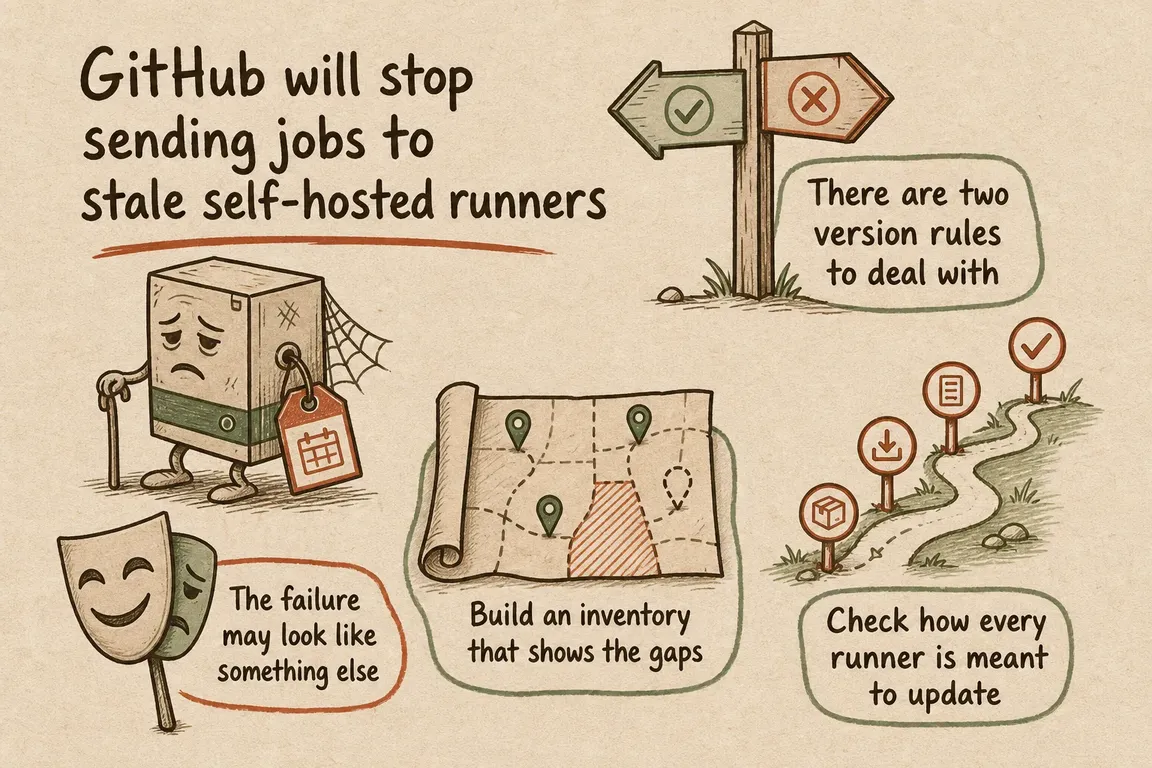
There are two version rules to deal with
The first rule applies when a runner is configured, registered or reregistered with the new Actions platform. It must run version 2.329.0 or later. Older runners can be rejected at registration.
The second rule affects runners that are already registered. Every new runner release, whether major, minor or patch, must be installed within 30 days of publication. Once a runner falls outside that window, GitHub can stop queuing jobs to it. A critical security release can shorten the timetable, with job queuing paused until the update is installed.
In practice, upgrading an old runner to 2.329.0 solves only the immediate registration problem. Leaving it pinned there does not. The effective minimum for running jobs will keep moving as GitHub publishes new releases.
| Date | What GitHub will enforce | What teams may notice |
|---|---|---|
| August 24, 2026 | Registration brownout | Unsupported runners intermittently fail to register |
| August 31 and September 2 | Registration brownouts | Provisioning and reregistration may fail |
| September 7, 9 and 11 | Registration brownouts, with runtime included on September 9 | Unsupported runners may stop executing jobs on the runtime day |
| September 14, 16 and 18 | Registration and runtime brownouts | Unsupported runners cannot register or execute jobs during the windows |
| September 25 | Full enforcement | Unsupported runners are rejected or stop receiving workflow jobs |
The failure may look like something else
GitHub sends a job only when it finds an online, idle runner with the required labels and runner-group access. Without a suitable runner, the job stays queued and fails after 24 hours. A stale version can therefore look like a capacity problem, a bad label or a broken workflow, even though the host is reachable and its runner service still appears active.
Brownouts make diagnosis harder. Jobs may begin moving again when the temporary enforcement window closes. That recovery does not mean the underlying problem has gone away; the same runners remain exposed to the next brownout and to full enforcement in September.
Build an inventory that shows the gaps
Start by mapping each runner to an owner, scope, label set, operating system, deployment method and installed version. GitHub now exposes runner-version information through its REST API, making it possible to compare the deployed fleet with releases in the actions/runner repository.
Enterprise owners can also search audit logs for runner-registration events at repository, organisation and enterprise level. Those events include the version used during registration, but GitHub is clear that they do not form a complete inventory of connected runners. Use audit data as supporting evidence alongside the API and direct checks of hosts, machine images and runner scale sets.
There is one wrinkle: runner releases are rolled out progressively. The latest version on the public releases page may not yet be available to every enterprise, organisation or repository. Use the expected download version shown for the relevant GitHub scope as the deployment target instead of copying the newest public version number blindly.
Check how every runner is meant to update
Persistent self-hosted runners update automatically by default. GitHub says an update is applied when a job is assigned, or within a week of a release if the runner has been idle. That still relies on a healthy runner process and outbound HTTPS access to GitHub's update services.
Some teams deliberately disable automatic updates with --disableupdate, especially when ephemeral runners are packaged into containers or machine images. That is a valid model, but the image pipeline then owns the deadline. The base image, container tag, installation script and deployment automation all need to move to a supported version inside the 30-day window.
Templates matter too. Recreating a runner from an old VM image or cached container can put a stale binary back into service after the live fleet has already been fixed.
A useful audit covers the update path as well as the version displayed in GitHub:
- Confirm whether automatic updates are enabled or deliberately disabled.
- Check that proxies and firewall rules allow HTTPS access to GitHub's documented runner-update endpoints.
- Verify that the runner service is active and the host has enough resources to download and install an update.
- Inspect VM templates, container images, bootstrap scripts and cached artefacts for outdated or pinned packages.
- Name the person who receives release notifications and owns any manual upgrade.
Test the upgrade with a canary pool
Replacing the whole fleet at once may restore compatibility quickly, but it also puts every important workflow on the same untested change. Upgrade a small canary pool first and send representative jobs through it.
The test needs to reflect what the runners actually do. Check repository checkout, build tools, containers or service containers, cache and artefact transfer, authentication, deployment connectivity and platform-specific dependencies. When those paths pass and the runner logs show normal registration and job handling, promote the same version to the remaining pools.
For image-managed runners, the job is not finished until newly created instances launch with the corrected release. For persistent runners, do not stop at a successful manual installation. Confirm that automatic updating itself works, so the fleet does not drift again after the next release.
Use the same window to tighten runner security
Installing a supported version restores compatibility. It does not automatically make a self-hosted runner safe. OWASP notes that runners may reach internal networks and retain credentials, secrets or internal data. Because workflows execute code, broad runner access can allow a compromised workflow to reach well beyond the CI environment.
OWASP advises particular care with public repositories. Its recommendations include requiring approval for external contributors, using ephemeral execution environments, keeping sensitive data off runner machines and restricting network access to sensitive infrastructure.
GitHub also recommends ephemeral runners for autoscaling. Each runner accepts one job and is then deregistered, reducing the chance that data or a compromise carries into later work. In production, logs from ephemeral runners should be forwarded to external storage before the instance is destroyed.
Not every organisation needs a full fleet redesign before September. Delivery continuity comes first: keep the runners supported and make sure critical jobs still run. But if images and automation are already being changed, it is worth reviewing privileges, network reach, secret exposure, persistence and log retention at the same time.
Turn version freshness into routine maintenance
The lasting fix is a modest operating process. Monitor runner releases, compare them with the deployed inventory, alert before the 30-day limit, assign an owner, test with canaries and keep evidence that critical workflows passed. Include dormant runners and disaster-recovery capacity. Machines that rarely receive jobs are easy to miss until they are suddenly needed.
Greg can help handle this as a focused operational project: inventory versions through GitHub's APIs and audit data, trace failed or disabled updates, inspect Linux services and network paths, refresh images and automation, stage a canary rollout and verify business-critical workflows. The immediate goal is to get through September without disrupted delivery. The more useful outcome is a documented process that prevents the next runner release from becoming another emergency.
Related on GrN.dk
- Cloudflare Service Keys Stop in September: Find Every Caller
- Not Every AI Job Needs an Instant Answer: Batch the Backlog
- Your AI Visibility Dashboard Needs a Methodology, Not More Charts
Need help with this kind of work?
Plan your runner audit Get in touch with Greg.










