By Greg Nowak. Updated 13 September 2026.
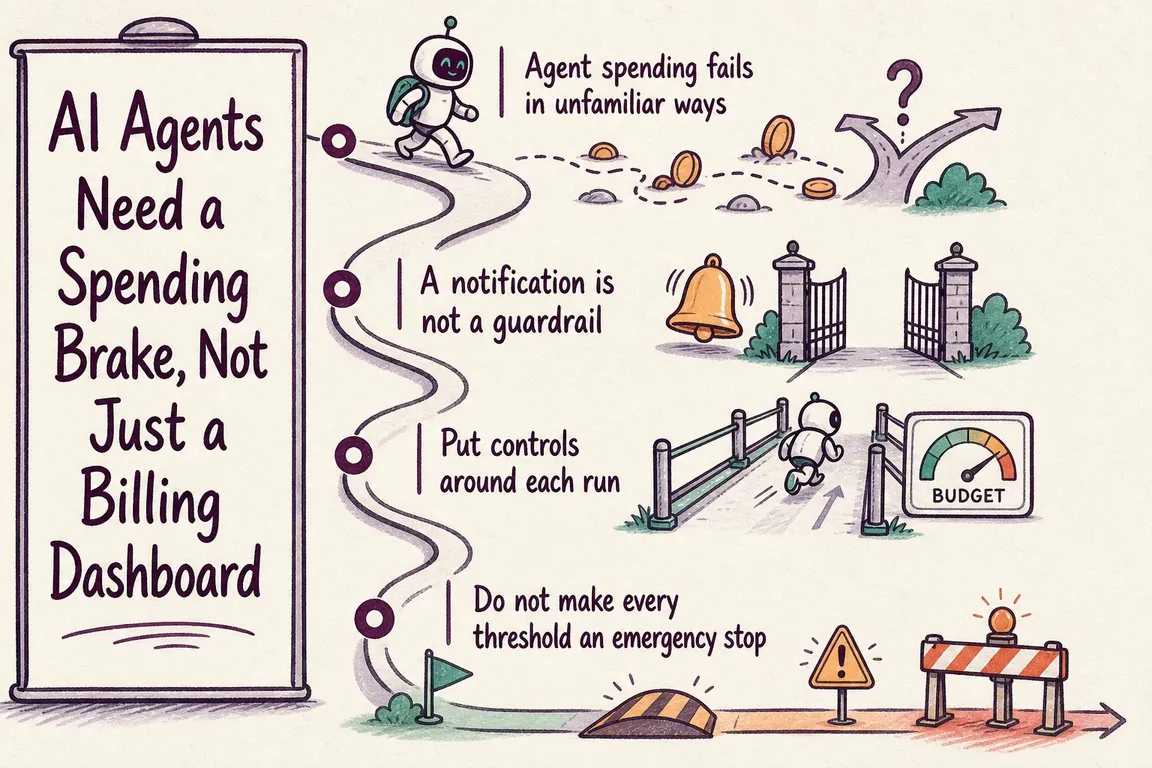
A billing dashboard can show you an expensive afternoon. It cannot necessarily stop the agent that is still retrying a broken integration, reading more documents or launching subtasks.
For a business owner or agency, that creates a practical problem: a workflow you approved as a small piece of automation can keep spending after it has stopped producing useful work. The controls need to operate while the task runs.
A useful starting point is simple: give each task a spending allowance, enforce it outside the model, and decide what happens when the allowance runs out. Then measure whether the completed work justified its cost.
Start with what a successful task is worth
Before choosing a limit, define the result you are buying. For invoice processing, success might mean validated fields ready for review. For research, it might mean a brief with checked references. “The agent finished” is too weak: an unusable answer still costs money.
Set different allowances for different jobs. Routine record enrichment and an investigation into a failed customer checkout should not inherit the same budget simply because they use the same model.
For agency teams, attach the client and project to every run. Decide who absorbs retries and who can approve additional work. Otherwise, a shared AI account can conceal which project is consuming the margin.
Check whether your budget actually stops usage
A setting labelled “budget” may only trigger an alert. Check its enforcement behaviour before relying on it.
GitHub provides a concrete example. For Copilot Business and Enterprise, enterprise and cost-centre spending limits send notifications by default; stopping metered usage requires enabling “Stop usage when budget limit is reached”. User-level budgets automatically enforce a hard stop. The enterprise spending limit applies to metered charges after the shared credit pool is exhausted. These distinctions are documented in GitHub’s budget setup guidance.
Ask your developer or supplier to demonstrate the behaviour with a deliberately small test allowance. Check what gets blocked, what continues running and what the operator sees.
Put spending limits at the points where work grows
AWS’s agent cost-governance guidance recommends budgets at several levels, including individual cycles, tasks and daily usage. It also identifies reasoning loops, bursts of tool calls and growing memory as cost escalation patterns.
The following is a practical control matrix to adapt to your workflow:
| Boundary | Limit to enforce | Response when reached |
|---|---|---|
| Model or tool call | Output size, tool scope and execution time | Reject or narrow an oversized request |
| Task | Total spend, steps and retries | Save partial work and pause execution |
| Delegated workflow | Combined parent and child spending; concurrent subtasks | Block further delegation and queue remaining work |
| Client or project | Shared allowance across its runs | Require an authorised budget increase |
| Daily account usage | Aggregate spending and run volume | Throttle new work or stop admission |
Enforce the budget before the next paid action
A prompt saying “do not spend more than this” cannot enforce an allowance. The application controlling model and tool access must make that decision. AWS’s implementation guidance specifically recommends checks before invocation and enforcement outside the agent’s control loop.
For a custom integration, I would use this sequence:
- Reserve capacity. Before dispatching a call, reserve a conservative allowance for its maximum permitted work, including chargeable tools.
- Check all relevant budgets. Count both completed spending and reservations for calls already in flight.
- Dispatch or pause. If the next action cannot fit, save progress and request a decision.
- Reconcile usage. Replace the reservation with reported usage and release the unused allowance.
Parallel subtasks need a shared budget record that updates atomically, so two workers cannot both claim the same remaining allowance. Child tasks must draw from the parent’s available budget.
Be precise about the guarantee: an application can block new calls, but work already accepted by a provider may still incur charges. A monetary ceiling depends on bounded calls, accurate rates and sufficient reservations. Where those are uncertain, retain a margin and explicit call limits.
Control retries and automatic triggers
Give transient failures a bounded retry policy. Stop repeating the same tool request when the error or returned state has not changed. Keep a separate total-step ceiling so changing the wording does not let an unproductive run continue indefinitely.
Also inspect what starts new runs. Duplicate events, recurring alerts and scheduled jobs can multiply otherwise reasonable task costs. Use duplicate suppression, concurrency limits and a clear rule for when a person must approve deeper work.
Microsoft’s Observability Agent illustrates why this matters: automatically triggered deep investigations are billable, each investigation is capped at 500 Azure Agent Credits, and automatic investigation can be disabled. A per-investigation cap still allows spending across many investigations. See Microsoft’s billing and cost-management guidance.
Make stopping useful, then review the economics
A stopped run should leave a task identifier, completed work, unresolved questions, spending consumed and a recommended next action. Save checkpoints as work proceeds; generating a final explanation can itself require a paid call.
Budget increases should have a named approver and a specific additional allowance. Resuming should preserve previous spending and progress rather than reset the counter.
Review cost per accepted result: total workflow spending, including failed attempts, divided by results that meet your acceptance criteria. Track human review time separately. A cheaper model is only an improvement if the extra retries and corrections do not erase the saving.
Start with one recurring workflow and test a failing tool, repeated inputs and simultaneous subtasks. Greg can help define its acceptance criteria, instrument spending, implement limits and design the handoff. Get in touch with Greg to discuss where spending controls would make the biggest difference in your operation.
Related on GrN.dk
- A Voice Agent Is Only Ready When the Human Handoff Works
- AI automations need a spend dashboard before the first runaway bill
- OpenAI Computer Use: Browser Agents Need Credentials, Not Demos
Need help with this kind of work?
Discuss your AI agent spending controls with Greg Get in touch with Greg.










