Join my community / free newsletter — sign up here
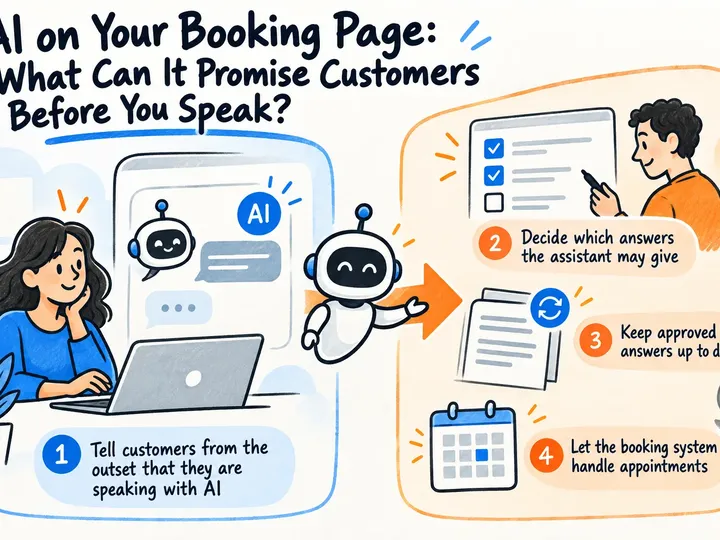
An AI assistant can answer questions and guide customers to a booking. Here are practical boundaries for prices, delivery times, personal data, and contact with a staff member.
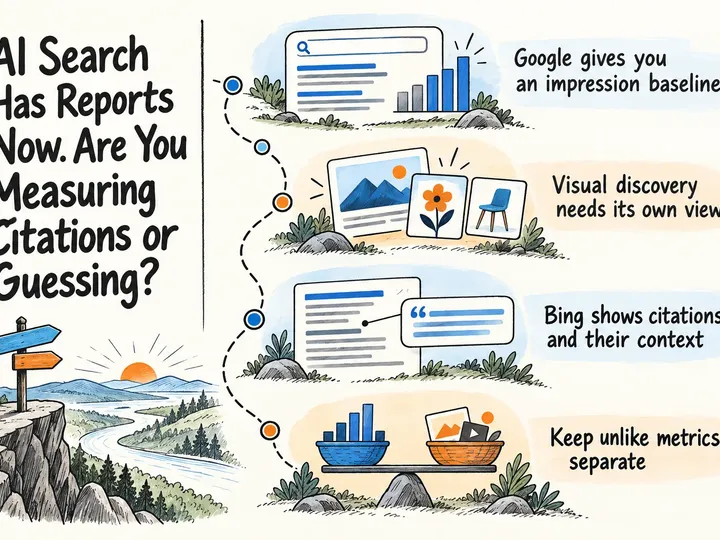
Google and Bing now offer first-party AI search visibility reports. Here’s how to build a useful baseline without inventing a misleading GEO score.
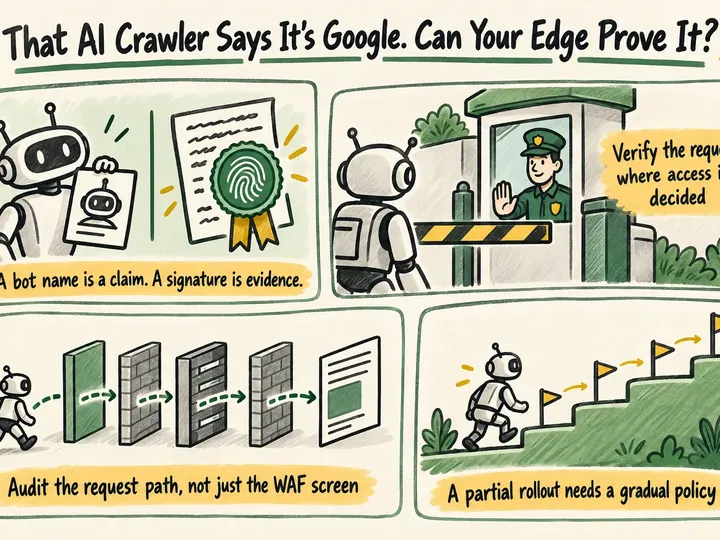
AI crawlers can copy a familiar name. Here’s how to verify signed agents at the edge while keeping legitimate automated traffic moving.
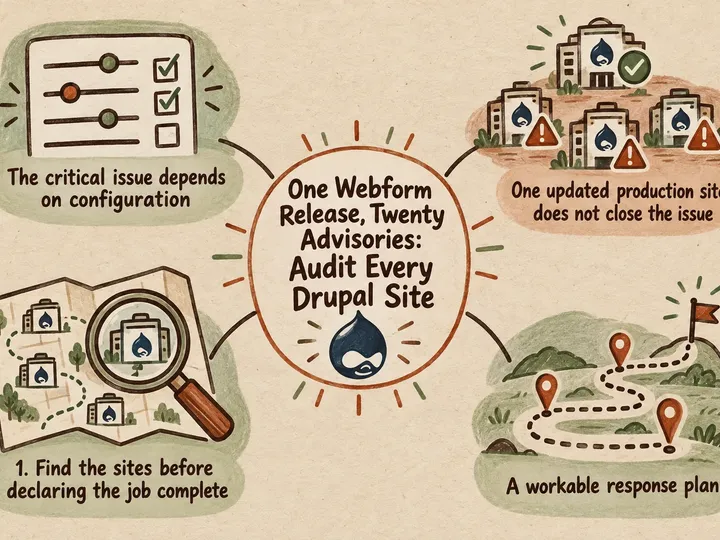
A critical Webform release is a reminder to audit every Drupal codebase, configuration and deployment—not just the main production website.
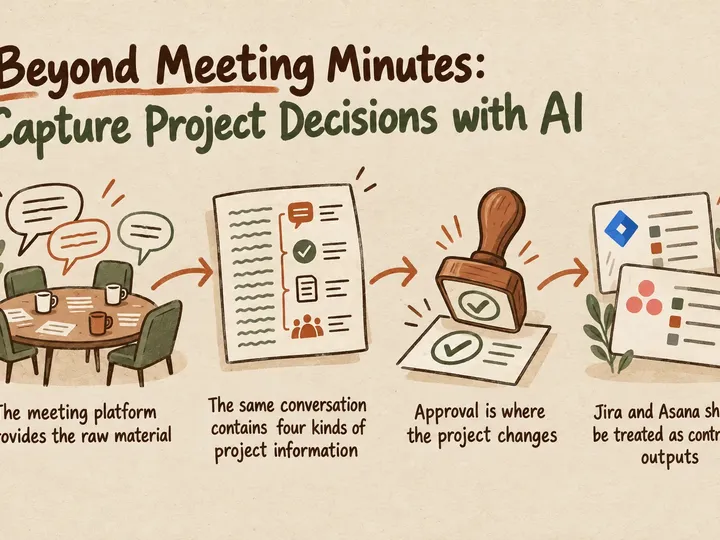
A secure AI workflow can turn Meet and Teams transcripts into approved decisions and tasks in Jira or Asana—without giving up control.
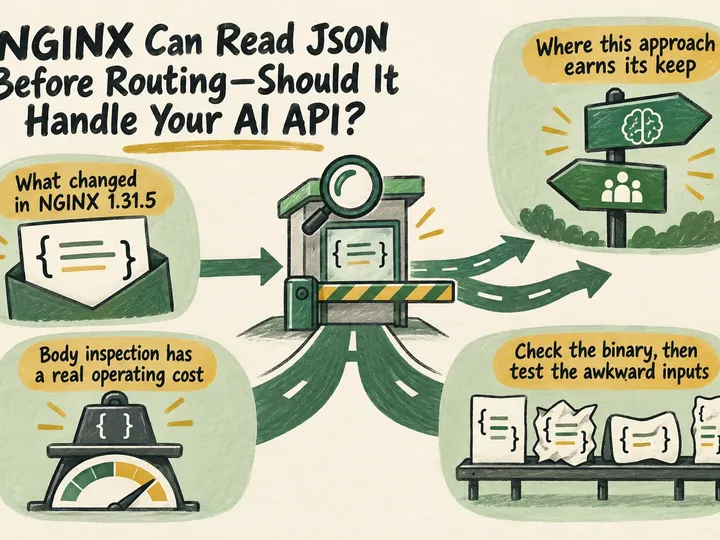
NGINX 1.31.5 can route on JSON body values. Here’s how to weigh the performance, security, and operational trade-offs before using it.
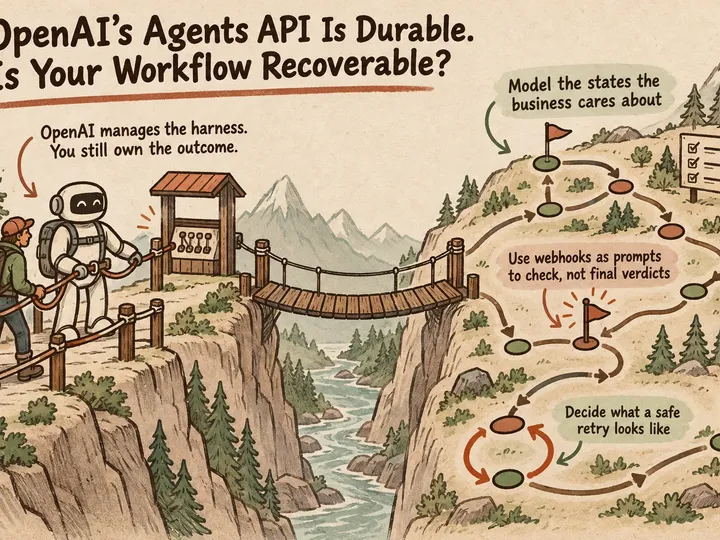
OpenAI can keep agent sessions running, but reliable workflows still depend on clear failure states, safe retries, validation, limits and human fallback.
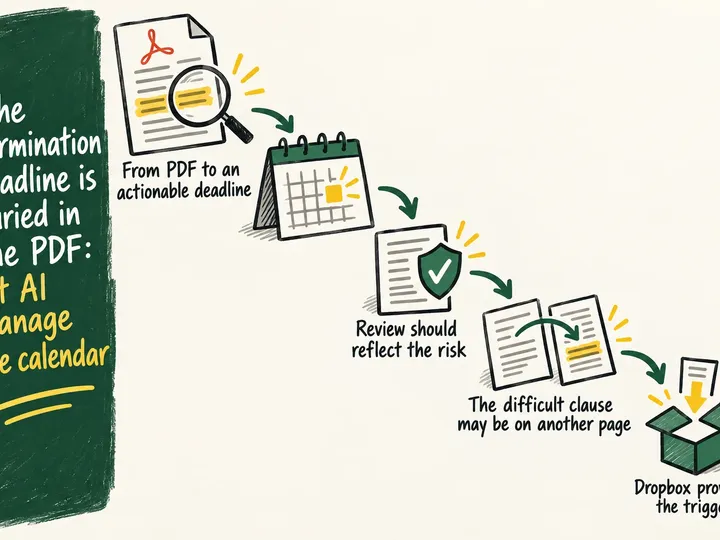
AI can identify termination deadlines and price adjustments in supplier contracts, route uncertain findings for approval and create the right reminders.
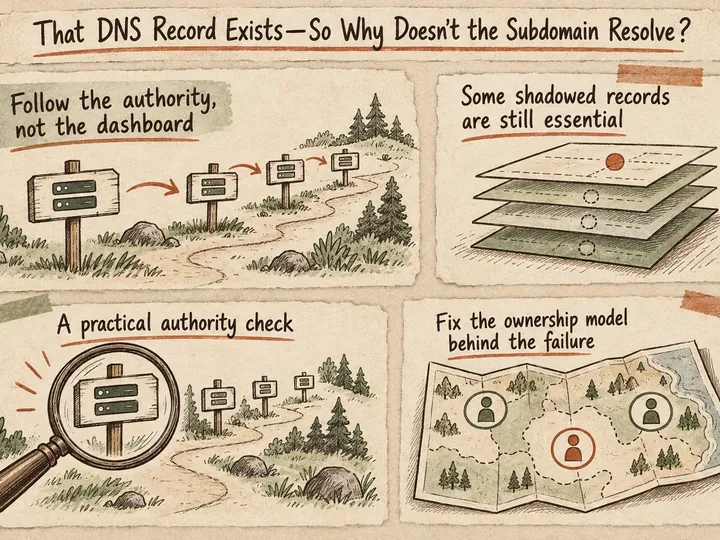
Why a DNS record can exist in a dashboard yet fail publicly—and how to trace zone cuts, verify glue, and fix the right side of a live delegation.
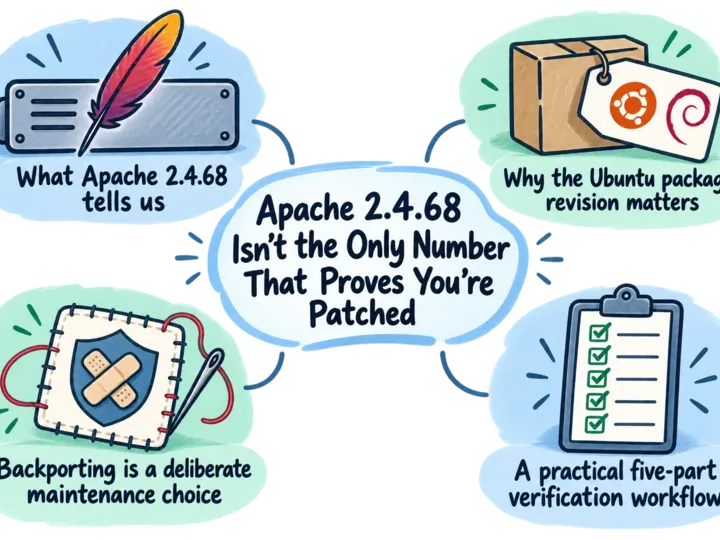
An Apache version below 2.4.68 may still be patched. Package provenance, vendor advisories, module checks and runtime evidence reveal the real position.
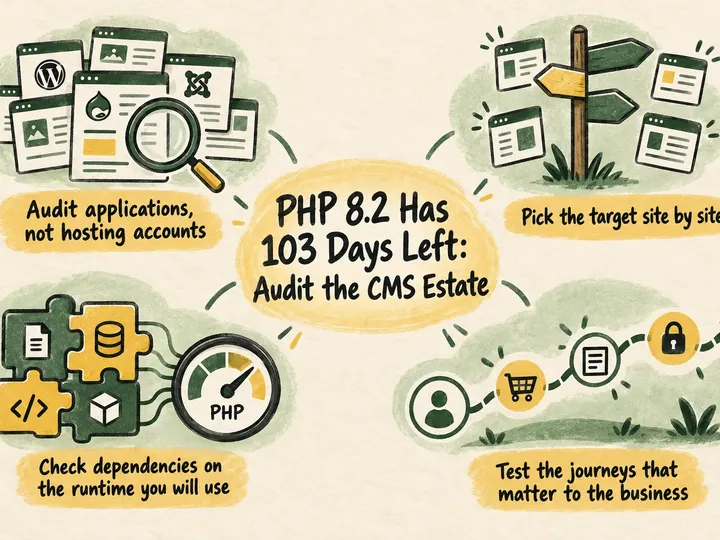
PHP 8.2 security support ends on December 31, 2026. Here is how to audit, test, and migrate a mixed CMS estate without rushing production changes.
How Danish businesses can automate Gmail and Microsoft 365 with rapid sorting, limited permissions and human approval.
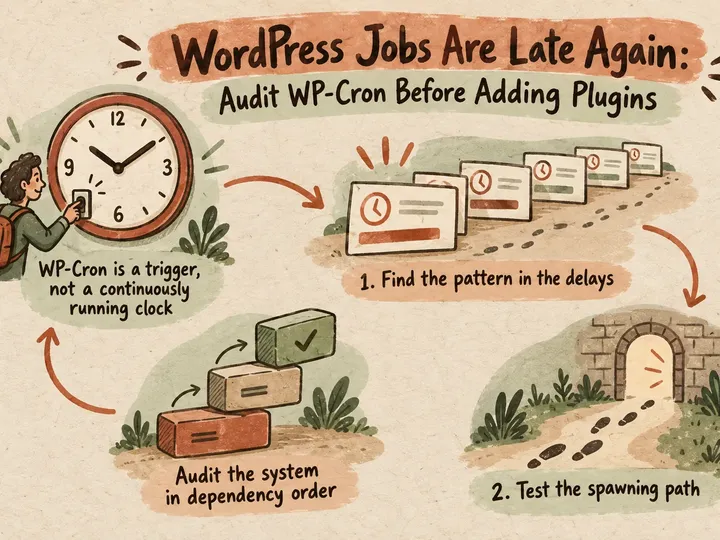
When WordPress jobs run late, check WP-Cron and queue capacity first. Diagnose triggers, handlers, and Action Scheduler without guesswork.
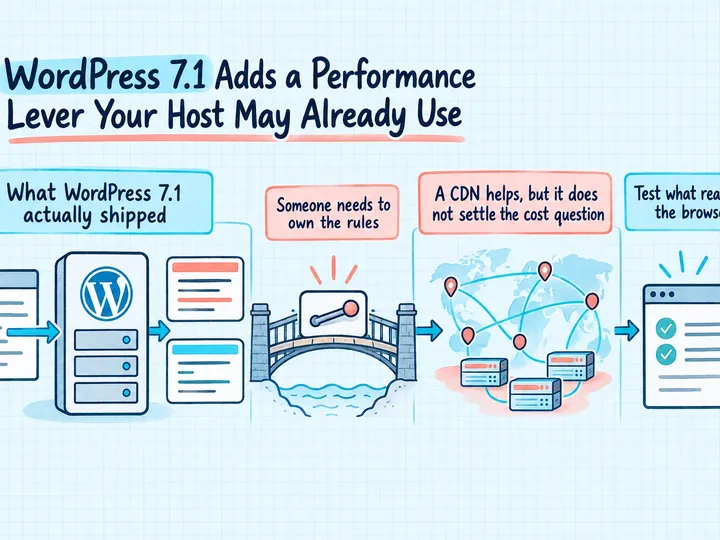
WordPress 7.1 lets hosts tune speculative loading. Learn who controls it, which pages to exclude, and how to test faster navigation against server load.
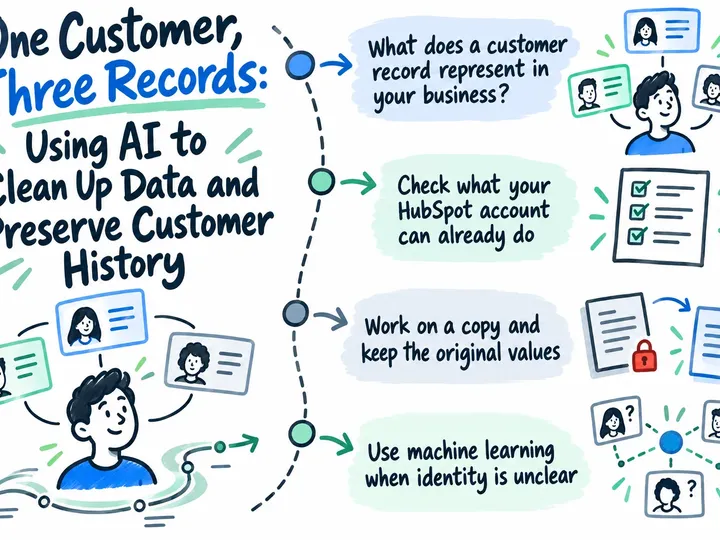
Multiple records for the same customer in HubSpot? Learn how CVR number matching, AI suggestions and human approval can help you clean up duplicates while keeping track of fields, associations and customer history.
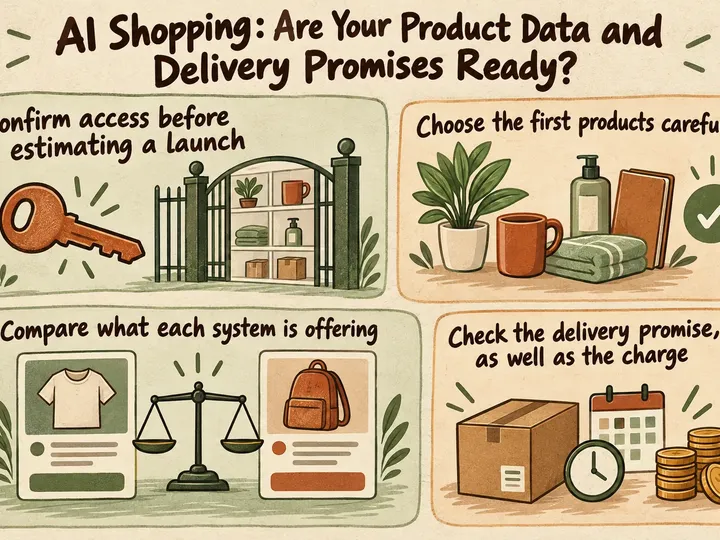
Before a Google AI shopping pilot, check which products qualify, where your catalog data disagrees, and whether checkout reflects your delivery and return terms.
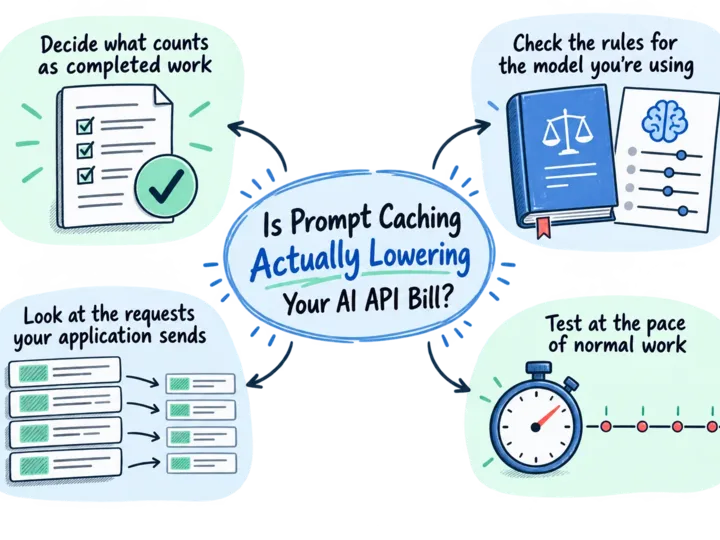
Find out whether prompt caching cuts your AI API cost per usable result. Compare cache writes, reads, retries and review time, then check the provider's bill.
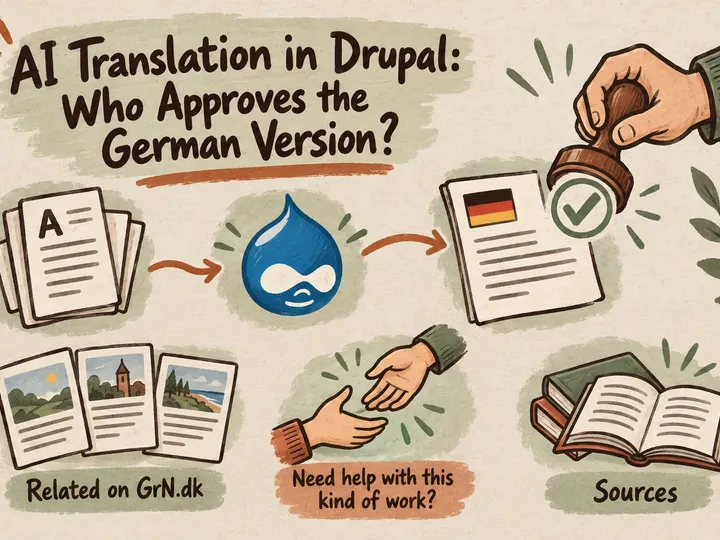
A practical Drupal translation workflow for Danish service pages: German review, commercial approval, publication and keeping translations current after edits.
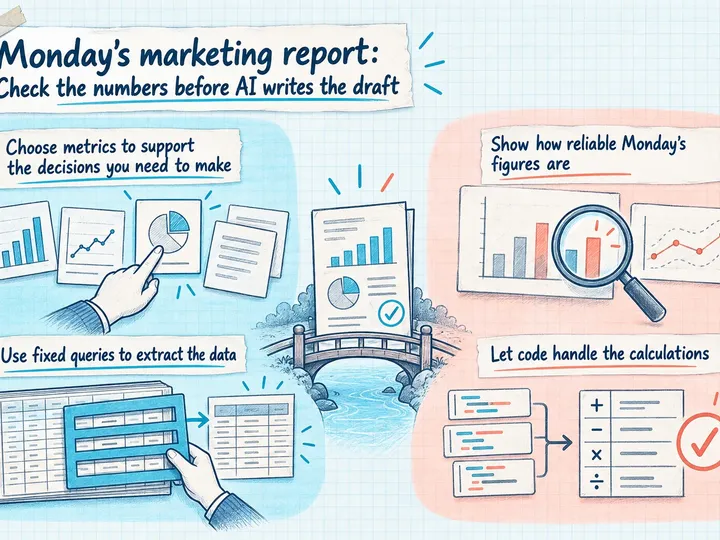
Build a weekly marketing report from GA4 and Google Ads with verified calculations, clear data caveats and a short AI draft to support your Monday meeting.
Test your team’s local AI workload before buying a GPU. Measure output quality, memory, busy-period response times, and cost to make a confident hardware decision.
Review Greg on Google
5.0 ★★★★★ 10 Google reviews
Written recommendations from Trafik og Veje, Aarhus Municipality (2011) and AgroTech (2010).