By Greg Nowak. Reviewed 24 July 2026.
Cloudflare usually arrives for good reasons: faster delivery, managed SSL, stronger security, or a convenient place to handle redirects. The trouble begins after several launches, migrations, and agency handovers. A developer adds a cache exception, marketing redirects an expired campaign, a plugin changes another URL, and nobody removes the configuration that the new rule replaced.
The website may remain online while commercially important paths become unreliable. A form can behave differently for returning visitors, an old campaign URL can acquire three redirect hops, or a preview page can be served from cache. That is Cloudflare rules debt: individually reasonable decisions combining into a request path that nobody can confidently explain.
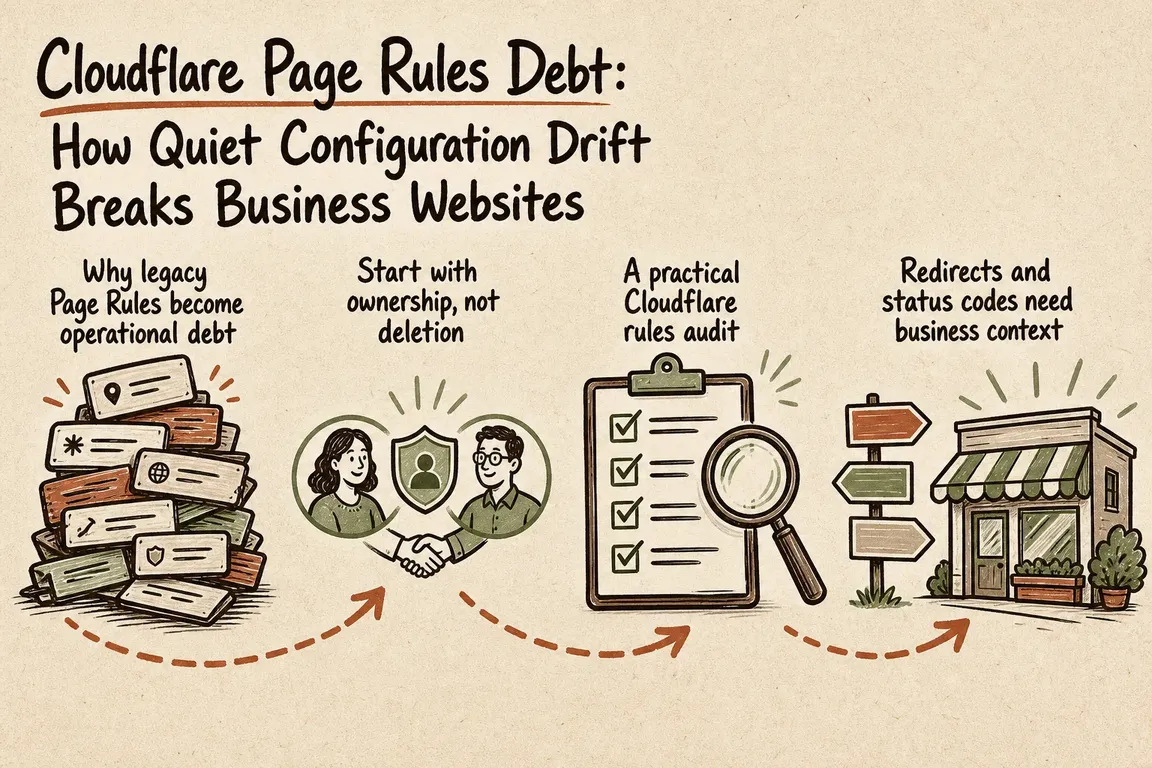
Why legacy Page Rules become operational debt
Cloudflare recommends its modern Rules products for new implementations. They do not share the old Page Rules execution model. Page Rules use the highest-priority matching rule, while modern rules can combine within defined product phases. Later matching rules generally override earlier non-terminating changes, but redirects are terminating actions: the first applicable redirect executes and evaluation stops.
Modern Rules products also take precedence when they overlap with Page Rules. A new Cache Rule can therefore override a legacy caching decision for the same path. This is useful during a deliberate migration and confusing when nobody realizes that both configurations still exist.
Caching deserves particular care. Cloudflare does not cache HTML or JSON by default, and its normal behavior excludes responses with directives such as private or no-store, responses containing Set-Cookie, and methods other than GET. However, choosing Eligible for cache in a Cache Rule enables cache-everything behavior. Edge TTL settings can also override instructions from the origin. That makes broad rules risky for authenticated, personalized, preview, quote, cart, and checkout routes.
| Request path | Expected treatment | Evidence to capture |
|---|---|---|
| Old campaign URL | One intentional redirect to a live, relevant page | Status, each Location header, final URL |
| Public service page | Stable canonical URL and an agreed cache policy | Cache-Control, Age, CF-Cache-Status, canonical tag |
| Admin or preview route | Explicitly excluded from shared caching | Logged-out and authenticated responses |
| Form or account flow | No stale or cross-session response | Cookies, cache status, submission result |
robots.txt and sitemap |
Reachable at the intended hostname with correct content | Status, redirects, content type, final response |
Start with ownership, not deletion
Before changing anything, list every layer capable of altering a request: Page Rules, Redirect Rules, Cache Rules, Origin Rules, Transform Rules, Workers, Snippets, web-server rewrites, application middleware, and CMS redirect or caching modules. Add DNS and hostname configuration where it affects whether traffic is proxied through Cloudflare.
Then assign one intended owner to each decision. Simple domain-wide redirects may belong at the edge. Redirects that editors genuinely need to manage may belong in the CMS. Application-aware access and session behavior usually belongs closer to the application. The important point is to avoid implementing the same redirect or bypass in Cloudflare, the web server, and a WordPress or Drupal module simultaneously.
A practical Cloudflare rules audit
- Build a commercially useful test set. Include the homepage on every live hostname, leading service pages, paid-campaign destinations, old URLs with backlinks, form and thank-you pages, login and account routes, admin and preview URLs, media files,
robots.txt, and XML sitemaps. Include query-string variants where campaigns or application behavior depend on them. - Write down the expected result first. For every URL, record the intended status, destination, cache treatment, canonical URL, and responsible configuration layer. Without an expected result, an audit merely describes the current confusion.
- Inspect real response headers. A browser can hide redirect hops and reuse locally cached responses. These commands make the response easier to compare:
curl -sS -D - -o /dev/null https://www.example.com/old-url
curl -sS -L -D - -o /dev/null https://www.example.com/old-url
curl -sS -D - -o /dev/null https://www.example.com/robots.txt
curl -sS -D - -o /dev/null \
  -H 'Cookie: session=REDACTED_TEST_VALUE' \
  https://www.example.com/account
These examples use GET rather than relying only on curl -I, which sends a HEAD request and may not follow exactly the same application path. Use a disposable test account for authenticated checks, keep credentials out of shared files and shell history, and test forms through a safe staging or controlled production workflow.
- Explain unexpected matches. Cloudflare Trace can simulate a request, show rule evaluation order, and test different conditions. It answers “what would Cloudflare do?” For evidence about real production requests, use the logging capability available on the account, such as Instant Logs, Log Explorer, or an existing Logpush destination.
- Change one responsibility at a time. Disable or replace an overlapping rule, repeat the test set, and retain a short rollback note. Do not remove a legacy Page Rule merely because a modern equivalent exists; confirm that redirects, caching, query strings, cookies, and origin behavior remain correct.
Redirects and status codes need business context
Use 301 or 308 when a move is genuinely permanent, and 302 or 307 when the original URL is expected to return. Google treats permanent redirects as stronger canonical signals than temporary redirects. Avoid unnecessary chains even though crawlers can follow several hops: every extra decision makes testing, handover, and incident diagnosis harder.
Do not conceal missing content with a blanket redirect to the homepage. A legitimate removed URL can return 404 or 410. Google does not index URLs returning 4xx responses, while persistent 5xx and 429 responses can slow crawling and eventually affect indexed URLs. Those codes should therefore appear in launch and monitoring checks, not only in infrastructure alerts.
What a clean handover should contain
The useful deliverable is not an exported rule list. It is a short operating model: which layer owns redirects, which paths must bypass shared caching, how staging and legacy hostnames behave, who can approve changes, and which URLs must be retested after a launch.
For WordPress and Drupal teams, this is especially valuable because Cloudflare, the web server, the CMS, and installed modules can all make locally sensible decisions. Reducing overlapping ownership makes future releases safer and gives the next agency something better than institutional guesswork.
If your team has inherited legacy Page Rules, unexplained cache behavior, or redirects nobody wants to touch before a launch, Greg can map the request path and turn it into a maintainable operating plan. See how Greg supports digital projects and agency handovers.
Related on GrN.dk
- AI Crawler Control for Business Websites: Protect Content Without Vanishing from Search
- URL Parameter Sprawl: Where SEO, Caching, and Analytics Collide
- AI disclosure rules belong in the CMS, not a spreadsheet
Need help with this kind of work?
Discuss your website operations with Greg Get in touch with Greg.