By Greg Nowak. Last updated 2026-10-26.
Before changing a website to stop AI using its content, settle what the business wants to allow. Should customers still find those pages through search? Can search engines show an excerpt? Are there particular AI products or uses you want to restrict? A single CMS setting may not give you the answers you intended.
That matters when articles and service pages are there to bring in enquiries. A restriction chosen to address one AI use could also reduce their search visibility. Agree the permissions first, then inspect the rules the website actually sends.
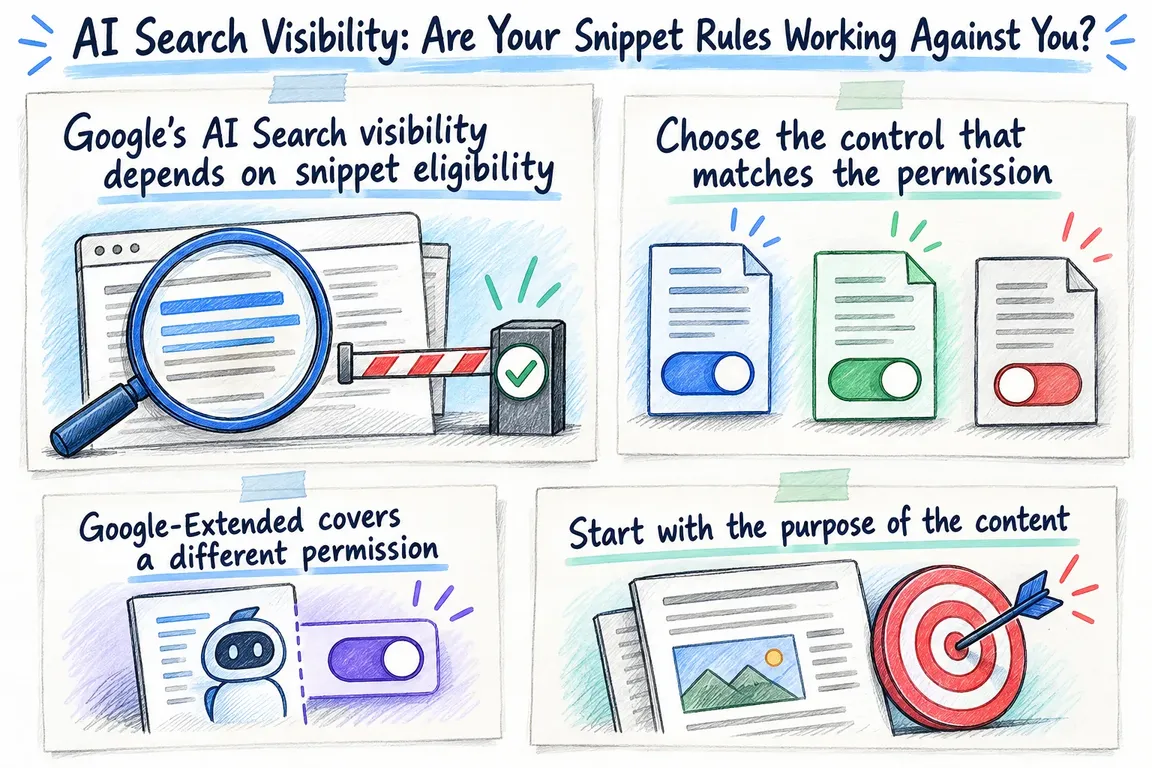
Google’s AI Search visibility depends on snippet eligibility
Google says a page must be indexed and eligible to appear in Search with a snippet before it can qualify as a supporting link in AI Overviews or AI Mode. That makes it eligible; it does not guarantee inclusion. Google’s AI features documentation also says no special AI files or additional schema are required.
The preview controls documentation explains what the restrictions do. nosnippet prevents content from being used as direct input for AI Overviews and AI Mode. max-snippet limits that input, and a value of zero means nosnippet. Separately granted permissions can affect the scope of those restrictions.
If a page’s job is to help prospective customers discover your business, its snippet settings deserve a commercial decision as well as a technical check.
Choose the control that matches the permission
Use this matrix when discussing permissions with content owners. Each row addresses a separate decision. Record who the content is for and why a restriction is needed before applying it to a whole template.
| Intended outcome | Bing and Copilot | |
|---|---|---|
| Keep a page eligible for search discovery | Keep indexing and snippet eligibility for AI Search supporting links. | Keep crawl access and indexing eligibility. |
| Exclude selected passages from previews | Apply data-nosnippet to the selected text. |
DATA-NOSNIPPET restricts displayed captions and may limit citation quality. |
| Exclude a page from search | Use noindex. |
NOINDEX excludes the page from Bing search, Copilot experiences, and grounding API results. |
| Restrict specified Gemini training and grounding uses | Use Google-Extended in robots.txt. Search inclusion is unaffected. |
Google-Extended does not express a Bing policy. |
| Prevent use in Copilot responses and grounding results | Google Search ignores noarchive and nocache. |
NOARCHIVE prevents content use in Copilot responses and grounding results. |
| Limit what Copilot can use | Assess Google permissions separately. | NOCACHE limits use to the URL, title, and snippet. |
These distinctions follow Google’s documentation and the Bing Webmaster Guidelines. Bing also separates crawling from indexing: robots.txt controls access, while NOINDEX expresses exclusion from the search and grounding experiences listed above.
Google-Extended covers a different permission
Google-Extended is a robots.txt product token governing whether crawled content may support future Gemini model training and specified grounding uses in Gemini Apps and Vertex AI. Grounding means supplying information to a model when it answers a request.
Google says the token does not control inclusion in Google Search and is not a Search ranking signal. Its common crawlers documentation sets out those boundaries.
Use that level of precision in the brief. A request to restrict Gemini training and specified grounding uses gives the implementer something concrete to configure and check. A request to “block AI” leaves them guessing which products and permissions the owner means.
Start with the purpose of the content
Public service pages, editorial guidance, and licensed material are useful starting groups for a permissions discussion. Adapt them to how you actually publish. For each group, ask the owner what readers should be able to find and what material may appear outside the website.
Record whether search inclusion is wanted, whether previews are allowed, whether any passages need excluding, and which named AI uses should be restricted. Give each group an accountable owner, with a reason for any exception.
Commercial and editorial stakeholders can then approve a clear outcome. The developer gets a brief they can implement without interpreting licensing intent from a vague ticket. If owners disagree, settle the permission before choosing the syntax.
Check what the website delivers
The audit needs to cover robots.txt, HTML robots metadata, HTTP response headers, and passage markup. Google supports page rules through metadata and X-Robots-Tag headers, including headers for non-HTML resources. Crawlers must be able to access a resource to read its rules.
For a WordPress or Drupal site, use the delivered response as evidence. Trace each instruction back to the configuration, extension, template, or infrastructure rule that produces it. Include PDFs and other downloads in the sample; article pages alone will not cover those resources.
Each finding should record the URL, content group, intended permissions, observed instructions, responsible configuration, and proposed correction. That gives the content owner enough context to assess the issue and the implementer enough detail to fix it.
Check for conflicting instructions, too. Google applies the more restrictive rule when directives conflict: nosnippet overrides max-snippet:50. Adding a more permissive setting may leave the existing restriction in force.
Make the agreed policy part of template checks
Before changing configuration, define the expected response for representative pages. Include an ordinary public article, a page with a passage exclusion, an intentionally excluded page, and a downloadable document. Cover each template affected by the change.
For every example, specify which instructions should appear and which conflicting ones must be absent. Explain the expectation in language a content owner can follow, so a failed check has a clear business meaning.
Repeat the inspection on the deployed website after the changes. Save the results alongside the approved matrix and include the same checks in future template releases. Assign someone to review permissions when publishing practices or platform documentation changes.
Report technical acceptance and commercial results separately. First establish whether the website now expresses the approved policy. Then assess how search discovery and useful enquiries develop. A verified configuration change is evidence that the implementation is correct; its effect on visibility needs its own measurement.
A focused audit with something you can use
A GrN.dk technical policy audit can cover agreeing permissions with content owners, inspecting representative responses, finding conflicts, implementing template changes, and delivering checks you can repeat.
The deliverable is an approved permissions matrix backed by evidence from the live website. Ask Greg to scope the review around your priority content and the visibility you want to preserve. Each restriction should have a clear purpose, an owner, and a check that shows it has been applied correctly.
Related on GrN.dk
- When the AI API Says “Try Again,” What Does Your Customer See?
- WordPress 7.1: A Performance Setting Your Host May Already Control
- AI Content on Google: Which Pages Are Worth Keeping?
Need help with this kind of work?
Discuss a technical content policy audit Get in touch with Greg.










