By Greg Nowak. Updated 16 October 2026.
WordPress can start preparing the next page before a visitor clicks. That can make browsing feel quicker, particularly when someone moves from a service overview to a detailed page. WordPress 7.1 gives hosting and deployment teams more control over this behaviour, so your host may influence it without anyone changing a plugin setting.
For a business owner or agency lead, the useful question is whether those faster visits justify the extra work. Before increasing speculative loading, establish who controls it, which destinations are safe, and how you will measure the result.
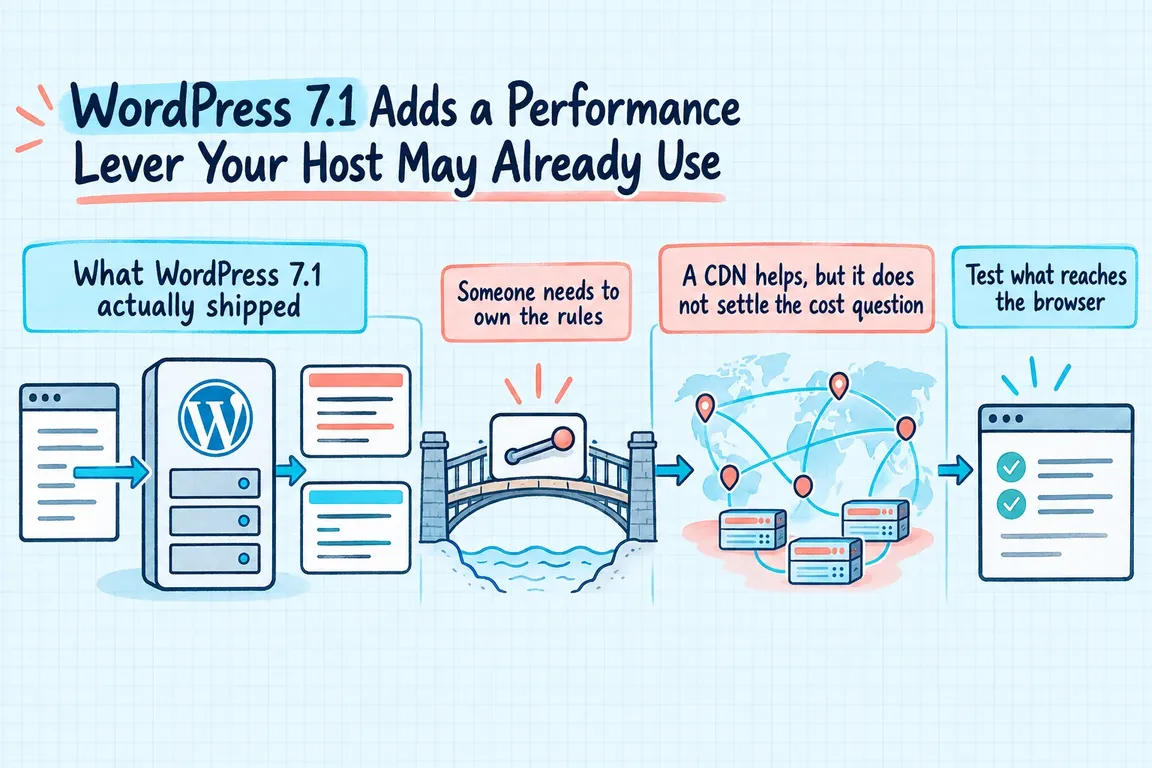
What WordPress 7.1 actually changes
Speculative loading arrived in WordPress 6.8. The configuration reference records the 7.1 addition: constants and environment variables named WP_SPECULATIVE_LOADING_DEFAULT_MODE and WP_SPECULATIVE_LOADING_DEFAULT_EAGERNESS. These let hosts set defaults through deployment configuration.
Crucially, the documented core defaults remain prefetch and conservative. WordPress 7.1 does not automatically increase eagerness because caching is present. The new controls change what the configuration value auto resolves to; an explicit mode or eagerness supplied through the wp_speculation_rules_configuration filter still takes precedence.
Core also disables speculative loading by default for logged-in users and sites without pretty permalinks. Test as a logged-out visitor before concluding that the feature is missing.
Prefetch and prerender have different costs
Prefetch retrieves a possible next page’s HTML document. Prerender goes further: it loads and renders the destination in a hidden browser context, ready for activation when the visitor navigates there. That extra preparation can improve responsiveness, but it also does more work.
The Speculation Rules API documentation explains how rules select destinations. Browser support remains uneven, and eligible requests are not guaranteed to run. Treat this as an enhancement for supported browsers while continuing to improve ordinary page loads.
My starting recommendation is a small set of public, reliably cached destinations with a plausible next click. A service overview linking to service details is a better first test than a search page containing dozens of unique filter combinations.
Choose eligible pages before turning up eagerness
Use the following as a review checklist. These are recommended starting decisions, not a description of WordPress’s built-in exclusions.
| Destination | Starting decision | Evidence to collect |
|---|---|---|
| Public articles and service pages | Good pilot candidates | Cache hits, actual next clicks, navigation improvement |
| Public product pages | Review before including | Current prices, stock and basket state after activation |
| Search and filtered listings | Exclude from the initial pilot | Unique URL volume and backend query cost |
| Cart, checkout and account pages | Exclude until specifically validated | Session behaviour, personalisation and redirects |
| Logout, action and tracked-download links | Exclude | No session change, delivery or counting from speculative requests |
A CDN can reduce origin work, but cache coverage varies by URL, cookies and query parameters. Ask the hosting team which eligible destinations actually reach PHP and the database. A high overall cache-hit rate can conceal an expensive group of uncached pages.
Find every component that supplies rules
Inspect the final page, including dynamically inserted rules and the Speculation-Rules response header. Checking the original HTML alone can miss rules added by JavaScript or a delivery platform. Inventory core configuration, performance plugins, theme code and CDN features.
Rules are additive. An exclusion in one ruleset does not cancel a destination allowed by another. Overlap does not automatically mean duplicate downloads, but it can make the effective policy broader than intended.
Assign one owner to the baseline and agree where exclusions live. For an agency-managed site, record what the host controls and what the development team controls. That makes a future plugin change or hosting migration much easier to assess.
Run a small, reversible test
Save the current configuration and define the rollback before changing it. Keep the same routes, cache conditions and test devices for the comparison. Change one setting at a time.
For example, a developer testing moderate prefetching on WordPress 7.1 can set these defaults in wp-config.php, before WordPress loads. Update existing definitions rather than adding duplicates:
define( 'WP_SPECULATIVE_LOADING_DEFAULT_MODE', 'prefetch' );
define( 'WP_SPECULATIVE_LOADING_DEFAULT_EAGERNESS', 'moderate' );
This changes the defaults; it will not override an explicit plugin configuration. Confirm the emitted rules after deployment and any relevant cache purge.
In Chrome DevTools, open Application → Speculative loads, then reload. Inspect the Rules and Speculations views for destinations, status and failure reasons. The official debugging guide also explains how to inspect prerendered pages, which run separately from the current page.
Test both clicked and abandoned candidates. Compare navigation responsiveness with speculative request volume, cache misses, origin response times and errors. Where available, log the Sec-Purpose request header to distinguish speculative traffic.
Check measurement before expanding the rollout
If you test prerendering, verify that custom tracking waits for activation. Chrome’s prerendering guidance documents document.prerendering and the prerenderingchange event for this purpose. Google Analytics already delays until activation by default; custom tags and other providers still need checking.
Keep the change when useful navigations improve, additional load stays acceptable, and excluded routes and measurement behave correctly. Agree those acceptance criteria with the business and hosting team before the pilot.
If responsibility is spread across your host, agency and analytics setup, I can help trace the rules, agree exclusions and coordinate the test. Get in touch about your WordPress performance setup, and we can establish what is running and where a focused change would help.
Related on GrN.dk
- AI Crawler Control for Business Websites: Protect Content Without Losing Search Visibility
- Cloudflare Page Rules Debt: How Quiet Configuration Drift Breaks Business Websites
- JavaScript-Heavy Service Pages Still Lose Leads: What to Audit in 2026
Need help with this kind of work?
Discuss your WordPress performance setup Get in touch with Greg.










