By Greg Nowak. Updated 24 October 2026.
A website can stay online while its most valuable journeys stop working properly. A campaign link takes visitors through several redirects. A returning customer sees stale content. A preview behaves differently depending on whether someone is logged in.
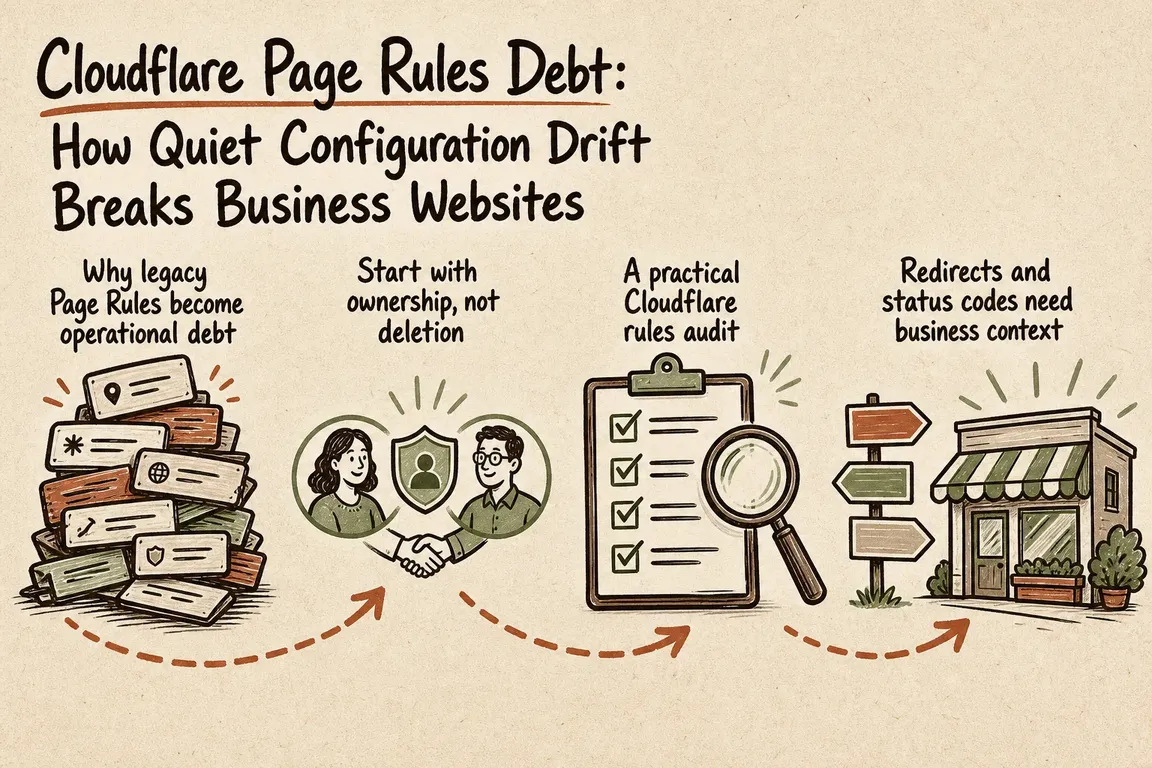
Cloudflare Page Rules debt builds up when configuration survives the reason it was created. After several launches and agency handovers, old exceptions overlap with new rules, server settings, and CMS modules. For business owners and operations teams, the warning sign is simple: nobody can explain which layer controls an important URL, or confidently predict what a change will do.
Why moving away from Page Rules needs care
Cloudflare's Page Rules migration guide describes a different execution model for modern Rules products. Legacy Page Rules apply the first matching rule in priority order. Modern products run in defined phases, and matching Cache Rules can combine, with later conflicting settings taking precedence. Modern Rules also override overlapping Page Rules settings.
This makes a migration more than copying patterns into a new dashboard. One Page Rule may need separate redirect, cache, and configuration rules. Matching against the full URI also requires attention to the protocol and query string. Test HTTP, HTTPS, and campaign parameters explicitly.
The business risk sits in those small differences. A replacement rule can look equivalent while matching more traffic, missing an old hostname, or changing how a form page is cached.
Start with the journeys that matter
Prioritise anything that affects enquiries, transactions, access, or discoverability. A useful first audit covers the paths below. Add your highest-value landing pages, legacy URLs with backlinks, and every live hostname.
| Journey or URL | Expected behaviour | What to check |
|---|---|---|
| Old campaign link | Direct redirect to a relevant live page | Every status and Location header; required parameters |
| Public service page | Correct content and agreed caching | Canonical URL, Cache-Control, Age, CF-Cache-Status |
| Enquiry form | Fresh form and successful submission | New and returning sessions; confirmation and delivery |
| Account, cart, admin, preview | No personal or restricted content in shared cache | Logged-out and separate authenticated sessions |
| robots.txt and sitemap | Correct content on the intended hostname | Status, redirects, content type, freshness |
Check cache exceptions before chasing speed
Cloudflare does not cache HTML or JSON by default. Its standard behaviour also avoids caching responses containing Set-Cookie or cache directives such as private and no-store. Existing overrides still need checking: defaults do not describe every configured site.
In Cache Rules, Eligible for cache enables Cache Everything behaviour, but does not guarantee that every response will be stored. The Edge TTL settings determine whether origin cache instructions are respected or overridden. A bypass rule may also produce DYNAMIC rather than BYPASS in the response header.
Review broad caching rules against login cookies, personalised content, previews, carts, and checkout. Define which requests must bypass shared caching, then verify that later rules do not undo that decision. A successful anonymous page load is insufficient evidence for an authenticated journey.
Inspect real responses, then explain the matches
For each test URL, write down its intended status, destination, cache treatment, and responsible layer. List the places that could alter it: Cloudflare rules, Workers or Snippets, web-server rewrites, application code, and WordPress or Drupal modules. Confirm that the hostname is actually proxied through Cloudflare.
These commands expose the initial response, the full redirect chain, and a crawler-facing file:
curl -sS -D - -o /dev/null https://www.example.com/old-url
curl -sS -L -D - -o /dev/null https://www.example.com/old-url
curl -sS -D - -o /dev/null https://www.example.com/robots.txt
They use GET. Relying only on curl -I sends HEAD, which may follow a different application path. For an authenticated check, use a disposable test account and a locally protected cookie file:
curl -sS -D - -o /dev/null \
  -b /secure/path/test-cookies.txt \
  https://www.example.com/account
Redact session cookies before sharing captured headers. Repeat requests to check consistency, inspect the returned content where relevant, and test form submission in a controlled workflow. Headers alone cannot confirm that an enquiry reached its destination.
Use Cloudflare Trace to investigate unexpected matches and evaluation order. Trace simulates a request; it is not a record of what a visitor experienced. Compare its explanation with live responses and available production logs. Trace can even show hypothetical configuration for an unproxied hostname, so it does not prove traffic passes through Cloudflare.
Migrate one responsibility at a time
Save the current configuration and record how to restore it. Choose one responsibility, such as legacy campaign redirects, and assign it an owner. Simple hostname redirects may belong at the edge; editorial redirects may be easier to maintain in the CMS.
Create the replacement, test the affected journeys, and remove the redundant behaviour once verified. Include a cache purge plan where stored responses could hide the change. Keep a rollback note with the previous settings and the person responsible for restoring them.
For redirects, use 301 or 308 for permanent moves and 302 or 307 for temporary ones. Google uses permanent redirects as a canonicalisation signal. Send visitors to a relevant destination and reduce avoidable chains.
Leave a handover the next team can use
A useful handover explains which layer owns each decision, which paths must bypass shared caching, and why exceptions exist. Include the test URLs, expected results, change owner, and rollback instructions. Reuse those checks after launches and agency transitions.
If inherited Cloudflare rules are making your next release uncertain, Greg can help map the request paths, prioritise fixes, and coordinate a maintainable handover. See how Greg supports digital projects and agency teams.
Related on GrN.dk
- AI Crawler Control for Business Websites: Protect Content Without Losing Search Visibility
- Google Review Link Generators: What Small Teams Actually Need
- CMS Upgrades in 2026: Choosing the Right PHP Version for WordPress and Drupal
Need help with this kind of work?
Discuss your Cloudflare rules and website handover with Greg Get in touch with Greg.










