By Greg Nowak. Reviewed 24 September 2026.
An SEO audit should help people make decisions. It should not leave a business owner with 200 pages of warnings, or hand developers a spreadsheet in which every issue is marked “high priority”. The useful outcome is a short, defensible plan: what is limiting discovery or conversion, which fixes matter first, who owns them, and how the team will verify the result.
Begin with the pages that support revenue, enquiries, recruitment, or another defined business goal. A missing description on an abandoned archive page is rarely urgent. A service page that cannot be indexed—or a product page leading to a broken checkout—deserves immediate attention.
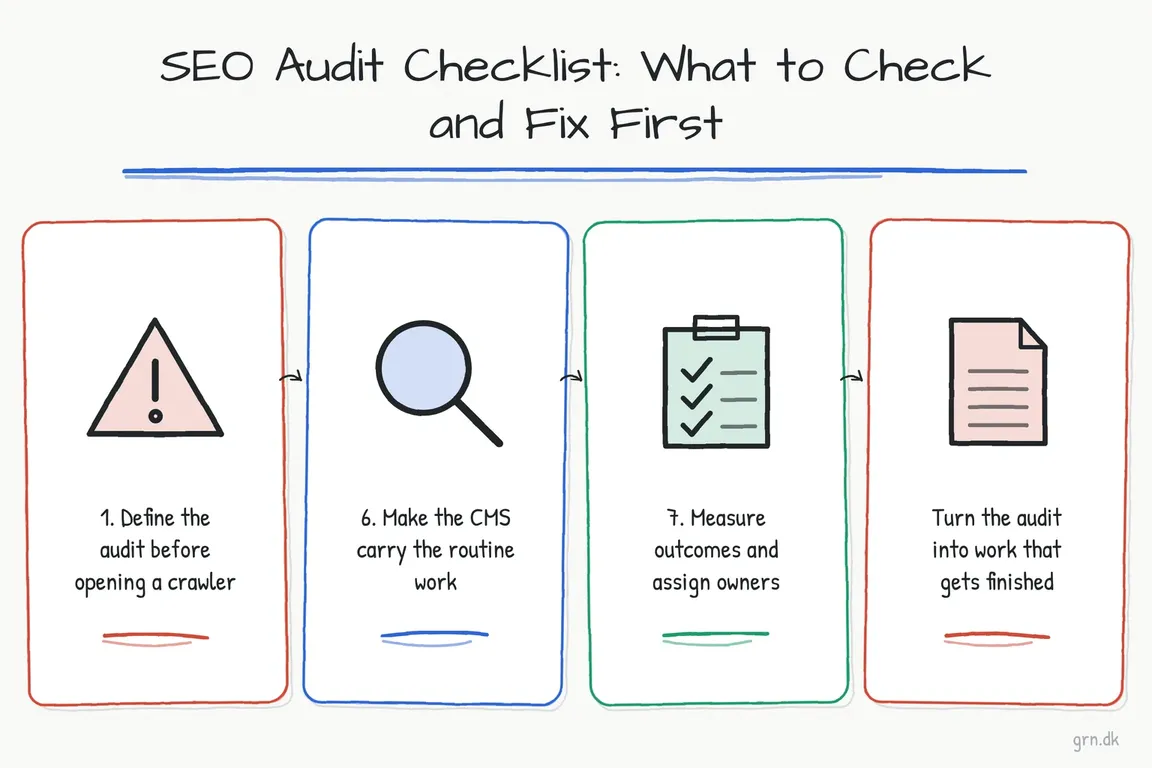
1. Set the commercial scope
Write down why the audit is happening before opening a crawler. Has non-branded search traffic declined? Did performance change after a migration? Are useful landing pages receiving impressions but few qualified enquiries? Is a redesign about to alter URLs, navigation, or templates?
Identify the priority page groups: services, products, categories, locations, resources, campaigns, and conversion pages. Record a baseline from Search Console, analytics, and—where available—CRM or ecommerce data. This prevents low-consequence technical warnings from consuming the budget.
2. Check whether important pages can be found and indexed
Inspect representative URLs from every priority template in Google Search Console. Compare the indexed result with a live test, including Google’s rendered view when JavaScript is involved. A site:example.com search can reveal obvious surprises, but it is not a complete index report.
Check HTTP status codes, redirects, robots.txt rules, page-level noindex directives, canonical tags, sitemap inclusion, and crawlable internal links. These controls do different jobs: robots.txt manages crawler access, while noindex is an indexing instruction that a crawler must be allowed to see. A sitemap supports discovery but does not guarantee indexing, and a canonical URL is a signal rather than an absolute command.
Look beyond the HTML source. Confirm that essential copy, prices, links, and calls to action appear in the rendered page. Flag orphaned URLs too: a page listed in a sitemap but absent from useful navigation is discoverable, yet poorly supported by the site.
3. Crawl for patterns, not just errors
Use Screaming Frog or a comparable crawler to find broken internal links, redirect chains, duplicate titles, conflicting canonicals, missing headings, oversized assets, and template-wide mistakes. Then group the findings by root cause and page type. One template correction affecting 600 product pages usually deserves more attention than dozens of unrelated cosmetic warnings.
| Priority | Typical evidence | First response |
|---|---|---|
| Act now | Commercial pages are blocked, removed, broken, or canonicalised elsewhere | Restore eligibility and test the complete customer journey |
| Plan next | A shared template creates rendering, linking, or performance problems | Create one owned fix with sample URLs and acceptance criteria |
| Improve | A visible page poorly answers the searcher’s question | Clarify the title, content, evidence, navigation, and next step |
| Consolidate | Several weak pages compete for the same purpose | Choose a primary page, merge useful material, and redirect obsolete URLs |
| Monitor | A minor issue affects low-value or intentionally excluded pages | Document it without displacing higher-impact work |
4. Review content in the context of a decision
A technically healthy page can still fail its reader. Compare priority pages with Search Console queries and questions heard by sales or support teams. Does each page quickly explain who it is for, what problem it solves, what is included, and what the visitor should do next?
High impressions and weak click-through may justify revisiting the title, description, or intent. Falling impressions can have several causes, including changing demand, indexation, competition, or weaker content. Diagnose the pattern before ordering a rewrite. Avoid arbitrary word counts and mechanical keyword variations; add detail when it helps a buyer decide.
5. Test performance on representative journeys
Core Web Vitals currently measure loading with Largest Contentful Paint, responsiveness with Interaction to Next Paint, and visual stability with Cumulative Layout Shift. Use field data where it is available, then reproduce the problem on representative devices and templates.
Do not reduce performance work to chasing a perfect laboratory score. Prioritise slow or unstable experiences on widely used landing pages, navigation, forms, product templates, and checkout. A useful development ticket names the affected template, observed behaviour, target improvement, test URLs, and retest method.
6. Make the CMS prevent repeat problems
Routine metadata should not depend on every editor remembering every field. For sites using Drupal 10.3 or Drupal 11, the current stable Metatag 2.2 release can provide defaults by content type while allowing individual overrides:
composer require 'drupal/metatag:^2.2'
Configure patterns for titles, descriptions, canonical URLs, and social metadata, then inspect the generated markup on important templates. Add publishing checks for headings, internal links, image alternatives, redirect requirements, and intended index status. Automation is valuable only when someone verifies its output.
7. Turn findings into owned work
Every recommended action should include an owner, affected URLs or templates, expected business benefit, effort estimate, dependencies, acceptance criteria, and review date. Separate urgent recovery work from structural improvements and editorial opportunities so stakeholders can approve a realistic sequence.
After release, annotate the change and compare appropriate periods in Search Console and analytics. Watch impressions and clicks, but connect organic landing pages to qualified submissions, calls, bookings, purchases, or other meaningful outcomes. Rankings alone do not show whether the work helped the business.
What a useful SEO audit delivers
The final deliverable should be understandable without the auditor in the room: a concise diagnosis, prioritised backlog, representative evidence, and a measurement plan. The difficult part is often coordination—turning search data into developer tickets, content briefs, CMS decisions, and accountable delivery.
If your audit spans management, editors, developers, or an external agency, Greg can help you turn the evidence into a practical plan through digital project management support.
Related on GrN.dk
- Google’s AI Search toggle needs a test plan, not a gut decision
- Google’s 2026 AI Search Guidance: SEO Still Matters, but Reporting Has Changed
- JavaScript-Heavy Service Pages Still Lose Leads: What to Audit in 2026
Need help with this kind of work?
Turn your SEO audit into an action plan Get in touch with Greg.