By Greg Nowak. Last updated 2026-07-13.
Social posts are now part of the Search Console reporting picture. In July 2026, Google began rolling out platform properties for Instagram, TikTok, X and YouTube. Connect an account or channel, and its owner can see which Google queries and individual posts produce impressions and clicks.
That fills a genuine measurement gap. It also creates some less glamorous work around ownership, definitions and maintenance.
Platform properties are separate reporting assets, not four new charts to drop into an existing SEO dashboard. They have different verification routes, their connections can expire, and their metrics cover a narrower scope than the labels might suggest. Before adding the data to a client report, it is worth mapping exactly what is being measured and who is responsible for keeping it available.
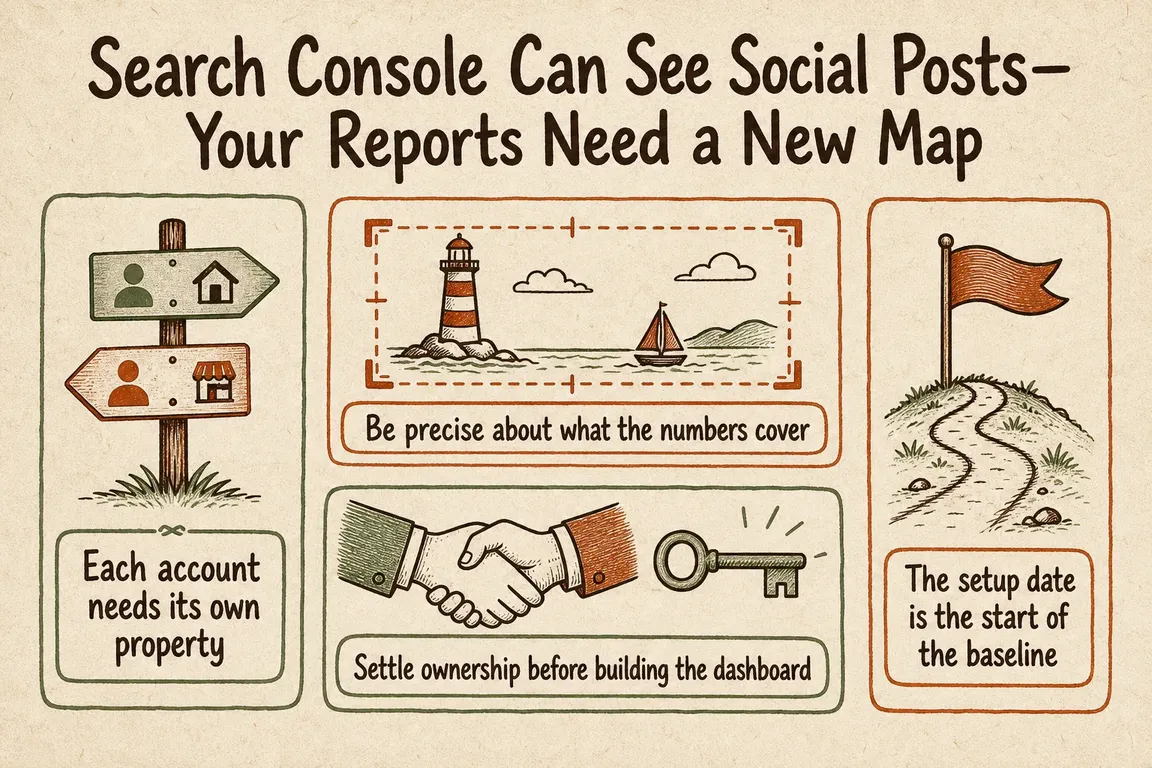
Each account needs its own property
A platform property represents one account or channel on a supported platform. Google currently supports Instagram, TikTok, X and YouTube, and availability is being rolled out gradually.
The account-level distinction matters. An organisation with two Instagram accounts, one TikTok account and one YouTube channel needs four properties. There is no single combined social property.
Each property can provide three reporting views. Performance includes clicks, impressions, average click-through rate and average position, with filters for the posts and queries responsible for traffic. Insights summarises recent trends, leading content and how people discover the account. Achievements records click-based milestones.
The data can also be exported. This makes it possible to place platform results beside website Search Console data or an established content report, but the columns should not be combined until their scope and dimensions are clear.
Be precise about what the numbers cover
Platform-property reports measure discovery on Google surfaces. They do not replace Instagram Insights, TikTok Analytics, X Analytics or YouTube Analytics, and they do not show how often content appeared inside the native social platform.
An Instagram story displayed in Google results can count as an impression, followed by a click if somebody opens it. A video shown in Google Search or Discover can also generate an impression. A click may be recorded even if the video opens in Google’s viewer. Discover and Google News reports only appear when content receives traffic from those surfaces.
There is a smaller reporting wrinkle in Search Console Insights. Its summary card includes clicks across Google, while the detailed lists below focus on web search results. The detailed cards may therefore show lower totals without anything being wrong.
This is why dashboard language matters. A label such as “social impressions” suggests native-platform reach. “Google impressions for platform content” says what the metric actually represents. Native social reach belongs in a separate field with its own source.
| Reporting control | What to record | Problem it prevents |
|---|---|---|
| Account inventory | Every supported account or channel and its corresponding Search Console property | Profiles being omitted or combined under one vague social total |
| Ownership | Durable organisational ownership, with working access assigned separately | Reporting access depending on one employee or supplier |
| Verification | Whether the property uses an existing website connection or a direct platform login | Unclear responsibility when re-verification is required |
| Baseline | Setup date, first data date, first complete reporting window and any partial period | Incomplete data being compared with a full historical period |
| Metric definitions | Consistent definitions for Google surface, property, query, post, click, impression, CTR and position | Google visibility being confused with native social performance |
| Maintenance | Connection, owner and user reviews scheduled around the reporting cycle | Expired connections or stale permissions interrupting a report |
Settle ownership before building the dashboard
Search Console requires proof of ownership before a property can be added, although an existing owner can grant access. A platform property may be verified through an automated connection to an existing website property or through a direct platform login. Adding the property enables measurement; it does not change how the account or its content performs in Google Search.
In an agency or multi-person team, the person preparing the report should not automatically become the only long-term owner. Search Console separates owners, full users and restricted users. Owners have full control, including the ability to add or remove users. Full users can see all data and take some actions. Restricted users receive simpler viewing access.
A durable setup normally leaves ownership with the organisation or client, while staff and suppliers receive the lowest permission level that still lets them do the work. Someone who only reviews performance does not need ownership. Search Console needs at least one verified owner for access to continue, so the arrangement should not rely solely on a person whose employment or contract might end.
Keep an access matrix covering the platform account, Search Console property, verified owner, delegated users, permission levels, verification route and the internal contact responsible for reconnecting it. Review the matrix when people join or leave, and include it in the regular reporting control rather than treating it as setup paperwork that will never change.
The setup date is the start of the baseline
Data takes a few days to appear after setup. A new property may first show empty charts, then partial charts covering only the days collected so far. Performance and Insights both use a default 28-day date range.
That default can be misleading at the beginning. The first visible 28-day view may contain far fewer than 28 days of data. Record the setup date and identify the first complete period that can support a fair comparison. Early totals should not be presented as a decline against an established account or as proof that one platform is underperforming another.
Use the same baseline fields for every property: property name, account URL, activation date, first data date, selected Google surface, date range and export date. Compare matching complete periods and retain the property dimension in the dataset. If everything is aggregated first, it becomes much harder to see which account, post or query caused a change.
Clean up exports before using them
Search Console exports make deeper analysis possible, but they still need a common reporting model. At minimum, preserve the reporting period, platform, property, post identifier or URL, query, Google surface and available metrics. Keep the raw exports unchanged. Handle renaming, grouping and classification in a separate transformation layer.
This becomes important when account names, URLs or campaign labels change. A stable internal property identifier stops one account from appearing as two separate entities over time. A short data dictionary should define every dashboard field and name its source.
Calculated metrics need care too. An all-channel click-through rate should be derived from the relevant total clicks and impressions, not by summing or casually averaging percentages. Average position also needs an explicit label and scope; it should not be presented as a universal ranking for the social account.
Treat the connection as an operational dependency
Google periodically checks ownership for security. If an external login expires or the connection is lost, access to the platform-property report pauses until ownership is verified again. Re-verification restores access to the same report, so the property does not need to begin a new accumulation period.
The historical continuity is useful, but a paused connection can still derail a monthly reporting cycle. Add a connection-status check before each cut-off. Document who can complete the platform login, where an access problem should be escalated and when permissions were last reviewed. That turns a warning on reporting day into a routine maintenance task instead of a hunt for the right account holder.
Use the new visibility without muddying the report
The most useful part of platform properties is not another top-line traffic number. Query and post-level data can show which social content earns visibility from Google, which subjects attract clicks and where website and platform content address related search demand.
For those findings to support a business decision, the reporting map has to be dependable. Each account needs its own property. Ownership must survive staff and supplier changes. Metrics need labels that reflect their actual scope, and connections need a named maintenance owner.
Greg can help inventory brand and client accounts, set up an ownership and access matrix, configure the properties, establish comparable baselines and normalise exported query and post data. The practical outcome is a reporting system that uses this new Google visibility without mixing it up with native social performance.
Related on GrN.dk
- ChatGPT apps need a permissions map before they touch company data
- AI agents need a browser policy before they start clicking around
- AI search is eating the click: measure the queries before rewriting pages
Need help with this kind of work?
Build a reliable reporting map Get in touch with Greg.










