By Greg Nowak. Updated 24 October 2026.
An agent can remember its work and still leave your team with an awkward question: did it actually finish the job? Consider a support workflow that updates a ticket, then loses its connection before reporting success. Starting again could repeat the update. Doing nothing could leave the customer waiting.
OpenAI’s Agents API handles much of the infrastructure for persistent agent work. A recoverable business workflow needs another layer: evidence of what happened, rules for what can happen next, and someone responsible when automation stops.
What the Agents API handles—and what your team must decide
The official Agents API overview describes a managed Codex harness covering sessions, orchestration, context compaction and recovery. Your application supplies tools and chooses the execution environment.
That is a useful foundation for research, reporting and operational tasks. It does not establish whether a report contains the right figures, a ticket update reached the correct account, or a customer received the promised document. Those are acceptance criteria your business must define.
Define “done” before connecting more tools
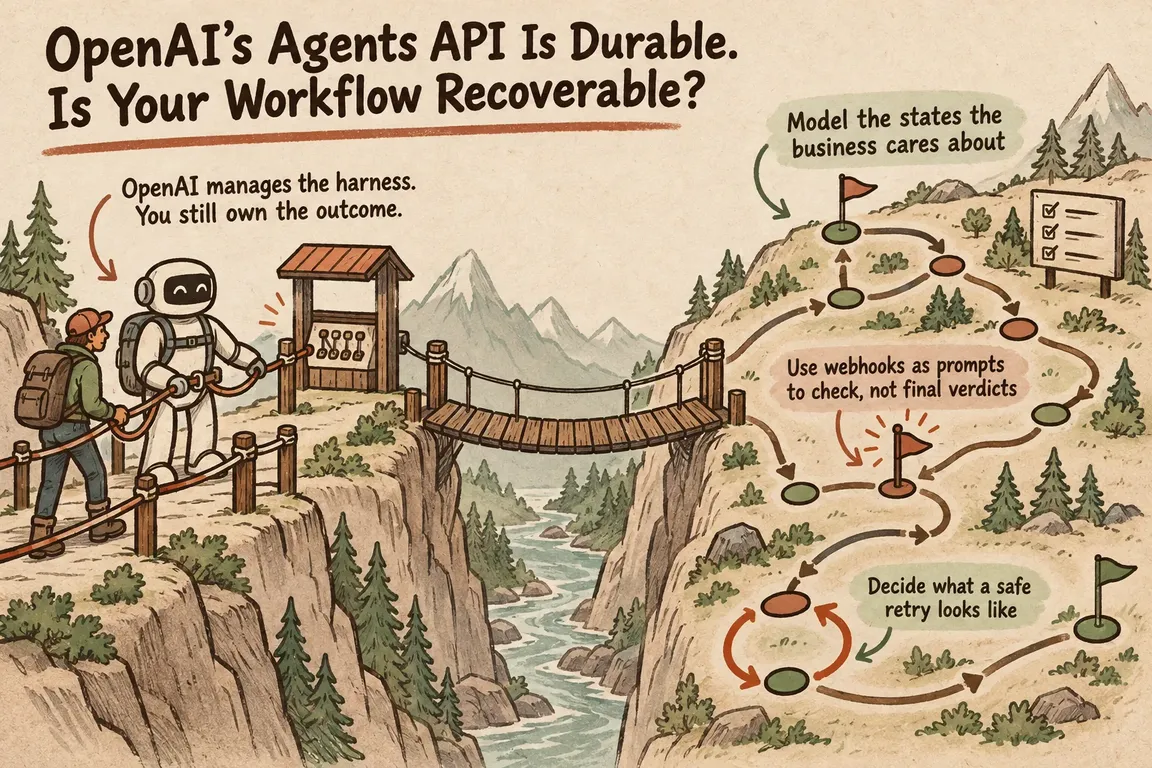
Start with one workflow and write down its business states. A reporting process might move through accepted, running, awaiting approval, validating and delivered, with separate paths for failure and human review. Keep these states in your application alongside the session and turn IDs.
For each state, record the owner, deadline and evidence required to move forward. “Delivered” might require a valid report, an approved recipient and a delivery receipt. An agent saying it sent something is weaker evidence than the sending system returning a message ID.
Use this decision table when reviewing an integration:
| What you observe | What to check | Safe next step |
|---|---|---|
| Session is idle | Latest turn outcome and tool results | Validate before marking the business task complete |
| Tool times out after an update | Whether the destination recorded the change | Reconcile before repeating the action |
| Agent requests input | Current required actions on the session | Provide the pending result, connection or approval |
| Turn fails | Session status and actions already completed | Continue unfinished work only if the session permits |
| Retry limit is reached | Last confirmed state and unresolved effects | Pause automation and assign a named operator |
Treat webhooks as a reason to check current state
Verify webhook signatures before accepting events, then queue slower processing. For an agent.session.action_required webhook, retrieve the session and inspect required_actions; the notification omits the detailed arguments and identifiers needed to act. Requests can involve a function result, an environment connection or computer-use approval. The session webhook documentation explains these distinctions.
It also documents a specific limit for disconnected self-hosted executors: the API waits up to five minutes for a connection. That wait is not a durable input queue. Connecting within the window resumes the submission; expiry means the submission fails. Configure client and proxy timeouts accordingly.
Make event handling safe to repeat, and check that an action is still pending before running it. Otherwise, a delayed notification can trigger work another worker has already handled.
Protect retries at both the API and business levels
The current session guide recommends saving one idempotency key per logical message submission before sending it. Send that value in the Idempotency-Key header. After a timeout or lost response, reuse the same key, session ID and message. A genuinely new submission needs a new key, even if its text is identical.
Your external tools need duplicate protection too. Give each business action a stable operation ID, store its outcome and use the destination system’s idempotency mechanism where available. If a ticket update succeeded but its acknowledgement was lost, check the ticket before trying again. If the outcome cannot be established, route it for review.
OpenAI’s recovery guidance says to inspect saved work and completed actions before retrying. Honour Retry-After where supplied, and impose an attempt limit or deadline. Correct invalid input and credential problems before resubmission.
A failed turn and a failed session require different responses. For a recoverable failed turn, wait until the session is idle and request only unfinished work. For a failed session, fix the cause and create a new session with the necessary inputs and confirmed progress.
A dropped stream does not mean the work stopped
Do not resubmit a task simply because its progress display disconnected. OpenAI’s events and items guide describes recovery by opening a new stream, buffering incoming events, retrieving the session and saved items, and restoring local state by item ID before applying buffered updates. Retrieve every relevant page of history.
An idle session alone does not prove success. Check whether the turn completed, failed or was cancelled, then inspect its output and material tool results. Even a completed turn can contain tool failures.
Make the handover usable on a busy day
An operator needs a concise record: what was requested, what definitely happened, what remains uncertain and which actions are safe next. Include the relevant IDs, destination records, retry history and customer deadline. Set limits on elapsed time, attempts and spend, with an alert that has a named recipient.
Before launch, simulate a lost acknowledgement after a successful update, a worker restart, a failed tool call and an unavailable downstream system. Verify that completed actions are not repeated and that someone can finish the task manually. For agency teams, agree who owns that handover after delivery.
If you are moving an agent into daily operations, Greg can help review one workflow, define completion checks and map the recovery path with your team. Get in touch with Greg with the process you want to automate and the systems it touches.
Related on GrN.dk
- A Voice Agent Is Only Ready When the Human Handoff Works
- When the AI API Says “Try Again,” What Does Your Customer See?
- Background AI Tasks Need Queues, Not Longer API Calls
Need help with this kind of work?
Review your agent workflow with Greg Get in touch with Greg.










