By Greg Nowak. Last updated 2026-11-05.
If you landed here looking for the latest Skype for Linux on Ubuntu 19.10 Eoan, the advice has changed. Microsoft retired Skype on 5 May 2025, and Ubuntu 19.10 reached end of life on 17 July 2020. Installing another Skype package will not restore a supported setup.
The original note explained how to inspect the repository left by a manual Skype installation. That check is still useful when maintaining an old workstation or investigating package update errors. For a business, the next steps also include checking retained records, replacing obsolete contact details, and getting the machine onto a supported operating system.
Start with what the machine still does
Before changing anything, establish whether this is an everyday workstation, a spare laptop, or a machine kept for access to old files. Ask who uses it and what would interrupt their work. An agency laptop may also hold client documents, VPN settings, browser profiles, or development tools that need attention during a rebuild.
Use this checklist to turn an old installation into a manageable task:
| What you find | Practical next step | Completion check |
|---|---|---|
| Ubuntu 19.10 is still in daily use | Back up the machine and plan a supported replacement installation. | Essential applications and restored files work on the replacement. |
| A Skype repository remains configured | Inspect it and disable the obsolete entry. | Package updates no longer attempt that repository. |
| Business records were kept in Skype | Check previously migrated history and existing exports. | Available records are stored where the business can find them. |
| Clients still have old Skype contact details | Update signatures, websites, templates, and onboarding documents. | A client can reach the team through the replacement channel. |
Check the old Skype repository
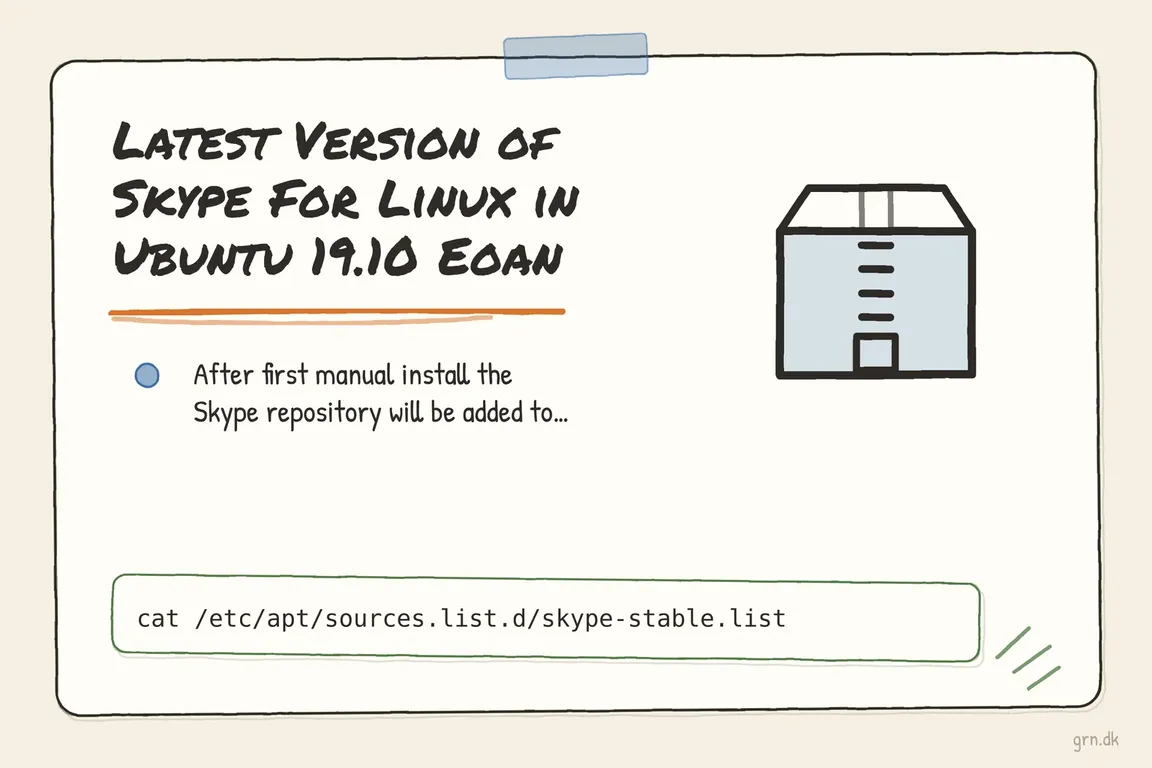
For the installation described in the original article, the repository file could be inspected with:
cat /etc/apt/sources.list.d/skype-stable.listThis reads the file; it does not install, update, or remove software. If the file is missing, that particular repository definition is absent. It does not prove that Skype was never installed or that no other Skype source exists.
To look for other entries, search the main source list and repository directory:
grep -Rni 'skype' /etc/apt/sources.list /etc/apt/sources.list.d/A missing-file message for /etc/apt/sources.list can occur on systems whose sources are defined entirely in the directory. Review the matching entries rather than deleting every matching file. The APT documentation describes both traditional .list files and newer .sources files, so checking only the original filename can miss a configuration.
Disable the obsolete source carefully
If skype-stable.list exists and contains only the Skype repository, you can move it outside APT’s source directory while retaining a copy:
sudo mkdir -p /root/disabled-apt-sources
sudo mv -i /etc/apt/sources.list.d/skype-stable.list /root/disabled-apt-sources/
The interactive move asks before overwriting an existing backup. If Skype shares a file with other repositories, edit only its entry instead. In a .list file, comment out the relevant line with #. In a .sources file, add Enabled: no to the relevant stanza.
On a supported Ubuntu installation, refresh package metadata afterwards:
sudo apt updateRead the output for remaining errors. Disabling a repository does not uninstall Skype, and it does not resolve Ubuntu 19.10’s obsolete operating system repositories. Avoid bypassing signature checks to make an old source appear usable.
Check available records before removing the application
As of 5 November 2026, the general Skype history export deadline has passed. Microsoft’s updated retirement guidance states that export requests were available until 15 June 2026. It also says retained history remains accessible in Teams Free for users who met its specified Skype and Teams activity conditions.
Check the actual account and any exports already held by your business. Do not assume that signing in now will recover missing history. Preserve available records before deleting local application data or rebuilding the machine.
If the business used a Skype Number, Microsoft also states that all number subscriptions ended in May 2026 and port-out requests are no longer available. Check published telephone details and arrange a working replacement contact route.
Move Ubuntu and communications forward together
For a workstation still running Eoan, I would normally assess a clean installation of a supported Ubuntu LTS release before attempting years of upgrades. That recommendation depends on the machine’s applications and configuration. Ubuntu’s upgrade guidance explains that release upgrades follow sequential paths and that a very old installation may require several upgrades.
Before reinstalling, verify a backup by opening restored files on another machine. Record essential applications, account access, and configuration. Then test the replacement system with the actual headset, camera, VPN, and client workflow before handing it back.
For teams considering Microsoft Teams, Microsoft lists current Edge, Chrome, and Firefox versions as supported for Teams for Web on Linux. Test the chosen account and service on supported Ubuntu, including screen sharing, notifications, and an external meeting. Browser support alone does not establish that every feature your team needs will work.
Give the change an owner
A useful handover is simple: a supported workstation, a tested communication channel, available records stored sensibly, and current client contact details. Assign someone to confirm each item so the job does not end with a working login but missing documents or outdated instructions.
If you need help coordinating the technical cleanup and the people affected by it, talk to Greg about managing the change. Start with the machines involved, the tools your team depends on, and the work that must keep moving.
Related on GrN.dk
- Microsoft Access Databases: When to Fix, Split, or Replace Your System
- Agentic AI: How It Works and When It’s Worth Using
- Apache 2.4.68: What to Check Before You Call It Patched
Need help with this kind of work?
Plan your team’s technical cleanup with Greg Get in touch with Greg.