Ubuntu Logs: Troubleshooting with journalctl and dmesg
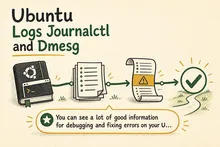
Use journalctl and dmesg to investigate Ubuntu server problems, filter logs by time and service, check previous boots, and give your team a clearer handover.
Use journalctl and dmesg to investigate Ubuntu server problems, filter logs by time and service, check previous boots, and give your team a clearer handover.
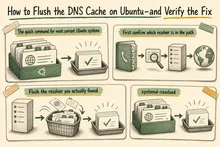
Flush Ubuntu’s DNS cache, identify the resolver your application uses, and verify website, email or API changes before calling a migration complete.
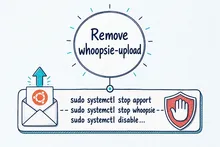
Diagnose a CPU-heavy whoopsie-upload-all process, stop Ubuntu crash uploads safely, and choose between disabling, masking, or removing the packages.
Written recommendations from Trafik og Veje, Aarhus Municipality (2011) and AgroTech (2010).
