By Greg Nowak. Last updated 2026-11-22.
If you pay to bring people to your website, your contact form deserves a proper acceptance test. Seeing a Turnstile widget on the page answers only part of the question. What happens when someone skips the widget and submits directly to the backend?
Cloudflare’s validation guidance, updated on November 16, 2026, makes server verification mandatory. Displaying the widget alone provides no protection. To check the implementation, follow the request that creates the enquiry.
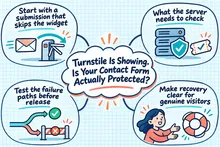
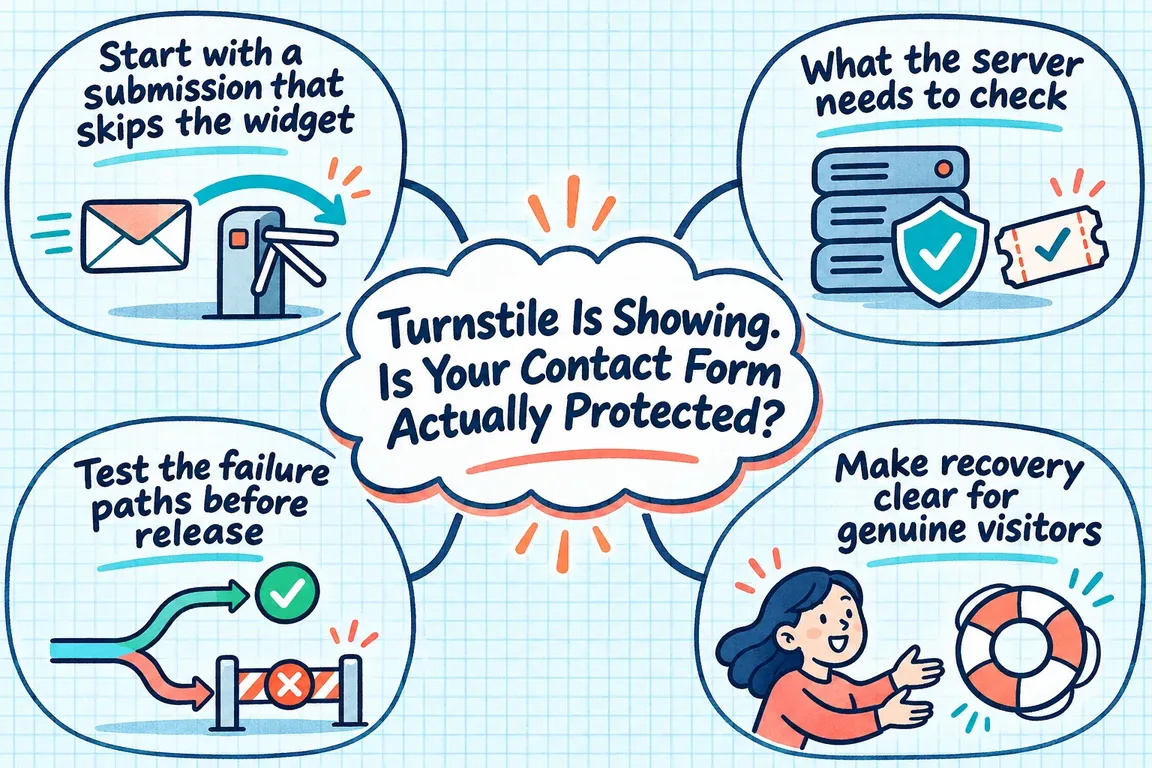
Start with a submission that skips the widget
On a system you own or are authorised to test, trace a normal form submission to the endpoint that receives it. Then repeat that request with otherwise valid fields: first without a Turnstile token, then with an arbitrary string in its place. Both tests deliberately bypass the browser challenge.
Look beyond the message returned by the form. Did it send an email, create a lead or accept a registration? If any of those actions happened, record the result for investigation. Ask the developer to show where the server decides whether to accept the submission, and whether that decision happens before any downstream work.
These are suggested acceptance tests, not findings about a particular website. Keep a record of the endpoint, the test submitted and what happened afterwards. That gives you something concrete to repeat once a fix is ready.
What the server needs to check
The backend must send the submitted token and its server-held secret to Cloudflare’s Siteverify API. It must require success: true before processing the submission and reject missing or invalid tokens. The secret belongs on the server, never in browser code.
There are context checks too. Check the returned hostname against the expected host and, where configured, check that the action matches the intended form.
Tokens expire after five minutes, so an expired token needs refreshing. The timeout-or-duplicate error can indicate either expiry or reuse. Reuse detection is eventually consistent: two validations made close together can both succeed. Your application therefore needs to handle duplicate business submissions separately from token verification.
Test the failure paths before release
A successful test submission is useful, but it leaves several questions open. Can the visitor recover from a failed check? Does a server rejection actually prevent a lead from being created?
Cloudflare’s testing guidance provides dummy sitekeys and secret keys for predictable success, failure and spent-token responses. Use a separate test configuration to check the full journey, including what reaches the inbox, CRM or registration system.
| Test | What to verify |
|---|---|
| Missing or arbitrary token | No email, lead or registration is created. Record the endpoint and downstream result. |
| Passing widget and server validation | One intended submission reaches its destination, and the visitor sees confirmation. |
| Failing widget | The visitor gets a useful recovery message. |
| Passing widget, failed server validation | No lead or registration is created, and the rejection is recorded. |
| Spent-token response | The visitor can make a fresh attempt without losing entered text. |
| Hostname and action checks | A controlled test with real keys confirms that the expected context is enforced. |
Keep the limits of dummy keys in the test record. Their validation responses return example.com as the hostname and omit action and cdata. Cloudflare directs developers to use real keys to test those checks. Production secrets also reject dummy tokens, so the configuration used for each test matters.
Make recovery clear for genuine visitors
Include a visitor who pauses while writing an enquiry, someone who retries after an error, and a temporary verification service failure in the audit. These scenarios test recovery; they do not establish that a visitor is abusive.
Agree on the expected behaviour before implementation. The form should retain entered text, make clear whether the submission was accepted and give the visitor a next step. If the enquiry has not been accepted, a success message is misleading. Nobody filling in a contact form should need to understand tokens to finish sending it.
Have the developer demonstrate the recovery journey through to the enquiry’s final destination. Review the messages with the person who handles incoming enquiries, too. They need to recognise a reported failure and know who can investigate. Assign that responsibility before release.
Track verification and delivery separately
Cloudflare’s token validation analytics reports Siteverify requests, valid tokens and invalid tokens. An invalid result can reflect bot activity, an expired token or an implementation problem. The invalid total alone does not tell you how many attacks were stopped.
For the audit, ask to see attempted submissions, verification decisions and delivery results over the same period. Accepted enquiries without the expected verification calls deserve investigation: check the submission route and the instrumentation. Allow for requests rejected before a verification call and for retries when interpreting the figures. The counts will not necessarily match one for one.
Then check delivery independently. Successful verification does not answer whether the enquiry reached its intended destination. Keeping those outcomes separate gives your team a better starting point when the inbox goes quiet: blocked abuse, visitor friction and failed delivery need different responses.
Give someone responsibility for reviewing unexpected changes, and agree on what should trigger an investigation. Otherwise, the dashboard can show a problem without anyone acting on it.
Review the controls around Turnstile
OWASP’s anti-automation guidance recommends layered controls, endpoint-specific rate limits and monitoring while preserving legitimate access. A challenge result is one signal in that approach.
Review rate limits alongside verification on contact and registration forms. OWASP advises using multiple limiting keys rather than relying solely on IP addresses. Choose controls around the endpoint’s actual risk, then review how they affect legitimate users.
Keep enough diagnostic information to investigate a decision: the route, request identifier, outcome and relevant signals. Mask credentials and personal information in logs. Watch for changes in failure rates and business flows so adjustments are based on evidence.
Ask for an audit you can review
A useful brief for Greg would name the contact and registration endpoints to check, the required Siteverify checks, the failure and recovery tests, and the monitoring handover. Ask for a written record of what was checked, what changed and which outcomes passed.
If your business pays to generate enquiries, that record should answer two questions: can an unverified submission create work for your team, and can a legitimate visitor recover when verification fails? Bring those questions to GrN.dk to scope an audit around the forms your business depends on.
Related on GrN.dk
- Apache 2.4.68: What to Check Before You Call It Patched
- AI Content and Google: Fix the Process Before You Publish More
- dmesg vs journalctl: Keep the Clues After a Server Reboot
Need help with this kind of work?
Discuss your form security audit Get in touch with Greg.