By Greg Nowak. Updated 27 September 2026.
Yes—if you publish regularly and already have readers who value your work, Google’s Preferred Sources button is worth testing. It gives those readers a simple way to make your site more visible in their own Google experience. It does not give every article a ranking boost, and it will not repair declining search traffic by itself.
That distinction matters. Preferred Sources is an audience-retention tool operating inside Google, not an SEO shortcut. Treat it as a small product experiment with a defined audience, placement and success measure.
What does Preferred Sources actually change?
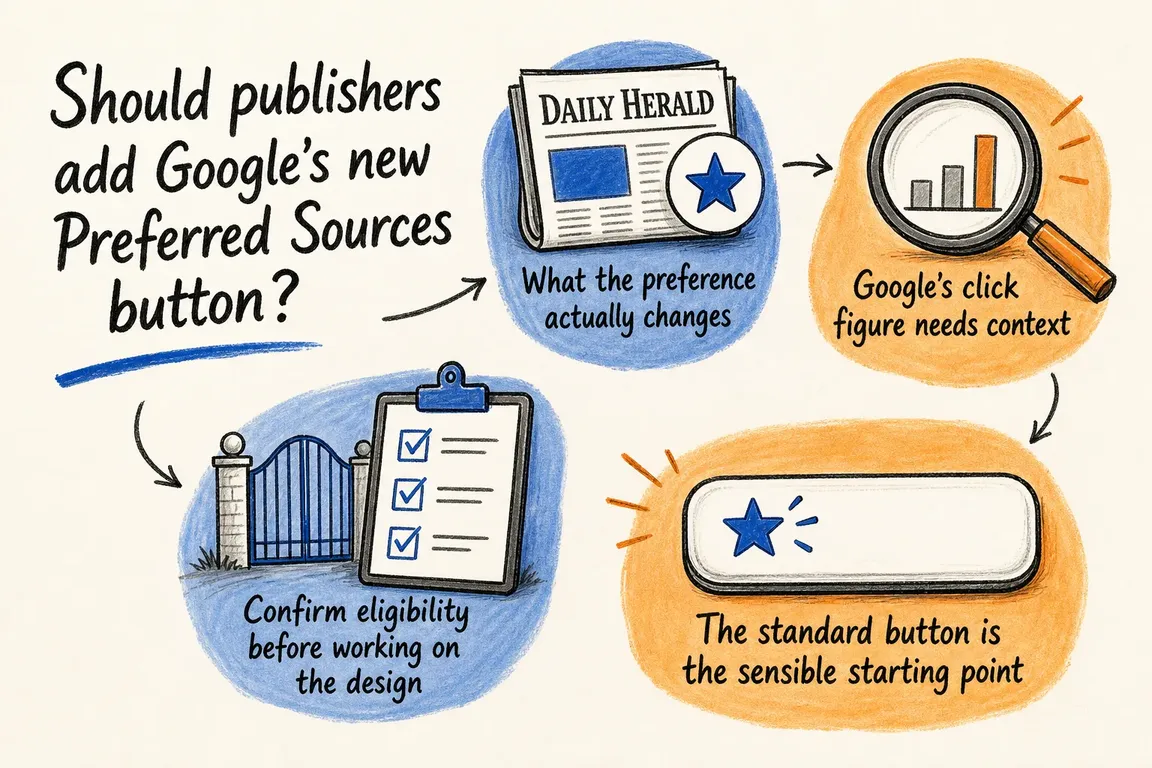
When someone selects a site, Google may show fresh, relevant content from that source more often in Top Stories. Selected sources can also receive a “Preferred” label in AI Overviews and AI Mode where those products are available.
The preference belongs to the individual reader. It does not create a site-wide ranking advantage, make an irrelevant article suitable for a query or displace every other publisher. Google still uses relevance, freshness and quality when deciding what to show. Readers who save their preferences while signed in can retain them across browsers where they use the same Google Account.
Top Stories support is available globally in languages supported by Google Search. Appearance in Google’s generative AI features has an additional condition: the site must be included through the Search generative AI control in Search Console.
The business case is promising, but modest
Google says people are twice as likely to click through to a source after marking it as preferred. That is a useful reason to run a test, but it is not a forecast that your Google traffic will double. The comparison concerns people who have already expressed a preference, not every searcher or article.
The strongest candidates are publications with frequent output, a recognisable identity and an existing returning audience. A specialist trade publication, local newsroom or active industry blog has a clearer proposition than a corporate site that publishes twice a year. The button works best when it captures loyalty that already exists.
Check eligibility before designing anything
- Search for the exact hostname in Google’s source preferences tool. Sites that are not updated regularly may be unavailable.
- Confirm the right domain boundary. Google supports domains and subdomains, such as
example.comornews.example.com, but not a directory such asexample.com/news. - In Search Console, check Settings → Search generative AI. Inclusion is the default, but inherited settings and previous decisions should still be reviewed.
- Decide whether asking readers to prefer the whole hostname makes editorial sense when several brands or publications share it.
That final point can stop the project before code is written. If the selectable domain does not match the publication readers recognise, a polished button will not solve the underlying information-architecture problem.
Choose the lightest implementation that fits
| Implementation | Best fit | Main trade-off |
|---|---|---|
| Standard JavaScript button | Most Drupal and WordPress publications | Fastest supported route, but uses Google’s presentation |
| Advanced JavaScript integration | Mature design systems and application interfaces | More control, with more accessibility and regression testing |
| Deeplink | Restricted CMSs, newsletters and social campaigns | No embedded component, but a less seamless hand-off |
Google recommends the standard button, and it is the sensible starting point. The basic implementation loads the library asynchronously and places a component where the invitation should appear:
<script async src="https://news.google.com/swg/js/v1/publisher.js"></script>
<div google-add-preferred-source-btn></div>
The component supports light and dark themes and automatic localisation, with an optional language override. It also returns the reader to the page after Google’s selection flow.
For Drupal or WordPress, load the library once through the site’s normal asset system and place the component in the relevant article template, block or pattern. Avoid pasting the script into every article. A custom integration is justified when the standard presentation genuinely conflicts with the design system—not merely because custom code is possible.
Place the invitation after trust has been earned
A first-time visitor at the top of an article has little evidence on which to prefer a source. The end of a useful article, a newsletter confirmation page or a returning-reader journey offers better context.
Start with one restrained placement. Do not launch header, inline, footer and overlay prompts simultaneously: they compete with subscriptions and registrations while making the result harder to interpret. The wording should also explain the reader benefit plainly, such as “See more of our reporting in Google,” rather than suggesting that clicking supports the publisher financially.
Treat the button as a production dependency
The implementation loads JavaScript from Google, so include it in the normal release process. Check the content security policy, privacy and consent position, caching and optimisation layers, keyboard behaviour, localisation, layout shift and failure state. The article must remain complete and usable when the external library is slow or unavailable.
Test on representative mobile devices as well as desktop. Also check dark mode and longer translated labels; a component that fits an English desktop design can still break a narrow template in another language.
Measure the journey, not just the button
Record impressions and button activations by placement, device and reader type where your analytics and consent model permit it. Do not treat an activation as proof that the Google-managed selection was completed unless your implementation can genuinely observe that outcome.
Before launch, capture a baseline for Google referrals and for nearby conversion actions such as newsletter signup or subscription. Run the test long enough for returning readers to encounter relevant searches, then review three questions: Did suitable readers use it? Did the prompt harm a more valuable action? Did Google referral engagement change in a way that is credible after accounting for publishing volume, seasonality and search demand?
So, should it go on the roadmap?
For an eligible, regularly updated publication with loyal readers, yes. Start with Google’s standard button in one contextually sensible position and judge it as an audience feature—not a traffic rescue plan. Use the advanced integration only when it materially improves the experience, and reserve the deeplink for constrained platforms and off-site promotion.
If eligibility, CMS ownership, analytics and editorial priorities cross several teams, Greg can help turn the idea into a small, measurable publisher experiment.
Related on GrN.dk
- Google’s AI Search Toggle Is a Publishing Decision, Not an SEO Setting
- AI Crawler Control for Business Websites: Protect Content Without Losing Search Visibility
- Google’s 2026 AI Search Guidance: SEO Still Matters, but Reporting Has Changed
Need help with this kind of work?
Plan your publisher test with Greg Get in touch with Greg.










