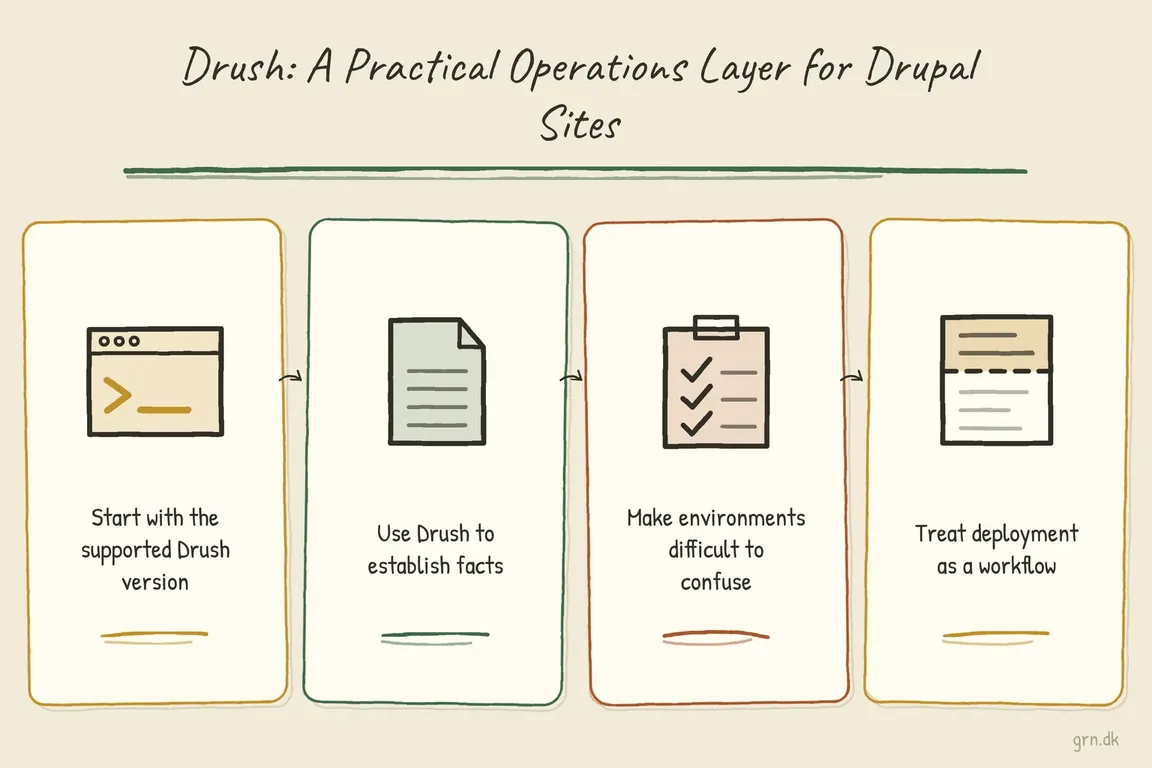
By Greg Nowak. A Drupal release is easier to manage when everyone can answer three questions: which site are we changing, what will happen, and how will we recover if it fails? Those questions matter whether you own the business, manage operations, or maintain sites for agency clients.
Drush is Drupal’s command-line toolkit. It helps developers inspect a site, manage configuration, and run updates consistently. Its business value comes from putting those actions into a documented process that another person can follow. Here is a practical starting point for a site takeover or a more dependable release routine.
Keep Drush with the project
Drush’s official installation guidance requires Composer and a project dependency. Run it from the directory containing composer.json, using the project’s own binary. This keeps the selected version recorded in composer.lock.
Before adding Drush, check the project’s existing constraints. As of October 2026, the compatibility table lists Drush 14 for Drupal 11.3 and later, including Drupal 12; Drush 13 supports Drupal 10.2 and later within Drupal 10, plus Drupal 11. Both require PHP 8.3 or newer.
# If Drush is missing, add it in a development checkout
# after checking compatibility and Composer constraints.
composer require drush/drush

vendor/bin/drush --version
Review and test dependency changes before release. An initial site assessment should use the installed toolchain wherever possible.
Start a takeover with a useful inventory
First establish what is running and where. The core:status command can report versions, the site URI, Drupal root, and configuration sync path:
vendor/bin/drush core:status --fields=drupal-version,drush-version,php-version,uri,root,config-syncThese fields give the incoming team a baseline without requesting every available field, which can include database credentials. The reported PHP version describes the command-line runtime; confirm the web runtime separately.
Next, use pm:list to inventory enabled modules outside Drupal core:
vendor/bin/drush pm:list --type=module --status=enabled --no-core
vendor/bin/drush pm:list --type=module --status=enabled --no-core --format=json
The table suits a review meeting; JSON suits an inventory tool. Add purpose and ownership to unfamiliar modules before proposing removal. A small extension may support a crucial publishing task or integration.
| Checkpoint | Evidence to collect | Proceed when |
|---|---|---|
| Site takeover | Runtime details and enabled module inventory | Unknown dependencies have an owner for investigation. |
| Target selection | Alias definition and reported site URI | The intended environment is confirmed. |
| Release preparation | Pending updates and configuration differences | The team understands the expected changes. |
| Production release | Test results, recovery point, and release owner | Someone can authorise release or recovery. |
| Handover | Release record and operating instructions | Another operator can follow the process. |
Give staging and production explicit names
Shared site aliases reduce repeated server details and make commands easier to review. Create drush/sites/self.site.yml beneath the Composer project root, replacing these example values:
live:
  host: server.example.com
  user: deploy
  root: /var/www/example/web
  uri: https://www.example.com
stage:
  host: stage.example.com
  user: deploy
  root: /var/www/example/web
  uri: https://stage.example.com
root must be the absolute Drupal web-root path. The URI should match the browser address for that site. Remote aliases also require working SSH access and Drush on the target environment.
vendor/bin/drush site:alias @self
vendor/bin/drush @stage core:status --fields=uri,root,drupal-version
Verify the target before commands that change data, especially on multisite installations. Keep passwords and private keys out of shared alias files and manage access through the team’s established SSH arrangements.
Rehearse the release on staging
Deploy the intended code and dependencies to staging first. Then inspect pending database updates and differences between active configuration and the configuration files:
vendor/bin/drush @stage updatedb:status
vendor/bin/drush @stage config:status
Investigate unexpected differences before continuing. Agree how configuration changes made through production’s administration interface enter the release process, so an import does not unexpectedly overwrite them.
Drush’s documented deploy sequence for Drupal 10.3 and later runs database updates, configuration import, cache rebuild, and deploy hooks. On Drupal 11.2 and later, cache warming follows. Run it after deploying code:
vendor/bin/drush @stage deploy -y-y accepts prompts automatically. Use it once the changes have been reviewed. Validate the journeys the business relies on: an editor publishing, a visitor submitting an enquiry, or an integration delivering its expected result. Record the checks and who performed them.
Make recovery part of the production decision
Before production, confirm the release window, responsible operator, and usable recovery point. The recovery instructions should cover compatible code, database, and uploaded files, plus who can restore them. Account for enquiries, orders, or editorial changes that could arrive after the backup.
Deploy the tested code and configuration, reconfirm the live target, then run the agreed production step:
vendor/bin/drush @live deploy -yDrush does not create a backup or undo database changes through this command. If it fails, preserve the output and establish which steps completed before deciding what to do next. After success, repeat the business checks and record the code revision, outcome, and any follow-up work.
Leave instructions the next person can use
A useful handover includes supported versions, environment aliases, deployment steps, backup ownership, recovery instructions, and critical checks. Give the document an owner and review it when hosting or deployment arrangements change. Business owners should be able to identify who runs the release and who makes the recovery decision.
If your Drupal maintenance depends on knowledge held by one person, talk to Greg about reviewing the setup and documenting a practical release and handover process. A useful first step is your current deployment checklist, even if it is incomplete.
Related on GrN.dk
- CMS Upgrades in 2026: Choosing the Right PHP Version for WordPress and Drupal
- Drupal Deployments: Keep Small Fixes From Rewriting Live Settings
- WordPress Plugin Updates: What the Six-Hour Cooldown Can’t Check
Need help with this kind of work?
Talk to Greg about Drupal operations Get in touch with Greg.










