By Greg Nowak. Last updated 2026-07-20.
A Drupal 9 site still running in 2026 is not simply behind on updates. Drupal 9 has received no official releases since 1 November 2023, so the site should be treated as a managed business risk. That does not automatically justify a rushed rebuild, but it does rule out ordinary maintenance as a sensible long-term plan.
The destination has changed too. As of 20 July 2026, Drupal 10 is supported only until 9 December 2026. For a viable legacy site, Drupal 10 is now a controlled bridge to Drupal 11—not a destination worth planning around.
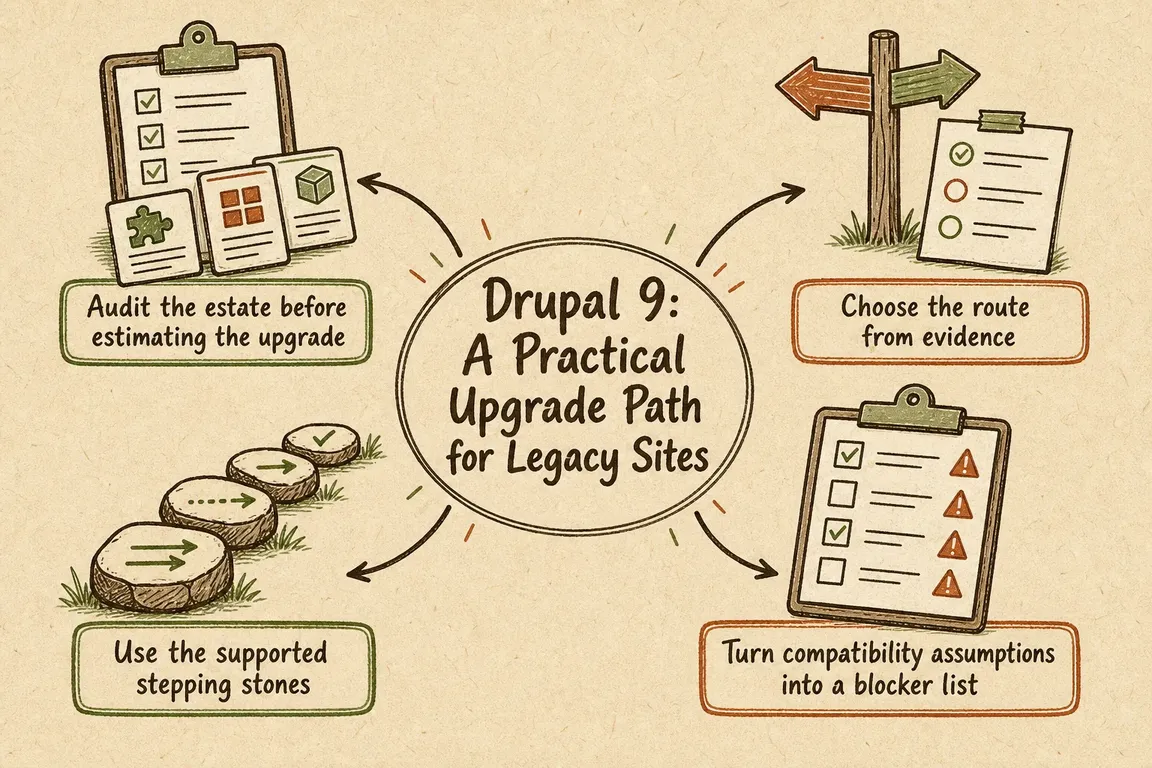
Audit the estate before estimating the upgrade
The core update is rarely the hardest part of an inherited Drupal project. Uncertainty usually sits in custom modules, abandoned contributed packages, Composer patches, edited scaffold files, integrations, hosting constraints, and deployment steps that exist only in somebody’s memory.
Run the first checks in a restorable lower environment, from the directory containing composer.json:
composer show drupal/core | grep versions
composer show drush/drush
composer outdated 'drupal/*'
vendor/bin/drush status
vendor/bin/drush pm:list --status=enabled
Then inspect composer.json, the patches directory, custom modules and themes, CI configuration, cron, queues, search, email delivery, forms, payment or CRM connections, and any production-only configuration. Confirm that the repository can actually reproduce the live site. If it cannot, fixing that is part of the project—not an optional preliminary task.
Choose the route from evidence
| Estate condition | Likely route | What must be proved first |
|---|---|---|
| Current content model, useful workflows, maintained modules | Sequential upgrade to Drupal 11 | Custom code and dependencies can cross both major-version boundaries |
| Valuable site, but weak deployment or documentation | Stabilise, document, then upgrade | A reproducible build, tested backup restoration and a credible regression plan |
| Abandoned modules, heavy production edits, obsolete workflows | Compare upgrade with replatforming | The cost of preserving the old architecture is lower than replacing it |
| Temporary or low-value site near retirement | Contain risk and plan closure | A named owner accepts the security and continuity exposure |
Use the supported stepping stones
Drupal’s upgrade path does not support jumping directly from Drupal 9 to Drupal 11 or 12. The practical sequence is:
- Prepare Drupal 9. Bring the site to Drupal 9.4 or 9.5—preferably 9.5 for this temporary stage—and make contributed and custom code Drupal 10-compatible. Replace removed Drupal 10 dependencies such as the Seven administration theme and CKEditor 4, or deliberately adopt their supported alternatives.
- Land on Drupal 10. Treat this as a tested release, not an invisible Composer operation. Recheck editor journeys, integrations, background jobs and configuration. Document and reapply intentional changes to scaffold files such as
.htaccess. - Prepare Drupal 11. Drupal 11 requires a source site on Drupal 10.3 or later and PHP 8.3 or later. Resolve extensions removed from Drupal 11, update custom code, then perform and test the second major upgrade.
Each stage should have its own clean commit, database backup, deployment record and acceptance result. Combining both upgrades into one unreviewable change set makes fault-finding and rollback unnecessarily difficult.
Turn compatibility assumptions into a blocker list
Upgrade Status remains useful because its stable 4.3 branch supports Drupal 9, 10 and 11. Install it on a development copy or short-lived assessment branch, following the project’s current dependency instructions:
composer require 'drupal/upgrade_status:^4.3'
vendor/bin/drush en upgrade_status -y
vendor/bin/drush upgrade_status:analyze --all
Use the report to separate three kinds of work: contributed packages that only need a supported release, custom code using removed APIs, and dependencies with no credible forward path. Upgrade Status can identify many compatibility problems, but it does not replace manual testing or a review of operational dependencies.
Keep Drush project-local and Composer-managed. Do not add the latest Drush to Drupal 9 without checking compatibility: current recommended Drush branches target newer Drupal versions, while older compatible branches are no longer supported. Pin the branch appropriate to each upgrade stage and run it through vendor/bin/drush so developer machines and CI use the same tool.
Plan acceptance around the work people actually do
A successful homepage smoke test proves very little. Before approving a release, test content creation and moderation, media uploads, permissions, search, forms and notifications, scheduled publishing, redirects, multilingual pages, API consumers, cron, queues and integrations. Include operations and editorial users early enough to catch changed workflows before the release window.
After each stage, useful checks include:
vendor/bin/drush updatedb:status
vendor/bin/drush updatedb -y
vendor/bin/drush config:export -y
vendor/bin/drush cron
vendor/bin/drush watchdog:tail
Also run the project’s automated tests and verify that a fresh composer install succeeds from the committed lock file. The release plan should name the decision-maker, acceptance criteria, rollback trigger and maximum acceptable outage—not merely list technical commands.
What a useful assessment should deliver
The best first deliverable is a short, prioritised plan: immediate exposure, upgrade blockers, the Drupal 10 bridge, the Drupal 11 destination, testing scope, and an honest upgrade-versus-rebuild recommendation. If your inherited site needs that clarity, Greg can help shape the audit into a delivery plan your business and technical teams can run.
Related on GrN.dk
- Fixing Website Email Deliverability in 2026: A Practical Checklist for Business Sites
- MariaDB 10.6 EOL: quiet CMS hosting debt needs a real upgrade plan before July 2026
- Drupal 10's December 2026 Deadline: Start With the Upgrade Inventory
Need help with this kind of work?
Plan your Drupal upgrade Get in touch with Greg.










