By Greg Nowak. Last updated 20 September 2026.
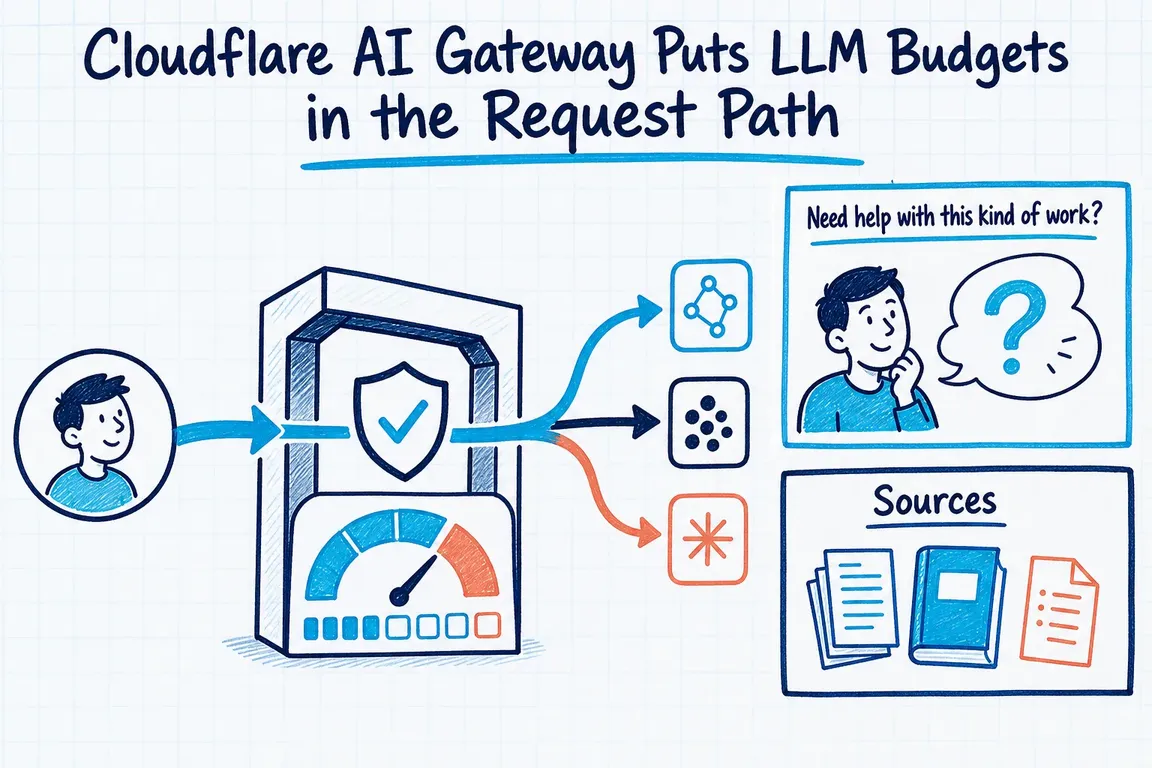
Most teams discover an AI cost problem after the provider invoice arrives. Cloudflare AI Gateway offers a more useful intervention point: spend limits that are checked before another request is sent to a model provider. Once cumulative estimated spend reaches a rule’s budget, the gateway can return a 429 response or, with dynamic routing, move traffic to a fallback model.
That makes the gateway useful for businesses running several AI features, providers or agency-built integrations. It does not replace financial reporting, but it can stop an experiment, premium model or unusually active tenant from consuming an open-ended budget.
Spend limits and rate limits solve different problems
A rate limit controls how often something may be called. A spend limit controls how much model cost the traffic may accumulate. The distinction matters because two requests can have very different prices depending on the model, input length and generated output.
Cloudflare calculates a request’s estimated cost from token usage and known model pricing. Before sending a new request upstream, AI Gateway evaluates every applicable spend rule. If any rule is already over budget, the request is blocked until its fixed or rolling window resets. The feature currently applies to Unified Billing and BYOK requests for models with known prices.
Do not treat the configured amount as a guaranteed hard ceiling. Cost is recorded after a request completes, and enforcement is eventually consistent. A burst of concurrent requests can therefore take actual spend briefly above the nominal limit.
The useful budget is the one with an owner
A gateway-wide ceiling protects the company total, but it does not tell you whether support automation, an internal assistant or a customer-facing feature caused the increase. Useful controls follow operational responsibility.
Rules can be scoped by provider, model and custom metadata. A filtered dimension targets one value, such as the production environment. A split dimension creates an independent budget for every value, such as each team or tenant. Cloudflare accepts up to five custom metadata entries per request, using strings, numbers or booleans; extra entries are ignored.
| Business objective | Suggested rule | Failure response |
|---|---|---|
| Protect total AI expenditure | One gateway-wide budget | Alert and block optional work |
| Control premium-model use | Filter by model | Switch to a cheaper model |
| Give teams separate allowances | Split by team |
Block or require review |
| Limit customers or tenants | Split by tenant_id |
Degrade, queue or block |
A compact metadata contract might include team, app, workflow, environment and tenant_id. Define the meaning and permitted values before several applications invent incompatible labels. Keys beginning with cf. are reserved by Cloudflare. If requests arrive through an Access-protected custom domain, Cloudflare can add the verified user identifier as cf.user_id.
Prove the request path before setting limits
Cloudflare’s current REST API provides a universal /ai/run endpoint, OpenAI-compatible Chat Completions and Responses endpoints, and an Anthropic-compatible Messages endpoint. This abbreviated request selects a named gateway and adds ownership metadata:
curl -X POST "https://api.cloudflare.com/client/v4/accounts/$CLOUDFLARE_ACCOUNT_ID/ai/v1/chat/completions" \
  -H "Authorization: Bearer $CLOUDFLARE_API_TOKEN" \
  -H "cf-aig-gateway-id: production" \
  -H 'cf-aig-metadata: {"team":"support","app":"helpdesk","environment":"prod"}' \
  -H "Content-Type: application/json" \
  -d '{"model":"openai/gpt-4.1","messages":[{"role":"user","content":"Hello"}]}'
The token needs the Account > Workers AI > Read permission for these REST endpoints. A token carrying only AI Gateway configuration permissions will not work. Test one non-critical workflow first, then confirm that the chosen gateway records requests, tokens, errors, estimated costs and metadata under the expected values.
Choose the credential model deliberately. Unified Billing lets Cloudflare authenticate and bill supported third-party models. BYOK stores provider credentials in Cloudflare’s Secrets Store, reducing their exposure to individual applications and simplifying rotation. On Unified Billing endpoints such as /ai/v1/chat/completions, Cloudflare consults a provider key with the default alias first and falls back to Unified Billing when that key is absent.
Decide what customers experience when the budget is gone
A hard 429 is reasonable for experiments, batch processing and optional internal tools. It is usually too blunt for a customer journey. Cloudflare Dynamic Routing can evaluate conditions, enforce rate or budget nodes and select fallback models. Your application might move to a cheaper model, omit an optional enrichment step or return its non-AI experience.
There is an important architecture constraint: dynamic routes still use Cloudflare’s OpenAI-compatible /compat/chat/completions endpoint. That endpoint is deprecated for ordinary single-model chat completions but remains required for dynamic routing; dynamic routes are not yet available through the newer REST API. They also require gateway authentication and provider keys stored with BYOK. Confirm this boundary before planning an endpoint migration.
Treat cost data as a control signal, not an invoice
Cloudflare describes cost tracking as a best-effort estimate. Provider pricing can change, negotiated rates may differ and some responses may not expose enough usage data. Keep the provider dashboard or invoice as the billing authority.
Each gateway supports up to 20 spend-limit rules, so resist creating a special rule for every exception. Start with a global ceiling, one premium-model control and a small number of owner-based budgets. Review blocked requests and estimated spend regularly, then adjust from observed traffic rather than guesses.
A safer rollout sequence
- Inventory model calls by application, owner, provider, model and environment.
- Choose Unified Billing, BYOK or a documented combination.
- Route one representative workflow through a non-production gateway.
- Attach a five-field-or-smaller metadata contract and verify the resulting logs.
- Observe normal usage before setting initial fixed or rolling budgets.
- Test the
429response and any cheaper-model or non-AI fallback. - Document who may change budgets, routes and provider credentials.
The goal is not merely another cost dashboard. It is an operating model in which product owners understand their allowance, developers know the failure path and finance can trace estimated spend to a meaningful workload.
If your model calls are spread across products, scripts and agency integrations, Greg can help map the traffic, design the metadata contract and coordinate a controlled rollout. Discuss your AI Gateway setup with Greg.
Related on GrN.dk
- Your AI Gateway Can Name the User. Decide What That Log Is For
- AI Agents Need a Spending Brake, Not Just a Billing Dashboard
- AI automations need a spend dashboard before the first runaway bill
Need help with this kind of work?
Discuss your AI Gateway rollout Get in touch with Greg.










