By Greg Nowak. Last updated 2026-10-01.
A customer sees an expired offer in search. An agency launches a replacement page, but the old URL keeps appearing. In both cases, the site may be correct while Bing has yet to discover and process the change. That gap matters for ordinary search results and for AI answers that may draw on indexed pages.
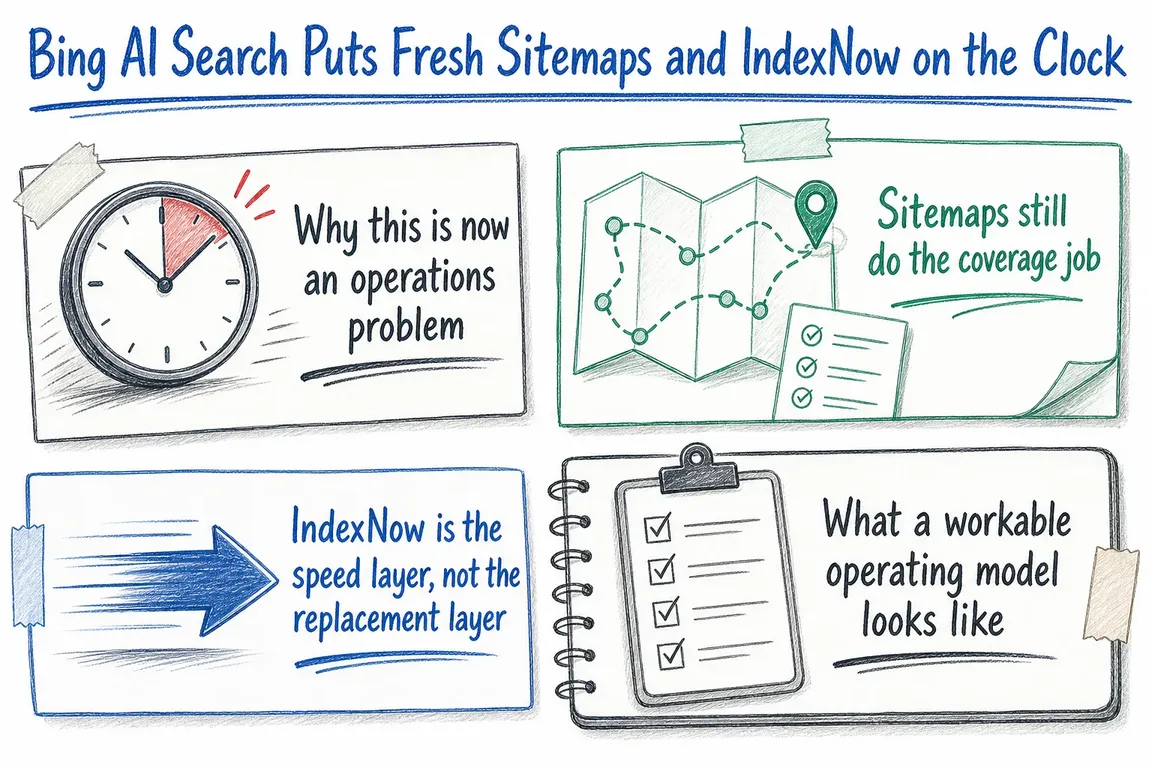
Bing recommends two complementary signals: an XML sitemap for the pages you want discovered, and IndexNow notifications for URLs that have recently changed. Neither guarantees crawling, indexing or a citation. The practical goal is to give Bing accurate information promptly, then check whether the workflow is working.
Give each signal a clear job
Start with the business event. A new service page needs a place in the sitemap and a timely notification. A revised price needs the page itself to show the new price before its URL is submitted. A deleted page needs the right HTTP status and removal from the sitemap. The table is a useful brief for whoever owns publishing, development and search reporting.
| When this happens | Update the site | Tell Bing | Check afterwards |
|---|---|---|---|
| A page is published or substantially revised | Make it crawlable and update its true modification time | Add or retain its canonical URL in the sitemap; send IndexNow | Sitemap processing and the important URL’s status |
| A price, availability or policy changes | Update the visible page and any corresponding structured data | Update lastmod; send the changed URL |
The live page and submission response |
| A page moves or is removed | Apply the intended redirect or return 404/410 |
Remove the old URL from the sitemap; notify its change through IndexNow | Old URL response and new destination |
Make the sitemap a trustworthy inventory
An XML sitemap should contain the canonical URLs you want indexed. Keep redirects, deleted pages, staging addresses and unnecessary parameter variations out of it. On a site with several CMSs or storefronts, compare the sitemap with actual response codes and canonical tags after each significant release. A generated file is only useful if it reflects the live site.
The lastmod value should describe when the page content changed, not when the sitemap was rebuilt. Bing’s sitemap guidance recommends an ISO 8601 date and time for a precise freshness signal. An illustrative value is 2026-10-01T09:30:00+02:00. If your deployment touches every page’s template but leaves its useful content alone, avoid assigning every URL the deployment time.
Publish the sitemap location in robots.txt, for example Sitemap: https://www.example.com/sitemap.xml, and add it to Bing Webmaster Tools. Check the tool’s processing status, last read date and errors. Bing says it typically revisits known sitemaps at least daily; the report shows what happened for your site. You can leave out changefreq and priority for Bing, which says it ignores them for crawling and ranking.
Send IndexNow when a meaningful change is live
Connect IndexNow to publishing and commerce events rather than a blanket scheduled job. Good triggers include a new article, a material rewrite, a price or availability change, a redirect and a deletion. A colour adjustment or tracking script release usually does not justify submitting the whole site. For pages that change repeatedly, IndexNow recommends waiting at least five minutes before resubmitting the same URL and filtering out minor changes.
Check first whether your CMS, host or SEO extension already sends IndexNow notifications. For a custom integration, create a valid key and place a UTF-8 file containing that key at the root of the same host. For example, a key file named a1b2c3d4e5f6a7b8.txt would be served at https://www.example.com/a1b2c3d4e5f6a7b8.txt. Replace the example host and key with your own before using this single-URL request:
curl -i "https://api.indexnow.org/indexnow?url=https%3A%2F%2Fwww.example.com%2Fchanged-page&key=a1b2c3d4e5f6a7b8"
Encode the page URL in the request. For a coordinated release, the IndexNow JSON endpoint accepts up to 10,000 URLs per POST, but the batch should contain URLs affected by that release. Keep older, unchanged pages in the sitemap instead of submitting the full inventory repeatedly. If a migration changes many URLs, record which old addresses redirect and which destination pages are ready before sending notifications.
Measure the hand-off, then review visibility
Log each submitted URL, the event that triggered it, the time and the HTTP response. A 200 means the request was received; 202 means key validation is pending. Investigate 400, 403 and 422 as request, key or host problems. If you receive 429, slow down and follow a Retry-After header when provided. None of these responses proves that a page has been indexed.
After an important launch, inspect a sample of business-critical URLs in Bing Webmaster Tools and check the sitemap report. Bing’s AI Performance reporting can also show cited pages and citation trends across supported AI experiences. In June 2026, Bing announced additional preview views for intents, topics, citation share and comparisons over time. Use those views to find pages worth reviewing; a change in citations is not proof that an IndexNow submission caused it.
Put the workflow in someone’s hands
For a business owner, the useful question is whether important changes reach the live page, the sitemap and Bing without relying on someone to remember three separate tasks. For an agency, the handover should name the trigger, the owner of the key and integration, where failures are logged, and who checks the reports after releases.
If that chain is unclear across your CMS, shop or custom application, Greg can help map it and turn the gaps into a manageable implementation plan. Discuss your search freshness workflow with Greg.
Related on GrN.dk
- AI Shopping Makes Product Data Integrity a Technical Ops Job
- Google’s 2026 AI Search Guidance: SEO Still Matters, but Reporting Has Changed
- AI Search Has Reports Now. Are You Measuring Citations or Guessing?
Need help with this kind of work?
Discuss your search freshness workflow with Greg Get in touch with Greg.










