Site Health is useful because it flags autoloaded options, but for operators it is only the start of the job. The real question is not whether WordPress can warn you. It is whether your site is loading data on every request that does not need to be there, and whether you can fix it safely without breaking plugin behavior, admin workflows, or client handover.
That matters because autoloaded options sit in the normal request path. Core loads that set early through wp_load_alloptions(), so a bloated autoload set becomes a tax on ordinary page handling, not just an admin-only problem. For agency teams and operations leads, this is why the issue keeps surfacing as slow frontend responses, spiky resource use, and vague "the server feels heavy" complaints.
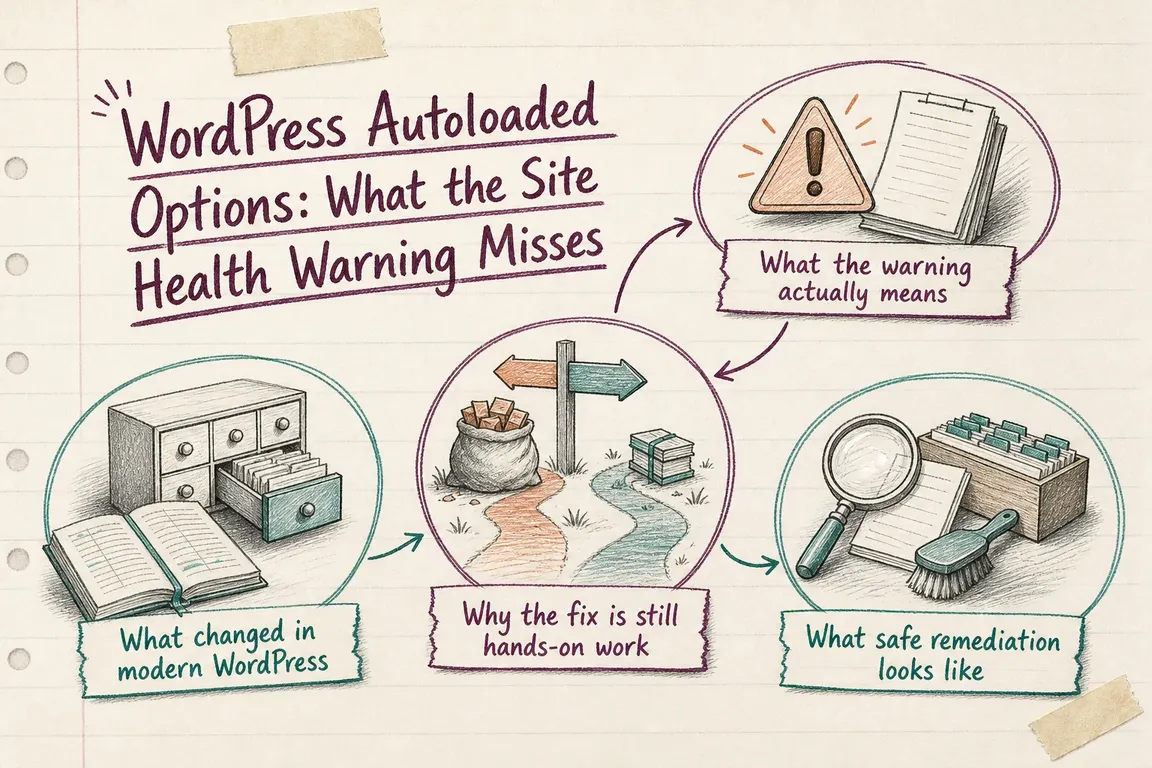
What the warning actually means
The current Site Health check counts both the number and total size of autoloaded options. In current core docs, it marks the issue as critical when the total autoloaded size reaches the default limit of 800000 bytes. That is a sensible alert threshold, not a diagnosis. A site can exceed it because of one oversized option, a few badly scoped settings arrays, or a pile of stale rows left behind by retired plugins and themes.
That distinction matters commercially. A warning tells you there is likely waste in the request path. It does not tell you which option is safe to remove, which one should remain autoloaded, or whether the durable fix belongs in code, data cleanup, or both.
What changed in modern WordPress
WordPress 6.6 changed the default $autoload parameter for add_option() and update_option() from implicit yes to null. In practical terms, core now expects clearer intent: use true when an option must be available on essentially every request, false when it should not be loaded globally, and null when WordPress can apply its own heuristics.
That same change introduced a default size guardrail. If an option is saved without explicit autoload true and the value is larger than 150000 bytes, WordPress will not autoload it by default. Newer database values such as on, off, auto, auto-on, and auto-off were added to support that behavior, while legacy yes and no remain readable for backward compatibility.
Then WordPress 6.7 formally deprecated passing yes and no into these APIs. Core did not rewrite old rows during upgrade, so mixed states are normal on long-lived sites. Any custom SQL that only checks autoload = 'yes' is now incomplete.
Why the fix is still hands-on work
The remediation is not "turn the warning off" or "set a higher limit." The current Site Health threshold can be filtered with site_status_autoloaded_options_size_limit, and the 150 KB autoload heuristic can be altered with wp_max_autoloaded_option_size. Both are operational levers. Neither removes unnecessary weight from production requests.
What usually needs real judgment is classification:
- Which options are genuinely needed across the frontend, login flow, checkout, or shared middleware on nearly every request?
- Which options are only used on narrow admin screens, import jobs, scheduled tasks, or one feature path?
- Which rows belong to plugins or themes that are no longer active?
- Which large values exist because code is storing too much in one option instead of using a more appropriate data model?
That is why this remains paid performance work. You are not just chasing a green dashboard. You are deciding what can be safely changed on a live business system.
What safe remediation looks like
A good cleanup starts with inventory, not deletion. Pull the largest autoloaded rows, map each one to its owner, and confirm whether the owning code still exists. On inherited sites, the dangerous cases are usually abandoned plugins, overgrown option arrays, or custom code that never set explicit autoload intent.
From there, the implementation path is usually one of three moves:
- Patch the save logic so future writes use explicit booleans and match modern WordPress behavior.
- Change the autoload flag for active options that are valid but wrongly scoped.
- Remove stale options after confirming they are no longer read by production code.
One technical detail matters here: update_option() can only change the autoload value of an existing option when the option value itself also changes. If you only need to flip the autoload flag, the current core API for that job is wp_set_option_autoload_values(), which updates autoload values without rewriting the option payload and handles the related cache refresh.
update_option( 'my_option', $value, false );

wp_set_option_autoload_values( array(
    'legacy_plugin_setting' => false,
) );
That is safer than raw SQL on most projects, especially now that WordPress uses newer autoload states internally.
What to tell stakeholders
For business owners, the plain-English version is simple: autoload bloat is not a cosmetic Site Health issue. It is a recurring performance cost hidden inside normal page handling. For operations leads, it is a reliability and maintainability issue because bad autoload decisions keep resurfacing after plugin updates, migrations, or agency handoffs. For agencies, it is a client trust issue: the dashboard warns, but the real value is in fixing the cause without collateral damage.
If your site is over the limit, the right question is not "How do we suppress the warning?" It is "Which options truly belong in the startup path, which ones do not, and how do we lock that in so the problem does not come back next quarter?"
That is the difference between a one-off database tweak and a proper remediation plan. The best outcome is a lighter request path, cleaner ownership of settings data, and code that follows current WordPress conventions instead of legacy habits.
Need help making the fix stick?
If you need someone to audit the autoload set, trace ownership, and turn the warning into a safe remediation plan, Greg can help with the technical cleanup and the operational handoff. The goal is not just to quiet Site Health. It is to leave the site faster, clearer, and less fragile than before.
Need help with this kind of work?
Need a WordPress autoload audit and a safe remediation plan? Talk to Greg. Get in touch with Greg.