
Drupal CMS 2.0: quick starts, harder rebuild choices
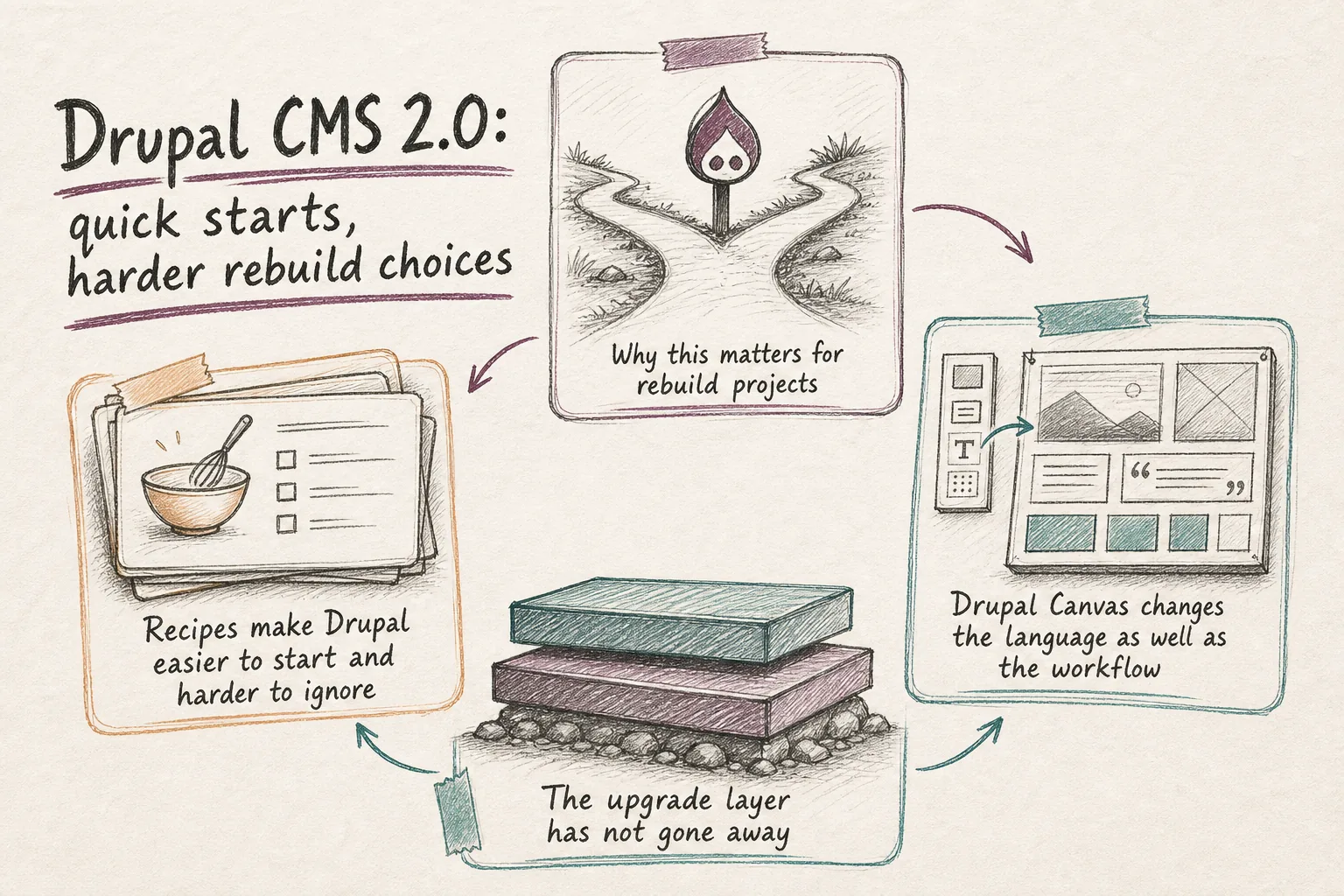
Drupal CMS 2.0 changes the economics of a Drupal marketing-site rebuild. The official launch on January 28, 2026 put that shift in plain view: Drupal Canvas is now the default editing experience, AI tools are available as optional add-ons, and site templates promise a polished starting point quickly. That is genuinely useful for buyers. It also means the paid work is less about getting Drupal installed and more about making sure the finished site actually fits the organization using it.
Drupal is clearly aiming this release at marketers, designers, and content teams, not just developers. The Drupal CMS product page leans on visual page building, site templates that install in under three minutes, one-click marketing integrations, optional AI with governance, and performance gains in the 26 to 33 percent range. The launch post adds more substance: Canvas supports live preview and real-time editing, the Mercury component library provides reusable building blocks, and the first included site template, Byte, ships as a SaaS marketing site with a blog, newsletter signup, pricing pages, and a contact form. That is a serious head start compared with the old blank-page Drupal setup.
Why this matters for rebuild projects
A better starting point does not remove complexity. It concentrates it. Templates and recipes can get a team moving fast, but they do not answer the questions that usually decide whether a rebuild works after launch. Which content types reflect the buyer journey? Which fields are needed for SEO, structured reuse, and reporting? Who can publish, who can edit, and who should approve? Which automations are harmless, and which touch consent, analytics, or customer data in ways that need tighter review?
That is where rebuilds still win or lose. A site can look finished in a demo and still create months of operational drag if the content model is wrong, the editorial boundaries are fuzzy, or the integrations were added because they were available rather than because they were necessary.
| Area | Drupal CMS 2.0 helps with | What still needs implementation work | Why the difference matters |
|---|---|---|---|
| Page building | Drupal Canvas, live preview, real-time editing, reusable components | Set component rules, author guardrails, and page patterns | Editors move faster only if the system prevents inconsistent layouts and one-off pages |
| Starting point | Byte and other site templates reduce setup time | Choose the right template, remove mismatched assumptions, and align structure to the brand and offer | A quick start is helpful, but the wrong template creates rework later |
| Recipes | One-click and recipe-based features and integrations | Select, combine, and test recipes against existing modules, policy, and data flow | Recipe sprawl is easy to create and expensive to maintain |
| AI | Optional AI tools, governance visibility, and a growing AI recipe ecosystem | Decide provider choices, permissions, review steps, and safety controls | Unchecked AI introduces editorial and compliance risk |
| Operations | Project Browser, automatic update tooling, and documented workflows | Manage Composer dependencies, upgrade sequencing, compatibility, and release discipline | Production Drupal still depends on steady maintenance practice |
Drupal's own documentation points in exactly this direction. The Drupal CMS User Guide covers content modeling, content moderation and workflows, accessible content, custom forms, consent management and data protection, email sending, SEO, Google Analytics, tags and analytics, backups, core updates, and module and theme updates. That is not just onboarding material. It is a practical map of where the real implementation work begins once the starter kit is in place.
Recipes make Drupal easier to start and harder to ignore
The recipe ecosystem is a big reason this release matters. The recipe browser already spans categories including Integrations, Search engine optimization, Security, Accessibility, Site structure, and Artificial Intelligence. The examples are telling: AI chatbots, AI content classification, AI content pre-moderation, AI image alt text, AI SEO optimization, vector search, and AI guardrails for personally identifiable information and prompt safety. On top of that, there are packaged site templates such as Byte, Archimedes for education, CareSphere for nonprofits, and Convene for events.
This is exactly where implementation value moves. Recipes compress configuration effort, but they also multiply the number of reasonable choices. Most teams do not need four overlapping AI capabilities, several moderation patterns, or an SEO layer that conflicts with how editors actually work. Someone still has to decide what belongs, what overlaps, what introduces risk, and what the organization will still be happy to maintain a year from now.
The Mailchimp example from the launch article makes that concrete. The recipe can authenticate to an instance, pull audiences, and create signup form blocks ready for Canvas pages. Useful, yes. But the real implementation still includes field mapping, consent handling, form placement, analytics conventions, and a plan for what happens when the marketing stack changes later.
Drupal Canvas changes the language as well as the workflow
There is also a simple but important terminology shift happening at the same time. The old Experience Builder project page now states that the module is Drupal Canvas, that the page is retained for historic reasons, and that new issues and releases belong in the Drupal Canvas project. That may sound minor, but it matters during planning. Internal stakeholders may still be talking about Experience Builder. Developers may be tracking the older project history. Agencies may be using both names interchangeably.
Part of the implementation job now is translation: helping everyone map earlier exploration of Experience Builder to the current Canvas-based delivery path, and making sure the team is following the right release and issue streams. That is not presentation fluff. It is normal risk reduction when a fast-moving platform becomes viable for mainstream project work.
The upgrade layer has not gone away
If anything, Drupal CMS 2.0 makes maintenance decisions more visible. The Drupal 11.2.0 release notes are a good reminder. They call out extra steps for Drupal CMS users before upgrading core to 11.2.0. Sites on 10.2 or earlier must move to 10.3 or later before going to Drupal 11. Extension downloads and updates are no longer handled through the user interface; Composer is now required. Sites using Automatic Updates need version 4.0.0 or higher, Project Browser users need 2.1.0-beta2 or higher, and Drupal core now requires Symfony 7.3.0.
Those notes also mention installer performance changes that may be incompatible with some modules or install profiles unless specific metadata is added. None of this weakens the case for Drupal CMS 2.0. It just clarifies where the risk sits. Packaged Drupal can get a marketing team to a usable starting point faster than before, but once that site lives inside real hosting standards, approval flows, analytics requirements, and dependency constraints, someone still has to own upgrade sequencing and compatibility.
Where GrN adds value
The useful question for a client is no longer whether Drupal can support a marketing-site rebuild. On the evidence, it can, and it now comes with much stronger packaging than it used to. The better question is whether Drupal CMS 2.0 fits your team, your governance model, and your integration reality.
That is where Greg is useful. Not as a generic Drupal installer, but in the parts that are harder to get right from a template alone: assessing fit, shaping a content model around SEO and editorial workflow, trimming or combining recipes, wiring forms and analytics cleanly, setting permissions and review rules, and dealing with the upgrade and dependency friction that shows up when packaged Drupal meets a real stack.
That is the real shift in Drupal CMS 2.0 and Drupal Canvas. Commodity setup has been compressed. What remains is the higher-value work: choosing the right defaults, structuring content properly, integrating safely, and keeping the system maintainable after launch.
Need help with this kind of work?
Plan a Drupal CMS implementation review Get in touch with Greg.