By Greg Nowak. Updated 11 August 2026.
If Drupal 8 still supports an important website, “stop all development” is rarely useful advice. Orders must still arrive, editors must still publish, and integrations must still run. But ordinary feature development is no longer appropriate either. Every change should now answer two questions: does it protect an essential business process, and does it make the supported future easier rather than harder?
This is controlled legacy work: stabilise what matters, avoid expanding the obsolete layer, and turn each intervention into progress toward an upgrade.
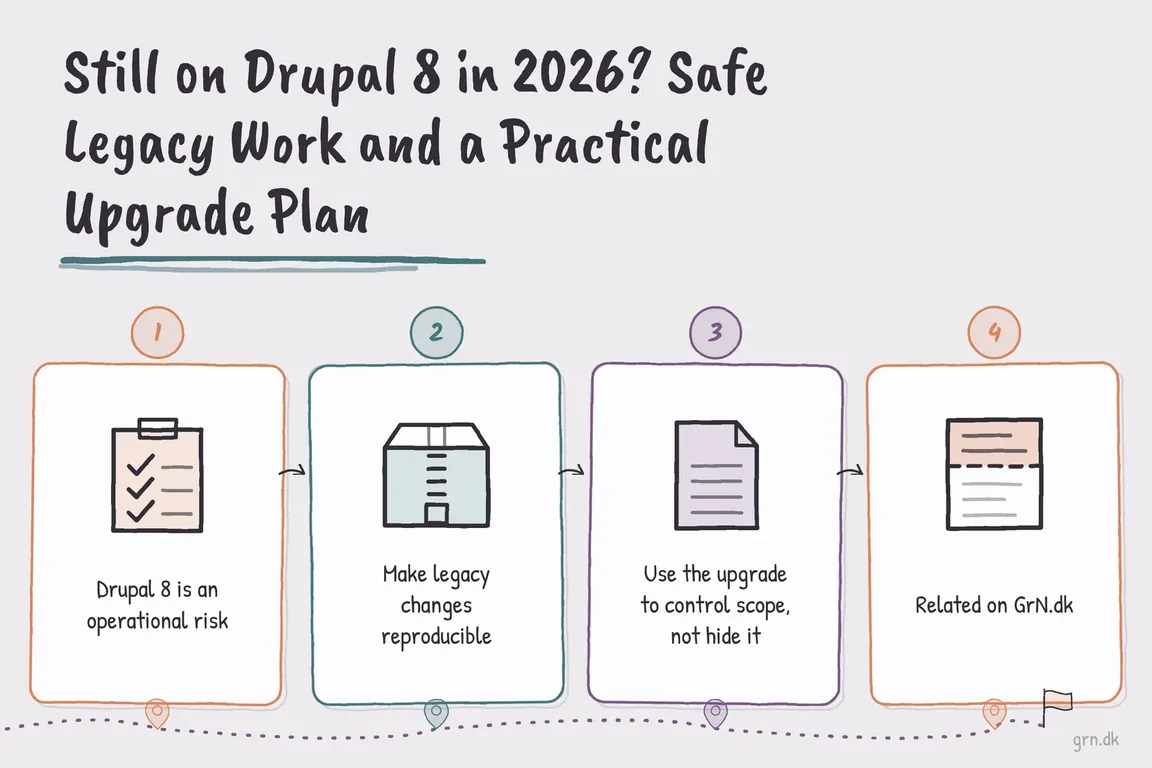
Drupal 8 is an operational risk, not simply an old version
Drupal 8 reached end of life on 17 November 2021. It no longer receives normal core security coverage. Backups, monitoring and infrastructure controls remain valuable, but they do not restore that missing support.
As of August 2026, Drupal 11 is the sensible supported destination for most upgrades. Drupal 10 reaches end of life on 9 December 2026, so completing a rescue project on Drupal 10 would create another immediate deadline. Drupal 12 is scheduled for December 2026, but an inherited Drupal 8 site should not wait for it before beginning discovery and compatibility work.
| Requested work | Do it on Drupal 8? | Practical decision |
|---|---|---|
| Broken checkout, form or publishing workflow | Usually | Make the smallest tested fix that restores an essential process. |
| Security or access-control concern | Immediately assess | Contain exposure, preserve evidence and determine whether the site can remain online safely. |
| Small integration repair | Sometimes | Keep it isolated and avoid new dependencies on obsolete APIs. |
| New CRM, commerce or personalisation integration | Usually not | Build it against the supported destination unless delay would cause greater business harm. |
| Contributed-module replacement | When it removes a blocker | Prefer a maintained project with a credible Drupal 11 path. |
| Large redesign or editorial rebuild | Rarely | Spend that budget on the destination theme and content model. |
Make legacy changes reproducible
A defensible Drupal 8 change should be version-controlled, Composer-managed, reviewed and tested on a recent copy of production. Record the PHP, database, Composer and Drush versions before changing anything. Take verified database and file backups, document rollback, and keep production credentials out of development copies.
Do not edit core, contributed modules or the vendor directory directly. Avoid manual module uploads on a Composer-managed site. Mixing installation methods can leave the codebase and composer.lock describing different systems.
For a contributed module, first identify a release compatible with the site’s exact core and PHP versions. Then use an explicit constraint rather than allowing Composer to choose a modern, incompatible release:
composer show drupal/PROJECT_NAME --all
composer require 'drupal/PROJECT_NAME:^COMPATIBLE_VERSION'
drush pm:install module_name
drush updatedb
drush cache:rebuild
Run these from the project root containing composer.json. The drush en alias may appear in older runbooks; pm:install makes the intended operation clearer. Exact command availability still depends on the legacy Drush version, so confirm it with drush list before treating a copied command as a deployment procedure.
Inventory the site before estimating the upgrade
A module list alone is not an upgrade assessment. Build an inventory covering core, contributed and custom extensions, themes, Composer patches, PHP dependencies, configuration workflow, scheduled jobs, hosting constraints and external services. Include the less visible business dependencies: SSO, email delivery, search, payment callbacks, CRM synchronisation, analytics, imports and permissions.
For each item, assign an owner and one disposition: keep, update, replace, rewrite or remove. Also record how it will be tested. This turns “upgrade Drupal” into a set of decisions that operations, agency and business stakeholders can review together.
Upgrade Status can help identify deprecated APIs, extension compatibility and environment requirements. However, its current releases are intended for newer Drupal versions. Do not blindly install the latest release on Drupal 8. Use a compatible historical version only in a controlled development environment, or introduce the current tool at the appropriate later stage of the upgrade.
The upgrade must move one major version at a time
Drupal does not support skipping major versions because database and configuration updates are retained for consecutive upgrade paths. A Drupal 8 codebase therefore moves through Drupal 9 and Drupal 10 before Drupal 11, even if those intermediate versions exist only as tested upgrade stages rather than long-lived production releases.
The first gate is Drupal 8.8 or 8.9, the compatibility window designed for the Drupal 9 transition. From there, complete and verify each stage before continuing: resolve Composer dependencies, run database updates, export configuration where applicable, execute automated checks, and test critical user journeys. A successful homepage is not adequate acceptance testing.
Use the upgrade to control scope, not hide it
Owners need a clear view of operational exposure and budget. Operations leads need rollback procedures and acceptance criteria. Agencies need documented assumptions, dependencies and responsibility boundaries. A good plan gives each group the same staged backlog and identifies which feature requests should pause until the supported platform is ready.
If the inventory reveals extensive abandoned modules, undocumented custom code or a theme that must be rebuilt, compare an in-place upgrade with a structured rebuild before committing the full budget. The right answer depends on the value of the existing content model, integrations and editorial workflow—not on attachment to the current codebase.
Turn the next fix into the first upgrade decision
If Drupal 8 still matters to the organisation, begin with a short technical and operational audit. It should produce an inventory, immediate risk controls, upgrade blockers, a recommended route and a testable first stage. Greg can help turn an inherited Drupal site into a practical delivery plan, whether you own the platform or need independent support for an agency engagement.
Bootstrap 3 sub-theme on Drupal 8
The quick steps when a legacy site still needs a Bootstrap 3 sub-theme:
- Copy the sub-theme from the starterkit in the bootstrap theme folder to the sub-theme folder.
- Rename all files to the sub-theme name.
- Copy the info file from the bootstrap theme to the sub-theme.
- Set up the theme in /admin/appearance/settings.
Related on GrN.dk
- Essential Drupal 8 Modules: What Still Matters on a Legacy Site
- CMS Upgrades in 2026: Choosing PHP for WordPress and Drupal
- Drupal 10's December 2026 Deadline: Start With the Upgrade Inventory
Need help with this kind of work?
Plan your Drupal upgrade Get in touch with Greg.










