By Greg Nowak. Updated 22 October 2026.
The DNS record is in the dashboard. The hostname and value look correct. Yet the subdomain still fails, a verification check rejects it, or customers reach the old service.
Before waiting for “propagation”, check whether you edited the zone that actually answers for that hostname. A subdomain delegation can make a perfectly valid record invisible to public lookups. For a business owner, operations lead or agency, the useful question is: which DNS account controls this name, and who can correct it?
Why a saved DNS record may never be used
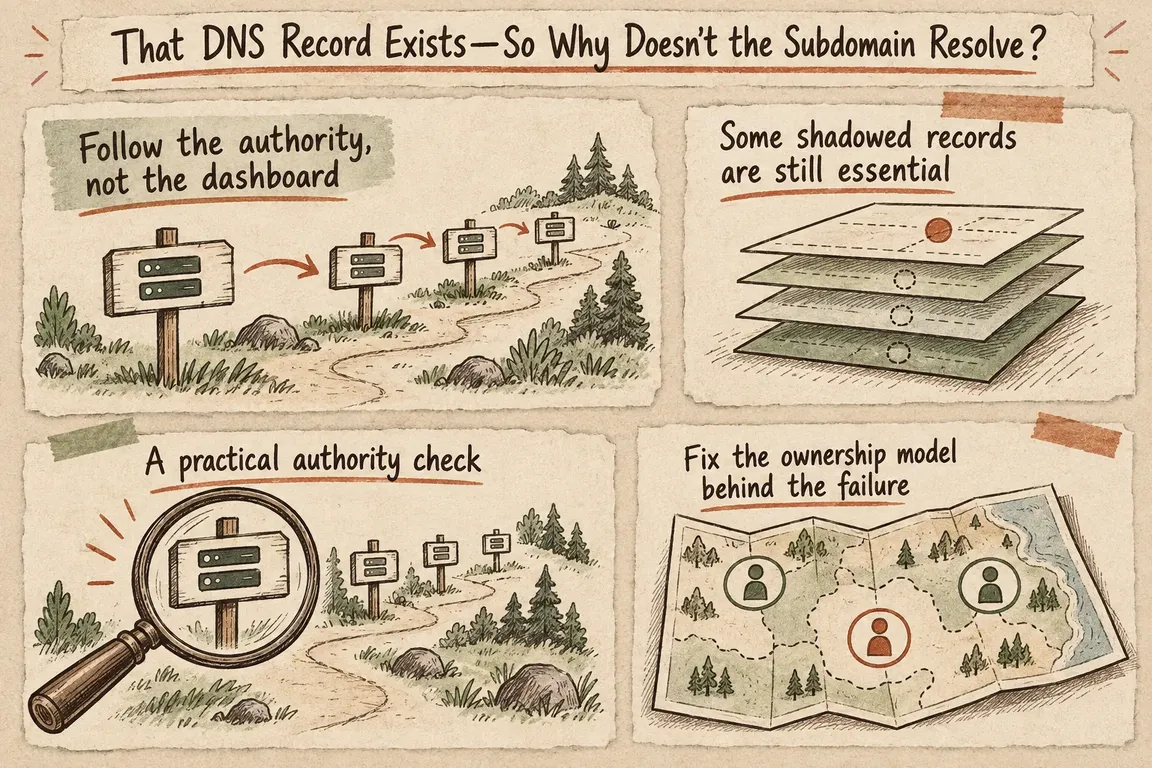
Suppose example.com contains NS records delegating app.example.com to separate nameservers. That creates a child zone: a boundary where responsibility passes from the parent to the child. The technical term is a zone cut, defined in RFC 9499, the current DNS terminology reference.
An A record for app.example.com, or a TXT record for verify.app.example.com, normally belongs in that child zone. Adding it to the parent dashboard does not override the delegation. Cloudflare calls such stored but non-authoritative records shadowed records.
This is easy to miss during a hosting move or agency handover. The domain registrar, parent DNS provider and operator of a delegated subdomain may be three different organisations. Establish ownership before making changes.
Trace the subdomain before editing records
Ask your technical team to capture the failing hostname, required record type and current response. Then trace the public delegation:
dig +trace app.example.com AThe official BIND dig manual explains that +trace follows referrals from the root. Identify the parent and delegated child servers, then query them directly. Replace PARENT_NS_IP and CHILD_NS_IP below with their actual IP addresses:
dig @PARENT_NS_IP app.example.com A +norecurse
dig @CHILD_NS_IP app.example.com SOA +norecurse
dig @CHILD_NS_IP app.example.com A +norecurse
With separate servers, expect the parent to return an NS referral in the AUTHORITY section, with any required glue under ADDITIONAL. The child should return its SOA record with the aa flag, meaning authoritative answer, and answer the A query as configured.
Repeat against every delegated server. For verification or email problems, query the exact TXT, CNAME or MX name requested by the service. Keep the full output, including status and flags.
What the answers tell you
| Finding | Likely explanation | Next action |
|---|---|---|
| Parent refers to a child; child lacks the record | Wrong zone edited or child configuration missing | Add or correct the record in the child zone |
| Child servers return different answers | Configuration differs between servers | Bring every delegated server into agreement |
| A delegated server times out or is not authoritative | Server reachability or zone setup problem | Check connectivity, zone configuration and parent NS entries |
| Authoritative answers are correct; recursive answers are old | Cached data may still be active | Check remaining positive and negative cache lifetimes |
| Direct answers work; validating resolvers return SERVFAIL | Possible DNSSEC validation failure | Check the chain of trust as well as server availability |
Do not delete working glue
If app.example.com uses ns1.app.example.com as its nameserver, the resolver needs that server’s address before it can ask the child anything. The parent supplies A or AAAA records called glue to break this circular dependency.
Preserve these required addresses when reviewing shadowed records. If a shallower delegation makes deeper glue unreachable, check that the servers now responsible hold the deeper delegation and its necessary records before removing leftovers.
For Cloudflare audits, request include_shadow_metadata=true through the DNS Records API. Inspect shadowed_by, is_glue and dead_glue; a dead-glue record also has is_glue: true. List and batch requests must contain no more than 1,000 records for this metadata to be computed. The Cloudflare shadowed-record reference documents the fields and delegation filters.
When caching or DNSSEC is the real issue
Once authoritative answers are correct, compare recursive lookups. DNS caches can retain both old values and earlier “does not exist” answers. Under RFC 2308’s negative-caching rules, the negative TTL derives from the lower of the SOA record’s TTL and its MINIMUM field. Lowering a new A record’s TTL cannot clear an already cached negative response.
If direct queries succeed but validating resolvers return SERVFAIL, investigate DNSSEC. A stale parent DS record after a provider move is one possibility; check it against the child’s DNSKEY records and signatures. DNSSEC validation rules require failure responses when signatures cannot be validated. A successful dig +trace alone does not establish that validation works.
Make the fix easy to hand over
If the delegation is intentional, correct the child zone. If it is obsolete, inventory services below it and prepare their records in the parent before removing it. Record existing answers and TTLs, agree a rollback plan, and verify authoritative and recursive responses afterward.
The handover should identify the account owner, affected services, changes made and responsibility for renewals and account access. That gives the next agency or operations team somewhere reliable to start.
If ownership is unclear or a launch is blocked, Greg can help trace the delegation, review glue and DNSSEC, and coordinate a correction plan with your providers. Get in touch with Greg about a focused DNS audit.
Related on GrN.dk
- Cloudflare Service Keys: Audit Old Automation Before September 30
- Cloudflare Tunnel in 2026: Better Visibility, Harder Questions
- JavaScript-Heavy Service Pages Still Lose Leads: What to Audit in 2026
Need help with this kind of work?
Talk to Greg about a DNS audit Get in touch with Greg.










