By Greg Nowak. Updated 14 October 2026.
If your website or internal application depends on Cloudflare Tunnel, someone should be able to explain where its connector runs, who maintains it and what happens when that machine stops. Those answers matter during a hosting change, an agency handover or a service interruption.
Tunnel makes the connection straightforward: cloudflared connects outbound to Cloudflare, allowing an origin to serve traffic without a publicly routable IP address. That can reduce exposure, provided other inbound routes are closed. Cloudflare’s Tunnel overview explains the connection model.
The 2026 tooling makes existing setups easier to inspect. For business owners and operations leads, the opportunity is to turn that visibility into a setup another person can confidently support.
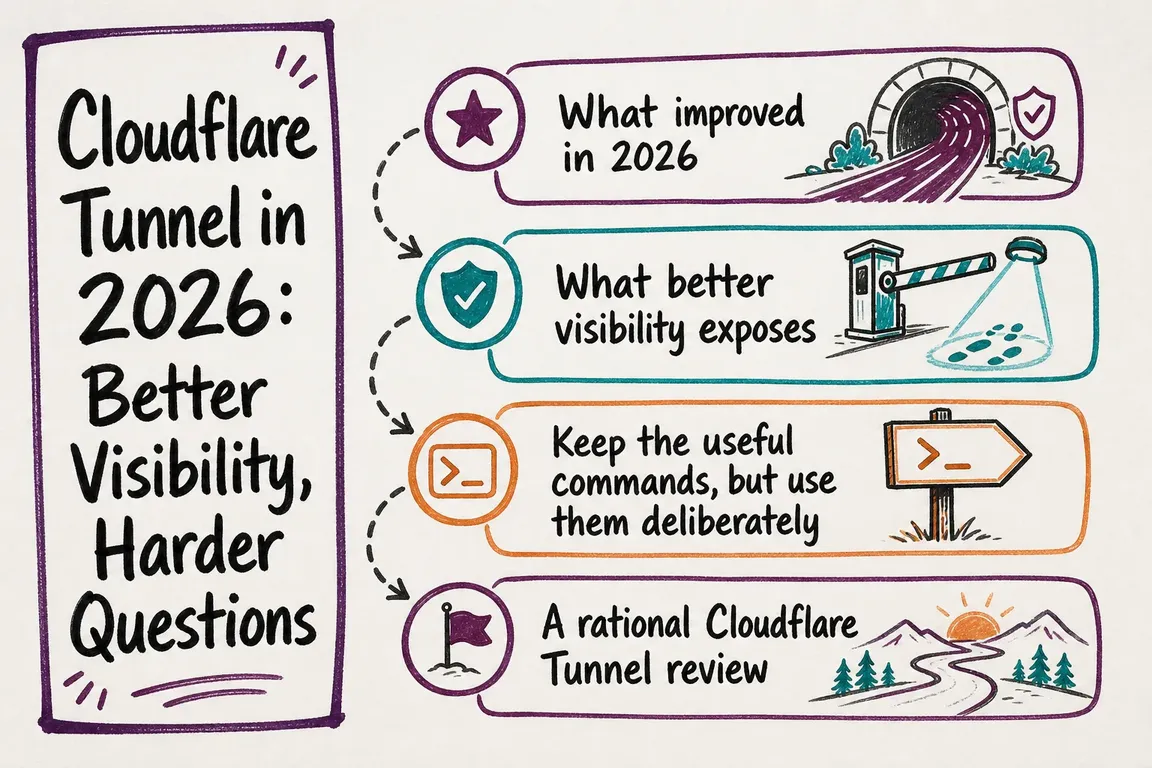
What the 2026 changes help you see
In February, Cloudflare added Tunnel management to the main dashboard under Networking > Tunnels. You can inspect health and active replicas, and see routes for public applications, private hostnames, private IP ranges and Workers VPC services. Both dashboards support Tunnel management; Cloudflare One suits teams working primarily with access policies and private networking. These capabilities are described in the dashboard announcement.
Use this view to answer a business question: which services would be affected by a change to this tunnel? A clear routing map helps you find dependencies, but your team still needs to identify their purpose and owner.
Start with the services people depend on
Review customer-facing applications and services that support sales, delivery or daily operations first. Record each tunnel’s name and UUID, routes, origin services, connector hosts and environment. Add a business owner who can explain its importance and a technical owner who can maintain it.
Compare the dashboard with DNS records, deployment configuration and existing runbooks. Investigate routes nobody recognises. Before retiring a tunnel, check with the people responsible for the applications behind it; occasional use can be easy to miss.
| Review area | Evidence to collect | Useful outcome |
|---|---|---|
| Dependencies | Routes, DNS and origin services | A service map with an agreed purpose for each route |
| Ownership | Business owner, maintainer and account access | Clear responsibility for changes and incidents |
| Access | Public reachability and authentication rules | Approved access for customers, staff or systems |
| Recovery | Connector placement and application dependencies | A tested response to the relevant failure |
| Logging | Live-log access and retained server logs | Evidence available to the support team |
Include the authentication model in this record. Publishing an application through Tunnel does not automatically restrict its audience. For a staff-only tool, check the relevant Cloudflare Access policies or application authentication. Test with an unauthorised session as well as an approved user.
Can the application survive a connector failure?
Each connector establishes four connections across at least two Cloudflare data centres. That protects against individual connection failures; it cannot keep your only connector host running. Replicas of the same tunnel provide additional availability when a connector host fails.
Replicas do not offer configurable round-robin or policy-based steering. Cloudflare documents forwarding to the geographically closest replica, with retries to others if the connection fails. For health-based origin failover or deliberate distribution, evaluate Load Balancing with separate tunnels. Check the route type first: private hostname routes currently do not support Load Balancing. See Tunnel availability and failover.
Place replicas on separate hosts and check shared dependencies. Two connectors on one machine still depend on that machine. Two machines using one application server still depend on that application server.
Agree a recovery test and maintenance window. Stop one connector, exercise a representative user journey, then restore it and record the result. Test application failure separately. A successful connection proves little if users cannot sign in, submit a form or complete their work.
Keep these inventory commands in the runbook
For an account inventory, run npx wrangler tunnel list. To inspect one tunnel, use npx wrangler tunnel info <TUNNEL>, replacing the placeholder with its name or UUID.
Cloudflare still labels all Wrangler Tunnel commands experimental. Use a pinned project version when these commands support automation, and check behaviour before upgrading. Include the account and authentication steps in the runbook so the next maintainer can reproduce the review.
Use live logs for diagnosis and retained logs for follow-up
Dashboard Live logs combines connected replicas and groups entries by connector host. CLI troubleshooting starts with cloudflared tunnel login, followed by cloudflared tail <UUID>. For JSON output, use cloudflared tail --output=json <UUID> | jq .. With multiple replicas, specify the instance: cloudflared tail --connector-id <CONNECTOR_ID> <UUID>. Filters include --event, --level and --sampling.
Remote streams require Tunnel edit permission and an active tunnel able to receive requests. Sessions end after one hour, and records may be dropped under high throughput. Treat them as diagnostic evidence with gaps.
For persistent server logging, adapt cloudflared tunnel --loglevel info --log-directory <PATH> run <UUID> to your deployment. It rotates at 1 MB, keeps up to five backups and has no age-based deletion. --logfile has no built-in rotation. These limits are documented in Cloudflare’s logging guide.
Make the handover usable
Finish with a short operating record: service map, owners, account access, connector locations, recovery procedure, logging destination and escalation contact. Store credential references securely rather than copying tokens into shared notes. Have someone other than the original implementer walk through the instructions.
Give each unresolved issue an owner and a next action. Review the record after launches, migrations and agency handovers. This keeps a useful technical shortcut from becoming a dependency understood by only one person.
If your Tunnel setup works but its ownership or recovery plan is unclear, Greg can help review the dependencies and coordinate a practical handover. Talk to Greg about a Cloudflare Tunnel review.
Related on GrN.dk
- Your Website Can Answer Questions Now. Should It?
- Browser Automation for Operations and Agency Teams: What Should You Automate?
- JavaScript-Heavy Service Pages Still Lose Leads: What to Audit in 2026
Need help with this kind of work?
Talk to Greg about a Cloudflare Tunnel review Get in touch with Greg.