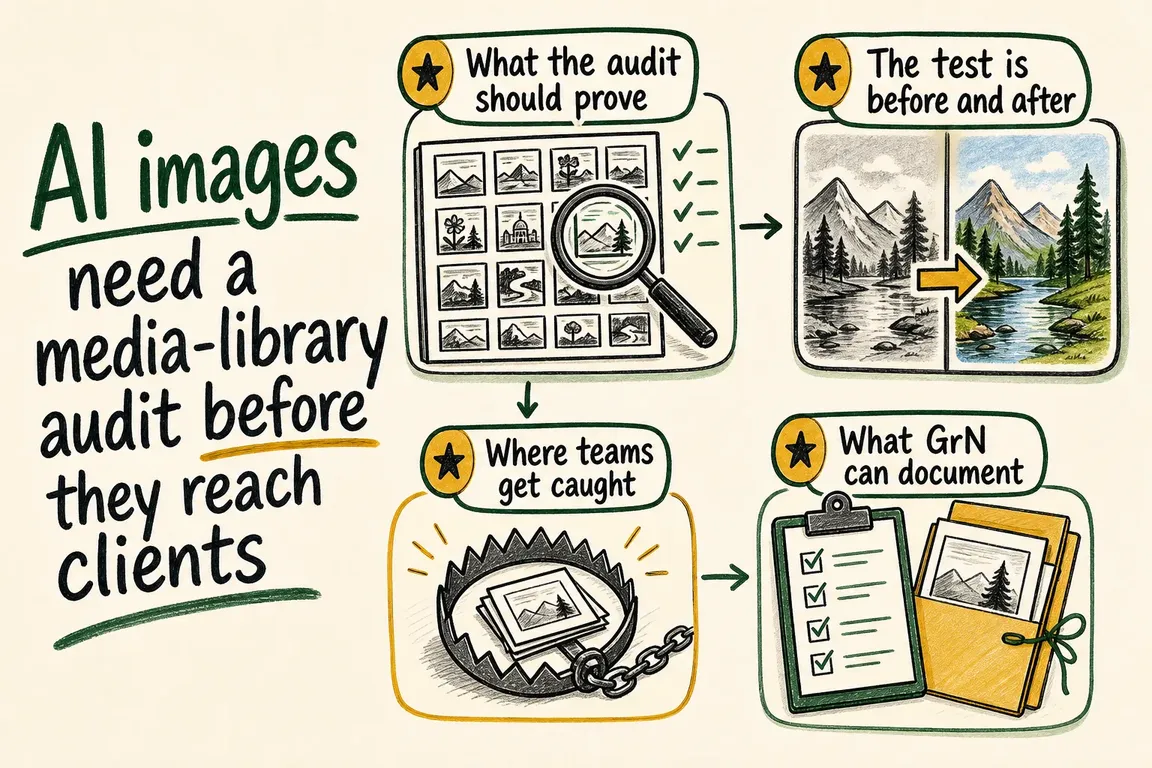
By Greg Nowak. Updated 26 August 2026.
An AI image can leave the generator with useful provenance signals and reach a client without them. Between those two points, a CMS may resize it, an optimization service may convert it to WebP or AVIF, a CDN may recompress it, and an editor may download a derivative instead of the original.
This is an operations problem disguised as image metadata. If your agency or marketing team uses AI-generated visuals, you need to know which file was approved, what evidence accompanied it, and what the recipient actually received. A short audit of the real media path is more useful than a policy that simply says provenance should be preserved.
One upload can become many different files
WordPress creates image sub-sizes after upload. Drupal image styles can crop, scale, rotate, desaturate, or otherwise transform an original. Themes, plugins, DAM integrations, and CDNs may introduce further renditions. The image displayed on a landing page may therefore be several processing steps removed from the uploaded asset.
Those steps matter because provenance is not a single universal label. C2PA Content Credentials use cryptographically signed manifests to communicate an asset's origin and history. SynthID embeds an imperceptible watermark in the media itself. Metadata may provide richer context, while a watermark may remain detectable through some transformations that remove metadata.
OpenAI now says supported images generated through ChatGPT, Codex, and its API include both C2PA metadata and SynthID watermarks. That layered approach is important: losing one signal does not necessarily mean losing every signal. Equally, finding no supported signal does not prove that an image was made without AI. Older assets, unsupported providers, extensive edits, and stripped metadata can all produce an inconclusive result.
What should a media-library audit prove?
The audit should answer a practical question: can your team trace a client-facing image back to its approved source and explain what happened along the way?
Choose a small but representative test set. Include files from the generators your team actually uses, images edited in your normal creative software, and the formats commonly delivered to clients. Run each file through the production workflow rather than a clean demonstration environment.
- Save the untouched source file and record its provider, creation date, format, and verification result.
- Upload it through the same CMS interface editors use.
- Generate the crops, thumbnails, responsive sizes, and modern formats used by the site.
- Request the public page through the CDN and download the image a visitor would receive.
- Test the source, stored original, important derivatives, and downloaded public file with the relevant verification tools.
- Repeat any normal manual handoff, such as copying the image into a presentation or re-uploading it to a campaign platform.
| Checkpoint | File to test | Evidence to record | Operational decision |
|---|---|---|---|
| Generation | Untouched download | Provider, format, C2PA result, and watermark result | Define an acceptable source record |
| CMS ingest | Stored original | Hash or file comparison and verification result | Confirm whether the original is preserved |
| CMS rendition | Key thumbnail, crop, and responsive size | Dimensions, format, and signals retained or lost | Approve, reconfigure, or document the transformation |
| Public delivery | File downloaded from the CDN URL | Headers, final format, and verification result | Confirm what visitors and clients actually receive |
| Client handoff | Final presentation or asset-package file | Source reference, approval status, and disclosure note | Make one version authoritative |
Test evidence, not just visual similarity
Two images can look identical while carrying different evidence. Record results per file rather than writing “the image passed.” Name the exact rendition, URL, file format, test method, date, and outcome. Keep screenshots or exported verification reports where approval or contractual requirements justify them.
Use the verifier associated with the signal you expect. A C2PA-aware verifier can inspect supported Content Credentials. Google says Gemini can check images for SynthID, while OpenAI provides a verification service for provenance signals associated with supported OpenAI-generated media. Provider-specific tools are not general truth detectors: they answer narrower questions about supported signals and origins.
Provenance also does not establish factual accuracy, copyright ownership, consent, or permission to use a person's likeness. Those require separate editorial and legal checks. Treat provenance as evidence about origin and processing—not as an automatic approval stamp.
What if the CMS removes a signal?
Removing or changing a signal is not automatically a failed workflow. Performance, compatibility, privacy, or design requirements may justify transformations. The failure is allowing that change to happen without an explicit decision or replacement control.
A sensible operating model is to retain an untouched original, publish optimized derivatives, and connect both to the same editorial record. That record can hold the provider, prompt or job reference where appropriate, human approver, permitted uses, disclosure decision, and final client-delivery file. Editors should also know that downloading an image from the front end may not retrieve the approved original.
For higher-risk campaigns, add a release checkpoint: the project manager verifies the exact delivery files after all exports and transformations. For routine web illustrations, a documented source record and tested CMS configuration may be proportionate. The control should match the commercial and reputational risk.
Turn the audit into a usable workflow
The useful deliverable is not a long technical report. It is a map of the publication path, a short record of tested transformations, and clear instructions for designers, editors, project managers, and client-facing staff. It should identify where originals live, which services alter files, which renditions are approved for handoff, and who decides when disclosure is required.
If your team cannot yet answer those questions, test the path before the next client delivery. Greg can help map a WordPress or Drupal media workflow, inspect the important transformations, and turn the findings into practical editorial controls. Start a conversation about your media-library audit.
Related on GrN.dk
- AI Images Need a Chain of Custody, Not Just a Disclosure Label
- AI disclosure rules belong in your CMS, not a spreadsheet
- Inline Image Pasting in Drupal: Fast Editing Without Media Chaos
Need help with this kind of work?
Talk to Greg about your media workflow Get in touch with Greg.