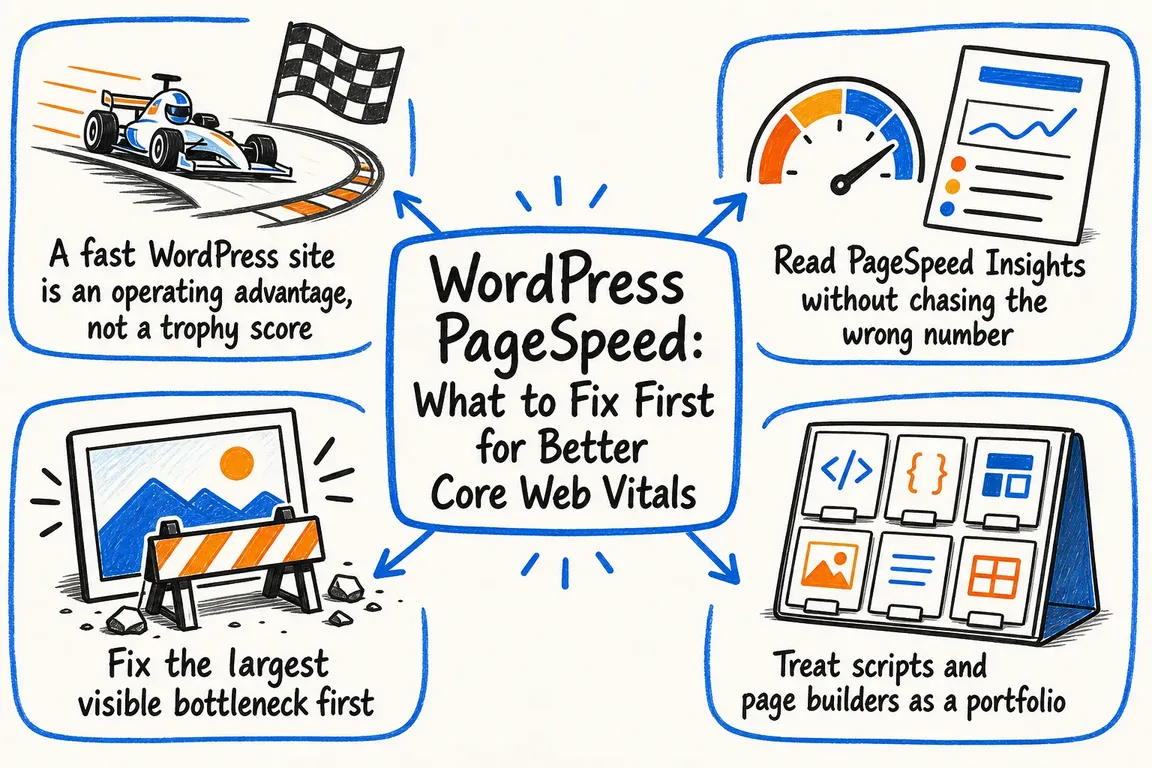
By Greg Nowak. A slow WordPress page is frustrating when it delays the thing a visitor came to do: read a service page, send an enquiry, or complete a purchase. PageSpeed Insights can help, but its score does not tell you which change deserves your budget first. Start with the pages and journeys that matter to the business, then work from evidence.
Choose representative pages before changing settings
Test a small set of mobile URLs: a key service or product page, a campaign landing page, an article, and any form or checkout flow. Include pages built from different templates. If the same problem appears across a shared template, one fix may help many URLs. If it appears on only one page, inspect that page’s content and integrations before changing the whole site.
Save the URL, test date, mobile result, and the element identified as Largest Contentful Paint (LCP). Run the lab test more than once under comparable conditions; individual Lighthouse runs vary. Record what the visitor actually experiences as well, such as a late hero image, an unresponsive menu, or a form that shifts while loading.
Read the report as two kinds of evidence
PageSpeed Insights combines a current Lighthouse lab test with field data from real Chrome users over the previous 28 days. The lab result helps you diagnose and check a release. Field data tells you how people experienced the page over time, so it will still include visits from before your fix. Check whether the field result describes the exact URL or the whole origin; when a page lacks enough data, PageSpeed Insights may show origin data or no field data at all.
The Core Web Vitals “good” thresholds are LCP at 2.5 seconds or less, Interaction to Next Paint (INP) at 200 milliseconds or less, and Cumulative Layout Shift (CLS) at 0.1 or less, assessed at the 75th percentile. Lighthouse does not measure real visitor INP during a page load. Its Total Blocking Time can point to script trouble, but test the actual interactions and watch field INP before declaring the problem solved.
| What the evidence shows | Investigate first | Useful first action |
|---|---|---|
| Poor LCP | The LCP element, HTML response, and resource waterfall | Make the hero image or text available to render earlier |
| Poor INP or high lab blocking time | Long script tasks, builder addons, and third-party tools | Remove or limit scripts, then test menus and forms |
| Poor CLS | Images, embeds, fonts, and late banners | Reserve space before those elements arrive |
| Slow server response | Page-cache behaviour and uncached WordPress work | Check cache hits before profiling PHP and database queries |
Fix the loading path the visitor can see
On image-led pages, find the actual LCP element before compressing every image in the media library. If it is the hero image, place its real src or srcset in the initial HTML and do not lazy-load it. Set its dimensions to prevent layout shifts. A likely LCP image may benefit from fetchpriority="high":
<img src="/images/service-hero.webp" width="1600" height="900" fetchpriority="high" alt="Team reviewing a project plan">That is a template example, not a command to add to every image. Use responsive image variants where appropriate and check the network waterfall after the change. If the LCP image is a CSS background, a targeted preload can make it discoverable earlier. If LCP is text, look at the HTML response, blocking stylesheets, and font loading instead. A smaller file cannot help much if the browser discovers it late.
Reduce script work without breaking the journey
WordPress pages often collect scripts from a theme, builder, forms, analytics, consent tools, chat, and marketing tags. List them by owner and by template. Ask which must load before someone can read or act, which can wait, and which is needed only on selected pages. Removing an unused addon or loading a form script only where the form exists can be more useful than another blanket optimisation setting.
After each change, try the menu, search, filters, consent choices, enquiry form, and checkout steps that apply. An attractive load score is little comfort if a button hesitates or tracking fires at the wrong time. For CLS, give images and embeds dimensions, reserve space for banners, and avoid inserting notices above content after it has appeared.
Check caching before database housekeeping
For public pages, confirm that anonymous repeat visits reach the intended full-page cache. Test logged-in views, personalised content, carts, and checkout separately so the cache serves the right content. Persistent object caching serves another purpose: it can reduce repeated database work on dynamic requests, provided the host supports the cache service. A CDN may improve delivery for distant visitors, but it will not remove excessive browser script work.
Expired transients are reasonable maintenance on an older installation. With a backup and an appropriate maintenance window, WP-CLI can remove them:
wp transient delete --expiredDo not put database cleanup at the top of an LCP or INP plan without evidence that database work is the bottleneck. Likewise, clear a production object cache only for a specific reason: warming it again can temporarily increase server work.
Make the improvement survive the next release
Give the developer or agency a short ticket for each fix: affected URLs, the observed symptom, likely cause, proposed change, owner, and a check that proves the page still works. Compare mobile lab results on the same URLs after deployment, then review field data over the following weeks. Keep this small benchmark set for theme updates, new plugins, and tracking changes.
If PageSpeed reports, hosting advice, and agency priorities are pulling in different directions, Greg can help turn them into a sensible order of work and coordinate the people needed to deliver it. Talk to Greg about your WordPress performance plan.
Related on GrN.dk
- Critical CSS for Faster Pages: When It’s Worth the Work
- Form Spam Is a Lead-Quality Problem: How to Harden Your Intake Flow
- JavaScript-Heavy Service Pages Still Lose Leads: What to Audit in 2026
Need help with this kind of work?
Talk to Greg about your WordPress performance plan Get in touch with Greg.










