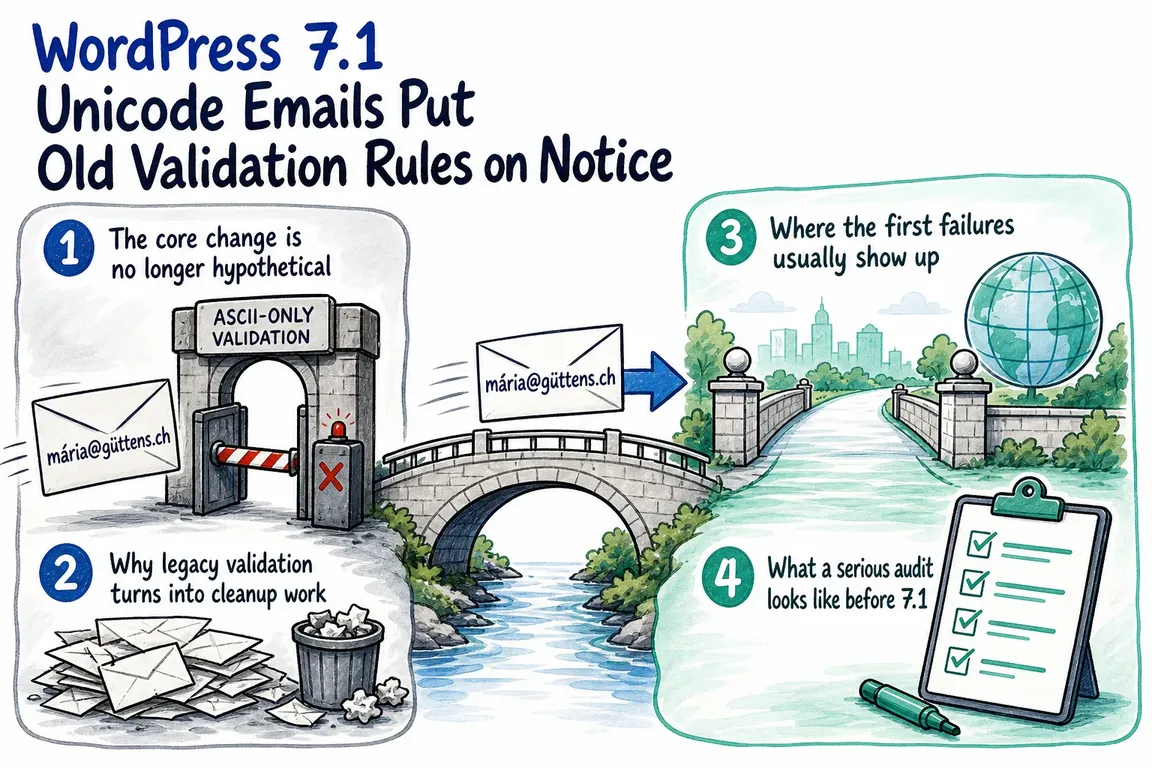
By Greg Nowak. Last updated 2026-10-19.
WordPress 7.1’s Unicode email changes were reverted on 22 July 2026. If you read the earlier testing announcements, that is the essential update: you should not plan a production integration around the proposed Core support.
The underlying maintenance question remains useful. Can your website accept a customer’s email address, preserve it correctly, pass it to your CRM, and deliver the messages that customer needs? For business owners and agency teams, those are the outcomes to check before changing validation rules.
What happened to Unicode email support?
The May 2026 proposal explored broader support for internationalized email addresses in WordPress user accounts. An implementation entered development, but changeset 62829 reverted it on 22 July following a decision to keep the work outside Core and pursue it through a community plugin.
The revert removed the proposed WP_Email_Address class and restored the previous validation and sanitization implementation. As of 19 October 2026, the current is_email() reference still documents limitations around internationalized domains and RFC compliance.
For developers, the consequence is concrete: do not assume WP_Email_Address::from_string() is available in a standard installation. The temporary filters and opt-out snippets from the testing period also need checking against the actual code installed on your site.
Unicode domains and Unicode mailboxes are different
An email address has two parts: the mailbox before @ and the domain after it. Internationalized domains can have an ASCII representation called Punycode. That conversion applies to the domain; it does not provide an ASCII replacement for a Unicode mailbox name.
For addresses with non-ASCII mailbox characters, the mail transport needs appropriate support. RFC 6531 defines SMTPUTF8 for internationalized email. A form accepting an address does not establish that your sending service and delivery route can handle it.
Ask suppliers about support for non-ASCII characters before the @. A general claim of “Unicode support” might refer only to message content, display names, or internationalized domains.
Where to check your WordPress email workflow
Start with the journey that matters most commercially: a lead enquiry, customer registration, or checkout. Follow one address through every system involved. The table below gives your team a practical acceptance checklist.
| Stage | What to test | Passing result |
|---|---|---|
| Forms | Browser, JavaScript, and server validation | Consistent acceptance or a clear explanation of the limitation |
| Storage | WordPress tables and plugin-owned fields | The accepted address survives saving and retrieval unchanged |
| CRM and exports | API submissions, queued jobs, CSV export and reimport | No character loss, silent rejection, or unintended duplicate |
| Customer messages | Confirmation, password reset, and transactional email | Messages reach a controlled test mailbox |
| Account matching | Email changes, login lookup, and deduplication | Records remain distinct unless an explicit matching rule applies |
Fix silent address changes first
The most useful first review is often the boundary between validation and sanitization. Validation decides whether an address meets your application’s rules. Sanitization can change the supplied value.
WordPress explicitly warns that sanitize_email() uses a restricted character set and may change otherwise legal addresses. Its current implementation can remove non-ASCII characters. Sanitizing an address and then checking the result can therefore validate a different address from the one the customer entered.
In custom forms, compare the submitted value with any transformed result before saving or sending. Define harmless cleanup, such as surrounding whitespace, separately from changes to the mailbox itself. If the system cannot support an address, explain the limitation and let the customer correct it or provide another address.
Review display helpers too. PHP’s strlen() counts bytes, so it is unsuitable as a visible character count for multibyte text. Check masking and truncation code for broken characters, while retaining byte measurements where a storage or protocol limit requires them.
Test recovery and hand-offs, not just registration
Use staging with the same relevant plugin versions, database structure, and integration configuration as production. Build a small test set covering ordinary ASCII addresses, plus addressing, a Punycode domain, a Unicode domain, and a Unicode mailbox. Use controlled mailboxes for delivery tests; illustrative addresses cannot prove delivery.
Record the submitted value, saved value, outbound integration value, and receiving system’s result. Include both successful submissions and deliberate rejections. A “thank you” page is insufficient evidence if a background CRM job fails afterwards.
Check password resets and email changes before enabling account creation with additional address formats. Also inspect database comparison rules and deduplication logic. Avoid automatically merging addresses because they look similar or applying accent removal across mailbox names.
The original proposal’s storage concerns still provide a useful review prompt: verify actual columns and connections, including plugin tables. A utf8mb4 configuration alone does not establish compatibility across your application and suppliers.
Choose a support policy your whole stack can deliver
If your current audience and integrations work within existing restrictions, document those restrictions and fix inconsistent error handling. There is no reason to add experimental code solely because an earlier announcement targeted WordPress 7.1.
If customers need internationalized addresses, treat that as a defined compatibility project. Agree on supported formats, verify supplier capabilities, test the complete journey, and assign ownership for failures. Give any temporary restriction a review date so it does not become an unexplained permanent barrier.
Greg can help map that journey, review custom validation, and coordinate fixes across WordPress and connected services. If your team is unsure where an address gets rejected or changed, get in touch with Greg about a focused email integration review.
Related on GrN.dk
- MariaDB 10.6 EOL: quiet CMS hosting debt needs a real upgrade plan before July 2026
- Browser Automation for Operations and Agency Teams: What Should You Automate?
- Google Review Link Generators: What Small Teams Actually Need
Need help with this kind of work?
Discuss your WordPress email integrations Get in touch with Greg.










