Wget The Non-Interactive Network Downloader Tips and Tricks

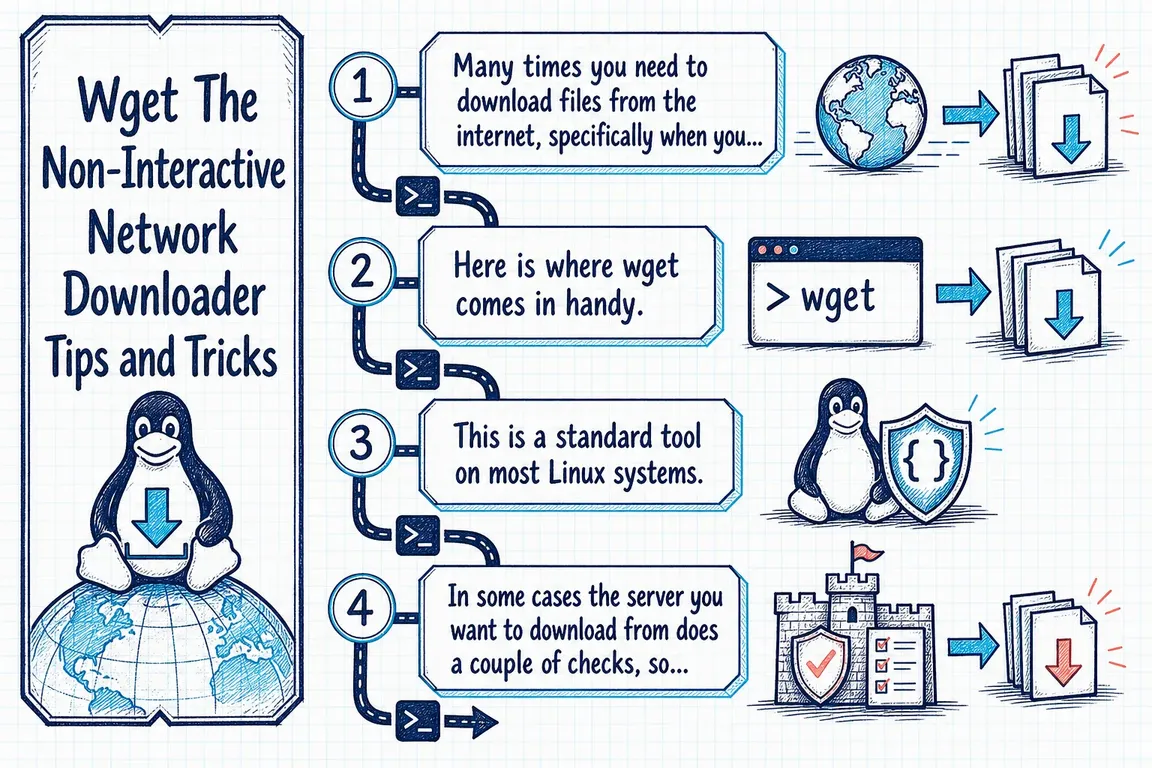
Illustrated infographic summarizing: Wget The Non-Interactive Network Downloader Tips and Tricks

Many times you need to download files from the internet, specifically when you want to automate a process or two. Here is where wget comes in handy. This is a standard tool on most Linux systems.

In some cases the server you want to download from does a couple of checks, so your automation fails. You can come by that by adding a couple of switches like:

wget --user-agent="Mozilla/5.0 (Windows NT 10.0; WOW64) AppleWebKit/537.36 (KHTML, like Gecko) Chrome/51.0.2704.103 Safari/537.36" --auth-no-challenge URL_OF_FILE_TO_DOWNLOAD

Sometimes: wget --user-agent="Mozilla"

Will work just fine.

Show the final URL after redirects

With curl: curl -Ls -o /dev/null -w '%{url_effective}\n' URL (reference).

When the site sits behind Cloudflare protection: https://stackoverflow.com/questions/18500088/curl-load-a-site-with-clou…


Latest articles

Let’s Encrypt moves to 64-day certificates in February 2027. Check that renewal, validation, deployment and alerts work across the services you’re responsible for.

Website slowing down during campaigns? Find where requests queue across HTTP/2, NGINX, Apache and PHP-FPM, then test whether a targeted change helps.

When a customer requests access to their personal data, AI can help bring together material from WordPress and Microsoft 365. Here’s how to keep track of data sources, responsibilities and checks.

Put supplier matching, duplicate checks, arithmetic validation, and exception review into your AI invoice workflow before records reach your accounting system.

A small Drupal fix can affect unrelated live settings. Review the full configuration import, resolve environment differences and rehearse deployment and recovery.

An ingredient change may mean a menu needs updating, even when the recipe’s modification date stays the same. Here is how AI can help with review and approval in WordPress.

Check whether AI crawlers can reach your service and product content. Compare response HTML with rendered pages, then identify practical CMS and rendering fixes.

Improve site search for customers who use everyday language. See where synonyms, semantic retrieval and behavioural signals help, while keeping product codes reliable.

Follow customer data through n8n, OpenAI and your CRM. Check who can access retained copies, what redaction hides and whether deletion works before scaling.

When checkout fails, your operations provider needs concrete evidence to work with. See how AI, dmesg and journalctl can gather the evidence into a useful incident ticket.