By Greg Nowak. Updated 14 September 2026.
For most small teams, Google’s own review link is enough to get started. You can copy it from your Business Profile and share it with customers without choosing a separate generator. The decisions that deserve more attention are where the link goes, whether printed QR codes will remain useful, and who owns the process when staff or agencies change.
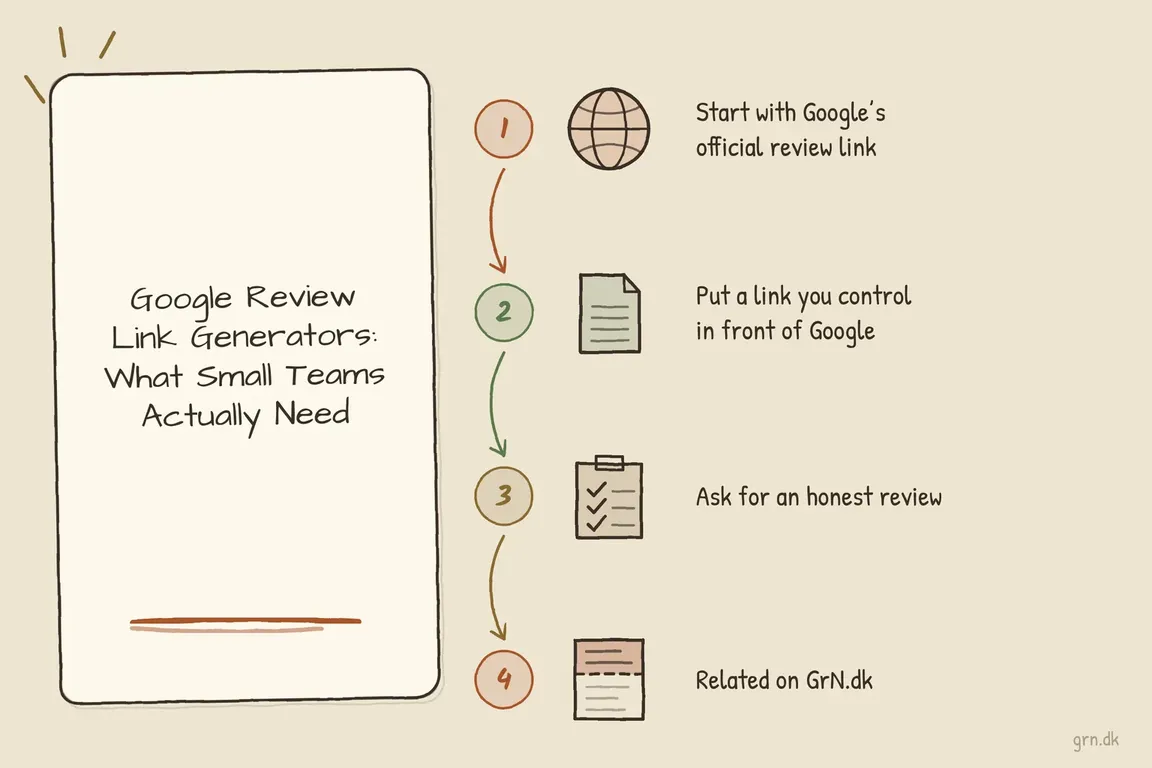
My recommendation is straightforward: use Google’s official link as the destination, add an address on your own domain when you need flexibility, and ask for feedback at a consistent point in the customer journey. Here is how to keep that manageable.
How to get your Google review link
While signed into the account that manages your Google Business Profile:
- Open the correct Business Profile.
- Select Read reviews, then Get more reviews.
- Copy the review link, or download the QR code.
Google currently says its review QR codes can only be generated in a computer browser. To download one, right-click it and choose Save image as. These steps come from Google’s review-link instructions.
Open the copied link before distributing it. Check the business name and location, especially when several branches have similar names. Save the destination in a shared business record so the next person does not have to retrieve it from an old email.
Choose the setup that fits your team
An owned redirect is useful when changing a destination would otherwise mean replacing printed material or editing many templates. For a single email template, sharing Google’s link directly may be all you need.
| Your situation | Practical choice | What to check |
|---|---|---|
| One location, a few digital templates | Use Google’s official link directly | Record which templates contain it. |
| Printed cards, packaging or signage | Encode an owned redirect in the QR code | Someone must maintain the domain and redirect. |
| Several business locations | Create a distinct link and QR code for each branch | Match every destination to the correct profile. |
| Business Profile access is missing | A generator may help locate a usable link | Test the result and resolve profile access separately. |
| An agency maintains the workflow | Keep links and records under client control | Include access and maintenance instructions in the handover. |
Make printed QR codes easier to maintain
For material that will stay in circulation, I would use an address such as https://example.com/review. Ask whoever maintains your website to configure that path as a server-side redirect to the official Google review link.
A 302 redirect is a reasonable choice for this changeable destination: the HTTP specification defines it as temporary redirection. Keep the route direct and avoid a chain of old shorteners.
Generate the QR code from your owned address. Downloading Google’s QR code and later creating a redirect will not change what that existing code contains. The benefit comes from printing your stable address while keeping its destination editable.
This also creates a maintenance responsibility. The domain, HTTPS certificate and redirect must keep working. If nobody can own that responsibility, Google’s direct link and QR code are a sensible starting point.
Before buying a QR service, check what happens when its subscription ends, whether it inserts an intermediate page, and who can change the destination. A business should know which account keeps its printed cards usable.
When a review link generator earns its place
A generator can help when you are locating a listing without management access or checking links across many branches. Confirm that its output reaches the review journey for the correct business. Producing a link does not restore access to manage the profile.
Some tools identify listings using Google Place IDs. For teams building internal tooling, those identifiers need maintenance: Google recommends refreshing stored Place IDs older than 12 months. IDs can change, so retain enough location information to find and verify the listing again.
For most owners, the useful buying question is whether a tool reduces ongoing administrative work. Link generation alone is a small task; routing requests correctly across locations may justify more support.
Ask consistently, without filtering for happy customers
Choose a clear trigger, such as a completed delivery or project handover, and apply it consistently. Avoid a satisfaction survey that sends only high-scoring customers to Google while directing everyone else to a private form. That selectively solicits positive reviews.
Google’s contribution policy prohibits review incentives, selective positive solicitation, pressure to review on the premises, staff solicitation quotas and requests for specific review content.
A request can be this simple: “Thank you for working with us. If you would like to, please share an honest Google review of your experience: [link]. Your feedback helps future customers understand what to expect.”
Give customers room to decline. A private support route can remain available to everyone without making it a filter for access to the Google link.
Test the journey and leave a useful handover
Test the link on desktop and mobile, both signed in and signed out. Customers need a Google Account to submit a review, so a sign-in prompt is expected. They do not need a Gmail address.
Scan a printed proof at its intended size and in realistic lighting. Include a readable address beside the code. Keep a shared record of the location, Google destination, owned redirect, QR file, active templates, responsible person and last test date. Recheck quarterly and after website or profile changes.
If you count redirect visits, label them as visits. Scans and clicks do not establish that a review was submitted.
If this work is scattered across your website, CRM, print supplier and agency accounts, Greg can help organise the links, request templates and handover into a review workflow your team can maintain.
Related on GrN.dk
- When Google can call the business, your local data stops being cosmetic
- Agentic AI: What It Is, How It Works, and When to Use It
- OpenAI Computer Use: Browser Agents Need Credentials, Not Demos
Need help with this kind of work?
Get help with your review workflow Get in touch with Greg.