By Greg Nowak. Updated 20 October 2026.
A vulnerability scanner flags Apache. Your hosting provider says it is patched. Your agency needs to explain the discrepancy to a client. Before anyone schedules a disruptive upgrade or dismisses the alert, you need evidence that connects the finding to the server actually serving traffic.
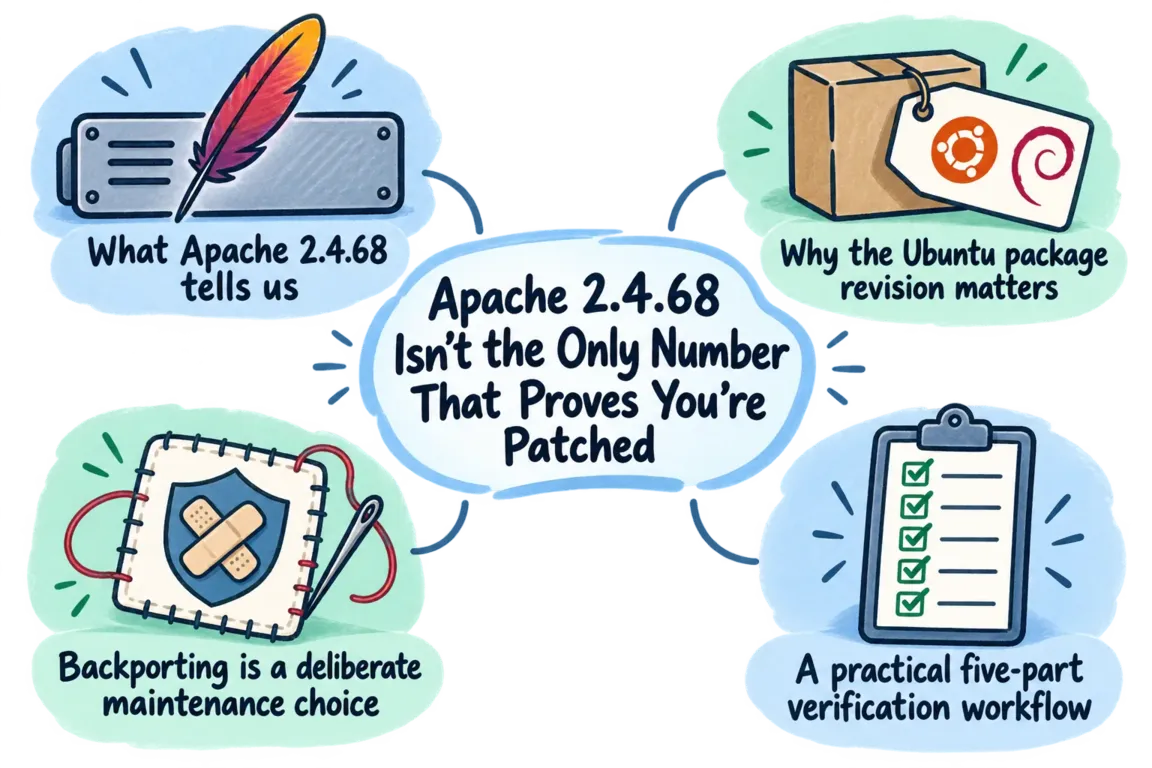
An Apache version number is a useful starting point. It cannot, by itself, establish patch status. The practical check covers the package supplier, complete package revision, relevant security advisories and running service.
First, 2.4.68 is no longer the whole target
Apache 2.4.68 was released on 8 June 2026 with security fixes. Since the original article, Apache has released 2.4.69 on 1 October. Its official vulnerability list includes further fixes for issues affecting 2.4.68, including an HTTP/2 memory-handling vulnerability and problems in specific proxy and WebDAV configurations.
That changes the review: proving that a server received the June fixes does not establish its October position. Check every applicable finding against current guidance. For a distribution package, follow that distribution's advisories; for an upstream or custom build, establish which upstream fixes it contains.
Why an older Apache package can still contain the fix
Linux vendors often apply a security correction to an older software branch while retaining its upstream version number. This is called backporting. It helps maintain compatibility without importing every feature and interface change from a newer release.
Red Hat explains this maintenance approach and explicitly warns that version-only vulnerability checks can produce false positives. However, backporting is something to verify for the particular package and vulnerability, rather than a blanket explanation for every alert.
For example, Ubuntu's status for CVE-2026-44185 lists fixes in 2.4.58-1ubuntu8.15 for Ubuntu 24.04 LTS and 2.4.52-1ubuntu4.23 for Ubuntu 22.04 LTS. Both look older than Apache's upstream fix, 2.4.68. The distribution revision carries the crucial information.
Those revisions demonstrate one CVE's fix. They are not recommended versions to install today, and they do not establish protection against later vulnerabilities.
What evidence should change your decision?
| What you find | What it means | Next action |
|---|---|---|
| An older banner, but a supported vendor package containing the named fix | A version-based false positive is possible | Confirm runtime deployment and document the advisory match |
| An installed revision below the vendor's fixed revision | The package lacks that vendor update | Schedule the update and service verification |
| A fixed package on disk, with old processes still running | Deployment is incomplete | Replace the running processes and retest |
| A custom build or unknown package source | Vendor package status cannot establish its safety | Obtain build evidence or move to a maintained package stream |
A practical Apache patch-review workflow
1. Identify the installation behind the alert
Record the hostname, affected endpoint, operating-system release and scanner's CVE identifiers. Establish whether Apache comes from the distribution, a third-party repository, a container image or a local compilation. Also identify who owns updates: your team, the agency or the hosting provider.
On Ubuntu or Debian, start with cat /etc/os-release and dpkg -l apache2 apache2-bin. Save the complete revisions and check that the packages show as installed. Ubuntu's package-management guide also explains repository configuration and using dpkg -S /path/to/file to identify a file's owning package. Repository settings alone do not prove where an existing binary originally came from.
2. Match each finding to the correct vendor advisory
Compare the full installed revision with the fixed revision for that operating-system release and package stream. Keep suffixes such as -1ubuntu8.15. Use the package manager's version comparison rules rather than comparing version strings alphabetically.
Check support eligibility and access to the required security channel. A fix available through an extended-support subscription is only useful if the machine can receive it. If the source is unmanaged or the release unsupported, assign an upgrade or migration action.
3. Check modules and configuration
Apache's command reference documents -M for listing modules, -S for virtual-host settings and -t for configuration syntax checks. Use the installation's control wrapper, commonly apachectl or apache2ctl, with the same configuration and environment as the service.
Match the result to the advisory's prerequisites: HTTP/2, WebDAV authoring, a particular proxy mode or permission to edit .htaccess files. These commands inspect the binary and configuration being invoked; they do not prove what an existing process has loaded. Configuration can explain exposure and priority, but it does not install a missing fix.
4. Complete the update in the running service
Agree a maintenance window, rollback route and application checks before changing production. After updating, confirm that Apache runs the expected executable and updated libraries. A version command launches a separate process; it cannot certify the existing workers.
Follow the package's restart requirements. Do not assume a configuration reload replaces the running executable. For containers, rebuild or obtain the corrected image and replace every affected replica.
5. Verify every serving instance
Check all nodes behind the load balancer, then retest from the network position that produced the finding. Include basic application checks for the functions the business depends on. A public banner may belong to a proxy, and a repeated banner-based alert may persist after a valid vendor fix.
Give the client a conclusion they can follow
Keep the package revisions, source evidence, advisory links, configuration assessment, restart confirmation and retest results together. State whether each finding is fixed, not applicable under documented conditions, or still open with an owner and deadline. Scope any scanner exception to the evidenced finding and review it when the installation changes.
If this sits between your hosting provider, developers and security reviewer, Greg can help coordinate the review and remediation. Contact Greg about an Apache patch review with the scanner report and hosting details to establish the scope.
Related on GrN.dk
- Apache 2.4.67: Why Legacy Reverse Proxies Belong Back on the Risk List
- Apache 2.4.68: Patch First, Then Audit Your Proxy Rules
- HTTP/2 Is On. Why Does Your Website Still Stall Under Load?
Need help with this kind of work?
Discuss an Apache patch review with Greg Get in touch with Greg.










