By Greg Nowak. Updated 31 July 2026.
“Install MySQL 5.6” once looked like a straightforward server task. On a modern Ubuntu or Debian system, it is usually a sign that one important question has not been answered: does the application genuinely require that release, or has an old package name survived in the documentation?
The distinction matters. Selecting a database version affects application compatibility, security maintenance, hosting options, backup recovery and the next upgrade. For a business owner or agency, an unexplained legacy version can turn a small deployment into years of avoidable support work.
Choose a release series before choosing a package
As of 31 July 2026, Oracle’s MySQL APT repository offers MySQL 9.7 LTS, 8.4 LTS, the Innovation track and older series including 8.0 and 5.7. Availability in a repository does not, by itself, make an older release a sensible choice for a new system.
For most production applications, start with the newest LTS series that the application, connector, operating system and hosting platform all support. LTS releases are designed for a stable feature set and a longer maintenance period. Innovation releases are production-grade too, but introduce features and behavioural changes more frequently. They suit teams with strong automated testing and a deliberate upgrade cadence.
| Situation | Sensible starting point | What to document |
|---|---|---|
| New business application | Newest compatible LTS series | Application, driver and platform compatibility |
| Vendor certifies only one series | Vendor-certified series | Certification source and review date |
| Staging must reproduce a defect | Exact package build | All package versions and removal date for the pin |
| Old runbook requests 5.6 or 5.7 | Migration or short-term containment | Dependency owner, risk acceptance and upgrade path |
| Team needs new database features quickly | Innovation track | Test coverage, rollback method and upgrade owner |
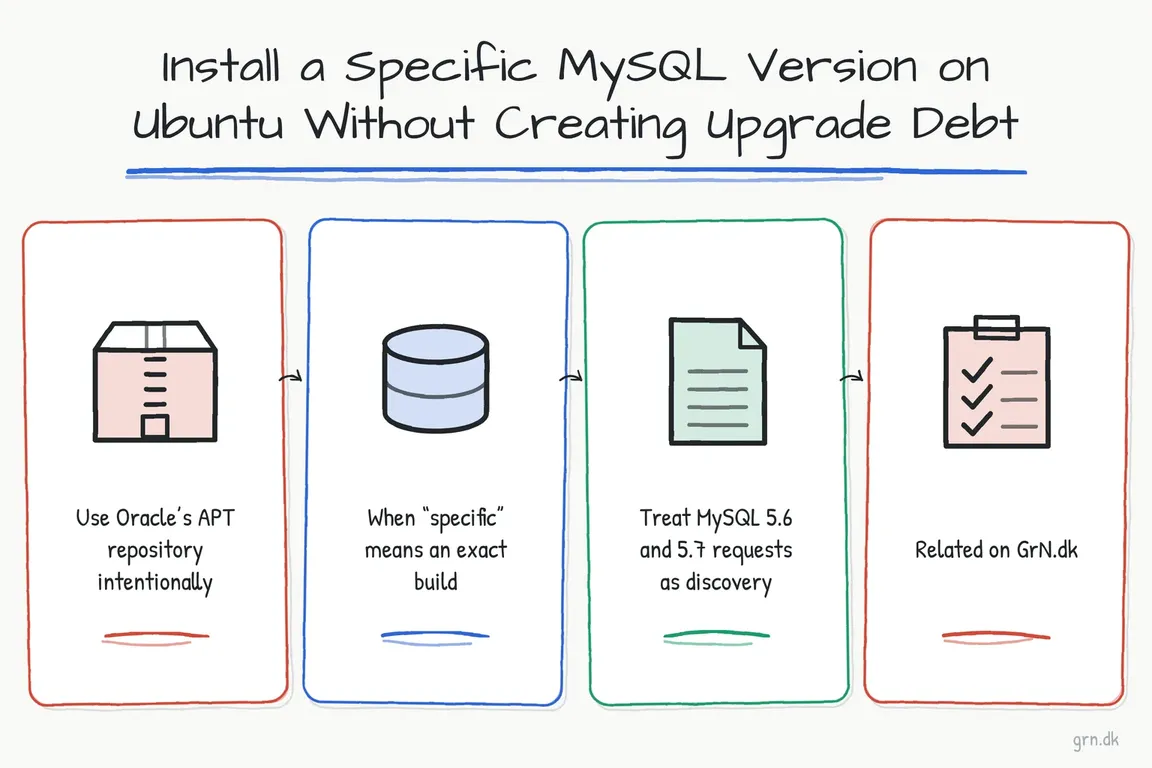
Use Oracle’s APT repository intentionally
Ubuntu’s native repositories may package MySQL differently from Oracle. If the requirement is specifically Oracle MySQL, Oracle’s APT repository provides a configuration package that selects the server release series APT will install and update.
The official fresh-install flow is:
sudo dpkg -i /path/to/mysql-apt-config_VERSION_all.deb
sudo apt-get update
apt-cache policy mysql-server mysql-community-server
sudo apt-get install mysql-server
systemctl status mysql
Download the repository configuration package from Oracle, verify the download using the published checksum or signature, and select the required server series in the configuration dialogue. The apt-cache policy check is worth keeping: it shows which repository and candidate version APT is about to use before the installation changes the machine.
Oracle’s fresh-install instructions assume that another MySQL distribution is not already installed. Replacing Ubuntu’s native MySQL packages, MariaDB or a direct .deb installation is a migration task, not the same procedure. Inventory the existing packages, configuration and data directory before enabling a competing repository.
To change the selected series later:
sudo dpkg-reconfigure mysql-apt-config
sudo apt-get update
apt-cache policy mysql-server mysql-community-server
Do not treat that sequence as permission to upgrade a live database immediately. Confirm that the proposed jump follows Oracle’s supported upgrade path, test it with production-like data and schedule the service restart that accompanies an APT update.
When “specific” means an exact build
An exact build can be justified when reproducing a bug, matching a controlled environment or meeting a documented vendor certification. First inspect what the configured repositories can actually supply:
apt-cache policy mysql-community-server
apt-cache madison mysql-community-server
sudo apt-get -s install mysql-community-server=<version>
APT supports the package=version syntax. The simulated transaction, using -s, should come before the real one:
sudo apt-get install mysql-community-server=<version>MySQL is a coordinated package set, not a single binary. Server, client, common files and libraries may need compatible builds. Review the complete APT transaction rather than forcing one component into a mixed installation. Also confirm that the required build remains in an authenticated repository; copying packages from an unknown mirror trades a deployment problem for a supply-chain and maintenance problem.
A package hold can prevent automatic changes, but it is not an upgrade strategy. If a hold is necessary, record every affected package, the reason, the owner and a review date. Otherwise routine patching may silently stop while the business assumes the server is being maintained.
Treat MySQL 5.6 and 5.7 requests as discovery
When an application brief names MySQL 5.6 or 5.7, identify the real constraint: an unsupported plugin, old SQL behaviour, connector limitations or a vendor warranty. Oracle’s documented path from 5.7 to 8.4 passes through 8.0; supported intermediate releases cannot simply be skipped. A 5.6 estate therefore needs a staged plan rather than a direct jump to the latest LTS.
If migration cannot happen immediately, contain the legacy workload, restrict access, validate backups and give the exception an expiry date. “Temporary” infrastructure without an owner has a habit of becoming permanent.
Verify the service, the application and recovery
After installation, distinguish the client binary version from the version of the running server:
mysql --version
sudo mysql -NBe 'SELECT VERSION();'
systemctl is-active mysql
dpkg -l | grep mysql | grep ii
Then run application smoke tests, inspect the error log, verify monitoring and perform a restore test—not merely a backup job check. For upgrades, Oracle recommends MySQL Shell’s Upgrade Checker Utility before changing the server.
The commands are the easy part. The valuable work is choosing a supportable version, proving the upgrade path and leaving clear records for whoever operates the system next. If your deployment has conflicting requirements or an inherited legacy database, Greg can help turn it into a practical installation or migration plan.
Related on GrN.dk
- MariaDB 10.6 EOL: quiet CMS hosting debt needs a real upgrade plan before July 2026
- Essential Drupal 8 Modules: What Still Matters on a Legacy Site
- NGINX 1.30 changed upstream connection reuse: what to check before you upgrade
Need help with this kind of work?
Talk to Greg about your MySQL project Get in touch with Greg.