By Greg Nowak. Last updated 2026-09-01.
June 2026 delivered another practical warning for businesses running WordPress: a plugin update is only useful when you know that you need it, can deploy it quickly and can establish whether attackers arrived first.
Recent exploit reports involving plugins such as WP Maps Pro and Everest Forms Pro matter beyond the individual vulnerabilities. They expose a familiar operational weakness: nobody has a complete, current view of the website’s plugins, versions, licences and owners. That uncertainty turns a routine security advisory into an urgent investigation.
This is not an argument for abandoning WordPress or installing every update blindly. It is an argument for managing the website like the business system it has become.
The real problem is visibility, not just patching
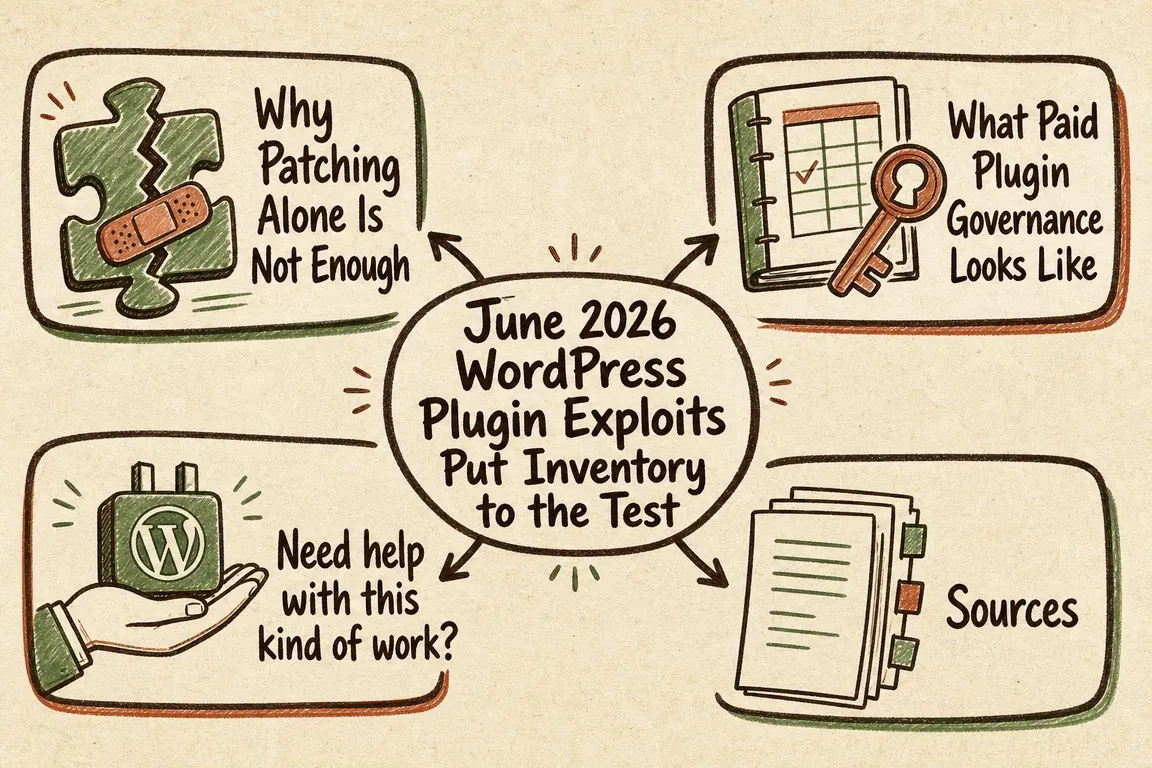
When a vulnerable plugin can enable administrator access, installing the fixed version closes the known entry point. It does not remove an account, scheduled task, modified file or stolen credential that may already exist.
That distinction matters to business owners and agencies. A maintenance report saying “all plugins updated” answers only one question. A useful response also establishes which sites were exposed, for how long, whether exploitation indicators are present and who has verified the result.
| Situation | Immediate action | Evidence to retain |
|---|---|---|
| Plugin is not installed | Record the check and close the alert | Inventory export and check date |
| Affected version is installed | Back up, update or isolate it promptly | Old version, fixed version and deployment record |
| Exploitation creates users or executes code | Patch, then investigate for compromise | Administrator list, logs, file changes and findings |
| No supported fix is available | Disable, remove or replace the plugin | Decision owner, dependencies and replacement plan |
| Plugin supplier or ownership has changed | Reassess trust before accepting updates | Supplier review and approved decision |
Build an inventory you can actually use
A spreadsheet is sufficient if it is maintained. A useful inventory records the site, plugin name, installed version, status, source, licence owner, business purpose, technical owner and last review date. Include inactive plugins and manually uploaded ZIP packages. Inactive code can still create unnecessary exposure, while premium plugins frequently depend on licences or accounts that only one former supplier controls.
WP-CLI can provide a quick technical starting point:
wp plugin list --format=csvRun the command separately for every production installation. It reports what WordPress can see, but it cannot tell you why a plugin exists, who owns its licence or whether removing it will break an important workflow. Those fields require human review.
For agencies, the inventory should also identify the person authorised to approve urgent work. Finding a critical issue at 16:30 on Friday is not the right time to discover that nobody knows whether the hosting provider, developer or client owns the decision.
Use a controlled update workflow
Updates should be prompt and proportionate to the risk. Before changing production, confirm that a recent, restorable backup exists and that you know how to roll back. Where practical, test important updates on staging, especially when they affect checkout, forms, membership, authentication or integrations.
WP-CLI supports both targeted updates and a preview of available changes:
wp plugin update plugin-slug
wp plugin update --all --dry-run
A dry run does not test compatibility or security. It simply shows what the command would update. After deployment, check the affected customer journey, scheduled jobs, forms, login and any integration touched by the plugin. Record the new version and the person who verified it.
Automatic updates can reduce exposure time for low-risk components, but they still need monitoring. An update that silently fails—or succeeds and breaks a revenue-critical function—is not a completed maintenance process.
When should an update become an incident investigation?
Escalate when an advisory says the flaw is being actively exploited, permits unauthenticated access, creates privileged users, uploads files, executes code or exposes sensitive data. The same applies when logs show suspicious requests or the site behaved unexpectedly during the exposure window.
Start by preserving relevant logs and taking a backup or snapshot for investigation. Review administrator and service accounts, including creation dates and unfamiliar email addresses. Check authentication events, changed files, scheduled tasks, must-use plugins and unexpected PHP files in writable directories. Rotate WordPress, hosting, database, SFTP, deployment and API credentials where compromise is plausible.
Do not rely on deleting one suspicious account. WordPress’s official recovery guidance recommends changing access credentials and replacing affected core files with clean copies. Depending on the finding, the safer route may be a clean rebuild or restoration from a known-good backup rather than attempting to remove individual traces.
Reduce the plugin estate before the next alert
Every plugin introduces code, a supplier and an update channel. Review the estate quarterly and remove components that are unused, duplicated, abandoned or no longer justified by business value. Deactivation is not the same as removal.
Pay particular attention to premium plugins installed outside WordPress.org. Record where they came from and how security updates arrive. Download updates only from trusted sources, and reassess a plugin if its ownership, maintainer or distribution method changes unexpectedly.
A sensible WordPress response plan is deliberately unexciting: know what is installed, watch credible advisories, make restorable backups, patch promptly, verify the service and investigate when the vulnerability’s impact demands it. That discipline is what turns the next urgent alert into controlled work.
Need a clearer WordPress response plan?
If your plugin records are scattered across hosting accounts, supplier inboxes and old handover documents, Greg can help turn them into a workable inventory and response process. Talk to Greg about your WordPress setup before the next advisory forces the issue.
Related on GrN.dk
- Recommended WordPress Plugins for Business Websites: A Lean, Maintainable Stack
- WordPress.org’s Plugin Cooldown Calls for a Real Update Process
- Cloudflare BYOIP customers need a rollback plan, not just trust
Need help with this kind of work?
Talk to Greg about WordPress security Get in touch with Greg.