By Greg Nowak. Last updated 2026-10-18.
A login screen can look finished while the account workflow around it remains fragile. A missed export route, an expired recovery email, or a password rule that rejects existing users becomes a support problem as soon as the application is live. For a business owner or agency team, the useful question is: which risks should we fix now, and which changes need a planned migration?
| Current application | First decision | Priority check |
|---|---|---|
| CodeIgniter 4 with custom login code | Assess whether Shield can replace it safely | Map users, sessions, private routes, and recovery |
| CodeIgniter 4 already using Shield | Review configuration and production behavior | Test filters, email delivery, and link reuse |
| Older CodeIgniter application | Contain immediate risks before planning an upgrade | Find exposed routes and unsafe reset logic |
The short answer for a CodeIgniter 4 login
Install Shield and let it own login, logout, registration and the forgotten-password flow. composer require codeigniter4/shield, php spark shield:setup and service('auth')->routes($routes) in app/Config/Routes.php give you /login, /register, /logout, /magic-link and the /auth/a/* routes for a second authentication step. Shield's own authenticators are Session (email or username plus password), AccessTokens, HmacSha256 and JWT. "Sign in with Google" is not built in: you add an OAuth client library and either write a custom authenticator against Shield's AuthenticatorInterface or create and log in the user yourself once Google has verified the identity. For an older CodeIgniter 3 application, fix exposed routes and the reset flow first, then plan the move to CodeIgniter 4. The rest of this page is about the decisions around that setup.
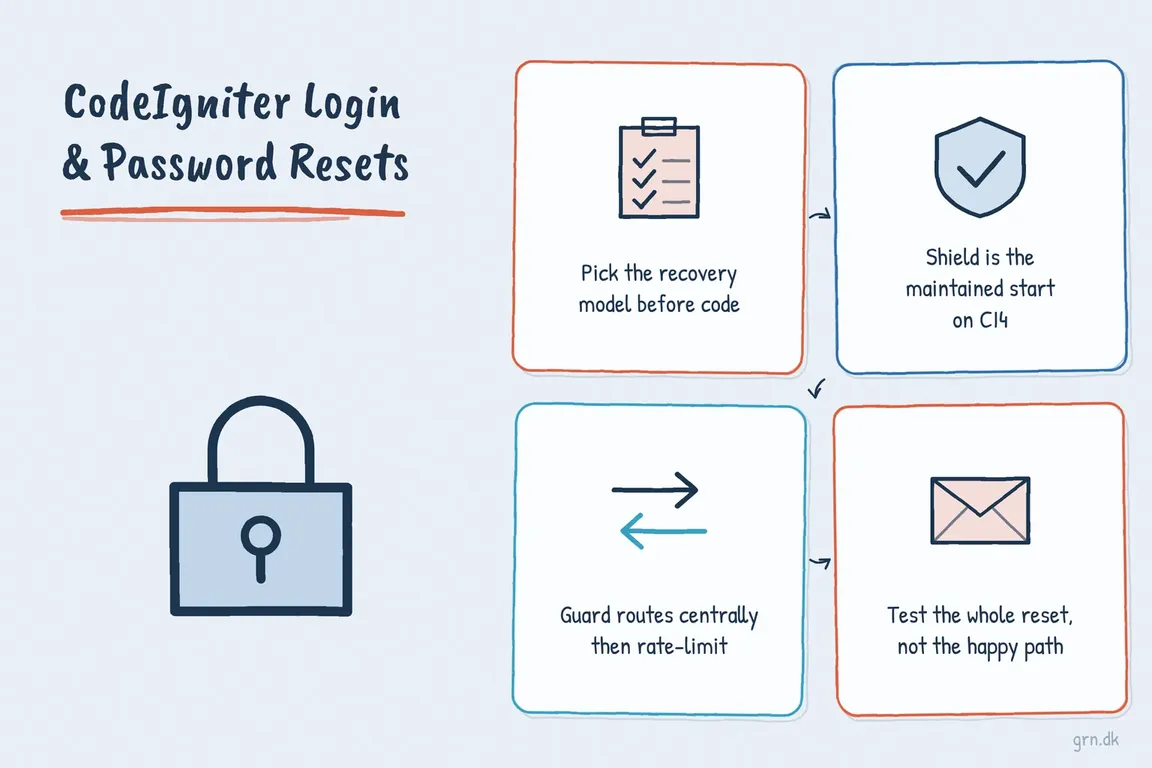
Decide what “forgot password” should do
Shield’s built-in forgotten-password experience sends a one-time magic link that logs the user in. It does not automatically take the user through a conventional form for choosing a new password. That difference matters to support staff, account policies, and anyone writing instructions for customers.
If a magic-link login meets the requirement, decide what the user sees afterwards. Shield sets a temporary magicLogin session value after a completed magic-link login; the application can use it to direct the user to a password-change page. Test that path with any configured second authentication step. Also test links through the email systems your users rely on: security scanners may visit one-time links before a person does, and bot detection cannot be assumed to catch every scanner.
If users must choose a new password before regaining normal access, design that as a separate reset flow. Follow OWASP’s recovery guidance: give the same public response for known and unknown addresses, keep response timing reasonably consistent, limit repeated requests, and use securely generated, expiring, single-use tokens. Build reset URLs from a trusted application address over HTTPS, not an untrusted request Host header. Change the password only after the token and new password have been validated.
Use Shield deliberately on CodeIgniter 4
For a suitable CodeIgniter 4 application, Shield provides the maintained starting point for authentication. Its installation instructions include these commands and the call that registers its default routes:
composer require codeigniter4/shield
php spark shield:setup

// app/Config/Routes.php
service('auth')->routes($routes);
Run setup against the intended environment, then review the generated configuration and migrations before release. Confirm the real sender address and mail transport, session settings, and the routes actually exposed. When using Shield’s session authenticator, follow its guidance to use session-based CSRF protection. Installing the package alone does not establish the application’s access policy.
Protect private routes and slow down abuse
Apply Shield’s session filter to private web routes in one place. Cover dashboards, downloads, reports, and administrative actions, including endpoints that are easy to overlook because they have no visible page. Review API access separately: a web session filter is not a complete policy for token-based clients.
Shield also provides an auth-rates filter for authentication routes. Its documented configuration offers a useful starting pattern:
// app/Config/Filters.php
public $filters = [
    'auth-rates' => [
        'before' => ['login*', 'register', 'auth/*'],
    ],
];
Match those paths to the routes your application actually uses, especially if authentication sits under a prefix such as /accounts. If you enforce a password change after login, exempt the change-password route from a global force-reset filter so the user can reach it. Check both successful and rejected requests after any route change; a new page can otherwise bypass an intended filter.
Validate the fields you intend to use
For a custom login form, take only the expected POST fields, validate that data, and use the validated values. Current CodeIgniter 4 guidance recommends validateData() and getValidated() and warns against withRequest() for a simple POST form because it can read from broader request input.
$rules = [
    'email'    => 'required|max_length[254]|valid_email',
    'password' => 'required|max_length[255]',
];
$data = $this->request->getPost(array_keys($rules));

if (! $this->validateData($data, $rules)) {
    return view('auth/login', ['errors' => $this->validator->getErrors()]);
}

$credentials = $this->validator->getValidated();
Apply a new minimum password length when someone registers or changes a password. Applying it at login can reject an existing account whose older password is still correct. Authenticate that user first, then require a password change if the policy calls for one. Set any maximum length with the application’s hashing setup in mind.
Release the whole account workflow
Test more than a successful login. Check failed attempts, throttling, logout, session expiry, remembered sessions, unknown addresses, expired and reused links, and recovery after an email address changes. Verify delivery through production mail infrastructure and confirm that logs help investigate abuse without recording passwords or recovery tokens.
Give support staff a short procedure for delayed email, deactivated accounts, identity checks, and session invalidation after a reset. For an older application, start with the exposed routes and recovery risks, then plan any move to CodeIgniter 4 and Shield around its account data and business dependencies.
If you need a practical review of a live CodeIgniter login flow or a plan for fixing it in stages, talk to Greg about the application.
Quick answers
How long is a Shield magic link valid?
One hour by default ($magicLinkLifetime = HOUR in app/Config/Auth.php). The feature can be switched off with $allowMagicLinkLogins = false if your policy needs a conventional reset form instead.
Where does the "forgot password" email come from?
Shield sends through CodeIgniter's own email library, so app/Config/Email.php needs a real sender address and transport before a link ever reaches a user. Test against production mail, not only a local mail catcher.
Can Shield do Google or Facebook login?
Not out of the box. Its authenticators cover passwords, access tokens, HMAC keys and JWT. For a social login you implement AuthenticatorInterface, or create the user and call the session authenticator's login yourself after the provider returns a verified identity.
Related on GrN.dk
- Before You Buy a GPU: Test Your Team’s Local AI Workload
- Google Review Link Generators: What Small Teams Actually Need
- Locked Out of Your Apple Developer Account? Fix Access Before October 1
Need help with this kind of work?
Discuss your CodeIgniter project Get in touch with Greg.










