By Greg Nowak. Updated 23 October 2026.
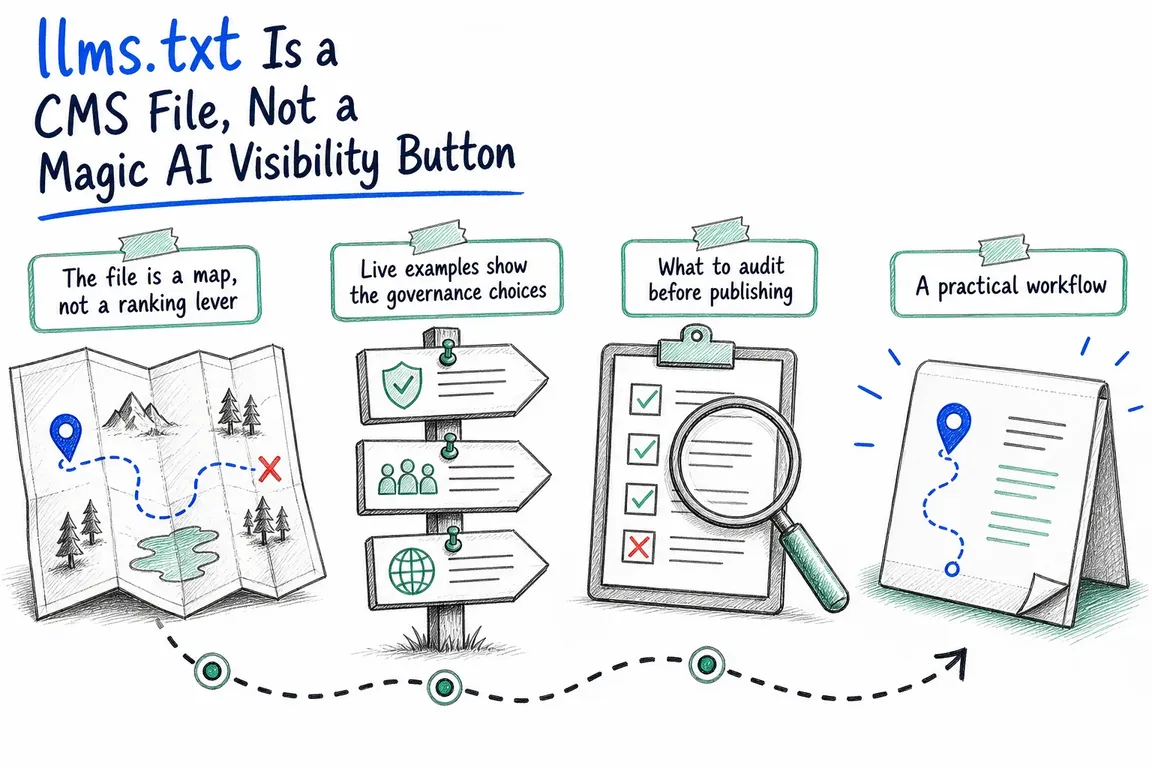
Publishing an llms.txt file is usually the easy part. The harder questions are which pages deserve to be in it, who keeps them accurate, and whether an agent actually benefits from the result.
For business owners and agency teams, that makes this a publishing decision with a technical component. Before adding another plugin or deliverable to the backlog, identify the task it should improve and the person responsible for maintaining it.
Will llms.txt improve your Google visibility?
Google’s answer is clear: Search does not use llms.txt, including for its generative AI features. Maintaining the file will neither help nor harm your Google visibility or rankings. That is stated explicitly in Google’s guidance for generative AI search.
If an agency proposes it as an SEO deliverable, ask which system is expected to use it and how success will be demonstrated. A working endpoint proves delivery. It does not prove better search visibility, more citations or more enquiries.
What the file can usefully do
The llms.txt v2 proposal describes a concise Markdown guide containing context and grouped links. It can sit at the website root or within a section, such as /docs/llms.txt. Its purpose is to help compatible agents find relevant information.
The proposal also recommends clean Markdown versions of useful pages. These can be advertised through rel="alternate" type="text/markdown", with rel="describedby" pointing to the applicable index. These are proposed discovery conventions; publishing them does not ensure every assistant will follow them.
Keep the existing website controls in place. Sitemaps support URL discovery, robots.txt communicates crawler rules, and canonical links identify preferred URLs. An editorial guide has a different job and replaces none of those mechanisms.
| Your situation | Recommendation | Useful first step |
|---|---|---|
| Extensive documentation or support content | Run a focused pilot | Select current reference pages for common tasks. |
| Complex services, eligibility or product versions | Consider a curated guide | Resolve conflicting answers before generating it. |
| Small brochure website | Usually defer it | Improve service pages, navigation and contact routes. |
| Outdated or duplicated content | Fix the source material first | Agree which pages are authoritative. |
| Proposal promises Google ranking gains | Reassess the brief | Request an objective supported by the target platform. |
Choose content around questions customers actually ask
Start with a handful of realistic tasks. Can a prospective buyer establish whether you serve their location? Can a support assistant find the policy that applies to an older product? Can a developer distinguish current authentication instructions from an archived example?
For each task, choose the page your team would confidently send to a customer. Include current services, approved policies, documentation and relevant support routes. Exclude expired offers, duplicate landing pages, drafts and obsolete instructions unless their historical role is clearly explained.
A full CMS export avoids making those choices. It also exports the contradictions. If two pages disagree about availability or eligibility, correct them before adding either to the index.
Descriptions should explain why a link matters. “Installation requirements for version 3” gives an agent more useful context than “Learn more”. Keep commercial claims aligned with the linked page.
Give it an owner and a publishing workflow
Assign an editorial owner to approve inclusion and descriptions, and a technical owner to maintain delivery. On a small team, one person may hold both roles. The responsibility still needs to be explicit.
Where practical, generate the file from approved CMS records. Provide a preview and visible inclusion controls so editors can understand the output without inspecting code.
Make updates follow the content lifecycle:
- Publishing: include only approved, public material.
- Revision: update descriptions when scope, eligibility or product versions change.
- Removal: remove or replace links when pages are unpublished or redirected.
- Deployment: prevent staging domains and environment-specific URLs from reaching production.
For agencies, document these responsibilities in the handover. A generated file still needs someone to decide whether its contents remain useful.
Implement it within your existing CMS
For WordPress, assess generators against your publishing process: exclusions, manual curation, previews, language handling and cache invalidation. Check whether an existing plugin or server rule already controls /llms.txt before introducing another provider.
For Drupal, the llms_txt project currently lists stable release 1.1.1 with declared compatibility of ^10.3 || ^11.1. Its documented Composer command remains:
composer require 'drupal/llms_txt:^1.1'The module separates deployable configuration from environment-specific content and integrates with Drupal’s render caching. After enabling and configuring it, verify that server rules route the endpoint correctly. Test anonymous access, language output and cache invalidation on your actual stack.
Check delivery, then test usefulness
Start with the response body and headers:
curl -fsS https://example.com/llms.txt
curl -I https://example.com/llms.txt
The first command retrieves the file; the second checks the HEAD response. Inspect for a successful response, readable UTF-8 text and the intended Markdown rather than a login page or HTML error. Follow the listed links and check any Markdown alternatives against their published HTML versions.
In Lighthouse’s agentic browsing audit, a missing file returning 404 is marked not applicable because the file is optional. Server errors are flagged. Passing a delivery check says nothing about whether an assistant will use the file.
For a pilot, record several realistic questions and their approved source pages. Compare an agent’s answers with and without the index, using the same model and settings. Check source selection, factual accuracy and obsolete information. Treat the result as evidence about that setup, rather than every AI service.
Review requests in server logs as supporting evidence, but a fetch does not establish a citation or a lead. Set a review date and keep the file only if its usefulness justifies its upkeep.
If your team needs help deciding whether this belongs in the backlog, talk to Greg about assessing the use case, defining the CMS workflow and testing the result.
Related on GrN.dk
- Google’s AI Search Toggle Is a Publishing Decision, Not an SEO Setting
- AI Content on Google: Which Pages Are Worth Keeping?
- AI Crawler Control for Business Websites: Protect Content Without Losing Search Visibility
Need help with this kind of work?
Discuss your CMS and llms.txt setup with Greg Get in touch with Greg.










