By Greg Nowak. Updated 20 October 2026.
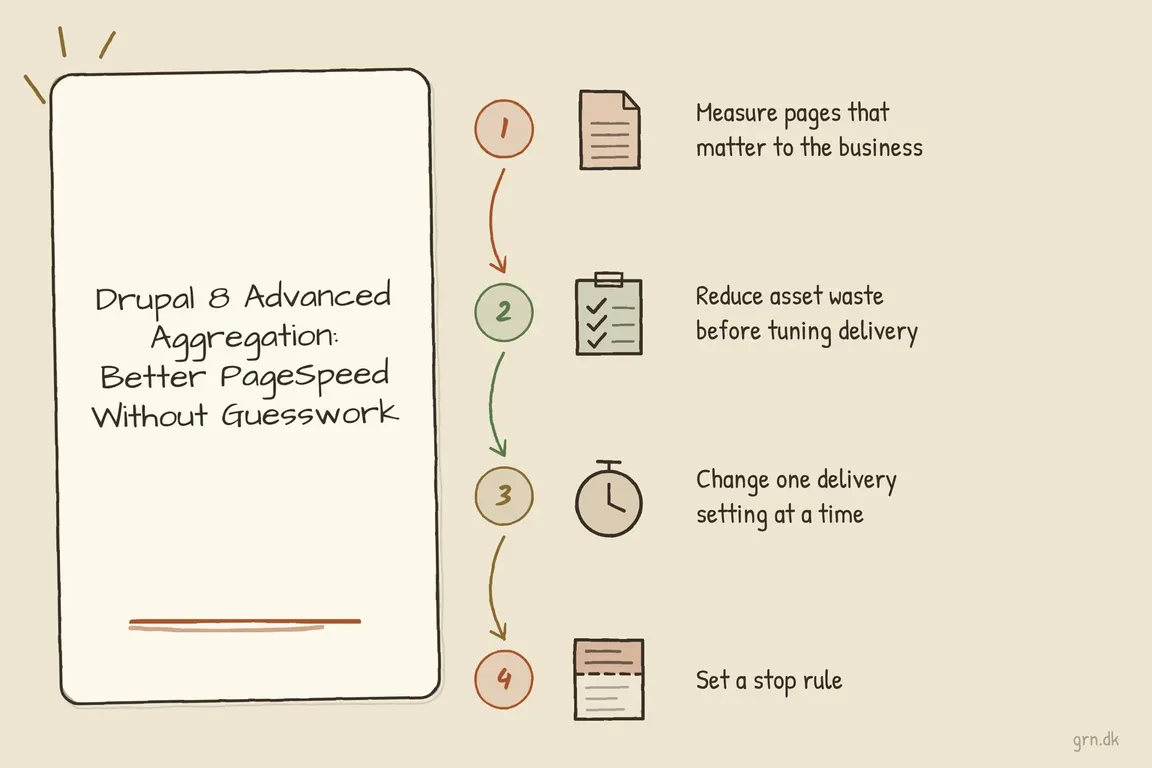
A slow Drupal 8 site creates an awkward budget decision: how much should you spend improving something that also needs upgrading? Advanced CSS/JS Aggregation, usually called AdvAgg, can help investigate asset delivery and make limited improvements. The useful work starts with finding what delays customers, then deciding which fixes deserve attention before the upgrade.
For business owners, operations leads and agency teams, success means a service page that loads promptly, a working enquiry form and changes the team can deploy confidently. A better PageSpeed score is supporting evidence.
Check the platform before changing AdvAgg settings
Drupal’s release schedule records Drupal 8’s end of life as 17 November 2021. It no longer receives core security updates. Treat performance work as a bounded intervention alongside an upgrade plan.
The AdvAgg project page now describes the module as obsolete on Drupal 10.1 and later, recommends uninstalling it there, and lists no supported stable releases. On modern Drupal, use core aggregation and test AdvAgg removal in staging.
Drupal 10 reaches end of life on 9 December 2026. For an upgrade starting now, assess a supported Drupal 11 release as the destination. Drupal 10 may be an intermediate technical step, but it offers little remaining runway.
| What you find | Useful next step | Boundary |
|---|---|---|
| Drupal 8 must stay live temporarily | Measure key journeys and make reversible fixes. | Agree a time limit alongside upgrade planning. |
| Drupal 10.1 or later uses AdvAgg | Test removal and core aggregation in staging. | Check dependencies and site behaviour before deployment. |
| Large libraries load everywhere | Restrict them to the components that need them. | Test other templates and user roles. |
| Optimisation breaks an interaction | Revert the change and investigate dependencies. | Keep the affected journey working. |
Build a baseline around valuable journeys
Choose a small test set: an important landing page, a service or product page, a content-heavy page and the main enquiry or purchase journey. Include the homepage, but avoid letting it represent the entire site.
Run public URLs through PageSpeed Insights on mobile and desktop. Its official documentation distinguishes Lighthouse lab tests from Chrome real-user data. Lab results help diagnose a simulated visit; field results cover the previous 28 days. Check whether the field report describes that URL or the whole origin. Low-traffic sites may have no field data.
Record the URL, test conditions, cache state, reported bottleneck and functional checks. Repeat important lab tests because results vary. An immediate score increase will not instantly replace the field-data history.
Use AdvAgg to identify the assets
If AdvAgg is already installed, use its bypass controls for investigation. With an account holding the bypass advanced aggregation permission, append ?advagg=0 to disable aggregation for that request, or ?advagg=-1 to bypass AdvAgg and its submodules. Use & instead of ? when the URL already has query parameters.
These controls can expose original filenames and help trace expensive assets to a theme or module. Caches can interfere with bypass testing, so confirm which files actually arrive in the browser.
For more consistent local or staging investigation, use these overrides in an environment-specific settings.local.php file that the site actually includes:
$config['system.performance']['css']['preprocess'] = FALSE;
$config['system.performance']['js']['preprocess'] = FALSE;
$config['advagg.settings']['enabled'] = FALSE;
Keep these diagnostic overrides out of production. Compare performance using normal visitor settings, rather than treating an administrator’s bypassed session as a customer baseline.
Find waste before tuning delivery
In Chrome DevTools, open the Command Menu, select Show Coverage, then start recording with a reload. The Coverage panel reports used and unused CSS and JavaScript. While recording, open menus, expand accordions, change consent choices and complete the relevant form.
Unused bytes are an investigation lead. Code may be needed after another interaction, on another template or by another user role. Trace ownership before removing it.
A common improvement is to stop loading component assets globally. Drupal’s library system supports attaching a library from the Twig template that needs it:
{{ attach_library('mytheme/slider') }}This assumes mytheme/slider is defined in the theme’s *.libraries.yml. Check its dependencies and remove any unnecessary global attachment; adding the Twig call alone will not reduce global loading.
Apply the same scrutiny to chat widgets, maps, video players and marketing scripts. Identify an owner, a purpose and the pages requiring each tool. Business owners can help here by deciding which integrations still earn their place.
Test one delivery change at a time
For an existing legacy installation, start at /admin/config/development/performance/advagg. Save the current configuration and prepare a rollback. Test minification separately from options that move scripts, add defer or load CSS asynchronously.
Clear relevant caches, warm the pages consistently and repeat the baseline checks. Test navigation, search, authentication, forms, checkout where applicable, consent and analytics events. Confirm that a successful submission reaches its destination.
If an interaction breaks, revert first. Investigate dependencies and execution order before trying another setting. If slow HTML delivery or a large image dominates the result, address that bottleneck rather than continuing to adjust aggregation.
Finish with a plan someone can own
Agree the stopping point before tuning begins. Stop when further gains require fragile workarounds, disproportionate testing or substantial investment in unsupported components.
The handover should identify each worthwhile fix, its owner, expected benefit, validation and relationship to the upgrade. That gives management and the delivery team a shared basis for spending the next hour or approving the next phase.
If you need help making those decisions, Greg can help review the Drupal stack and organise a practical performance and upgrade plan, with clear priorities for your internal team or agency.
Related on GrN.dk
- JavaScript-Heavy Service Pages Still Lose Leads: What to Audit in 2026
- Drupal Deployments: Keep Small Fixes From Rewriting Live Settings
- Critical CSS for Faster Pages: When It’s Worth the Work
Need help with this kind of work?
Discuss your Drupal performance and upgrade plan Get in touch with Greg.










