By Greg Nowak. Updated 11 August 2026.
A healthy business website does not need a plugin for every conceivable feature. It needs a small, understandable stack in which every plugin solves a defined problem, has a named owner, and can be maintained without relying on one developer’s memory.
That matters whether you run the website internally or hand it between agencies. Every plugin adds settings, updates, dependencies, data-handling questions, and another possible point of failure. The objective is not the lowest possible plugin count. It is the least complicated stack that reliably supports the business.
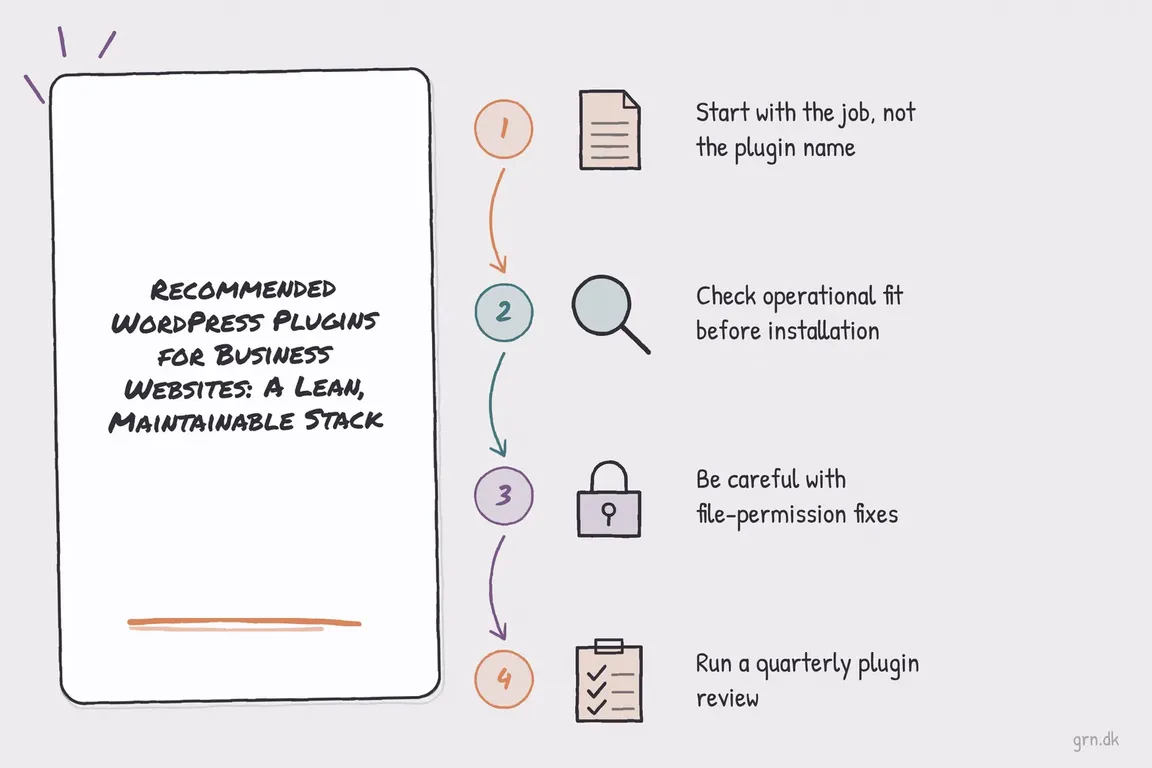
Start with the job, not the plugin name
Write the requirement in plain English before searching the plugin directory. “Editors need consistent fields for 30 location pages” is actionable. “We want more flexibility” is not.
Then check whether WordPress, the theme, your host, or your CDN already provides the capability. Duplicate redirects, caching, backups, security headers, and login controls are common causes of confusing behaviour. If nobody can say which layer owns a feature, future troubleshooting will be slower than it needs to be.
A recommended plugin is therefore a candidate, not an instruction to install it. These three remain useful starting points for common business requirements.
A practical shortlist for business websites
Advanced Custom Fields for structured content
Advanced Custom Fields (ACF) is valuable when content has a repeatable structure: services, people, offices, case studies, resources, product specifications, or event details. It gives editors purpose-built fields while developers control how the information is displayed.
ACF can also register custom post types and taxonomies through its interface, potentially replacing separate helper plugins. Use it when the structure should survive a redesign. Do not use it merely to assemble arbitrary one-off layouts; native blocks or a clearer template may be easier to maintain.
Really Simple Security when one WordPress layer should own security controls
Really Simple Security, formerly Really Simple SSL, now covers more than HTTPS migration. Its listed capabilities include redirects, hardening, vulnerability detection, login protection, and two-factor authentication.
It can suit a smaller organisation without equivalent controls elsewhere. First map what the host, CDN, firewall, and other security plugins already do. Even the plugin’s documentation warns against enabling overlapping features alongside another security suite. Select the modules you need and document where every other control lives.
Compliance by Hu-manity.co for consent—with important limits
Compliance by Hu-manity.co, formerly Cookie Notice, can provide a customizable banner. However, its WordPress listing distinguishes the standalone banner from the connected Cookie Compliance service. Plugin-only mode does not include automatic script blocking, purpose categories, or consent-record storage.
That distinction matters. A banner alone does not prevent analytics, advertising tags, or embedded services from loading before consent. Inventory the site’s trackers, decide which categories require consent, test both acceptance and rejection, and confirm that the privacy notice describes what the site actually does. Treat legal requirements as a business and legal decision, not a setting a plugin can make for you.
| Business need | Possible fit | Install only when | Primary owner |
|---|---|---|---|
| Repeatable, structured content | ACF | Fields and templates have a documented content model | Content lead and developer |
| HTTPS, login protection, or basic hardening | Really Simple Security | The same controls are not already active elsewhere | Technical owner |
| Cookie and tracking consent | Compliance by Hu-manity.co | Scripts are inventoried and blocking behaviour is tested | Operations, marketing, and legal |
| Minor visual or navigation change | Theme or native blocks first | A plugin offers a genuinely reusable workflow | Site maintainer |
| Backups, caching, or firewall rules | Hosting or infrastructure layer first | There is a documented gap in the existing service | Platform owner |
Check operational fit before installation
Before approving a plugin, record its business purpose, owner, license holder, data flows, renewal cost, update process, and rollback plan. Check recent releases and compatibility, but do not mistake an active changelog for suitability. Test the plugin on staging with the current theme, forms, caching, multilingual setup, analytics, and critical integrations.
Small helper plugins can still earn a place. A menu icon or conditional-visibility tool may remove recurring editorial work. The warning sign is control creep: if a helper begins defining core layouts or business logic, move that responsibility into a maintained theme, custom integration, or documented application layer.
Be careful with file-permission fixes
WordPress documents 755 for directories and 644 for files as one common permission scheme. It also advises site owners not to change permissions casually because ownership and write requirements depend on the server configuration.
find /path/to/wordpress/ -type d -exec chmod 755 {} \;
find /path/to/wordpress/ -type f -exec chmod 644 {} \;
These commands are a baseline, not a universal repair. Confirm the path, ownership model, backup, and host guidance before running them. WordPress recommends tighter access for wp-config.php, commonly 400 or 440 where the server setup supports it. Never solve a plugin error by applying 777 permissions in production; investigate the ownership or configuration problem instead.
Run a quarterly plugin review
Once a quarter, ask five questions about every active plugin: What business job does it perform? Who owns it? Is another layer doing the same work? What would break if it disappeared? Can the team restore or replace it?
Remove inactive plugins after confirming they are not needed for data migration or an occasional workflow. Review administrator access, updates, paid licenses, abandoned integrations, and vulnerability notices. Test significant updates with a recoverable backup rather than assuming “automatic” means “risk-free.”
For an agency handoff, include critical settings, field-group exports, license ownership, update rules, custom hooks, and dependencies in the documentation. A lean stack is only truly maintainable when the next capable person can understand it.
When the stack needs untangling
If your site has accumulated overlapping security tools, campaign plugins, and undocumented agency decisions, I can help turn the plugin list into an operating plan: what to retain, replace, test, and document before the next rebuild or handoff. Talk to Greg about your WordPress project.
Related on GrN.dk
- WordPress Custom Fields: A Practical Guide to Structured Content
- AI Crawler Control for Business Websites: Protect Content Without Vanishing from Search
- Can’t Publish in WordPress? Fix the Invalid JSON Response Without Guesswork
Need help with this kind of work?
Discuss your WordPress project Get in touch with Greg.










