
Drupal CMS 2.0 Speeds Marketing Site Rebuilds, but It Is Not Autopilot
For business owners, operations leads, and agency teams, the useful question is not whether Drupal CMS 2.0 looks impressive. It does. The useful question is whether it reduces delivery time without quietly increasing launch risk.
On that test, Drupal CMS 2.0 is a real step forward for marketing-site rebuilds. Canvas gives editors a modern on-page builder, Mercury supplies reusable components, and the first templates remove a lot of the slow setup work that used to make Drupal feel heavier than it needed to. As of June 13, 2026, the product has already moved beyond the January 28, 2026 launch, with the 2.x line reaching 2.1.3 on June 2, 2026. That is healthy. It also reinforces the right interpretation: Drupal CMS is an accelerator, not an autopilot.
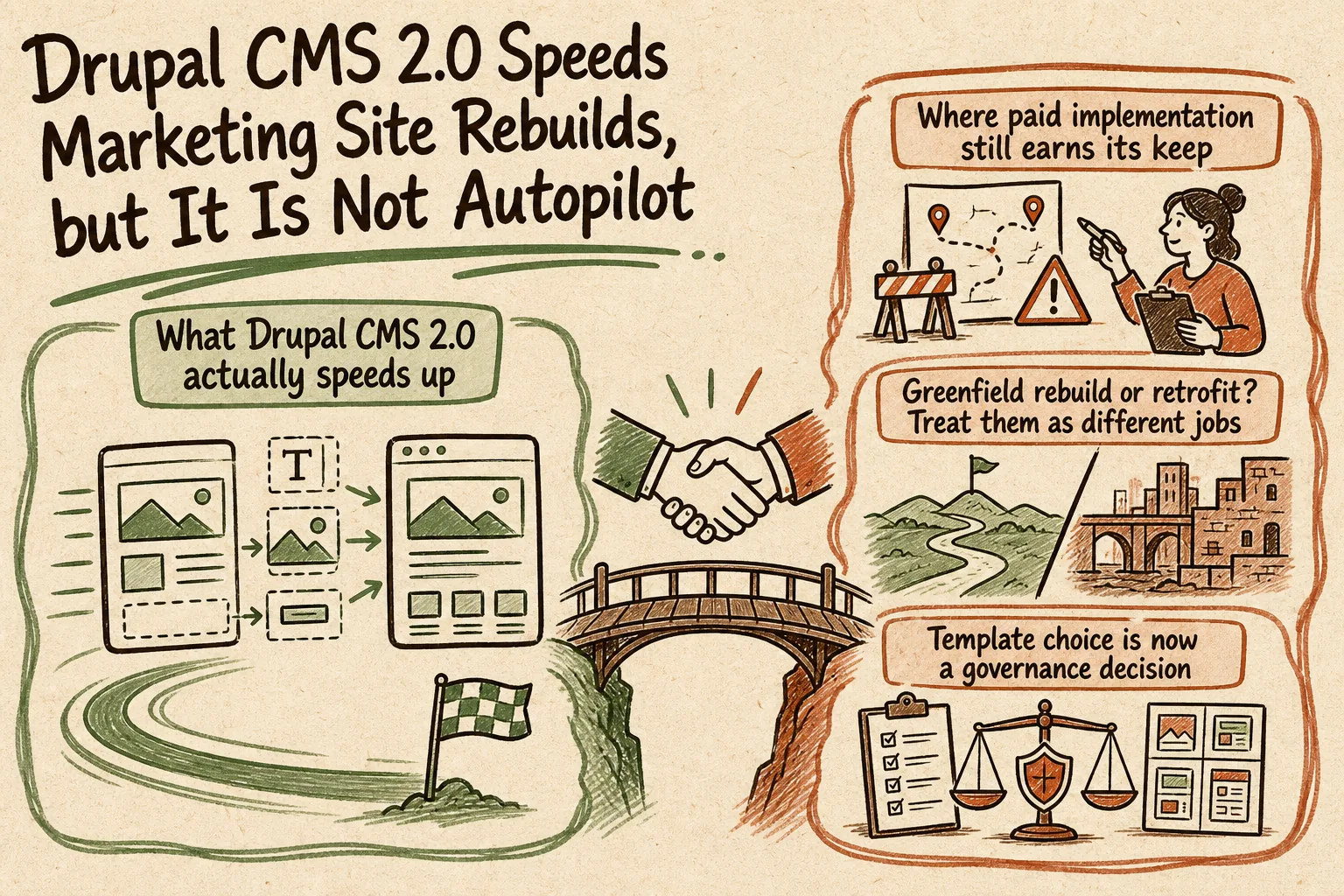
What Drupal CMS 2.0 actually speeds up
The biggest gain is the first build. Canvas is the default editing experience, with drag-and-drop composition, live preview, and real-time editing. The Mercury component library covers familiar marketing blocks such as heroes, cards, testimonials, accordions, and menus. For teams who have lived through the old Drupal pattern of editing in backend forms and checking the front end separately, that is a meaningful usability improvement.
Templates make the time saving more concrete. Byte ships as a SaaS-oriented marketing site with landing pages, a blog, newsletter signup, pricing pages, and a contact form. Starter gives agencies and internal teams a less opinionated Canvas-ready base. Drupal's own product team says a well-matched site template can get you roughly 95 percent of the way to launch. That is believable when the template actually matches the use case. It is much less true when the team is forcing the template to fit a different content structure, workflow, or design system.
Recipes help in the same practical way. They do not remove integration work, but they reduce repetitive configuration. The Mailchimp example is a good illustration: once the site is authenticated, Drupal can pull audiences and create signup blocks that editors can place inside Canvas. That is the right kind of productization. It saves effort on assembly so the project team can spend more time on the parts that are still specific to the business.
Where paid implementation still earns its keep
The mistake to avoid is equating a faster demo with a safer launch. The work that usually makes or breaks a rebuild is still content modeling, editorial workflow, permissions, integration design, and front-end fit.
If your launch brief includes multilingual content, approval steps, CRM sync, analytics governance, consent tooling, search behavior, redirects, campaign landing pages, or a reusable design system, someone still has to define and test those decisions. Drupal CMS gives you a better starting point for that work. It does not make those decisions for you, and it does not reduce the need for senior implementation judgment.
That is why the right use of Drupal CMS is not to install it and hope the template happens to fit. The right use is to let the product save time on page-building mechanics, then spend that saved time on the decisions that determine whether editors can use the site safely and whether operations can support it after launch.
Greenfield rebuild or retrofit? Treat them as different jobs
Drupal CMS is strongest on greenfield marketing builds. Existing Drupal estates are more nuanced. The official release notes say Canvas can be installed on an existing site, but not every theme is Canvas-ready. In practice, that means checking whether your current front end is component-based or whether the project is really a re-theme. Mercury can help on Drupal 11+, but it is still implementation work, not a switch you flip.
The sharper constraint is migration. Drupal says migration paths from Layout Builder and Paragraphs to Canvas are planned but not ready yet. It also says recipes can be installed individually via Composer on existing sites, but recipes do not have update paths. That matters. A retrofit may still be the right call, but it should be scoped as a controlled modernization project, not as a simple upgrade.
If you already have years of content, custom roles, or a heavily adapted theme, ask the blunt question early: are you doing a true greenfield rebuild, a selective Canvas rollout, or a staged migration? Those are different budgets, different timelines, and different risk profiles.
Template choice is now a governance decision
Drupal's split between Marketplace site templates and Community site templates is more important than it first sounds. Marketplace templates are reviewed against Drupal CMS best practices for security, WCAG 2.2 AA accessibility, performance, and code quality, and they are expected to include documentation and maintenance commitments. Community templates can still be useful, but they are intentionally more open and may be more experimental.
For buyers, that means template choice is not just a design decision. It is a governance decision. If the site is heading into production on a commercial timeline, a curated starting point is usually the safer bet. If the work is exploratory, a community template may be fine. The value is in making that choice deliberately rather than treating every template as interchangeable.
A better brief before you commit
- Does Byte or Starter genuinely fit the use case, or will the team spend the project undoing template assumptions?
- Is this a greenfield marketing build, a retrofit to an existing Drupal 11 site, or a staged migration from older page-building patterns?
- Who owns the content model, taxonomy, and editor permissions before design polish starts?
- Which integrations can be recipe-driven, and which still need custom implementation and QA?
- Is hosting aligned to a supported PHP version? Drupal currently supports PHP 8.3, 8.4, and 8.5 for Drupal 11.3, and its security coverage depends on staying on supported PHP and supported upstream dependencies.
Bottom line
Drupal CMS 2.0 genuinely makes marketing-site rebuilds faster, especially when the site shape is close to what Canvas, templates, and recipes already assume. It is much less magical when the real job is migration, governance, or operational cleanup.
If you want a practical second opinion before you commit to a template, retrofit path, or rebuild scope, Greg can help assess fit, reduce launch risk, and turn the fast first demo into a site your team can actually run.
Talk to Greg about your Drupal CMS rebuild.
Need help with this kind of work?
Need a practical review of a Drupal CMS rebuild brief? Talk to Greg about fit, migration risk, and launch scope. Get in touch with Greg.