By Greg Nowak. Last updated 2026-10-10.
A green tick tells you the workflow ran successfully. Customer data may still be sitting in execution storage, with the model provider and in the systems that received the output. Before expanding a pilot, someone needs to account for those copies.
That job gets harder when hidden data looks like deleted data. n8n’s execution redaction hides payloads from ordinary execution viewing while leaving the underlying database data intact. Your review needs to cover both who can see a record and how long it stays.
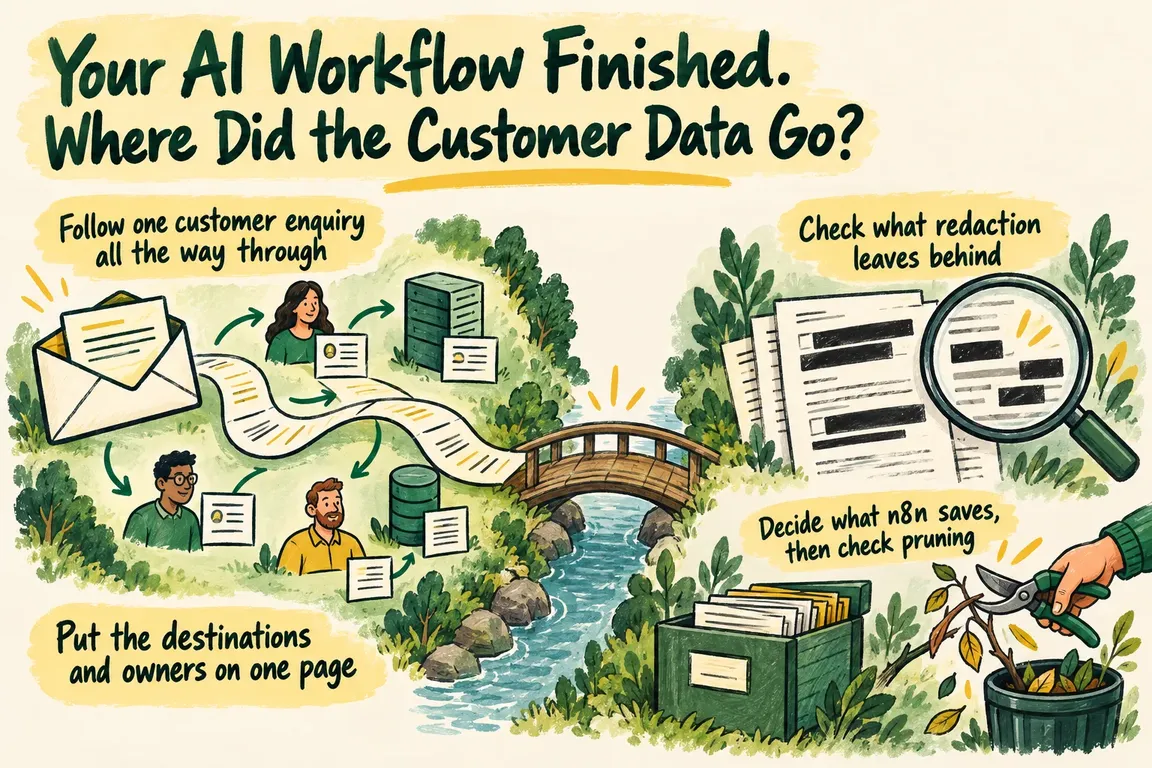
Follow one customer enquiry all the way through
Take an illustrative workflow: a customer submits their name, email address, customer reference and message. n8n prepares the text, sends it to an OpenAI model for classification, then writes a category and summary into a CRM. This is a sample design, not a client case.
Look at the fields each step actually needs. Classification may only require the enquiry text. Could the customer reference stay in n8n and be attached to the result afterwards? Check the message itself, too. Removing the email field does little if the customer has also written their address in the free text.
For each node, inspect what comes in, what goes out and what the receiving system stores. A record needed briefly to complete a task can become a retained copy once execution data is saved.
n8n’s AI audit trail guidance covers workflow records, node-level data access, model invocations and external tool actions. Those layers give you a way to trace the enquiry. Each destination then needs its own retention decision.
Put the destinations and owners on one page
Use the map below to review the sample workflow against your actual configuration and permissions. If nobody knows an answer, give that question an owner and leave it open until it is checked. An assumed default is a weak basis for expanding the pilot.
| Destination | Copies to inspect | Access to check | Decision and owner to record |
|---|---|---|---|
| Original enquiry system | Submitted fields and message | Business and support roles that can read the enquiry | Why it is kept, when it expires and who handles deletion |
| n8n execution storage | Saved node inputs, outputs and errors | Execution viewing, reveal permissions and direct database access | Saving and pruning settings, exceptions and the person responsible |
| OpenAI API | Actual requests, responses and uploaded objects | Who can retrieve stored objects and which provider controls apply | Retention for the endpoint and features used, with an owner for the configuration |
| CRM destination | Category, summary and linked customer reference | Roles that can read or export the record | When the output is no longer needed and who removes it |
| Additional logs or exports | Payloads copied to other confirmed destinations | Administrators and access permissions at each destination | Separate expiry or deletion actions and their owners |
Check what redaction leaves behind
n8n’s redaction documentation lists the feature for Enterprise Cloud and Enterprise self-hosted deployments. It hides payloads while preserving execution metadata such as status and timing. Manual and production executions have separate controls, so check both.
Users with reveal permission can temporarily inspect redacted data, subject to the documented exceptions. Anyone with the relevant direct database access has another route to the underlying payloads. Redaction leaves stored execution data unchanged and unencrypted by that feature; it also leaves data flowing to downstream nodes unrestricted.
Code node console output is excluded from redaction. If the workflow logs customer content, follow that content into any attached logging destinations.
Assign owners for execution-view permissions, database access and retention configuration. Ask them to demonstrate the controls. A screenshot of a hidden payload confirms something about visibility. You still need evidence showing what is stored and how it is deleted.
Decide what n8n saves, then check pruning
n8n’s execution-data controls let you configure saving for successful, failed and manual executions, as well as execution progress. Review the instance settings and the workflow settings. Failed executions may be useful for troubleshooting, but their customer payloads still need an agreed retention period.
Pruning is enabled by default. The documented defaults use an age threshold of 336 hours, or 14 days, and an execution-count threshold of 10,000. Deletion happens in stages, with a safety buffer before permanent removal. Allow for that timing when checking whether records have gone.
Some records sit outside normal pruning. New, running and waiting executions are ineligible. Annotated executions, including those with tags or ratings, are never pruned. Binary pruning covers the active storage mode, so an earlier storage location needs separate attention after a mode change.
Record the settings actually deployed, choose them around the business purpose and assign someone to handle the exceptions. The documented defaults help you inspect the setup; they cannot tell you what your workflow currently retains.
Inspect the request your OpenAI integration makes
OpenAI’s data-controls documentation separates abuse-monitoring logs from application state. API data is not used for model training unless you opt in. Retention remains a separate question.
By default, abuse-monitoring logs may include prompts and responses and are retained for up to 30 days. Longer retention is possible for legal or harm-prevention reasons. Separately, the Responses API documents a default 30-day application-state retention period, with stored response data kept for at least 30 days, subject to the listed exceptions.
Setting store to false does not itself enable Zero Data Retention or remove default abuse monitoring. Zero Data Retention and Modified Abuse Monitoring require approval and have limitations. Some endpoints or capabilities can retain application state even when Zero Data Retention is enabled.
Capture the endpoint, request settings, tools used and applicable organisation or project controls. Then check the documentation entries for those exact endpoints and features. The integration name alone will not give you enough information to make the retention decision.
Give each copy a reason to stay and a date to go
The EDPB’s small-business guidance connects purpose limitation, data minimisation and storage limitation. It calls for retention periods by purpose and a deletion procedure, with deletion or anonymisation when personal data is no longer necessary.
Apply that reasoning separately to the original enquiry, troubleshooting material and CRM output. For each, record why it is needed, who owns it, when retention ends and how removal happens.
Be specific about support needs. If identifiers, timing and status are enough to answer a particular troubleshooting question, consider whether keeping the full customer message serves that purpose. The evidence you retain should be proportionate to the job it needs to do.
Test deletion before more customer records enter the workflow
Create a synthetic enquiry with a distinctive marker. Run it through the intended success path and a controlled failure path, then inspect every confirmed destination. Include manual executions and an annotated execution so the test covers the exceptions identified in your review.
Apply the planned expiry or deletion actions. Once the relevant schedules and buffers have passed, inspect again. Record what disappeared, what remains, why it remains and who needs to act.
You may be unable to inspect provider-managed retention directly. In that case, document the applicable policy and account settings, and make clear which conclusions rely on that evidence and which deletions you observed yourself.
A workflow data audit with Greg can be scoped around one workflow and a concrete set of deliverables: a destination and retention map, an access review, proposed input reductions, verified execution-saving settings, an OpenAI configuration review and a deletion-test record. Bring the workflow to the discussion. The immediate aim is to leave with decisions, priorities and named owners before the pilot handles more customer data.
Related on GrN.dk
- When the AI API Says “Try Again,” What Does Your Customer See?
- From Supplier PDFs to Product Data: Where AI Needs a Second Check
- Cloudflare Free Protects Your Site. Where Does It Stop?
Need help with this kind of work?
Discuss a workflow data audit with Greg Get in touch with Greg.










