By Greg Nowak. Updated 21 October 2026.
An AI workflow produces a useful summary, updates the CRM and posts to the right Slack channel. The demonstration looks convincing. But before approving the pilot, look at the access it needed to get there.
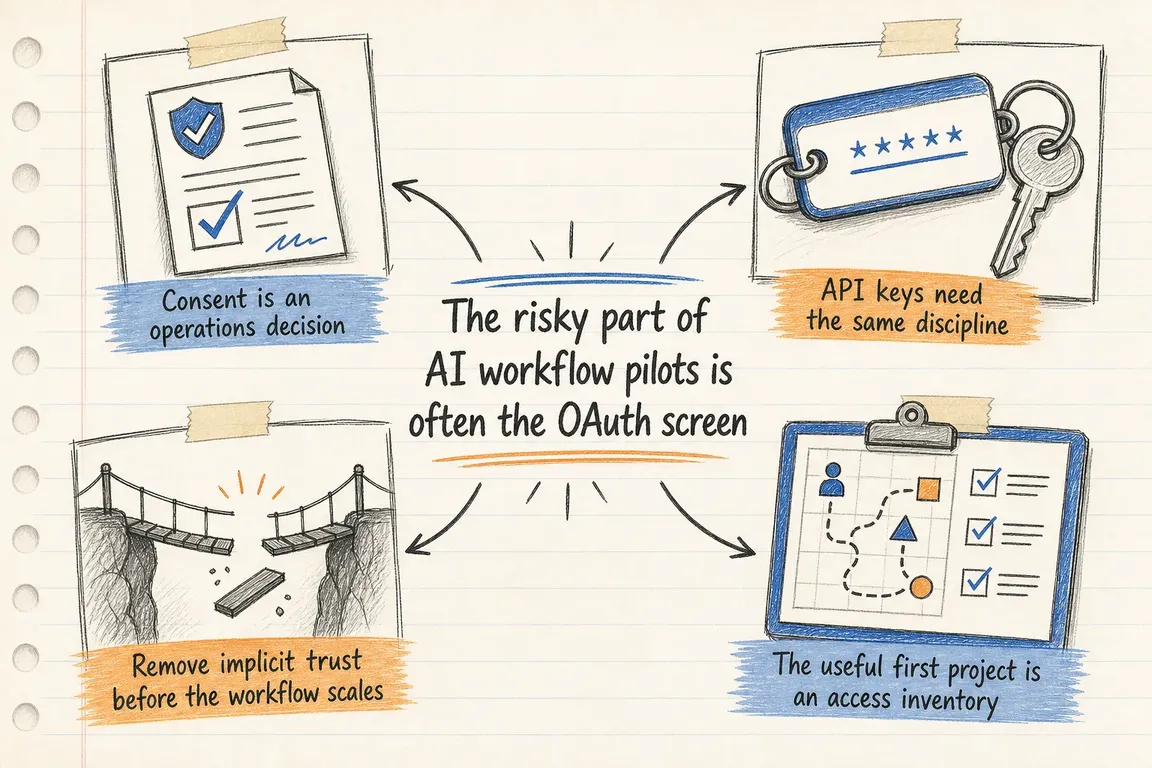
The OAuth screen—the page asking you to click Allow—is a business decision. Depending on the permissions granted, that click can authorise an app to read conversations, retrieve documents or change records. Pasting an API key into a workflow builder deserves the same scrutiny.
A useful pilot needs a clear boundary: what it can reach, what it can change, who owns it and how someone can stop it. Agree those details before connecting business systems.
Translate permissions into business consequences
OAuth scopes describe permissions granted to an application. The product description tells you its intended purpose; the scopes help establish what it can actually do.
Ask the person implementing the workflow to translate each permission into plain English. Does “access messages” mean posting updates, reading channel history or acting as an employee? Does document access cover selected files or a much wider collection?
Consider a pilot that summarises approved project notes and posts a weekly update. Start with those notes and a designated channel. Mailbox access, unrelated folders and CRM write permissions each need a separate justification.
Read-only access still needs a data review. A workflow can disclose information without changing the original record. Trace where retrieved content goes: the automation platform, model provider, execution logs and final destination.
| Check | Evidence to keep | Pause approval when… |
|---|---|---|
| Purpose and access | Exact scopes, connected systems and required actions | Permissions have no explanation tied to the task |
| Data boundary | Allowed folders, channels, records and destinations | A narrow pilot requires unexplained organisation-wide access |
| Identity and ownership | Credential owner, business owner and technical backup | Only the installer can manage the connection |
| Cost and workload | Spend settings, volume limits and retry behaviour | An alert is being treated as an automatic stop |
| Shutdown | Revocation steps, queue handling and review date | Nobody has tested what happens after access is removed |
Put the access agreement on one page
Add an access record to the pilot brief. Name the task, systems, permitted data, exact scopes, identity, owners, spending boundary and review date. Record where credentials are stored, but keep the secrets themselves out of the brief.
State the exclusions too: no customer mailboxes, no deletion, no production updates without approval. If the integration cannot support those boundaries, use a smaller test dataset or reconsider the connector.
For agencies, make ownership part of the handover. The client should know who controls the installation, billing and revocation. Recheck permissions whenever someone reauthorises the app or enables another feature.
Use the controls your platforms already provide
Google Workspace: inspect the requested scopes
In the Admin console, go to Security → Access and data control → API controls → Manage App Access. Review the app identity, users, requested services and OAuth scopes, then choose the appropriate access setting. Google provides Trusted, Limited, Specific Google data and Blocked settings. Its administrator guidance notes that app details typically appear 24–48 hours after authorisation, so a same-day inventory may be incomplete.
Slack: distinguish bot access from user access
Match the required methods and events to their scopes. According to Slack’s scope reference, bot scopes let an app act through its own identity; user scopes let it act on behalf of the authorising user. Prefer a bot when it can perform the task, and still review its permissions and channel access.
Slack also supports optional OAuth scopes, which users can decline during installation. For a custom integration, use these for additional features and test the core workflow with those permissions declined.
OpenAI API: separate the pilot and restrict access
Put the pilot in a separate project and use a dedicated service account for unattended work. Review the assigned role and key permissions rather than assuming a dedicated identity is automatically narrow. OpenAI’s permissions documentation recommends separating experiments from production and checking access using a non-owner account. For agency work, restrict contractors to the projects they need.
Check spending controls separately. The official OpenAI documentation distinguishes spend alerts, which notify while traffic continues, from hard spend limits, which cause affected requests to return a 429 error. Confirm which control is configured. The workflow should distinguish temporary throttling from a spending stop that needs an owner’s attention, with bounded retries in either case.
Test the shutdown before expanding the pilot
Write down where to pause the workflow, revoke its credentials and remove its access. Include scheduled jobs, webhooks, refresh tokens and queued work. Give a second authorised person enough information to perform the shutdown.
Then test with a pilot credential. Pause new triggers, revoke access and confirm that the next attempted operation fails safely. Check that retries stop, an owner receives a useful notification and partially completed runs are visible. Before restarting, decide how to handle queued items so they do not produce duplicate messages or updates.
Ask separately what happens to information already copied into the vendor’s storage, logs or backups. Revocation and data deletion are different tasks; document the required cleanup and who will verify it.
Start with one workflow you already use
If several experiments are already running, review one useful workflow first. Identify its owner, trace its credentials and data, remove unnecessary access, and test its shutdown. Use that record as the starting point for the next pilot.
Greg can help review the integration, agree workable boundaries with your team or agency, and turn the findings into a practical cleanup and handover plan. Get in touch about a focused review of one AI workflow.
Related on GrN.dk
- AI automations need a spend dashboard before the first runaway bill
- Who Can Read That Answer? Permissions for Internal AI Search
- Your AI Agent Has Shell Access. What Can It Reach?
Need help with this kind of work?
Review an AI workflow with Greg Get in touch with Greg.










