By Greg Nowak. Last updated 2026-06-24.
MariaDB 10.6 reaches community end of life on July 6, 2026. After that date, the community branch stops receiving security patches, bug fixes, and updates. The awkward part for many WordPress and Drupal estates is that nothing dramatic has to happen on July 7. The site may still load, editors may still publish, and orders may still clear.
That is why this is easy to miss. A database version that used to sit quietly inside a hosting account has become a business decision. It affects supportability, security posture, CMS upgrade paths, and how much risk an agency or operations team is prepared to carry for a client.
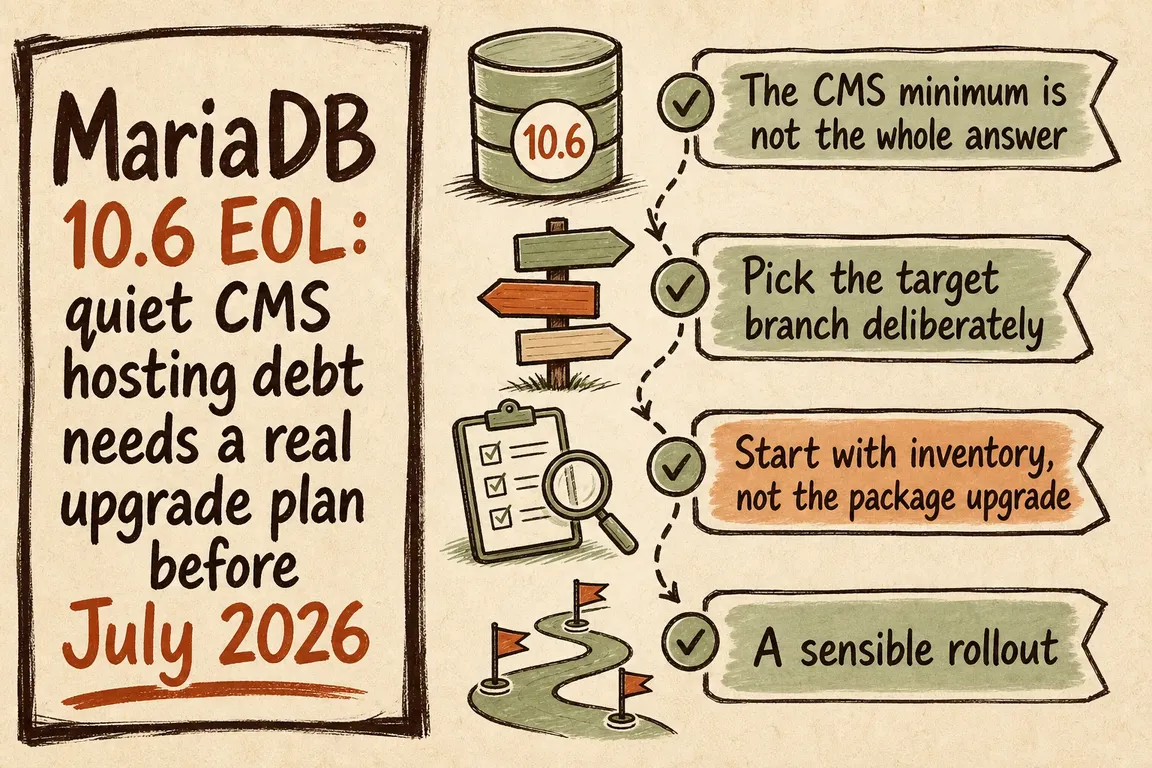
The CMS minimum is not the whole answer
WordPress recommends MariaDB 10.6 or newer, or MySQL 8.0 or newer, alongside PHP 8.3 or newer and HTTPS. It also warns that legacy software may keep running while exposing the site to security problems. In practical terms, MariaDB 10.6 being the WordPress floor does not make it a safe long-term landing point once that floor is out of community support.
Drupal makes the planning problem clearer. Drupal 10 can run on MariaDB 10.3.7 or newer. Drupal 11 raises that to MariaDB 10.6 or newer. Drupal 12 raises it again to MariaDB 10.11 or newer, with MySQL 8.0 or newer remaining the MySQL baseline for Drupal 11 and 12. Drupal also expects InnoDB as the primary storage engine and the PDO database extension.
So the question is not simply, "Does the current site still work?" It is, "What CMS version do we need to support next, and is the database branch a temporary bridge or a platform we can sensibly operate for several years?"
| Current situation | Target to consider | Why it matters | Check before cutover |
|---|---|---|---|
| WordPress on MariaDB 10.6 | A supported MariaDB LTS branch or a deliberate MySQL LTS path | Meets current hosting expectations without staying on an EOL branch | Plugin queries, backup restore time, charset and collation defaults |
| Drupal 10 with a Drupal 11 roadmap | MariaDB 10.11 or newer, or MySQL 8.0 or newer | Avoids landing exactly on the MariaDB 10.6 floor as it exits support | Core update plan, contributed modules, InnoDB and PDO configuration |
| Drupal 12 planned | MariaDB 10.11 or newer, or MySQL 8.0 or newer | Drupal 12 raises the MariaDB requirement beyond 10.6 | Staging upgrade, config audit, deployment scripts and cron jobs |
| Shared hosting estate with mixed CMS sites | Standardised supported branch chosen per estate, not per panic ticket | One database change can affect many client sites at once | Inventory, client priority, rollback windows and maintenance notices |
Pick the target branch deliberately
MariaDB's current release notes identify MariaDB 11.8 as the latest long-term stable community series, maintained for three years. They also distinguish rolling and development releases. That distinction matters for CMS hosting because "newest" and "best production target" are not automatically the same thing.
MySQL has a similar split between LTS and Innovation releases. The LTS track is intended for environments that want a stable feature set and a longer support period. Innovation releases are production-grade too, but they are designed for faster-moving teams and can include behavior changes. Oracle specifically calls out areas such as SQL syntax, reserved words, query execution, and query performance as places where behavior changes can have application impact.
For a business owner, that means the target version is not a purely technical preference. For an agency, it is a support policy. For an operations lead, it is a risk decision. If the site is business-critical, choose the branch because it matches the CMS roadmap, hosting policy, and rollback capacity, not because it is the first option shown in a control panel.
Start with inventory, not the package upgrade
The package replacement is usually the small part. The paid work sits in the discovery, rehearsal, and risk control around it. Before touching production, identify the exact engine and version with SELECT VERSION(), @@version_comment;. Check server defaults with commands such as SHOW VARIABLES LIKE 'character_set_server'; and SHOW VARIABLES LIKE 'collation_server';. Confirm which sites share the server, which CMS versions they run, and whether any imports, replicas, deployment jobs, or reporting scripts depend on current database behavior.
Then prove the backup path. A backup is not enough; the team needs to know it can be restored quickly enough for the available maintenance window. For many CMS sites, that means testing a restore into staging, running the database upgrade there, executing mariadb-upgrade where the chosen MariaDB path requires it, and doing CMS smoke tests before scheduling production.
A sensible rollout
A controlled upgrade usually follows a simple sequence: inventory, target selection, backup and restore test, staging rehearsal, CMS checks, production cutover, and rollback readiness. The CMS checks should include login, editing, search, forms, checkout or donations if present, scheduled tasks, and any integrations that read or write database-backed content.
For a single WordPress site, this may be a small but real maintenance project. For an agency hosting several WordPress and Drupal clients, it becomes portfolio work: group similar sites, identify exceptions early, and avoid discovering the fragile ones during a production maintenance window.
Where GrN fits
Greg can help turn this from a vague hosting worry into a scoped upgrade plan: current-state audit, target version recommendation, staging rehearsal, backup and rollback checks, and coordination with the host or agency team doing the cutover. The goal is not to make the database upgrade dramatic. The goal is to make it boring in the right way.
If MariaDB 10.6 is still sitting under your WordPress or Drupal estate, treat July 6, 2026 as the deadline for a decision, not the day to start discovery. Talk to Greg about planning the upgrade.
Related on GrN.dk
- WordPress 7.0 Collaboration Readiness: Why Legacy Meta Boxes and Hosting Assumptions Can Still Stall Your Upgrade
- Drupal 10 Has a December 2026 Deadline, So Upgrade Inventory Has Become a Real Client Project
- PHP 8.2 Has Six Months Left, and CMS Hosts Need a Plan
Need help with this kind of work?
Plan a safer database upgrade Get in touch with Greg.










