By Greg Nowak. Reviewed 11 October 2026.
Critical CSS can help visitors see your headline, offer, and enquiry button sooner. It works by putting the styles needed for the first visible screen directly into the HTML, while loading the remaining stylesheet separately.
The catch is maintenance. Every new banner, navigation change, or template variation can change which styles that first screen needs. For a business owner or agency lead, the useful question is whether the improvement on commercially important pages justifies another moving part in the release process.
When is critical CSS worth implementing?
Start with evidence that stylesheets are delaying useful content. Chrome’s render-blocking guidance describes CSS inlining as an advanced technique and says most sites should be able to meet its recommended performance targets without it. A warning in a report is a reason to investigate, not an automatic development brief.
| What you find | Decision | Next step |
|---|---|---|
| CSS delays rendering on a valuable, consistent template | Good pilot candidate | Test one page family and compare repeated runs |
| CSS, images, and scripts all contribute | Investigate first | Identify which delay controls when the main content appears |
| Server response or image transfer dominates | Defer critical CSS | Fix the larger constraint and measure again |
| Stylesheets are small or layouts vary heavily | Usually skip it | Prioritise simpler delivery and maintainability |
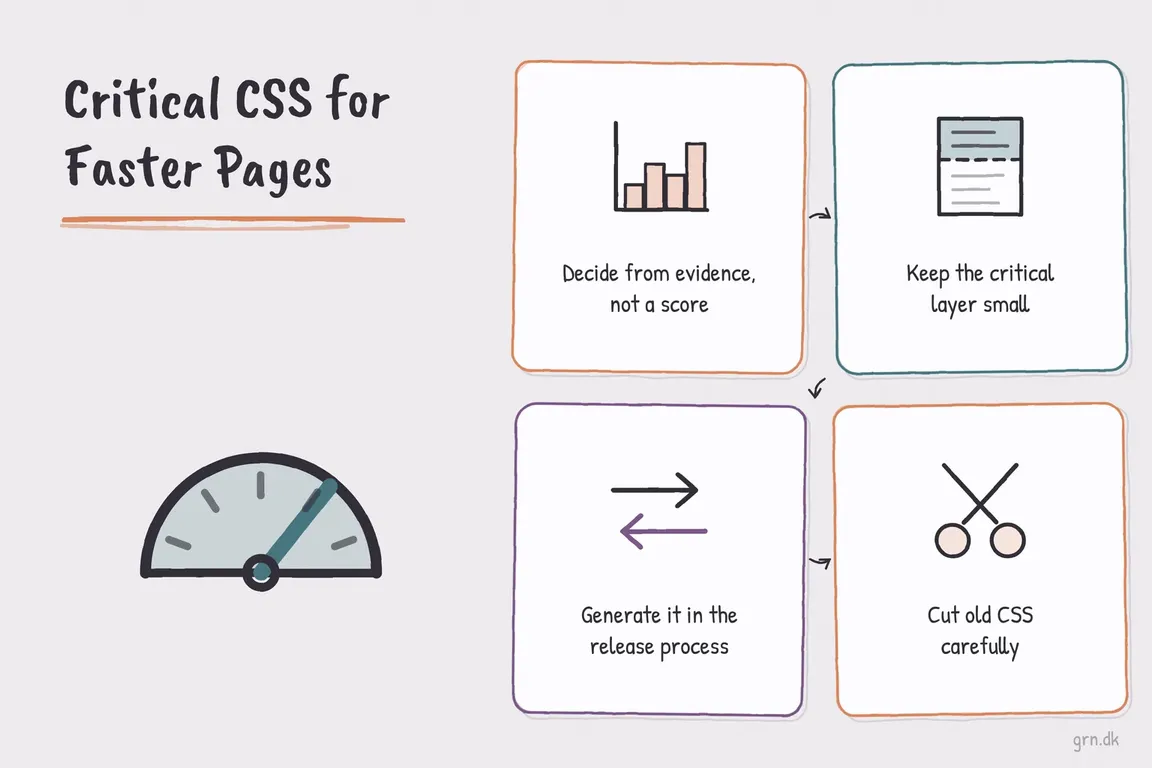
Prove what is holding the page back
Choose representative anonymous pages: a service page that receives enquiries, a campaign landing page, and a busy article or product template. Test mobile conditions as well as desktop. In Chrome DevTools or WebPageTest, inspect the network waterfall alongside the rendering timeline. Are stylesheets keeping an otherwise ready page blank?
Inspect the Largest Contentful Paint element too. If the hero image is still downloading, establish whether the delay comes from image delivery or late discovery through CSS before prescribing a fix.
Compare laboratory findings with real-user data where available. Google’s Core Web Vitals guidance covers LCP for loading, INP for responsiveness, and CLS for visual stability. Critical CSS primarily addresses initial rendering; it does not automatically make menus or forms respond faster.
Keep the first-screen styles small and dependable
Include the header, navigation, visible typography, hero layout, buttons, and any immediately visible form controls. Preserve the space needed for images so content does not jump when they arrive. Check both narrow and wide layouts, including long headings and optional banners.
Footers and distant page sections usually belong in the remaining stylesheet. However, “below the fold” does not mean unused: visitors may scroll immediately, so the full styles must still load reliably.
Inlining repeats CSS in each HTML response instead of letting that portion travel as a separately cached file. Test repeat visits and navigation between pages as well as a cold first visit. An oversized inline block can undermine the intended benefit.
Automate generation with the right extraction mode
Generate CSS from the same templates and assets you deploy. The Critical project’s current documentation requires Node.js 22.13 or newer. For browser-based extraction at mobile and desktop sizes, its documented workflow can be used like this:
pnpm add -D critical playwright
pnpm exec playwright install chromium
pnpm exec critical ./dist --engine render --inline --write --dimensions 390x844,1280x900
Run this on built HTML in a disposable output directory: --write modifies those files. The render engine needs working asset URLs and a page it can load correctly.
The engine choice matters. Automatic mode can select static extraction for server-rendered HTML, which includes all used CSS by default unless scoped with data-critical-fold. Supplying dimensions alone does not turn static matching into viewport measurement.
Pin dependencies through the lockfile and regenerate whenever templates or styles change. For a CMS, maintain representative page families and variants rather than assuming one homepage extraction covers everything.
Online critical CSS generators: fine for a first look
Free web tools such as Sitelocity's critical path CSS generator take a URL, render the page and return the CSS for the first screen. That is a quick way to see how large your critical CSS would be and to try inlining it on one template.
The output is a snapshot of one page at one viewport. It does not change when templates, banners or the theme change, and pasted CSS that nobody regenerates goes stale without anyone noticing. For production, generate it in the build with a tool like Critical, or let the CMS or a caching plugin produce it per page type and own the regeneration. On WordPress that usually means a performance plugin with a critical CSS or "optimize CSS delivery" option. On Drupal it means the module in the next section.
In Drupal, separate generation from delivery
Drupal’s Critical CSS module delivers generated CSS; it does not create it. Its stable 2.0.3 release is security-covered, and the project is marked for maintenance fixes only. Install the 2.x line with:
composer require 'drupal/critical_css:^2.0'Save generated files in the configured directory within the active theme. The module can select files by bundle, entity ID, or URL, falling back to default-critical.css. Enable it at /admin/config/development/performance/critical-css.
Use the module to handle delivery rather than also applying a separate HTML rewriting step to the same response. Verify file selection, CSS aggregation, AJAX interactions, and cache behaviour on staging. Keep anonymous and authenticated layouts separate in your test plan.
Remove unused CSS as a separate improvement
A bloated shared stylesheet may deserve cleanup first. PurgeCSS supports safelists and reporting of rejected selectors, which help review a proposed reduction:
import { PurgeCSS } from 'purgecss';

const results = await new PurgeCSS().purge({
  content: ['templates/**/*.html', 'src/**/*.js'],
  css: ['dist/app.css'],
  safelist: [/^is-/, /^has-/, /^js-/],
  rejected: true
});
Adapt those paths to include your actual templates, including Twig where relevant, and representative rendered CMS content. The prefixes are examples, not complete protection for dynamic classes. Review the returned CSS and rejected selectors before writing an output file.
Give the pilot a clear acceptance test
Agree who owns regeneration, which templates are covered, and how to revert the change. Compare several before-and-after runs under matching conditions. Test menus, consent notices, form errors, and immediate scrolling for missing styles or layout shifts.
Roll out further only when the improvement is repeatable and the team can maintain it. Monitor real-user LCP and CLS as traffic accumulates, and check that important calls to action appear correctly. A better performance score alone does not establish a conversion gain.
If you need help deciding where the effort belongs, work with Greg to assess the bottleneck and scope a manageable performance pilot, with clear responsibilities across your business, agency, and development team.
Related on GrN.dk
- Why Your Website’s Third-Party Stack Needs a Real Owner
- WordPress PageSpeed: What to Fix First for Better Core Web Vitals
- Agentic AI: What It Is, How It Works, and When to Use It
Need help with this kind of work?
Discuss a website performance pilot with Greg Get in touch with Greg.










