By Greg Nowak. Updated 6 August 2026.
Composer is part of a Drupal site’s delivery system, not merely a developer utility. It determines which code enters the project, whether another team can reproduce the build, and how safely an urgent update can move from development to production.
That makes Composer discipline a business concern. A weak process creates dependency drift, opaque handovers, and releases that work on one developer’s machine but fail in CI or production. A good process is deliberately uneventful: every change is visible, reviewable, tested, and recoverable.
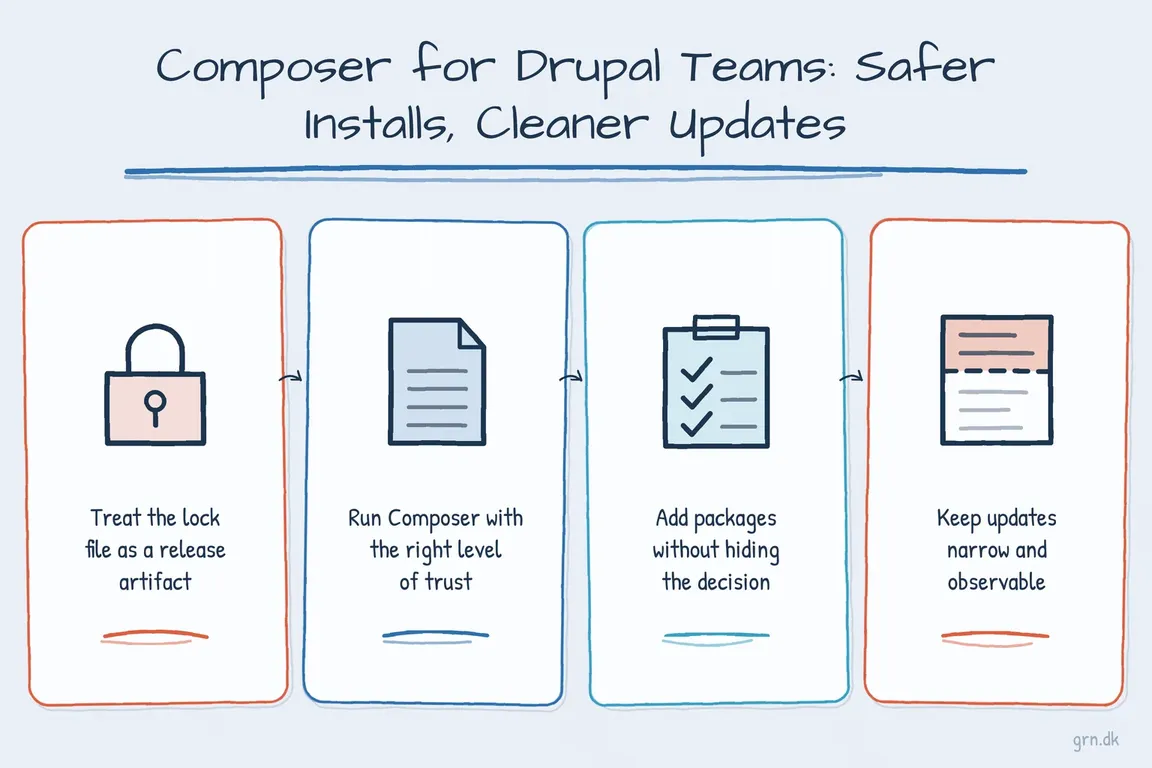
Treat the lock file as a release artifact
The distinction between composer update and composer install is fundamental. An update resolves new package versions and rewrites composer.lock. An install uses the exact versions already recorded in that lock file.
Run updates in a development branch, review both composer.json and composer.lock, and commit them together. CI, staging, and production should then build from the committed lock file:
composer install --no-dev --optimize-autoloader
composer check-platform-reqs
The second command checks the real PHP version and extensions in the target environment. It catches a class of deployment failures that can be hidden when a developer’s machine and production server differ.
Start new Drupal projects with the supported structure
For modern Drupal 10 and 11 sites, use Drupal’s recommended project template:
composer create-project drupal/recommended-project my_site_nameThis places web-accessible files in /web, while keeping composer.json, composer.lock, and vendor outside the document root. Hosting and deployment configuration must point to that /web directory.
If the team needs to rename the web root or adjust installer paths before downloading dependencies, create the project without installing first:
composer create-project --no-install drupal/recommended-project my_site_name
cd my_site_name
# Edit composer.json as required, then:
composer install
Run Composer with the right level of trust
Composer plugins and scripts can execute third-party code during commands including install and update. Avoid running Composer as root during normal development or deployment. Use a dedicated project or build user with only the permissions it needs.
When installing Composer programmatically, retrieve the current installer checksum instead of copying a hash into permanent documentation:
mkdir -p "$HOME/.local/bin"
EXPECTED_CHECKSUM="$(php -r 'copy("https://composer.github.io/installer.sig", "php://stdout");')"
php -r "copy('https://getcomposer.org/installer', 'composer-setup.php');"
ACTUAL_CHECKSUM="$(php -r "echo hash_file('sha384', 'composer-setup.php');")"

if [ "$EXPECTED_CHECKSUM" != "$ACTUAL_CHECKSUM" ]; then
  echo "Invalid Composer installer checksum" >&2
  rm composer-setup.php
  exit 1
fi

php composer-setup.php --install-dir="$HOME/.local/bin" --filename=composer
php -r "unlink('composer-setup.php');"
For unfamiliar or untrusted packages, use a disposable container or equivalent sandbox. The flags --no-plugins --no-scripts reduce execution during dependency resolution, but Composer’s own guidance makes clear that they do not replace isolation.
| Stage | Recommended action | Decision it supports |
|---|---|---|
| Before planning | composer validatecomposer outdated 'drupal/*'composer audit |
Is the project healthy, and what requires attention? |
| Before changing | Create a branch and take a recoverable database backup | Can the release be tested and reversed? |
| During resolution | Update only the intended packages | Is the dependency change small enough to review? |
| In CI or staging | Run composer install from the lock file and execute project tests |
Can another environment reproduce the build? |
| At release | Deploy the tested artifact and run the agreed Drupal deployment steps | Are code, database updates, and configuration moving together? |
Add packages without hiding the decision
Before adding a module, inspect its available releases and Drupal compatibility. Stable, pre-release, and development versions may coexist:
composer show drupal/video_filter --available
composer show drupal/video_filter --all
Add production and development dependencies explicitly:
composer require drupal/pathauto drupal/metatag
composer require --dev drupal/devel
Do not copy contributed modules into the repository manually. Composer records the constraint, resolves transitive dependencies, and creates a lock-file change that reviewers can examine. Before accepting a package, also check its maintenance status, supported Drupal versions, release history, and security coverage on Drupal.org.
Keep updates narrow and observable
A blanket composer update can change far more than the ticket describes. Prefer a targeted update and inspect the proposed operations before applying them:
composer update drupal/pathauto --with-all-dependencies --dry-run
composer update drupal/pathauto --with-all-dependencies
The wider --with-all-dependencies option is sometimes necessary, but it can update related root requirements. Read the operation list and the lock-file diff. The aim is not the smallest possible diff at any cost; it is a change whose scope the team understands and can test.
Make these checks part of release preparation rather than an occasional rescue exercise:
composer validate
composer outdated 'drupal/*'
composer audit
composer audit should feed a triage process, not merely produce a report. Record who owns each finding, whether a supported update exists, and when the decision will be revisited.
Ask Composer why an update is blocked
When dependency resolution fails, avoid loosening unrelated constraints until something passes. Ask Composer to show the dependency path and blocker:
composer why -t drupal/file_mdm_exif
composer why-not drush/drush 14.0.0
composer prohibits php 8.3
These commands distinguish a direct constraint from a transitive dependency or PHP-platform problem. That evidence makes estimates clearer and helps an agency explain whether the real work is a package update, a module replacement, or a broader platform upgrade.
Keep Drush inside each Drupal project
Drush should be managed as a project dependency and executed from the project:
composer require drush/drush
vendor/bin/drush status
Do not rely on one global Drush installation for a mixed portfolio of sites. As of August 2026, the official compatibility matrix recommends Drush 13 for Drupal 10.2+ and Drupal 11, while Drush 14 targets Drupal 11.3+ and requires PHP 8.3+. Check that matrix when planning an upgrade rather than selecting a major version from memory.
The operational payoff from Composer is straightforward: another developer, agency, or hosting partner can reconstruct the site without private knowledge. If your Drupal estate needs more predictable upgrades, clearer ownership, or a calmer release process, Greg can help establish a practical delivery workflow.
Related on GrN.dk
- PHP Front-Page Detection: Safer Checks for Real-World Sites
- How to Check Whether a PHP Constant Is Defined (Without Breaking Production)
- Sending Mail with Drupal: Reliable Email Setup for Business Sites
Need help with this kind of work?
Discuss your Drupal delivery workflow Get in touch with Greg.