Reading Samsung Exfat K-Ubuntu 19.10

Illustrated infographic summarizing: Reading Samsung Exfat K-Ubuntu 19.10

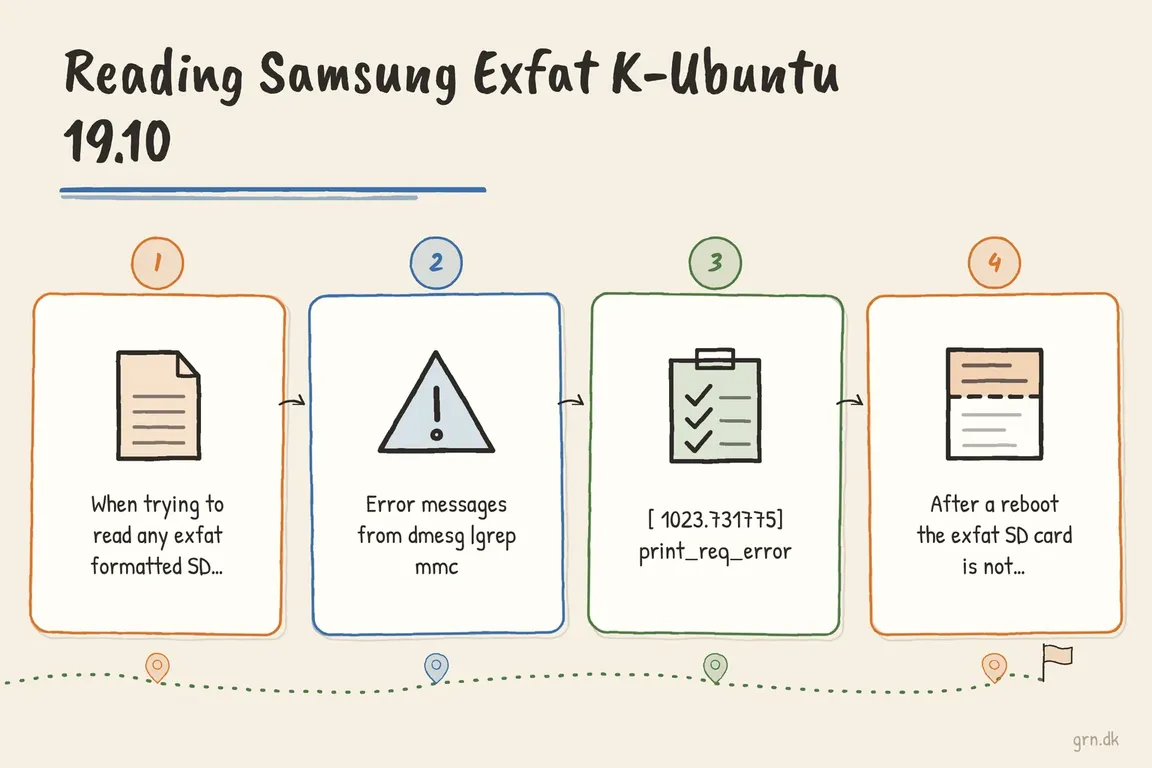
When trying to read any exfat formatted SD card it suddenly was not recognised by my system, so I tried to upgrade from Kubuntu 18.10 to 19.10, and it didn't help. Then I found a post about that Exfat is not supported by the kernel before version 5.4, but Kubuntu 19.10 is shipped with 5.3, but the packages exfat-fuse and exfat-utils should take care of it, but they were already installed and did not work apparently. And also my kernel is 5.0.x for some reason (5.0.0-36-generic). The reaseon is that at the time of writing the kernel version 5.3.x is unstable.

Error messages from dmesg |grep mmc:

[ 1023.731743] mmcblk0: error -110 requesting status
[ 1023.731751] mmcblk0: recovery failed!
[ 1023.731775] print_req_error: I/O error, dev mmcblk0, sector 0 flags 0
[ 1106.971868] print_req_error: I/O error, dev mmcblk0, sector 2 flags 0
[ 1106.971882] Buffer I/O error on dev mmcblk0, logical block 1, async page read
[ 1106.971896] mmc0: card 43c0 removed
[ 1109.090251] Buffer I/O error on dev mmcblk0, logical block 0, async page read

Then I found this post (https://www.omgubuntu.co.uk/2019/09/install-samsung-exfat-driver-ubuntu…) because of the Samsung formatted Exfat stuff:
sudo add-apt-repository ppa:arter97/exfat-linux
sudo apt install exfat-dkms

But this removes exfat-fuse. After a reboot the exfat SD card is not recognised at all by dmesg or by the system even though the module is loaded (/lib/modules/5.0.0-36-generic/updates/dkms/exfat.ko
).

Back to exfat-fuse, and into Windoze to handle exfat SD card (microSD).

Latest articles

Before a Google AI shopping pilot, check which products qualify, where your catalog data disagrees, and whether checkout reflects your delivery and return terms.

Check whether prompt caching reduces cost per completed task, accounting for cache writes, retries, review effort and the charges on your provider's bill.

A practical Drupal translation workflow for Danish service pages: German review, commercial approval, publication and keeping translations current after edits.

Build a weekly marketing report from GA4 and Google Ads with verified calculations, clear data caveats and a short AI draft to support your Monday meeting.

Before buying a GPU, test one real team workflow on existing hardware. A Linux pilot can show whether quality, memory, response times, and running costs add up.

Planning a Drupal relaunch? Set clear rules for content, translations, media and old URLs, with a practical checklist for approving the migration and launch.

Use AI for your online store’s alt text with a manageable pilot: map the images, generate suggestions in Danish, and check the results in WordPress and WooCommerce.

Supplier files need more than extraction. Here’s how to check coverage, match SKUs, resolve unclear units and prices, and test product data before a catalogue import.

Shorter TLS certificates leave less room for renewal problems. Check domain validation, scheduling, deployment and the certificate your customers actually receive.

AI image credentials can disappear during routine website processing. Learn how to test your CMS, optimizer, CDN, and publishing workflow end to end.








