PDF to Word Conversion

Illustrated infographic summarizing: PDF to Word Conversion

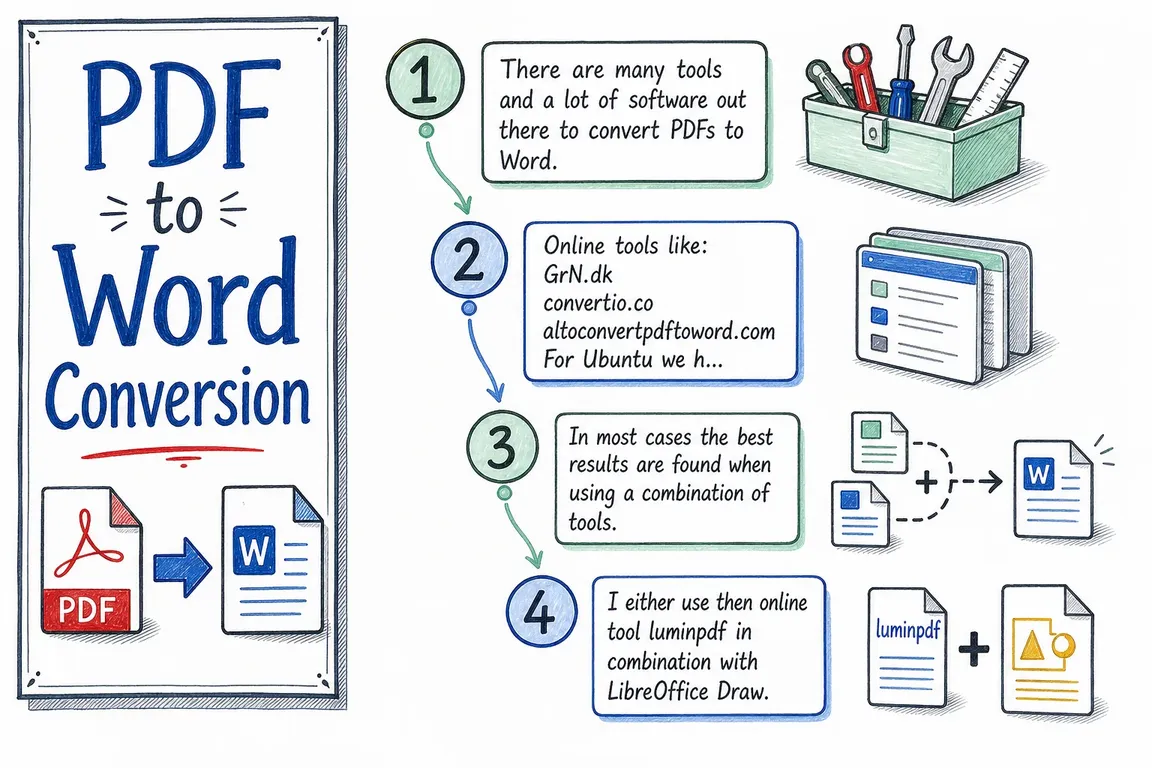
There are many tools and a lot of software out there to convert PDFs to Word.

Online tools like:

GrN.dk

convertio.co
altoconvertpdftoword.com

For Ubuntu we have tools like LibreOffice, abiword, and pdftohtml. In most cases the best results are found when using a combination of tools. I either use then online tool luminpdf in combination with LibreOffice Draw. And if I want I can copy paste and merge into a Libre Office Writer document. It really depends on the situation. You might also want to try the pdf import extension for OpenOffice: https://extensions.openoffice.org/en/project/pdf-import-apache-openoffi…

lowriter --headless --convert-to docx test.pdf

abiword --to=doc test.pdf

pdftohtml -noframes -q -p -c "test.pdf" "test.pdf-img.html" -> then open the html with LibreOffice Writer and save it in desired format.
 

Signing a PDF

In LibreOffice Draw, insert an image of your signature and print to PDF. When LibreOffice does not open a PDF well, use Lumin PDF straight from Google Drive (accept the connection to your Google account). The free edition cannot insert an image, but its signature function lets you upload a signature and place it in the document; print to PDF afterwards.
Latest articles

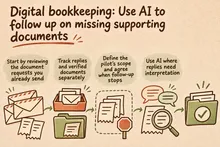
Get missing supporting documents under control with a clearly scoped AI workflow that sorts replies, coordinates reminders and gives the bookkeeper a clear follow-up list.

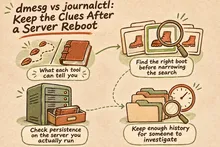
Know what dmesg and journalctl can tell you after a reboot, how to find previous-boot logs, and how to check that retention covers your investigation window.

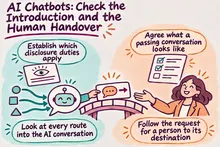
Check how your chatbot identifies itself as AI, where requests for human help actually go, and what customers encounter when support is unavailable.

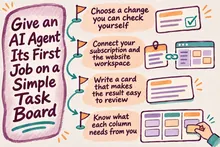
Start with one website change on board.nowa.dk. Write a clear task, answer questions as they arise and review the result before giving an AI agent more work.

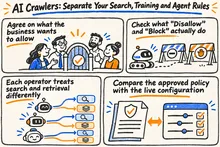
Keep AI search visibility, training preferences and assistant access separate. Use a practical policy matrix to check Cloudflare settings and test key public pages.

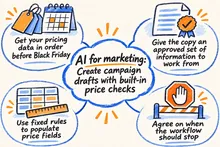
Let AI draft Black Friday campaigns using approved product data. Check prices and recipients, and secure approval before sending the campaign from Mailchimp.

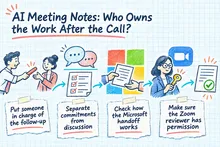
Make AI meeting notes useful after the call: confirm decisions, agree owners and deadlines, check existing tasks, and verify that work reaches the right tracker.

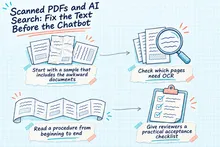
Before tuning your AI chatbot, check whether your PDFs supply readable text, reliable reading order, usable tables, and passages you can trace to the page.

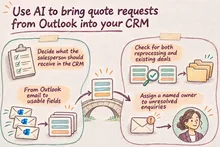
Bring quote request emails from Outlook into your CRM with AI. Define fields, duplicate checks and sales ownership, then use a pilot to measure whether the solution saves time and helps more enquiries get followed up.

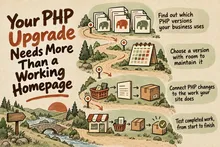
Plan your PHP upgrade around checkout, enquiries and daily operations, with practical checks for compatibility, staging, deployment and rollback before support ends.