By Greg Nowak. Updated 20 July 2026.
If your Simple Machines Forum still runs on PHP 7, making the old combination survive a little longer is the wrong project. PHP 7 is unsupported, while the current SMF release has a documented route to a maintained PHP version.
The sensible target today is SMF 2.1.7 on PHP 8.4. PHP 8.5 is newer, but SMF currently documents compatibility only through PHP 8.4. For a business forum, support community or searchable knowledge archive, published compatibility matters more than choosing the highest number available.
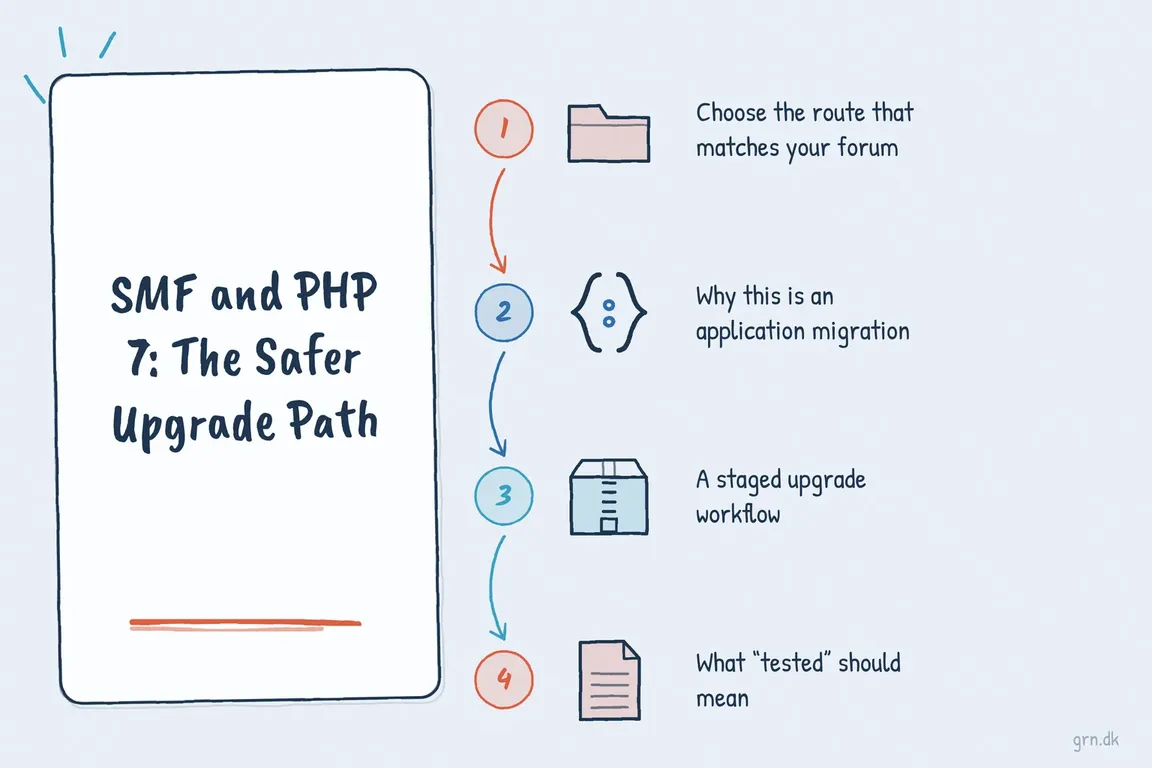
Choose the route that matches your forum
| Starting point | Recommended route | Main concern |
|---|---|---|
| SMF 2.0.x on PHP 7 | Upgrade a clone to SMF 2.1.7, then test it on PHP 8.4 | SMF 2.0.19 supports only up to PHP 8.0 |
| SMF 2.1.6 | Install the official 2.1.7 patch, then test PHP 8.4 | Theme and modification compatibility |
| SMF earlier than 2.1.6 | Use the large upgrade package on staging | The package removes modification file edits |
| Heavily customised or undocumented forum | Audit dependencies before scheduling migration | Hidden integrations and altered templates |
| New forum or clean rebuild | Install SMF 2.1.7 directly on PHP 8.4 | Data migration and URL continuity, if replacing an old site |
Why this is an application migration, not a PHP switch
Changing the PHP selector in a hosting panel may take seconds. Recovering a broken forum can take considerably longer. The difficult dependencies usually sit above PHP: an edited theme, abandoned modifications, authentication hooks, attachment storage, outbound email, scheduled tasks or custom analytics.
Start by recording the SMF, PHP and database versions; installed extensions and modifications; active theme; mail configuration; scheduled jobs; writable directories; and external services. Agency teams should also identify who can approve downtime, who owns DNS and hosting access, and what evidence will count as a successful launch.
Do not use the live forum as the discovery environment. Clone its files and database onto private staging while retaining a known-good production backup. If the old installation needs an obsolete runtime, isolate that runtime and expose it only as much as the migration requires.
A staged upgrade workflow
- Back up both layers. Preserve the database and the complete forum directory, including attachments, avatars, themes and configuration. Confirm where the backup is stored and how it would be restored.
- Reproduce production. Bring up the clone on its existing PHP version first. This separates cloning problems from upgrade problems.
- Upgrade SMF. Use the 2.1.7 patch only for SMF 2.1.6. Earlier releases require the large upgrade package, which resets application files and removes modification edits.
- Move staging to PHP 8.4. Enable the required extensions and use a current patched PHP 8.4 release supplied by the host or operating system vendor.
- Rebuild deliberately. Reinstall only compatible modifications. Port necessary theme changes into a clean current theme instead of copying every historical edit.
- Test and rehearse cutover. Time the final database upgrade, document the commands and define the point at which the team will roll back.
These shell checks remain useful during discovery:
php -v
php -m | egrep 'mbstring|fileinfo'
php -i | egrep 'session.save_path|upload_tmp_dir|memory_limit|max_execution_time|upload_max_filesize|post_max_size'
mysqldump --single-transaction --routines --triggers your_database > smf-backup.sql
Use the database credentials and backup tooling appropriate to your environment, then verify that the dump is non-empty and restorable. The official upgrader can also run from the forum directory with php upgrade.php; use php upgrade.php --help to inspect its available options. Check that the command invokes the intended PHP binary when several versions are installed.
What “tested” should mean
A homepage loading is not an acceptance test. Exercise anonymous browsing, registration, login, password reset, posting, editing, moderation, private messages, search, attachments, avatars and administrative actions. Confirm that notification and password-reset email arrives, scheduled work runs, and logs remain free of new PHP warnings or fatal errors.
SMF 2.1 expects mbstring and fileinfo. Also confirm valid session and upload temporary directories, sensible attachment limits and write access for the application directories that genuinely need it. Avoid solving permission errors by making the whole forum broadly writable.
For an established forum, check redirects and canonical URLs as well. Years of indexed discussions can be more valuable than the software itself; an upgrade should not casually turn that archive into broken links.
Plan the production cutover
Use a quiet maintenance window. Put the forum into maintenance mode, take a final verified backup, deploy the rehearsed files, run the database upgrade and repeat the critical user tests. Remove upgrade.php and the upgrade SQL files when finished, as the SMF manual identifies unattended upgrade files as a security risk.
Keep the rollback decision simple: if authentication, posting, attachments or database integrity fails and cannot be corrected inside the agreed window, restore the previous files, database and runtime. Monitor application logs, mail delivery and user reports after reopening.
If the forum carries customer history or has years of unexplained customisation, a short audit can save a long outage. Greg can help map the dependencies, organise staging and turn the cutover into a controlled project. Talk through your SMF upgrade.
Related on GrN.dk
- Cloudflare’s Enforce DNS-Only Switch: Test Your Origin Before an Incident
- Importing External Data into Drupal: A Practical Migration Plan
- MariaDB 10.6 EOL: quiet CMS hosting debt needs a real upgrade plan before July 2026
Need help with this kind of work?
Plan your SMF upgrade with Greg Get in touch with Greg.