By Greg Nowak. Last updated 2026-10-03.
WordPress 7.1 makes it easier for external tools, including AI agents, to discover actions a site can perform. That is useful if an agency wants an assistant to gather content, prepare drafts or support a routine workflow. It also raises a practical question: which of those actions should the assistant be allowed to complete?
Imagine an agent asked to prepare a campaign page. Reading approved content and creating a draft may be reasonable. Publishing the page, exporting users or changing site settings calls for a different decision. Make that decision in WordPress and the integration, where it can be enforced, rather than leaving it to the agent’s instructions.
Separate visibility, identity and permission
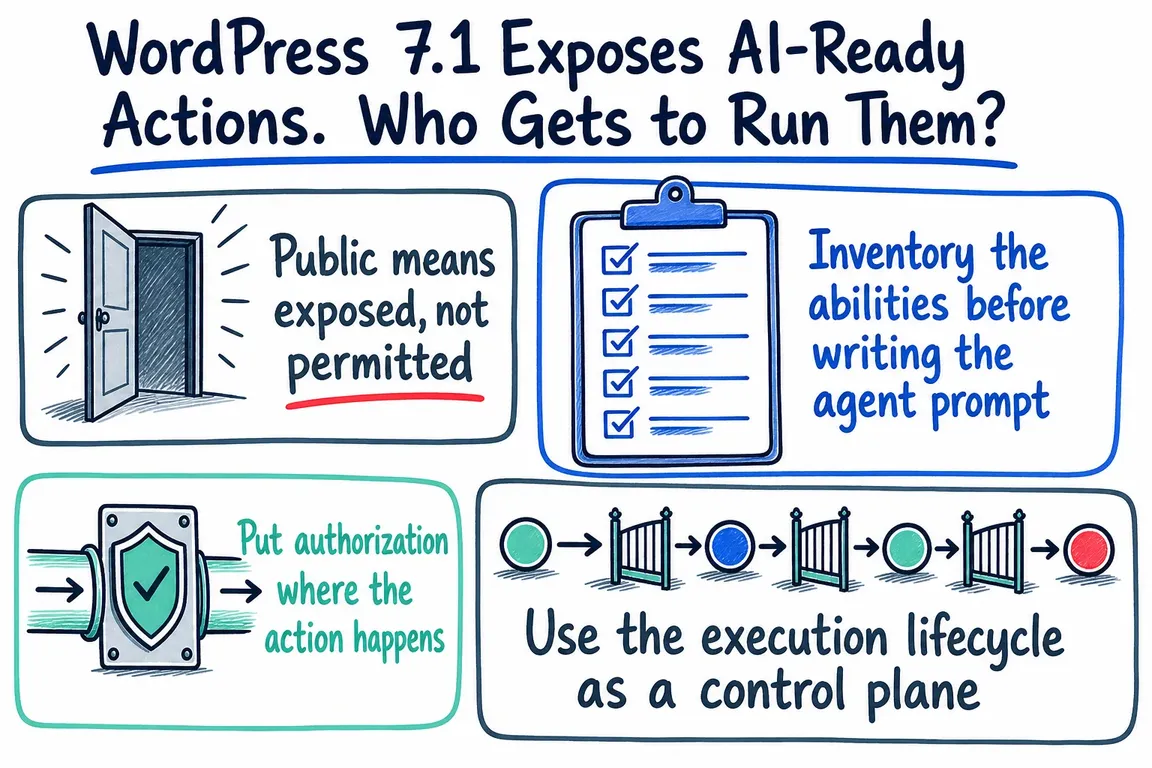
WordPress 7.1 adds meta.public to express that an ability is intended for external clients. When it is true, REST exposure defaults to true unless an explicit show_in_rest setting says otherwise. The flag controls exposure; it does not authorize execution. The WordPress development note is explicit about that distinction.
For a REST request, three checks matter. First, is the ability exposed through REST? Second, which authenticated WordPress user is calling? Third, does the ability’s permission_callback allow that user to perform this particular action? All Abilities REST endpoints require authentication, and listing an ability does not mean the caller can run it.
This distinction is especially important when an agent can choose several actions in sequence. A tool list is a menu of possibilities, not an approval to use everything on it.
Inventory what your site actually offers
Start with the workflow you want: perhaps “read approved product facts and prepare a draft.” Then inspect the abilities supplied by WordPress and active plugins. Record each ability’s name, purpose, inputs, output, exposure settings, permission check and business effect. Note who owns the decision to enable it for an integration.
On WordPress 7.1, wp_get_abilities() can retrieve the registered abilities in PHP and filter them by namespace, category or metadata. An authenticated REST client can inspect exposed abilities at GET /wp-json/wp-abilities/v1/abilities, with a namespace filter if useful. The REST list is only the exposed view; use the server-side registry when reviewing everything a plugin registered.
Classify the actions by consequence rather than trusting their names. An ability described as “sync content” might publish immediately, update drafts or delete old records. Check its callback and its readonly and destructive annotations against what the code really does.
| Action | Example | Sensible agent boundary |
|---|---|---|
| Read | Retrieve approved product details | Allow within a defined data scope |
| Recoverable write | Create a draft page | Allow for the agreed workflow; log the result |
| Public write | Publish a page | Prepare a preview; require human approval before execution |
| Sensitive or destructive | Export users or delete records | Disable for the agent unless there is a specific approved use |
Give the integration a narrow identity
WordPress recommends application passwords for external REST access. Create credentials for a WordPress user whose capabilities fit the job, and keep that identity separate from a person’s administrator account. If the workflow only prepares drafts, it should not inherit broad administrative access for convenience.
The permission check belongs with each ability. For an action involving a specific post, check permission for that post, such as current_user_can( 'edit_post', $post_id ), rather than relying only on a general role check. Validate the post ID and other inputs against the ability’s schema. An agent should not be able to swap in another resource ID and cross the boundary of its task.
Approval also needs a clear place in the workflow. For publishing, show a human the proposed content and target site, then check authorization again when the approved action runs. A confirmation in an agent prompt is useful guidance, but it is not a server-side approval gate.
Use the 7.1 hooks carefully
WordPress 7.1 adds execution filters that can support site policy. wp_pre_execute_ability can stop an ability early, for example while an integration is disabled. It runs before validation and permission checks, so keep its decisions narrow. wp_ability_permission_result runs after the ability’s permission callback and can impose an extra rule. Preserve an existing denial: returning true from that filter can override it.
The other filters can normalize input before schema validation and transform a result before output validation. They are useful for consistent checks and for removing internal response fields. They do not replace a sound permission callback or accurate schemas. Treat tool descriptions and annotations as operational documentation too: an agent may choose an action based on them, so misleading metadata can cause a real mistake.
Test the whole workflow in staging
Test with the integration identity and with a user who has fewer privileges. Confirm that the intended read and draft actions work, while publication, exports and changes to another user’s content fail. Try missing or malformed input and check that unexpected output is rejected. For REST calls, confirm that the client uses the method required by the ability’s annotations.
Then test sequences. Can several individually permitted calls produce an unwanted public change? Does the agent retry a denied action? What happens if its WordPress permissions change between preparation and execution? Record the ability name, caller, time, approval decision and outcome for each consequential call, while avoiding full copies of sensitive inputs and outputs in logs.
If your team is connecting AI tools to WordPress, Greg can help review the ability inventory, permission checks and approval path, then exercise the proposed workflow in staging. Get in touch to discuss a focused review.
Related on GrN.dk
- A Voice Agent Is Only Ready When the Human Handoff Works
- Before Your Support Bot Learns the Help Center, Make Sure It Can Forget
- OpenAI Has Machine Identity Now. Which Jobs Should Lose API Keys?
Need help with this kind of work?
Discuss your WordPress AI workflow Get in touch with Greg.










