By Greg Nowak. Updated 1 September 2026.
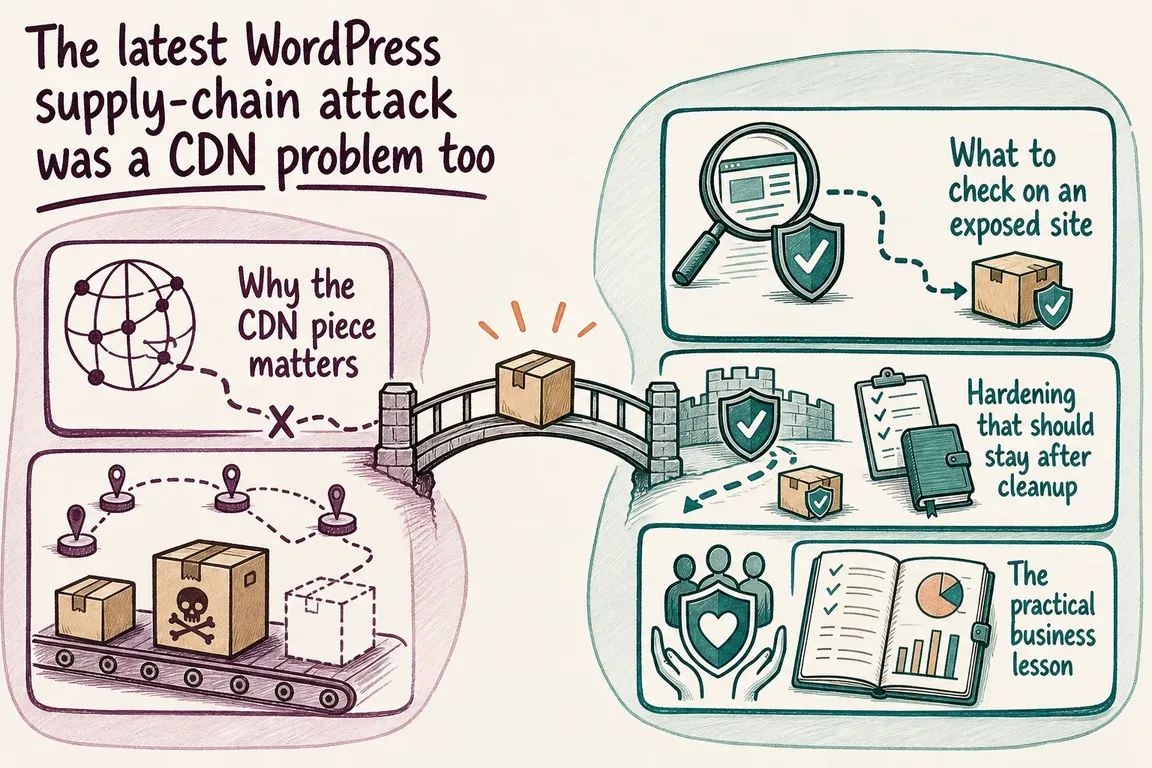
The June 2026 attack involving OptinMonster, TrustPulse, and PushEngage was not simply another vulnerable-plugin incident. A compromised marketing server exposed a CDN credential, allowing an attacker to alter JavaScript that customer websites already trusted.
That distinction changes both the cleanup and the business lesson. Updating a plugin or purging a CDN cache does not remove an administrator account or backdoor already planted on a customer’s WordPress installation.
One date also needs clarifying. The affected scripts were served during a limited window beginning on 12 June 2026, according to the vendors’ incident notices. Some PushEngage content reportedly remained affected at certain CDN edge locations until 14 June. The widely reported 16 June date was the date of later news coverage, not the start of the incident.
What actually happened
According to the official account, an attacker exploited a known UpdraftPlus vulnerability on the server hosting the vendor’s marketing website. That server was separate from the application infrastructure, but it held an API key capable of changing files delivered through the CDN.
The injected JavaScript waited until it encountered a logged-in WordPress administrator. It then attempted to collect the tokens needed to act as that user, create a hidden administrator, install a self-concealing backdoor plugin, and report the new access to attacker-controlled infrastructure.
Ordinary visitors were not the initial target. However, a successful backdoor gave the attacker control of the affected WordPress site, so this cannot be treated as a harmless frontend-script problem.
Does your site need an incident response?
| Situation | Recommended response | Reason |
|---|---|---|
| Affected product was not present | Document the check and continue normal monitoring. | The published incident scope covers OptinMonster, TrustPulse, and PushEngage scripts. |
| Product was present, but no administrator was logged in during the exposure window | Confirm the timeline from logs where possible and perform a precautionary account and filesystem review. | The payload required a logged-in administrator, but uncertain records justify checking. |
| Product was present and an administrator may have been logged in | Treat the site as potentially compromised and inspect it from the server. | The dashboard could hide the attacker’s plugin and account. |
| An indicator of compromise is found | Contain the site, preserve evidence, rebuild or clean it, and rotate all relevant credentials. | The reported backdoor enabled unauthenticated code execution. |
Check the server, not just the dashboard
Start by restricting access and taking a dated copy of the files, database, access logs, and relevant CDN logs. Evidence collected before cleanup helps establish what changed and whether customer data, forms, or integrations require further investigation. If the site handles sensitive or regulated information, involve the appropriate security and legal contacts early.
Known rogue accounts included developer_api1 and randomized names beginning with dev_. Known backdoor disguises included directories named content-delivery-helper and database-optimizer. These are indicators, not an exhaustive test: the attacker could rename files or add other persistence.
With trusted SSH and WP-CLI access, an administrator review can begin with:
wp user list --role=administrator --skip-plugins --skip-themesDo not delete an unfamiliar account until you have recorded its ID, email address, registration date, and role. It may be evidence, and a legitimate integration can sometimes use a non-obvious account.
WordPress also documents checksum checks for core and repository-hosted plugins:
wp core verify-checksums --include-root --version=$(wp core version) --skip-plugins --skip-themes
wp plugin verify-checksums --all --strict --skip-plugins --skip-themes
A successful core check does not prove the whole site is clean. It does not validate arbitrary files throughout wp-content, and premium or custom plugins may not have WordPress.org checksums. Compare those components with known-good release packages and run a reputable server-side malware scan. Also inspect must-use plugins, uploads containing executable files, scheduled tasks, web-server configuration, and recently modified PHP files.
Rotate credentials in the right order
Contain and remove the attacker’s access before issuing replacement secrets. Otherwise, fresh credentials can simply be stolen again. Rotate administrator passwords, hosting and deployment credentials, database credentials, application passwords, integration keys, and any CDN or DNS tokens reachable from the affected environment.
Replace the WordPress security keys and salts in wp-config.php as part of recovery. WordPress states that changing them invalidates existing cookies, forcing users to authenticate again. Require two-factor authentication for privileged users and review whether every administrator still needs that role.
Hardening helps, but it is not cleanup
After recovery, disabling dashboard code editing removes a convenient post-login route to PHP changes:
define( 'DISALLOW_FILE_EDIT', true );Teams with a controlled deployment pipeline can consider the stronger setting below. It also blocks plugin and theme installation and updates through the dashboard, so test the operational impact first:
define( 'DISALLOW_FILE_MODS', true );File ownership should match the hosting architecture rather than a copied recipe. As a baseline, WordPress recommends that core, plugin, and administration files are writable only by the appropriate deployment owner, with wp-config.php readable only by the accounts that genuinely require it.
The CDN key is the lasting business lesson
A “non-production” server is not low-risk when it holds a credential that can alter production JavaScript. Map every system that stores CDN, DNS, deployment, analytics, tag-manager, and marketing-platform credentials. Give each service its own narrowly scoped token, remove unused credentials, record an owner, and make rotation routine rather than exceptional.
Apply the same discipline to browser-side dependencies. Keep an inventory of externally served scripts, where they load, who can change them, and whether logged-in staff encounter them. CDN and script changes should leave audit records and trigger alerts when a new publisher, token, hostname, or unexpected file change appears.
This is operational work as much as security work: somebody must own the inventory, the recovery procedure, the backups, and the decision to take a site offline. If you need help establishing exposure, checking persistence, or turning the findings into a manageable hardening plan, Greg can carry out a focused WordPress incident review.
Related on GrN.dk
- June 2026 WordPress Plugin Exploits Put Inventory to the Test
- Recommended WordPress Plugins for Business Websites: A Lean, Maintainable Stack
- AI Crawler Control for Business Websites: Protect Content Without Vanishing from Search
Need help with this kind of work?
Request a WordPress incident review Get in touch with Greg.










