By Greg Nowak.
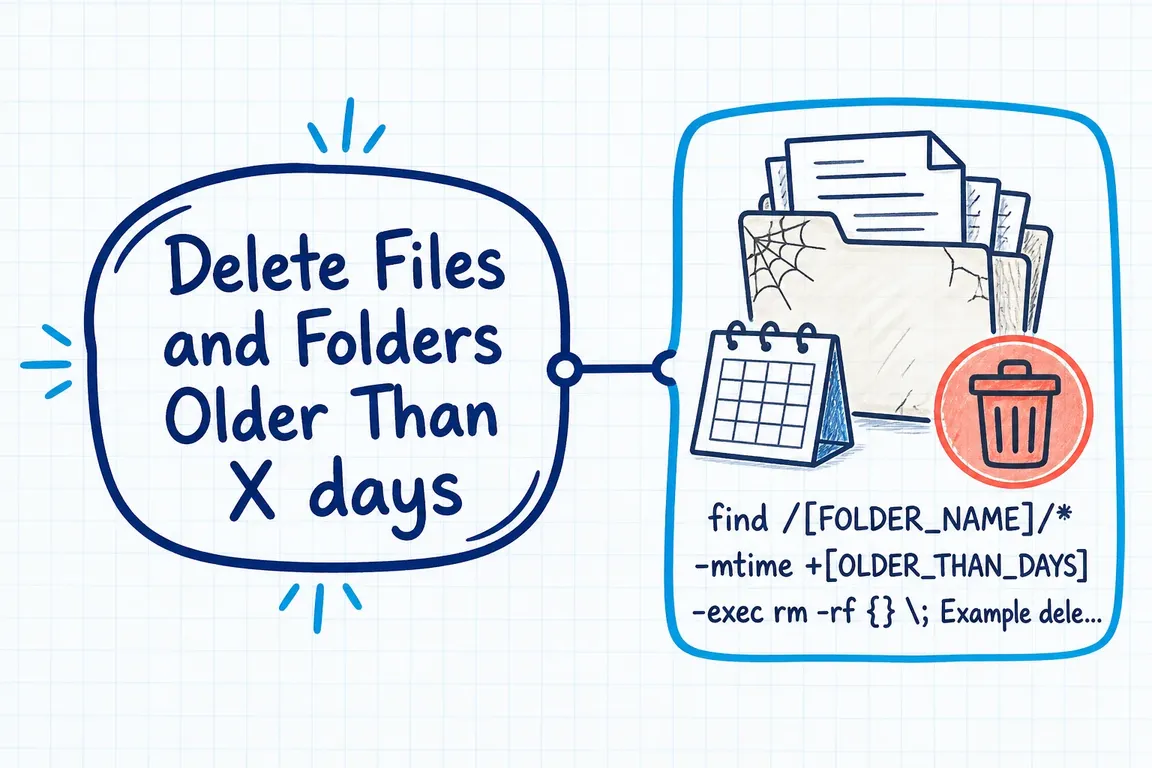
Old exports, generated reports, and temporary files can quietly fill a Linux server. A cleanup command can reclaim space, but it needs to reflect how your team uses those files. Something nobody has modified for six months may still be a customer’s only copy.
The practical approach is to agree what can go, preview the selection, delete eligible files, and handle empty folders separately. The examples below use GNU find, common on Linux, and retain the original 180-day example. Replace /srv/myapp/exports with the specific directory you intend to clean.
Decide what your retention rule covers
Before running anything, ask the application owner what the directory contains and how files get there. For an agency, that may mean checking with both the developer and the person responsible for the client account. For an internal operations team, it means identifying who can authorize removal and answer a later recovery request.
| Content | Practical approach | Decision to confirm |
|---|---|---|
| Generated exports and reports | Delete regular files by modification age. | Can they be recreated from retained data? |
| Customer uploads and project archives | Select through an agreed retention process. | What must remain available, and who approves removal? |
| Empty application folders | Review and remove them separately. | Does the application expect the folder structure to exist? |
| Shared system temporary files | Review the operating system’s existing cleanup policy. | Is another service already managing these paths? |
If disposable exports and permanent documents share a directory, separate them or define a reliable filter first. Age alone cannot tell you which files matter.
Understand what “older than X days” means
-mtime checks when file contents were last modified. It does not establish when a customer uploaded the file, when a project finished, or when the file was last needed. Copies and restored backups may preserve older modification timestamps.
GNU find rounds elapsed time down to whole 24-hour periods. Consequently, -mtime +180 selects files at least 181 full days old; -mtime +30 starts at 31 days. These are elapsed periods, rather than calendar dates, as explained in the GNU age-range documentation.
Write that boundary into the maintenance instructions. If retention starts from an invoice date or an account closure, use the application’s records to identify eligible files.
Preview the files before deleting them
Start with this read-only command:
find '/srv/myapp/exports' -xdev -depth -mindepth 1 -type f -mtime +180 -print-type f selects regular files. -mindepth 1 excludes the starting directory from the tests and actions. -depth visits children before their parent directory, keeping the preview’s traversal consistent with the deletion step. See GNU’s directory traversal guidance.
-xdev prevents descent into directories on other filesystems. Using the directory path directly includes hidden entries within it, whereas a shell-expanded path such as /tmp/* normally misses hidden entries at that level. By default, GNU find does not follow symbolic links; adding -L changes that behavior. These controls are covered in the GNU Findutils manual.
Review the paths with someone who understands the application. If only CSV exports are disposable, add -name '*.csv' before -print, and use the same filter in the deletion command. Keep the pattern quoted so the shell does not expand it.
Delete the matching regular files
Once the selection is agreed and you have confirmed how any irreplaceable data can be recovered, run:
find '/srv/myapp/exports' -xdev -depth -mindepth 1 -type f -mtime +180 -delete -printThe trailing -print reports paths successfully deleted. Keep -delete after the selection tests: moving it earlier changes what gets removed. It also enables depth-first traversal, which makes -prune ineffective. GNU documents these behaviors in its deletion guidance.
Avoid selecting directories by age and passing them to rm -rf. An old directory can contain recently modified files, and recursive removal would delete those too. Selecting regular files by their own timestamps keeps the rule understandable.
Clean up empty folders separately
Preview empty directories that meet the same age rule:
find '/srv/myapp/exports' -xdev -depth -mindepth 1 -type d -empty -mtime +180 -printIf those folders are disposable, delete them with:
find '/srv/myapp/exports' -xdev -depth -mindepth 1 -type d -empty -mtime +180 -delete -printDeleting a file changes its parent directory’s modification time, so a folder emptied by the first pass may remain. To remove empty folders regardless of age, omit -mtime +180 from both folder commands—but first confirm that the application does not need them.
The folder preview has a further limit: deletion can empty parent directories, making additional parents eligible during the same depth-first pass. The preview lists folders empty at that moment.
Turn the command into a maintainable routine
A preview is a snapshot. The deletion command searches again, and files may change between runs. Coordinate cleanup with the export-producing job, or keep completed exports separate from work in progress.
Before scheduling through cron or a systemd timer, document the path, age rule, exclusions, job account, responsible person, and recovery procedure. Use only the permissions the task needs. Capture errors, monitor the exit status, and make failures visible to someone who can act. Watch the first scheduled runs before treating cleanup as routine.
For shared /tmp directories on systems using systemd, review systemd-tmpfiles and the existing tmpfiles.d configuration first. It already supports age-based cleanup; understand that policy before adding another job.
If your team has inherited a cleanup script with unclear rules or ownership, I can help review it with your developers or hosting provider, agree the retention decisions, and document the handover. Contact Greg to discuss your server maintenance setup.
Related on GrN.dk
- Bash Find and Delete Files Older Than X Days
- AI Search Is Eating the Click: Measure Before You Rewrite
- Browser Automation for Operations and Agency Teams: What Should You Automate?
Need help with this kind of work?
Discuss your server maintenance setup with Greg Get in touch with Greg.










